
截图
介绍
中文介绍正在准备中,下面暂时显示原文。
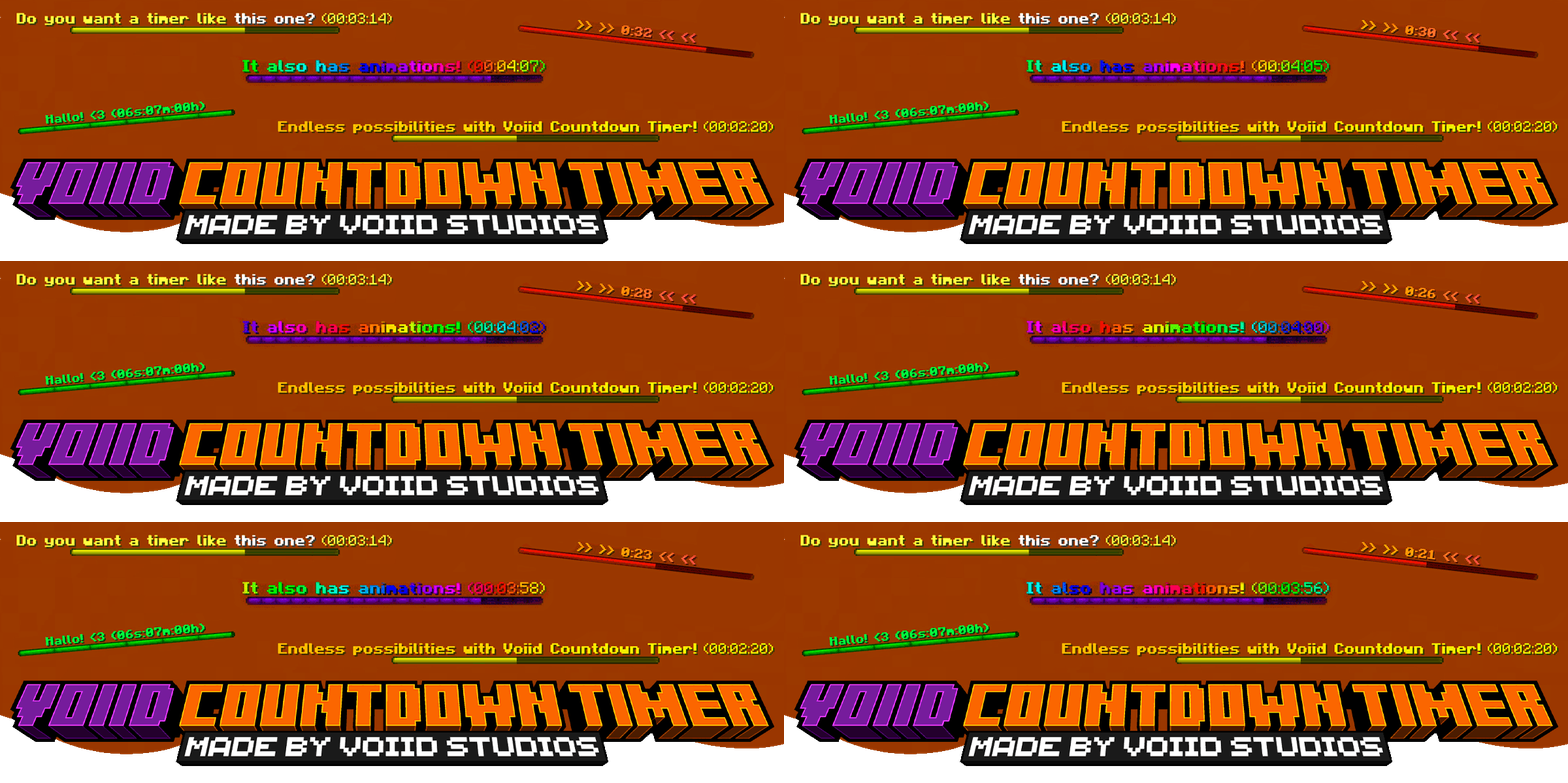






❓ What is VCT?
Voiid Countdown Timer (VCT) is a fully customizable timer for Minecraft.
It works in two different versions:
- 📦 Datapack → The Lite version of VCT, ideal for single-player worlds or realms.
- 🔌 Plugin → The full version of VCT, perfect for multiplayer servers with Spigot/Paper.
With both versions, you can:
- 🎨 Create visual timers with a progress bar.
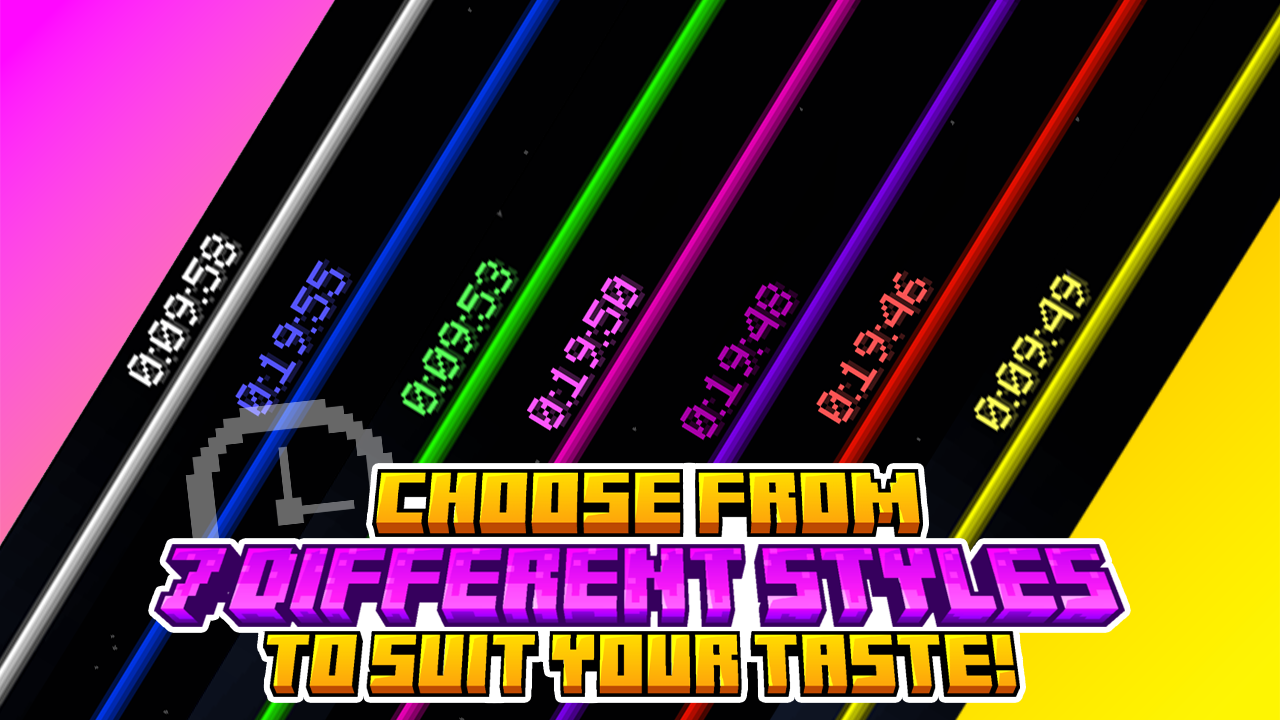
- 🖌️ Customize color styles.
- 🛠️ Run custom events when the timer starts or ends.
✨ Features
Voiid Countdown Timer includes:
- 🎨 Custom Colors Styles
- ⚙️ Quick and easy setup
- ⏳ Progressive Time Bar
- 🎈 Custom Events
- 👥 SinglePlayer and Multiplayer Compatible
- 💻 Open Source and constantly updated
📋 Requirements
📦 Datapack
- Version:
1.15+
🔌 Plugin
- Version:
1.13+ - Server: Spigot, Paper, or Purpur (not CraftBukkit)
🚀 Installation
📦 Datapack
- Download the latest version.
- Place the downloaded
.zipfile in thedatapacksfolder of your world. - Enter the world and you will receive a message confirming the installation! 🎉
🔌 Plugin
- Download the latest version.
- Place the downloaded
.jarfile in thepluginsfolder of your server. - Restart the server and the plugin will be ready. ⚡
📖 How to use it
📦 Datapack
- Execute the command
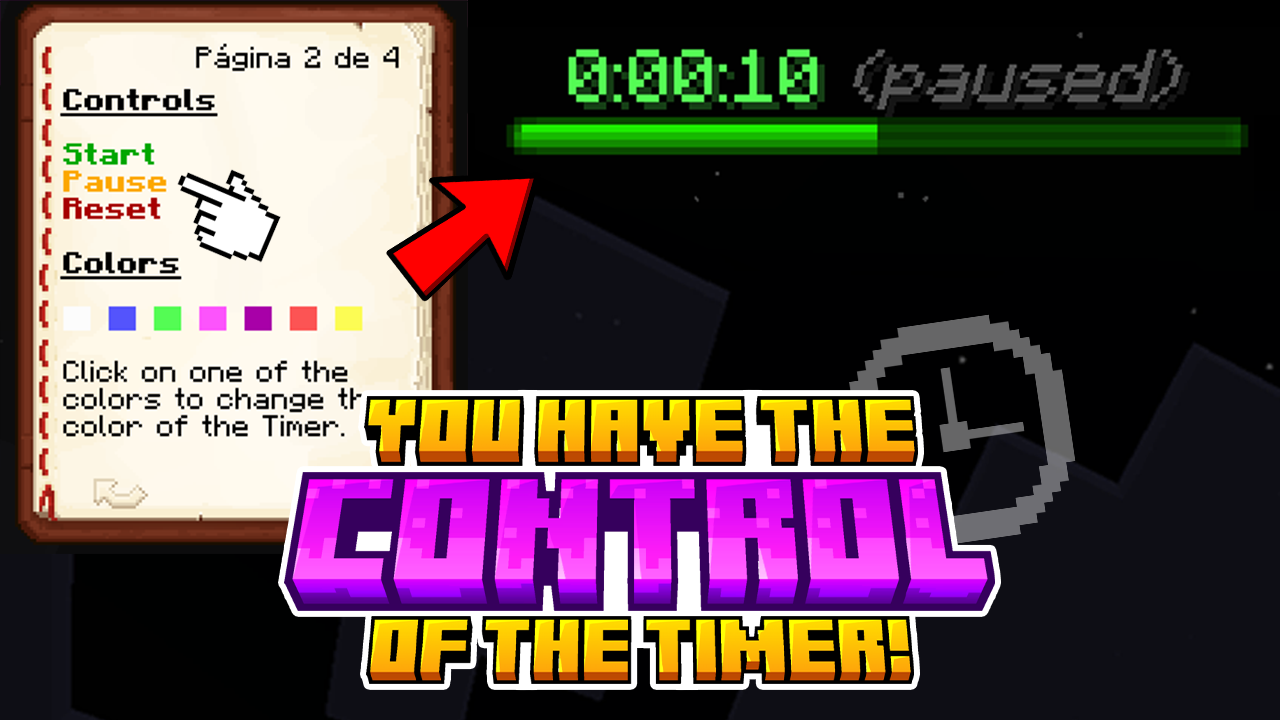
/function vct:bookto receive the configuration book. - From the book you will be able to:
- ⏰ Set time
- 🎛️ Timer controls
- 🌈 Customize style of colors
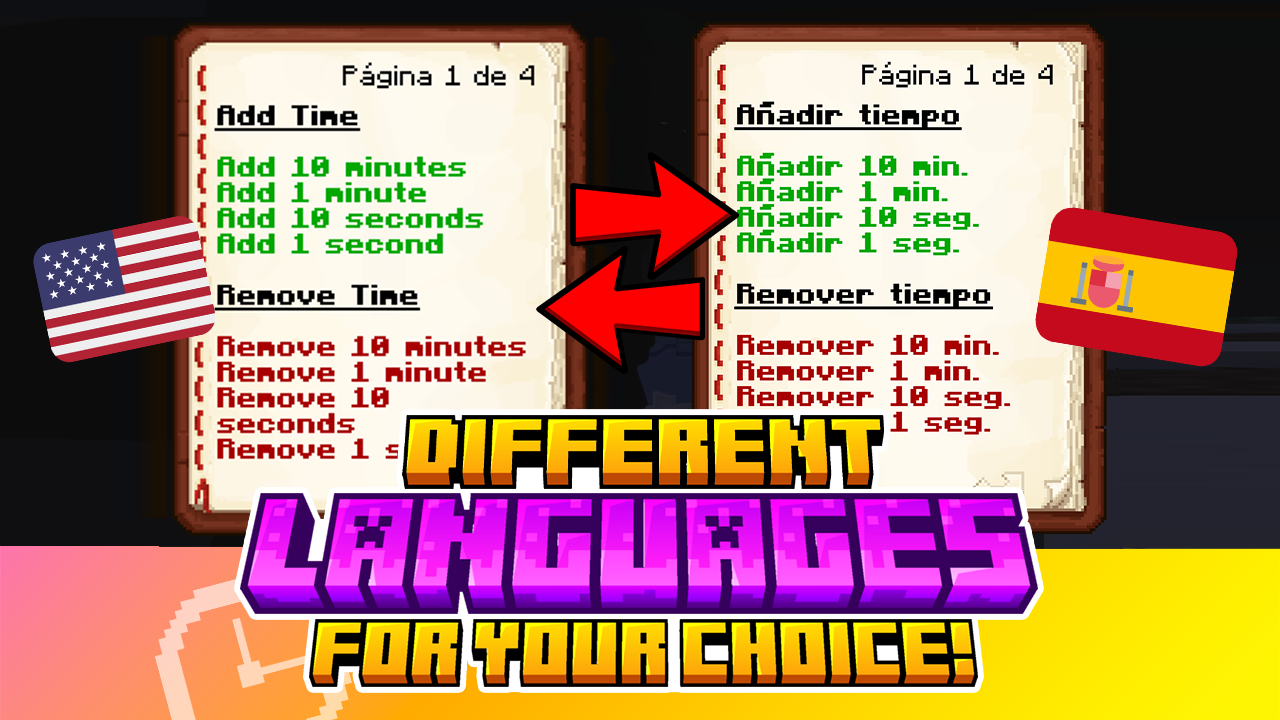
- 🗣️ Change language
- ❌ Uninstall
🔌 Plugin
- Configuration using commands and configuration files (
config.yml) - To see all available commands, use
/vct help. - In
config.yml, you can customize various timer options; all of them are detailed in the official documentation.
📚 VCTDocs (Documentation)
⚡ fastStats (FULL 2.1.1 and newer)

🔥 bStats (FULL 2.1.0 and older)


常见问题
VCT – Voiid Countdown Timer 支持哪些 Minecraft 版本?
VCT – Voiid Countdown Timer 支持 Minecraft Java 版 1.13–26.3,共 51 个版本,可用的加载器:Bukkit / Folia / Paper / Purpur / Spigot。下载时注意选择和你游戏版本一致的文件。
VCT – Voiid Countdown Timer 怎么安装?
新建世界时在「数据包」里把下载的 .zip 拖进去;已有的存档,把文件放进存档目录下的 datapacks 文件夹,进游戏输入 /reload 即可生效。服务器同样放在世界目录的 datapacks 里。
评论
登录后评论和评分