Voidwalker datapack (Origins)
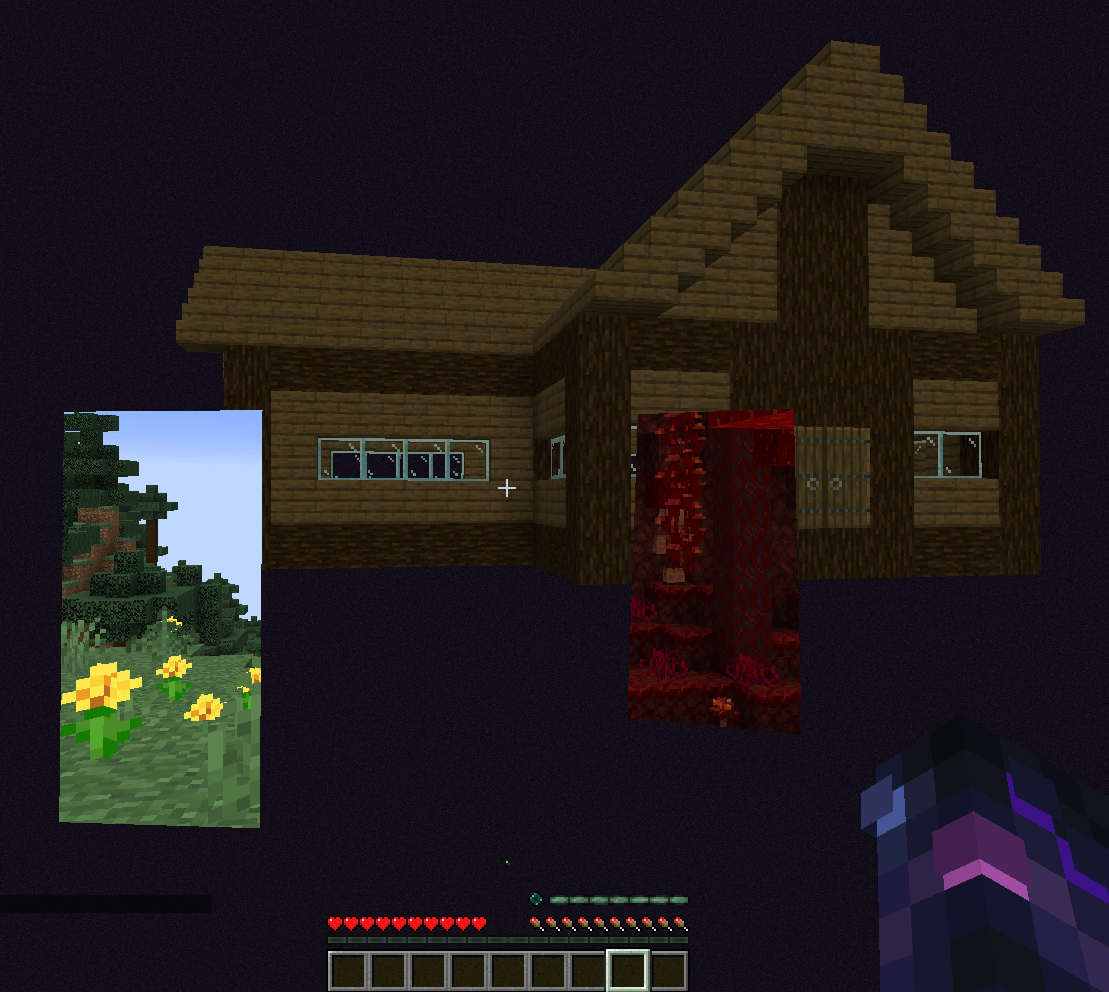
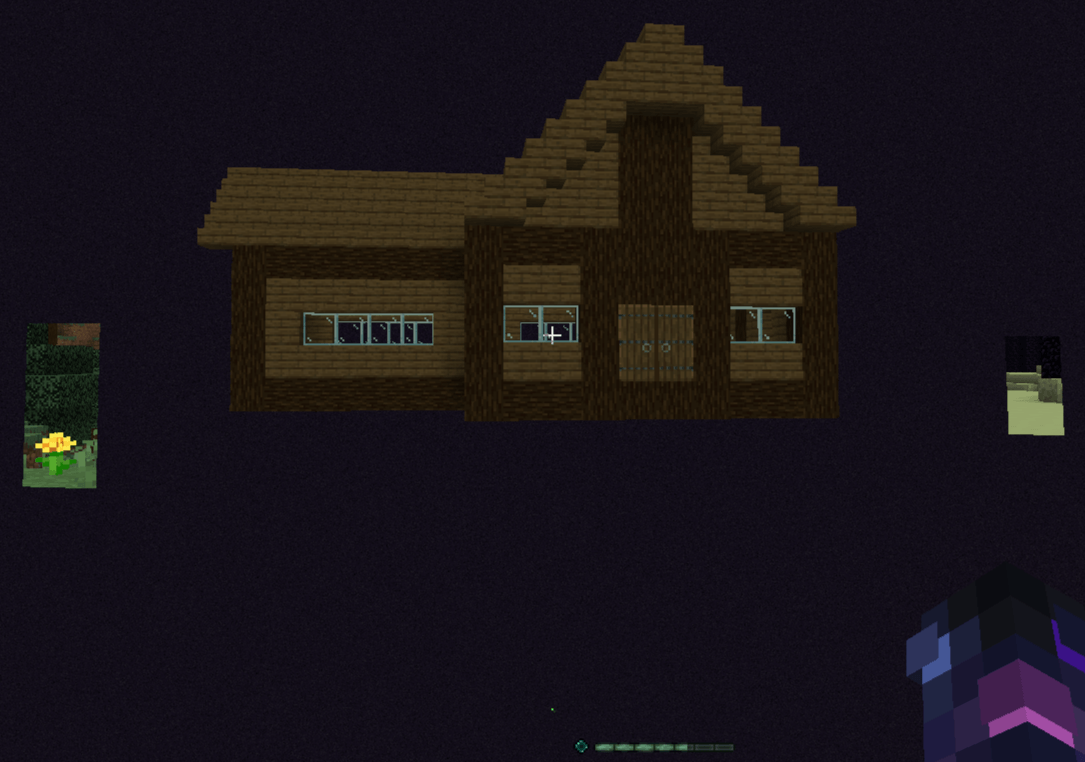
Allows you to walk between worlds, opening a 2 way portal you can see through to the overworld, nether, end, or the void, a custom dimension that is as the name sugggests a boundless void
截图
介绍
Datapack for the origins mod
This datapack allows you to create 2 way portals you can see through, you can make one that leads 10 blocks in the direction you’re looking in a specific dimension (Overworld, Nether, End), or 30 or 100 blocks in the direction your looking in whatever dimension you’re in, you can also set a waypoint that you can either warp back to it or make a 1 way portal there so that you can push mobs through if you wanted, you can also delete portals by looking at them and pressing the keybind for the ability, you can also teleport in the general area to an open space in a specific dimension (Overworld, Nether, End, The Void), when doing this, entities nearby will be taken with you (With exceptions like the ender dragon), It also adds the dimension of The Void, a void with the same type of sky as the end, that is just 1 layer of barrier blocks, allowing you to make the space your own, since you can take mobs with you, you can make a farm or home there, or just use it to travel without anything getting in the way, There is also a small indicator in the form of a red or green dot right above the hotbar, this indicates if you can place a portal either 10, 30, or 100 blocks in front of you in the dimension you’re in, this allows you to make a portal to a place you can’t see like a cave, because a portal will only open if it’s in an open space.
For the 2 way portals to work between dimensions, dimension stack has to be on in the world, so that the dimensions are loaded in in the area
Requires:
Origins mod
Immersive portals mod
Sodium (Required for immersive portals mod)
Extra keybinds for origins
常见问题
Voidwalker datapack (Origins) 支持哪些 Minecraft 版本?
Voidwalker datapack (Origins) 支持 Minecraft Java 版 1.20.1–1.21.1,共 2 个版本。下载时注意选择和你游戏版本一致的文件。
Voidwalker datapack (Origins) 怎么安装?
新建世界时在「数据包」里把下载的 .zip 拖进去;已有的存档,把文件放进存档目录下的 datapacks 文件夹,进游戏输入 /reload 即可生效。服务器同样放在世界目录的 datapacks 里。
评论
登录后评论和评分