
截图


介绍
中文介绍正在准备中,下面暂时显示原文。
Vanilla Replays – Youly

Version 1.1.0 Overview
📇 PRESENTATION
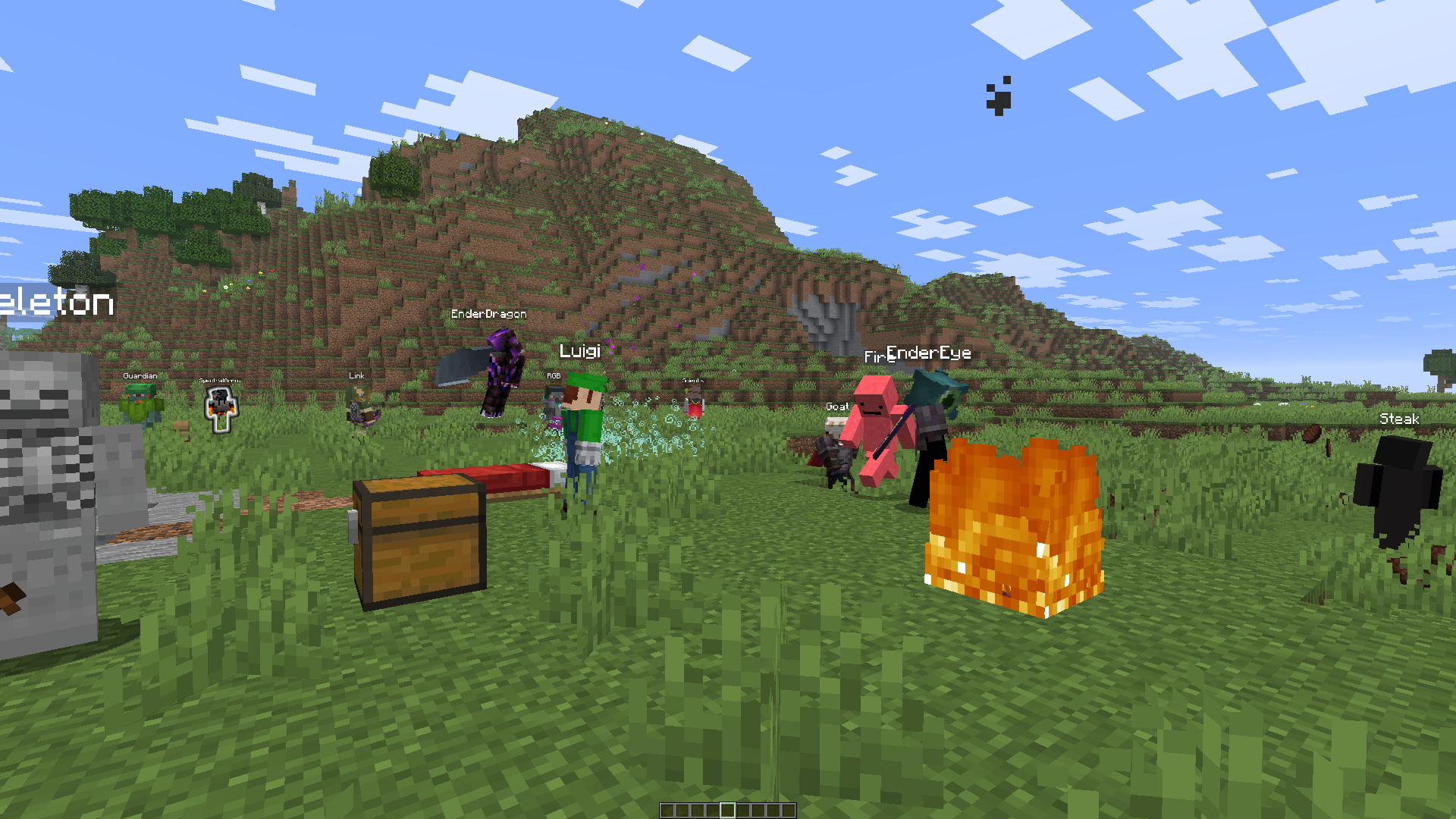
Vanilla Replays is a datapack giving the ability to record and playback player actions, such as position, equipped items, used items and more.
Each actor can be a mannequin entity or a mob wich can be customized (profile, name, skin customization, data values etc), and belongs to a scene.
Every actor in the same scene can play their record together (using _”Scene Manager”_ screen)
⚒️ UTILS
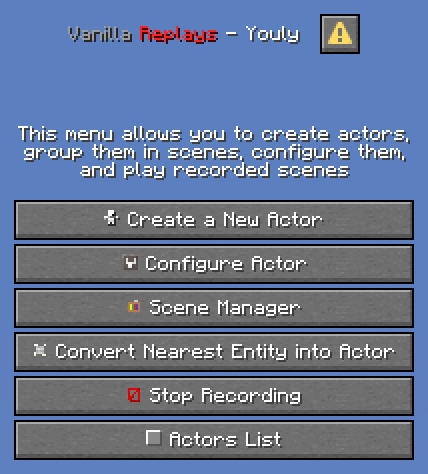
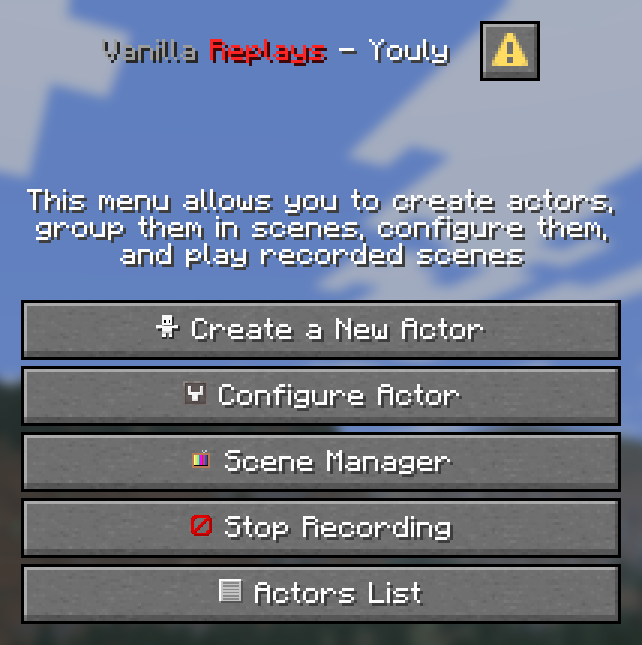
- Press _”quick actions”_ key (default to _”G”_), or click on _”Vanilla Replays”_ button in pause menu, to open Main Menu.
- Sneak + Right Click on the actor you are looking at to open his Configuration Menu
- Be next to an actor to view his name, ID and scene, above actionbar.
📜 INSTRUCTIONS
- Click on _”Create a New Actor”_ to summon a new actor, by specifying entity type, his name, profile data (it can be player’s name, or a profile component), and the scene he belongs to. If the name/profile is a player name and contains digits or spaces, put it in quotes (“name 123” instead of : name 123). Profile works only for “mannequin” entities
- Click on _”Configure Actor”_ and specify Actor’ID to configure actor : _playback_, _record_, _remove_, _customize_ and _teleport to_.
- Click on _”Convert Nearest Entity into Actor”_ to convert the nearest entity within a radius of 50 blocks, some entity types can’t be converted (marker, minecarts & boats, etc)
- Click on _”Scene Manager”_ and specify Scene Name to _playback_ the specified scene name, _change_ its name and _pause/resume_ it.
- Click on _”Stop Recording”_ or Type _”trigger vanilla_replays.trigger.stop_recording”_ in chat to stop the actor you are currently recording.
- Click on _”Actors List”_ to view all loaded actors from nearest to furthest. Click on any actor to open his configuration screen.
⚠️ LIMITATIONS
- For now, all modifications applied to the world (placing/destroying blocks, interacting with entities/blocks) are not recorded.
- You can record interactions between actors if several players each start a recording of an actor at the same time, but doing everything alone is more difficult.
- Mannequin entities & Mobs don’t have all animations of held items (aiming with bow/trident, reloading crossbow, etc).
- Mannequin entities & Mobs don’t have attack destroy/punch animations.
- Riding pose is recorded but the position and rotation of the vehicle are not.
🚫 KNOWN ISSUES
- ✅ FIXED: Scene names containing spaces cannot be paused/resumed using the _”Scene Manager”_ screen.
常见问题
Vanilla Replays 支持哪些 Minecraft 版本?
Vanilla Replays 支持 Minecraft Java 版 1.21.9–1.21.11,共 3 个版本。下载时注意选择和你游戏版本一致的文件。
Vanilla Replays 怎么安装?
新建世界时在「数据包」里把下载的 .zip 拖进去;已有的存档,把文件放进存档目录下的 datapacks 文件夹,进游戏输入 /reload 即可生效。服务器同样放在世界目录的 datapacks 里。


评论
登录后评论和评分