
截图

介绍
THE NEWEST VERSION IS IN PROGRESS. STAY TUNED.
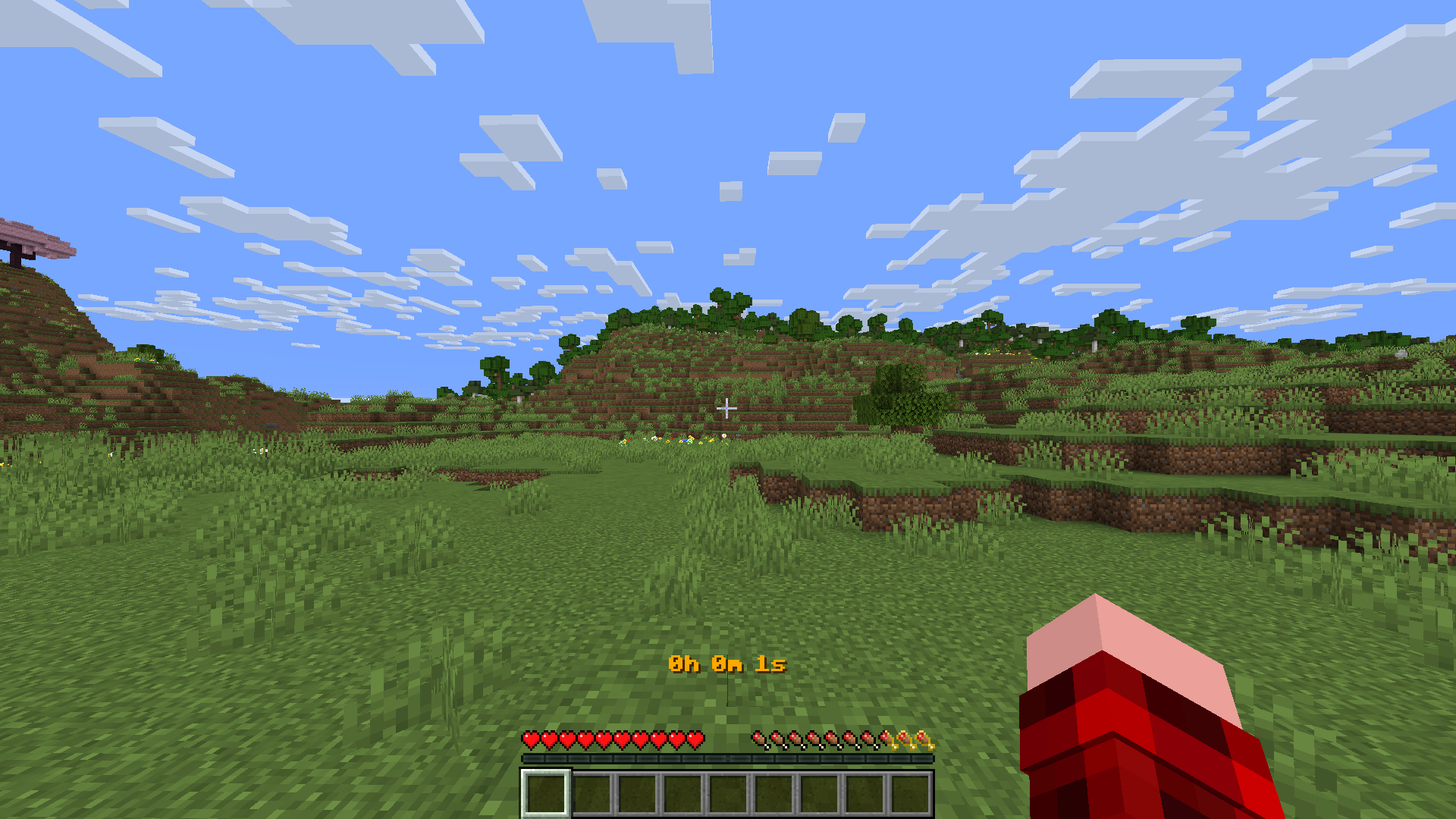
The timer datapack by echt is a datapack to simply display your time you’ve spent in your Minecraft world. Once applied to the world, it will count the reallife-time you have been ingame. Without hours of setting up, it will start count up as soon as you joined the world! It can also be paused and reset.
_! All Versions Up To 16w03v Only Use German As Language For In-Game Notifications !_
_! Version 18w05v Only Supports German And English As Languages, French May And Will Show Errors !_
As this is an early version of the pack, it will receive updates and new features over time.
Usage
By dragging it into the world creation-menu, you will activate the timer automatically when you join the world. It will count your Seconds, Minutes, Hours and even Days you spent in your Survival or Creative world.
Commands
/trigger t.pausePause the timer, good for being idle. Will show “Timer paused” instead of the time you’ve spent. Reactivate the timer by using…
/trigger t.resumeResumes the timer. After pausing the timer, you can use this command to re-activate it. It will use the last saved timecode, so you can just jump right again into your gameplay!
/trigger t.resetResets the timer. Using this command will pause the timer and reset it to complete zero. Useful if you want to start the world with your friends and don’t want to count the time you spent setting up the world, as example.
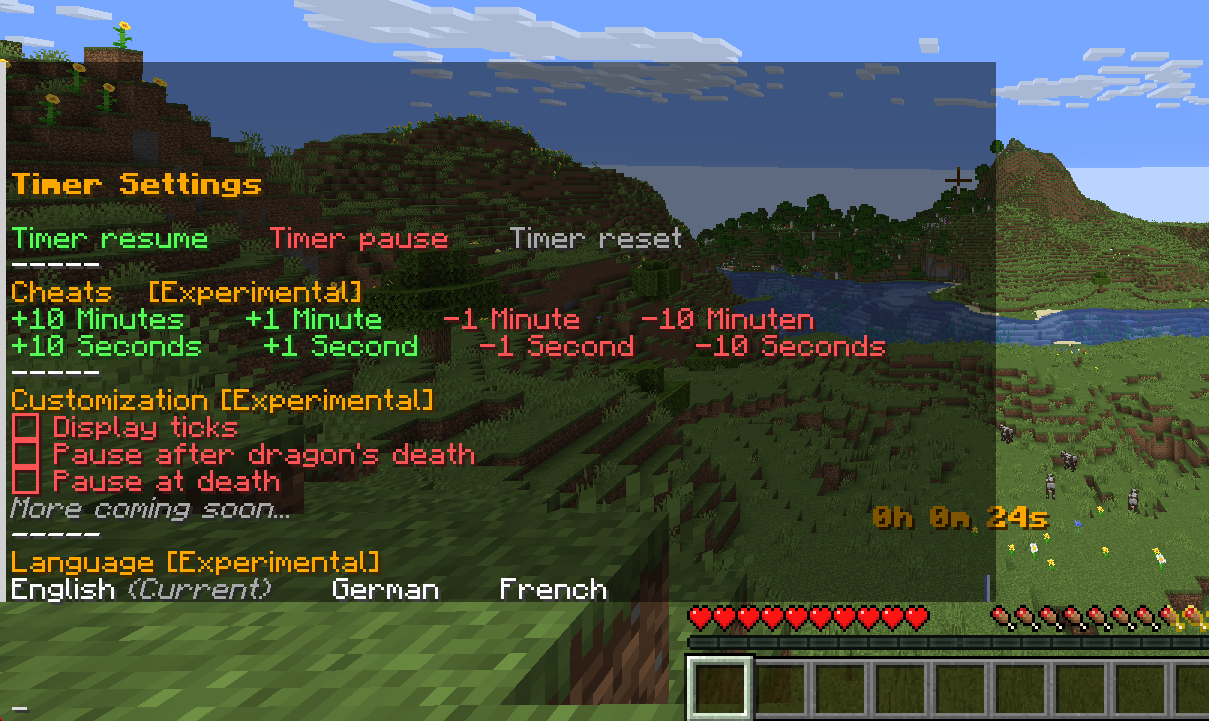
/trigger t.settingsOpens the settings menu with options to manipulate displayed time or ending the timer after a specific scenario (like killing the enderdragon). More coming soon.
Only 18w05v or higher
常见问题
Timer (by echt) 支持哪些 Minecraft 版本?
Timer (by echt) 支持 Minecraft Java 版 1.21–1.21.5,共 6 个版本。下载时注意选择和你游戏版本一致的文件。
Timer (by echt) 怎么安装?
新建世界时在「数据包」里把下载的 .zip 拖进去;已有的存档,把文件放进存档目录下的 datapacks 文件夹,进游戏输入 /reload 即可生效。服务器同样放在世界目录的 datapacks 里。
echt 的其他作品
查看全部 →
/trigger sit
Use /trigger sit to sit down anywhere in your world

Mona Dorfbewohna
Adds the custom painting "Mona Villager" by TooBad. Fügt das custom Painting "Mona Dorfbewohner" von TooBad hinzu.
Mona Dorfbewohna
Adds the custom painting "Mona Villager" by TooBad. Fügt das custom Painting "Mona Dorfbewohner" von TooBad hinzu.
评论
登录后评论和评分