
Spyro’s Tools
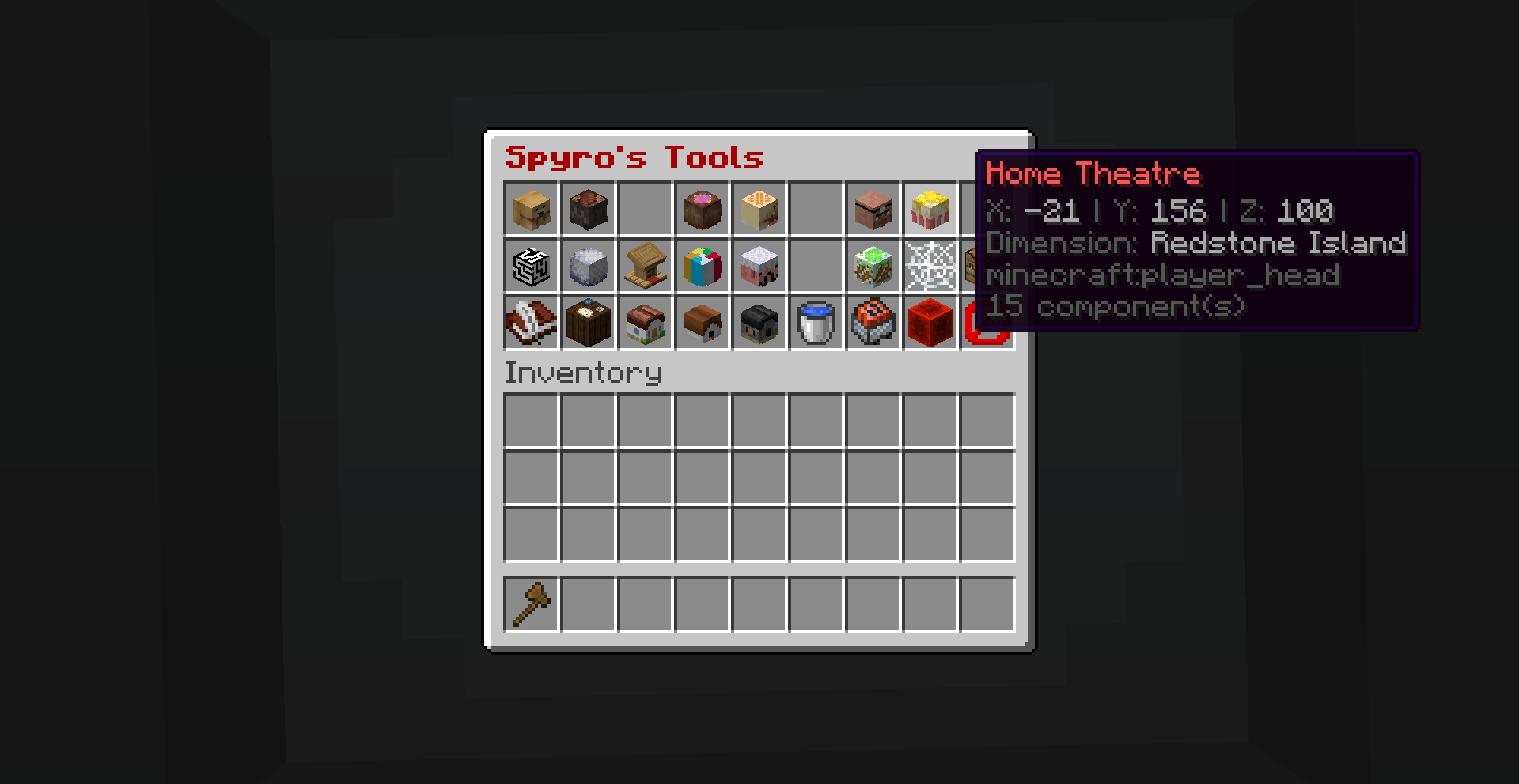
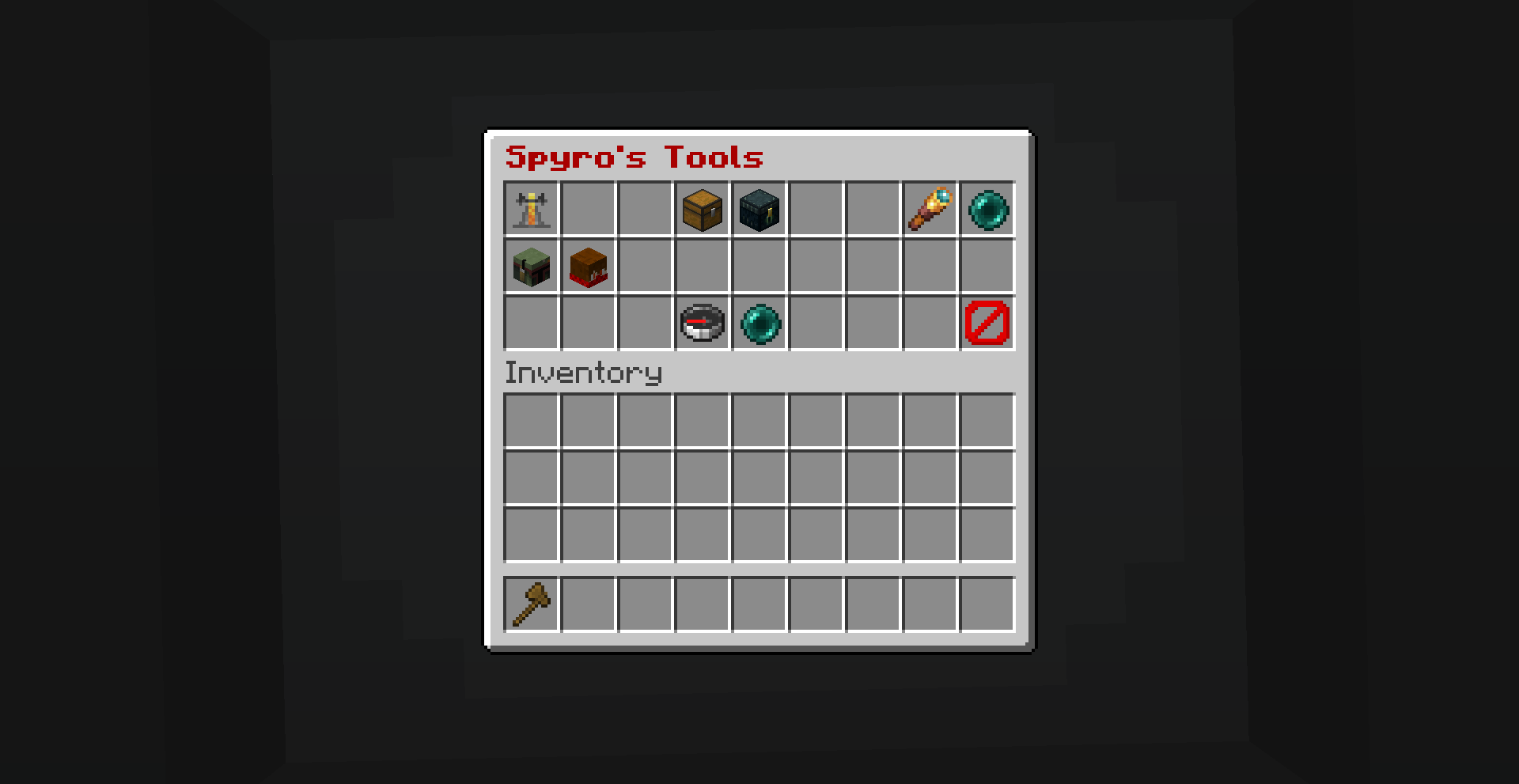
Adds a GUI with many useful tools for building servers: Warps, player TP, effects, attributes, and much more. + Tutorial on how to customise the data pack and make it your own.
截图
介绍
Does your server need some quality of life features?
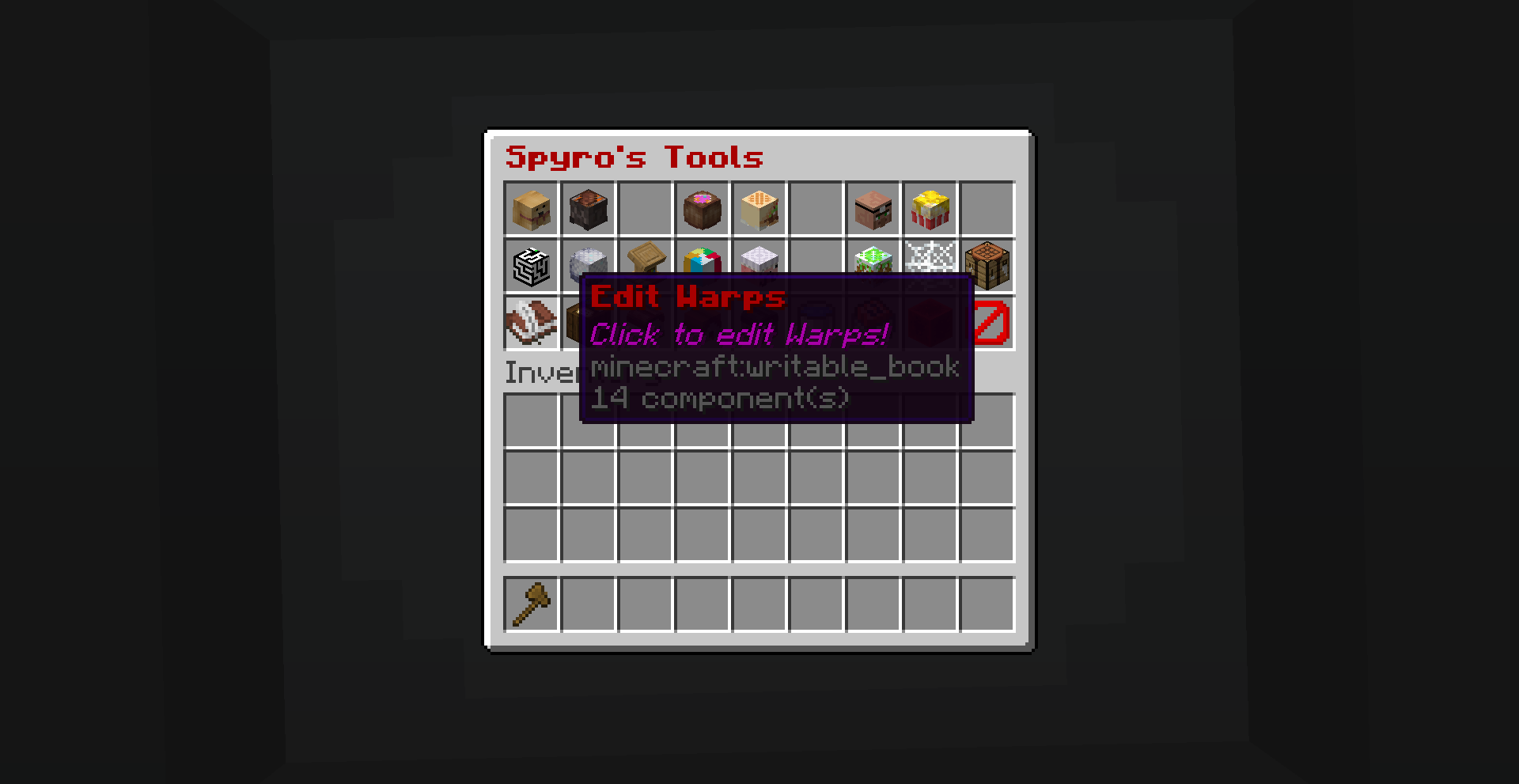
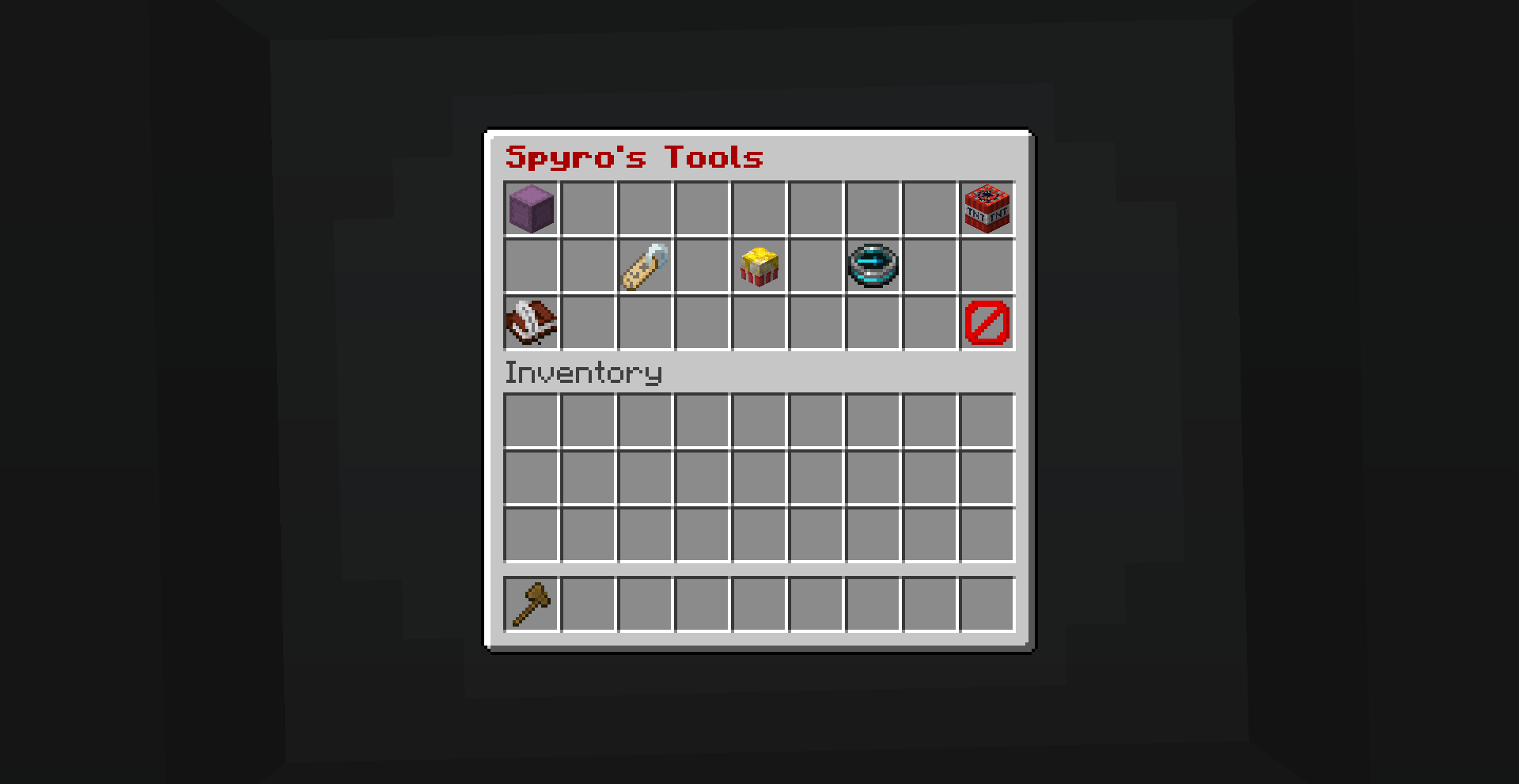
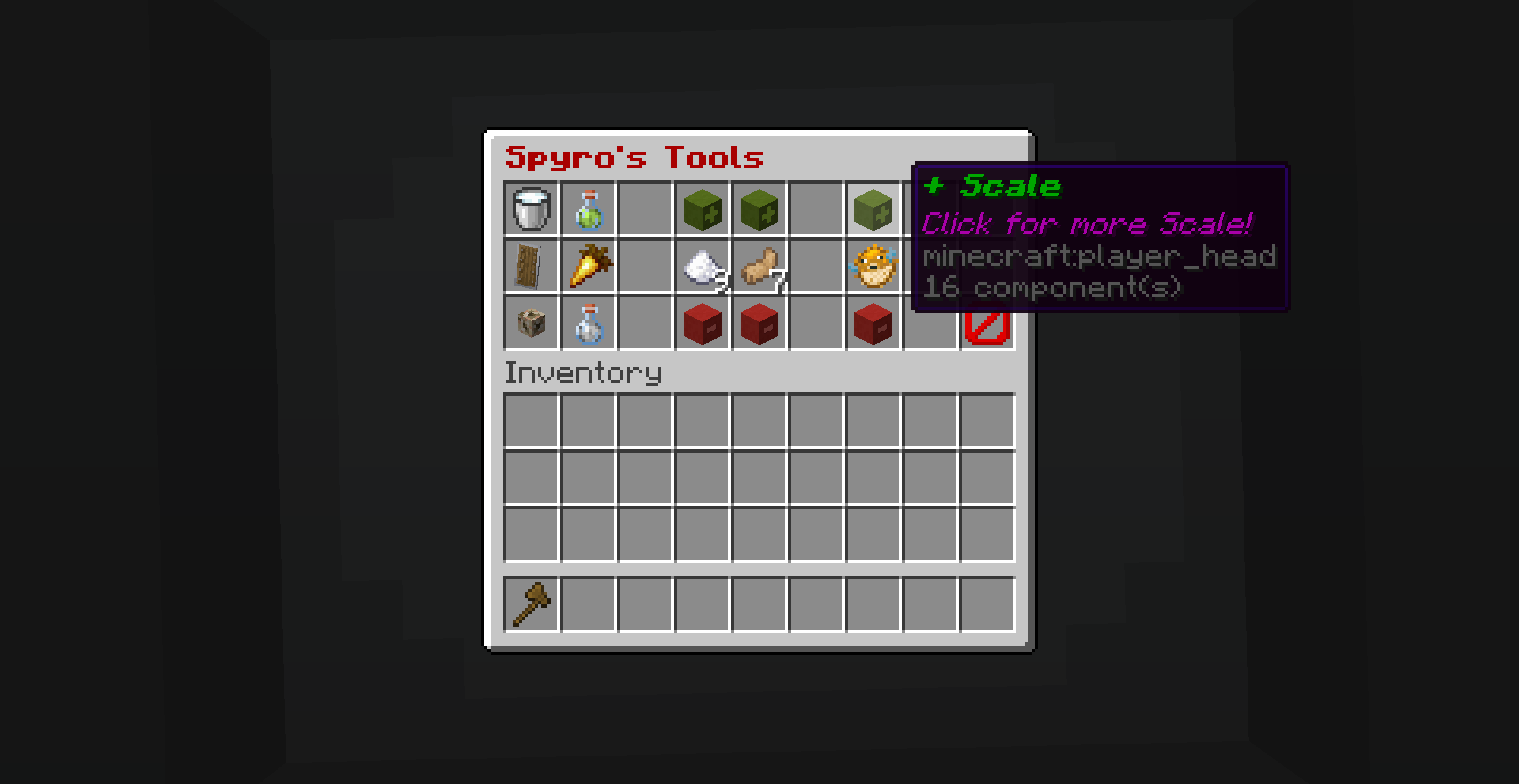
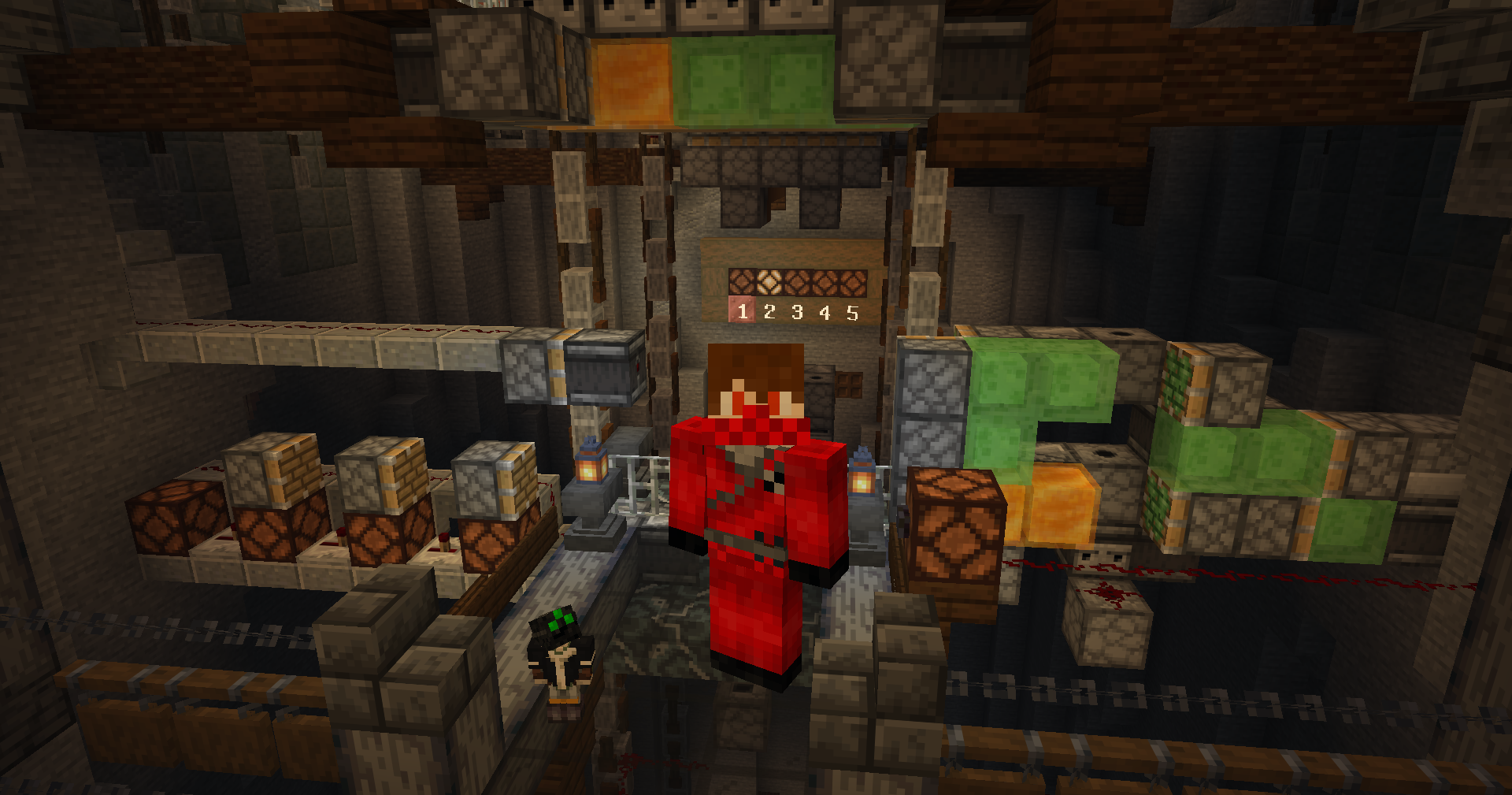
Spyro’s Tools is a data pack made for creative building servers and worlds. It makes teleporting, warps and using potion effects much easier.
Take a wooden axe, look straight down and right-click to open the GUI.
Features:
Warp points, player TP, effects and attributes and much more
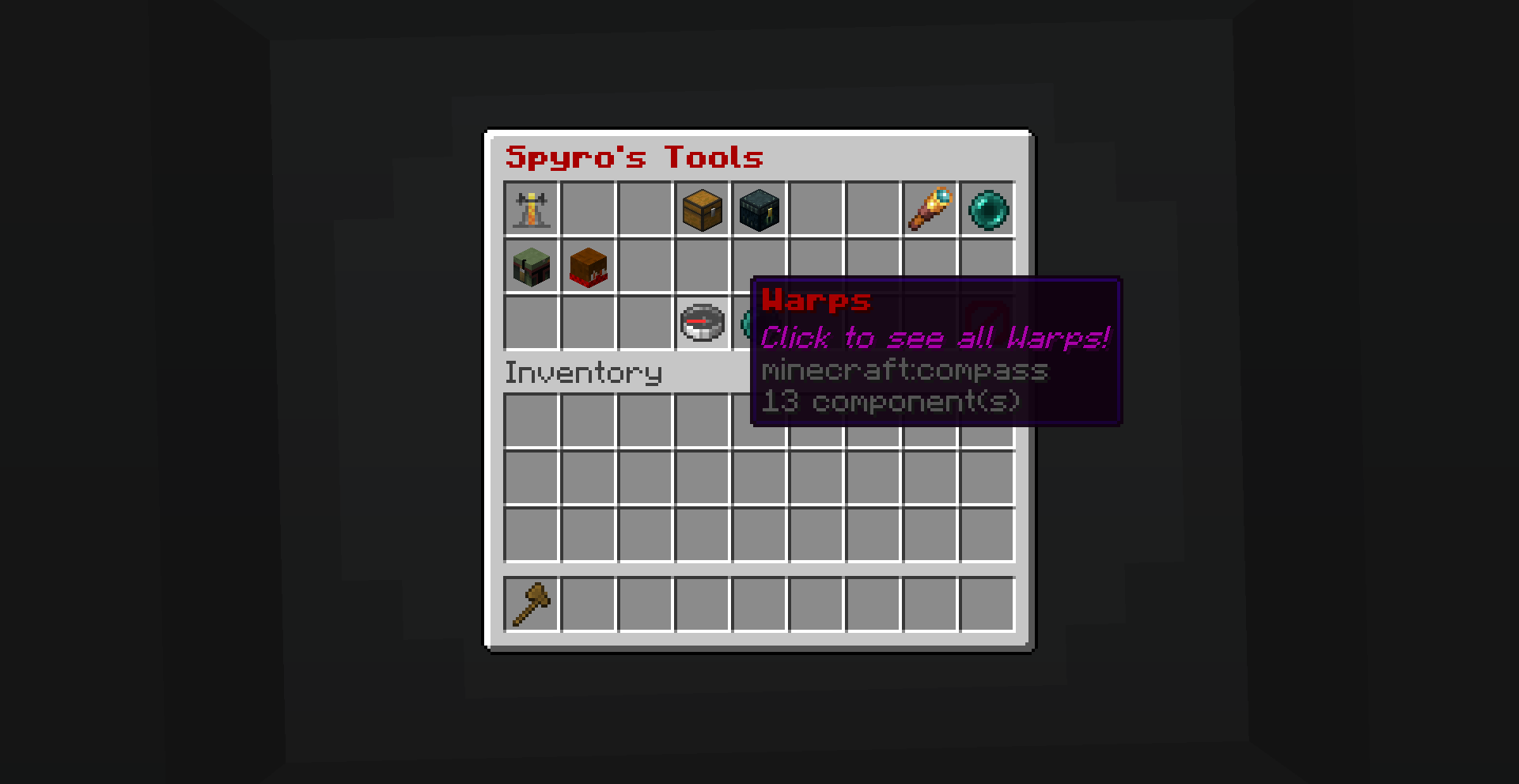
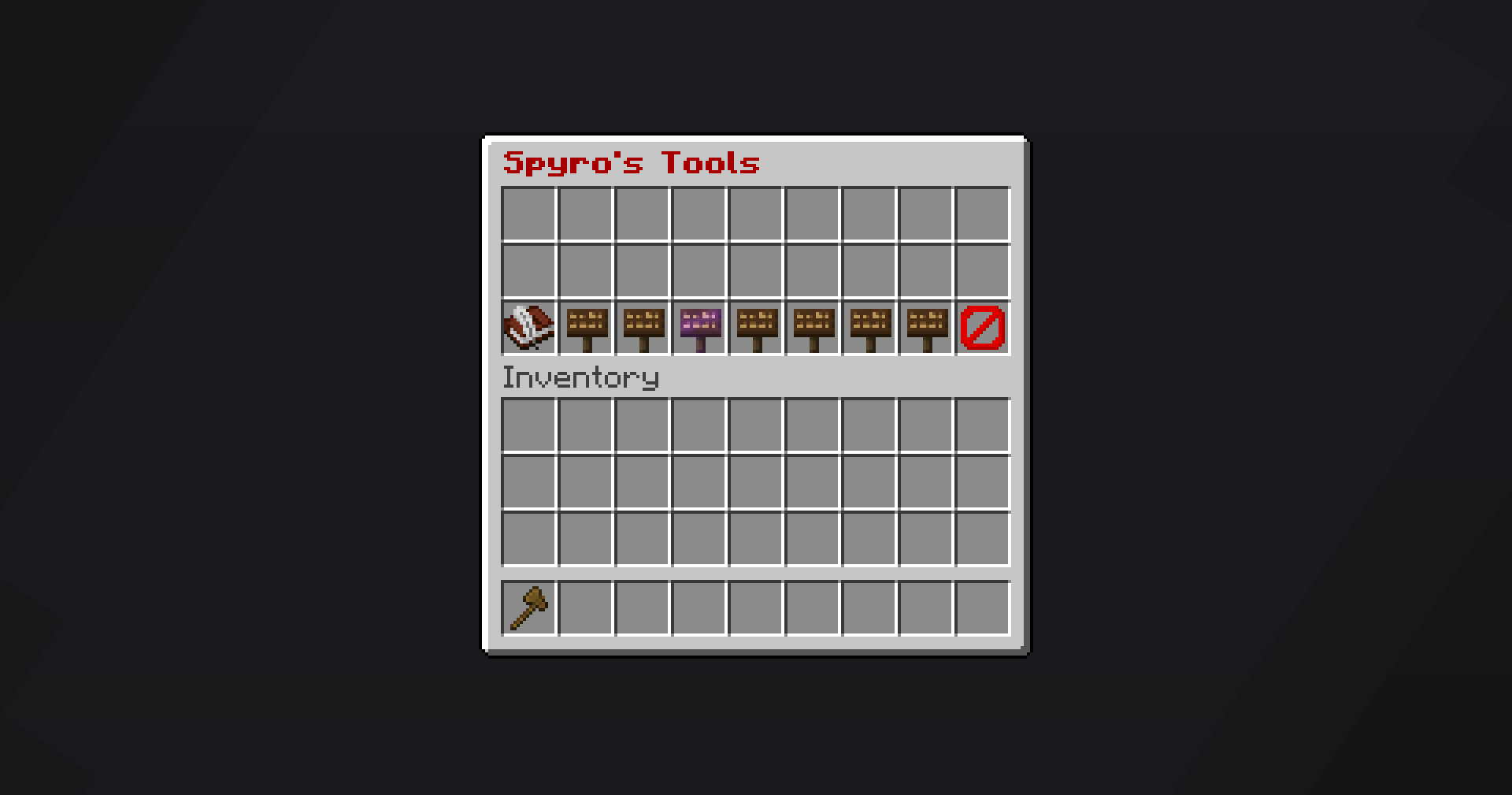
Warp Points
A simple way to teleport to where ever you want.
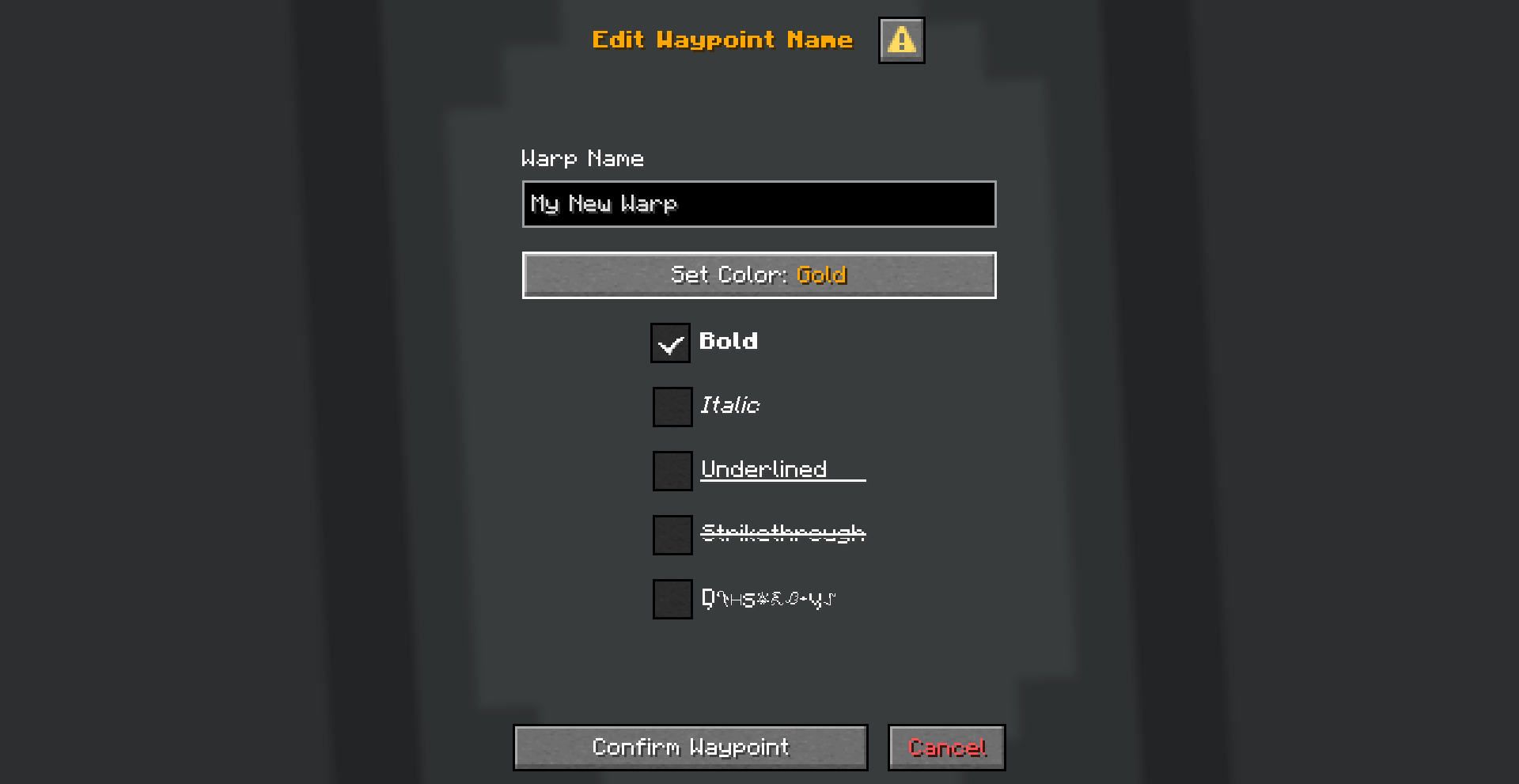
You can customize item, name and positon of any warp. You can also copy warps and place them on any of the 7 customizable pages.

Use the tag _st.admin_ to give yourself the permision to edit warps:
/tag @s add st.adminPlayer TP
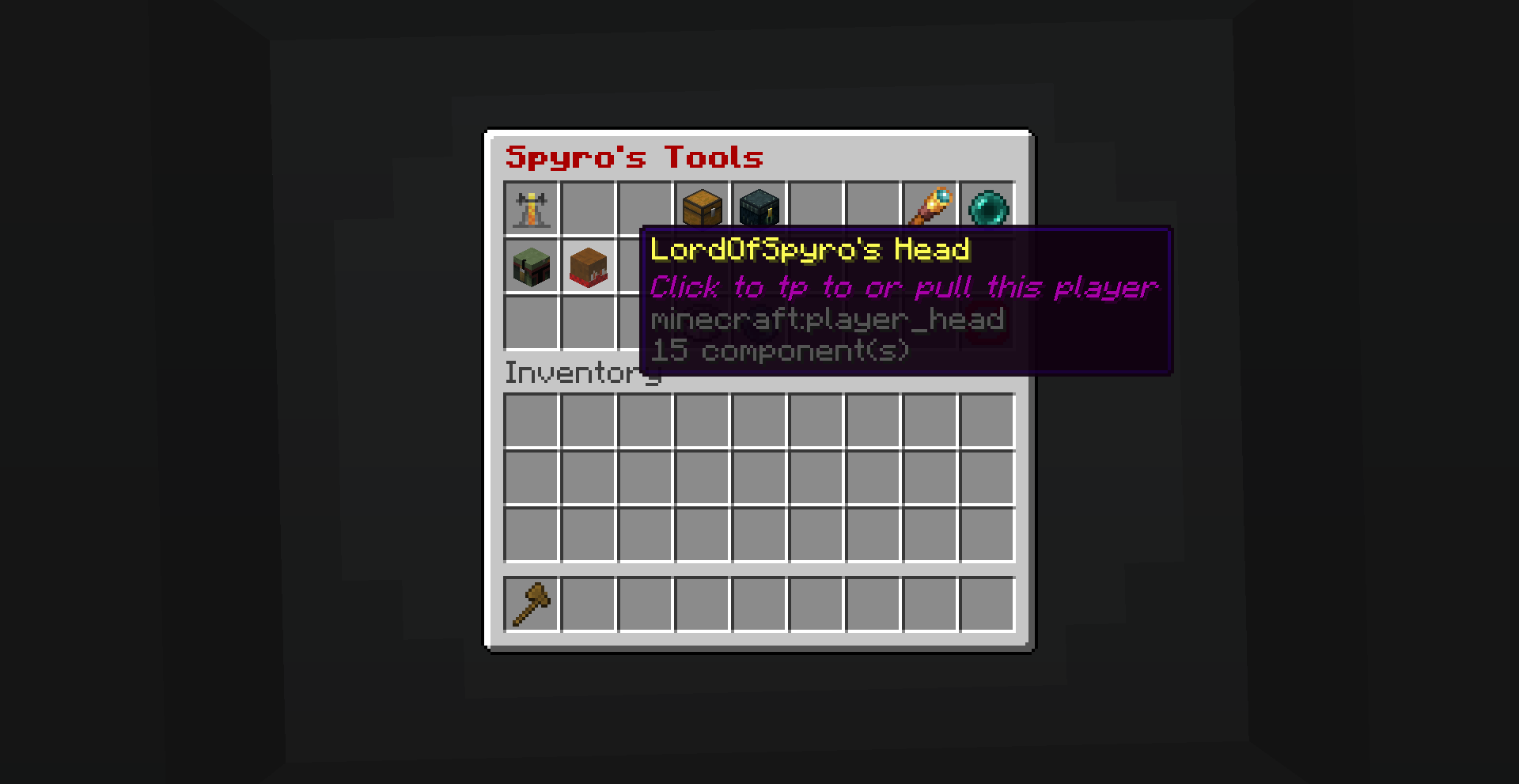
A simple way to teleport to other players. It shows the head of other online players.
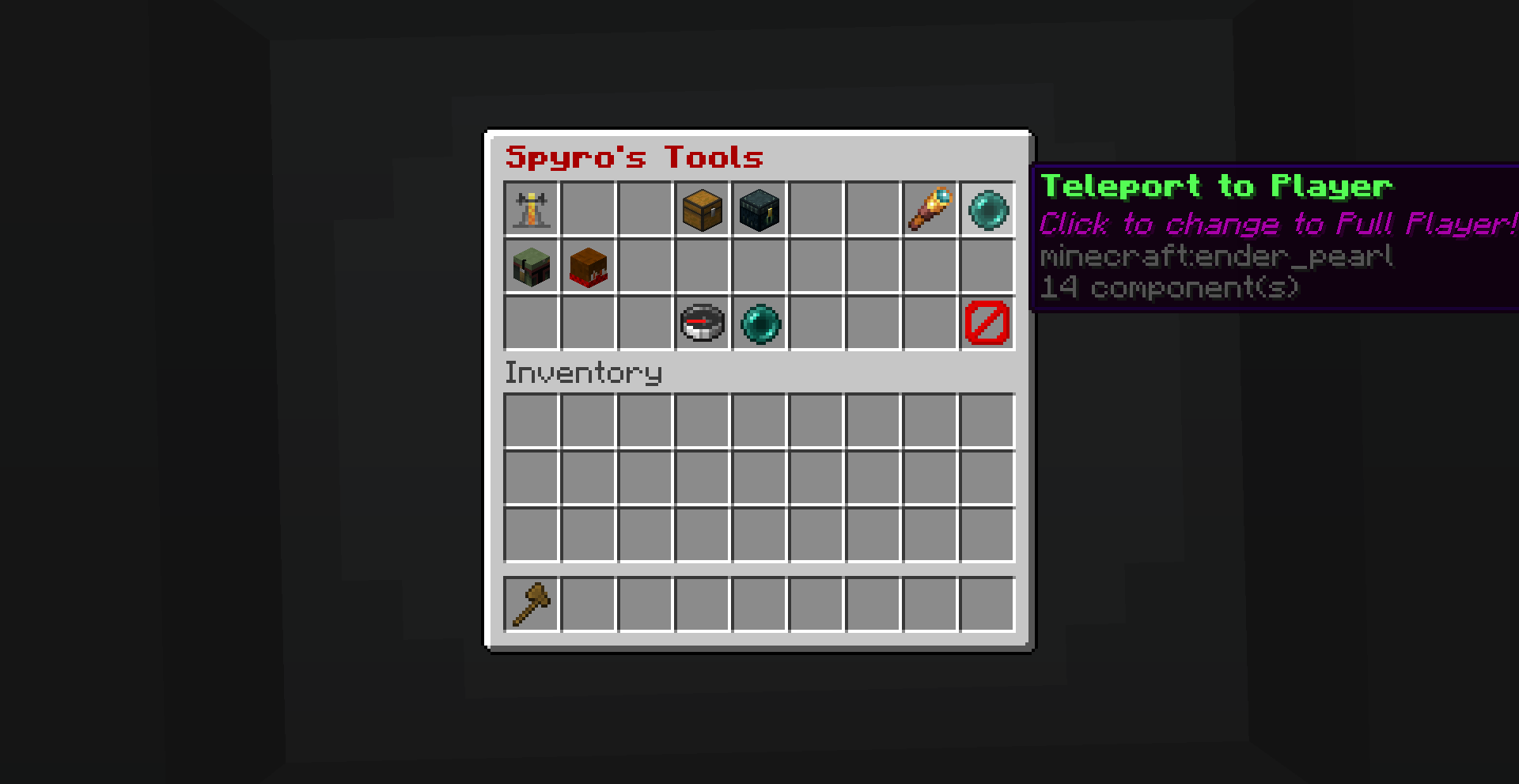
You can teleport to a player, teleport a player to you, spectate a player or let a player spectate you.

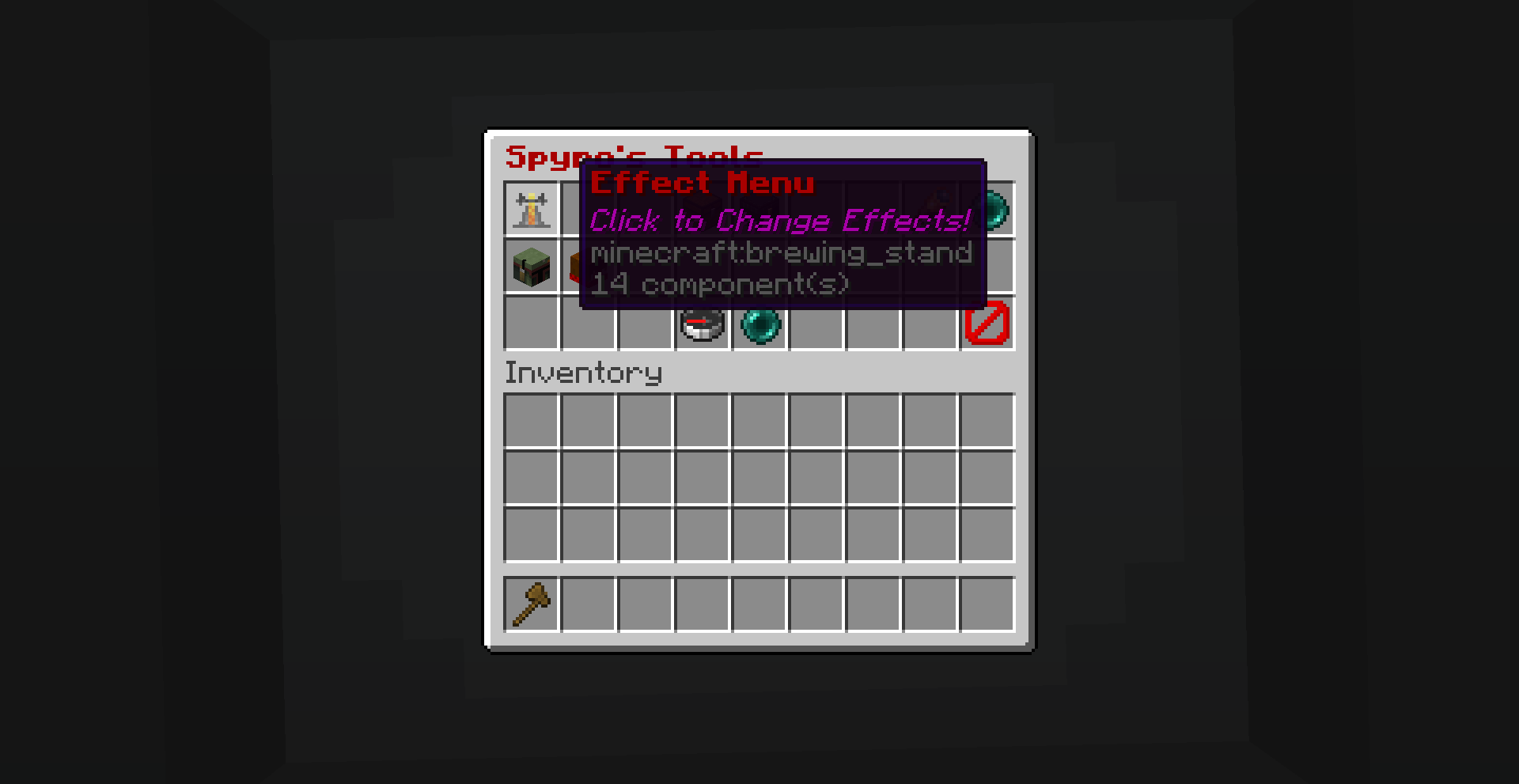
Effects and Attributes
Toggle nightvision, resistance, saturation, conduit power and invisibility.
Set your speed and jump boost from 0 to 30.
Change the player height from tiny to giant.

Shared Chest
Adds a “virtual” chest that everyone can access. Can be used to store and share items.
Ender Chest
Adds a simple way to access your ender chest through the GUI.
TPC (Teleport Cycle)
Teleports you to the next player. It can also be accessed with this command:
function tools:commands/tpcEspecially useful when bound to a keyboard key or mouse button using a macro.
(for example, using this mod: https://modrinth.com/mod/commandkeys)
Click the button multiple times to cycle through all players online.
常见问题
Spyro’s Tools 支持哪些 Minecraft 版本?
Spyro’s Tools 支持 Minecraft Java 版 1.21.11–26.3,共 6 个版本。下载时注意选择和你游戏版本一致的文件。
Spyro’s Tools 怎么安装?
新建世界时在「数据包」里把下载的 .zip 拖进去;已有的存档,把文件放进存档目录下的 datapacks 文件夹,进游戏输入 /reload 即可生效。服务器同样放在世界目录的 datapacks 里。
EtaoinShrdlu007 的其他作品
查看全部 →
Spyro’s Easter Egg Hunt
Hide colourful Easter Eggs for your friends to find! Make it a fun event for the whole server. Survival friendly and with a leaderboard.

Double It Challenge
Start with one item and double it every day! On day 1 you have to collect just 1 item, on day 2 you need 2 items, and then already 4, 8, 16, 32, 64, 128, 256, 512 and after 10 days you already need over a thousand.
评论
登录后评论和评分