
截图
介绍
🧽 Sponge Ball: The Ultimate Ocean Drainer!
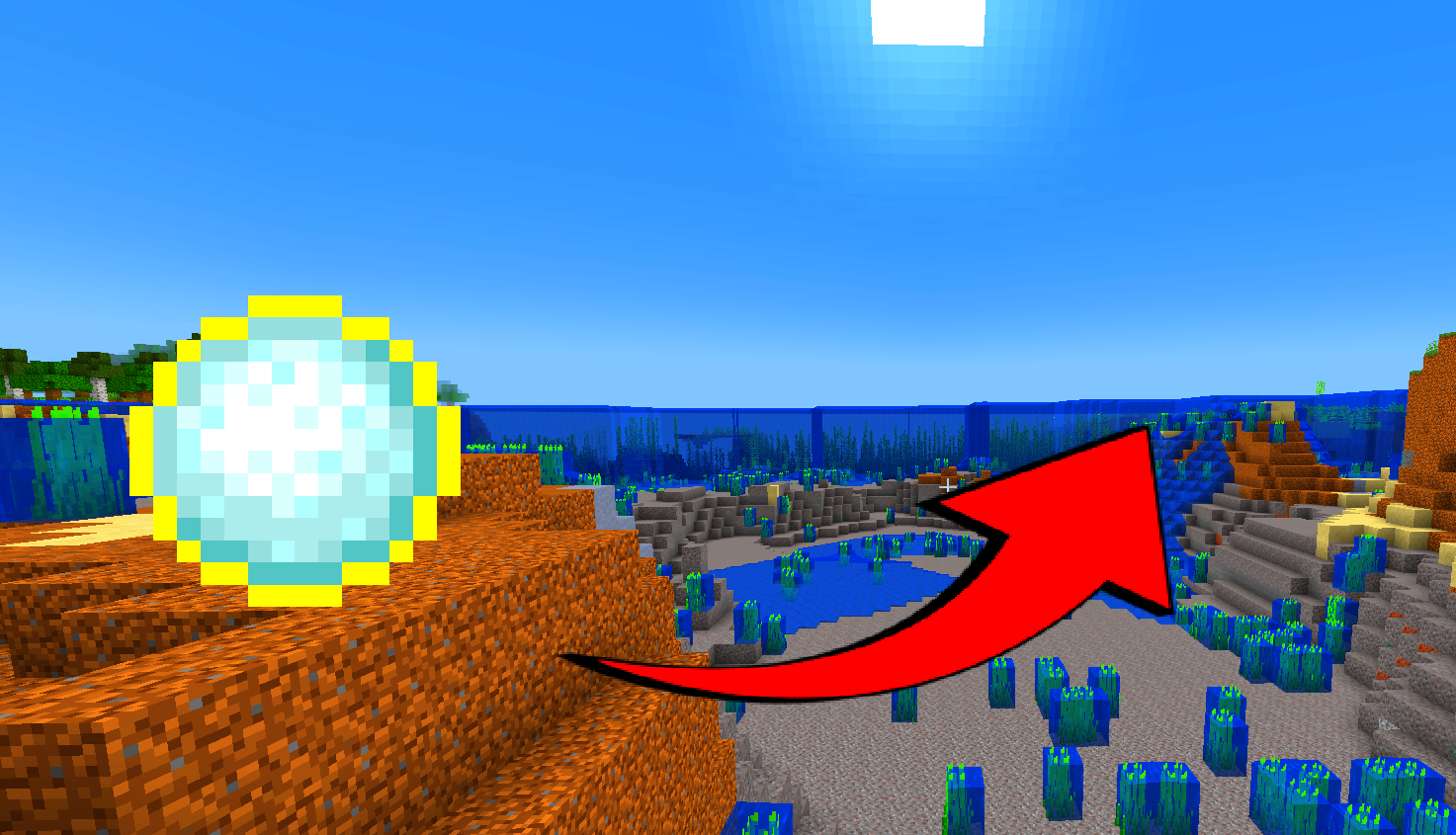
Are you dreading the endless grind of clearing out an Ocean Monument? Sick of placing thousands of sand blocks and constantly drying out wet sponges in furnaces? Take a deep breath, because aquatic excavation just got a massive upgrade.
Enter the Sponge Ball—your new secret weapon for instantly clearing massive bodies of water!
🌊 How It Works
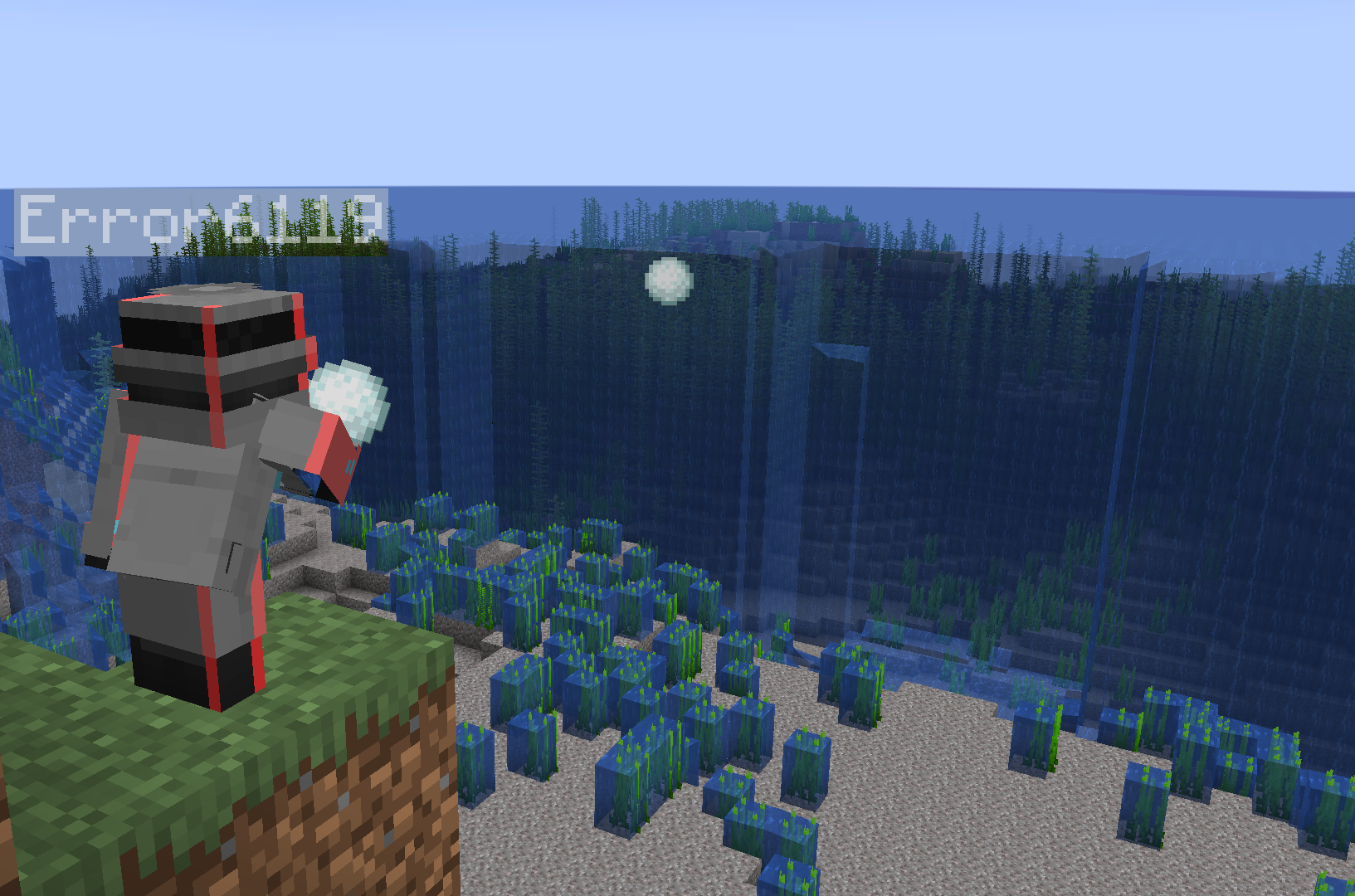
It is beautifully simple and incredibly satisfying: Just throw a snowball! Wherever the snowball lands, it instantly absorbs and removes water in a massive 10×10 area. No sponges required, no messy cleanup. Just point, throw, and watch the ocean disappear.

🛠️ Why You Absolutely Need This
- Ocean Monument Dominance: Drain a Guardian temple in minutes instead of weeks.
- Instant Underwater Bases: Clearing out space for your custom Atlantis or underwater glass dome has never been this fast.
- Flood Rescue: Accidentally flooded your redstone machine or base? One quick throw fixes the disaster instantly.
- Zero Grind: Save hours of your real-life time and skip the tedious vanilla water-clearing mechanics.
⚙️ Quick & Easy Setup
Because this is a pure Data Pack, installation is a breeze! Just drop it into your world’s datapacks folder and you are ready to conquer the seas. It is fully compatible with a massive range of Minecraft versions (1.16.x all the way up to 1.21+).
💡 Pro-Tips for the Sponge Ball:
- The Moses Effect: Spam a few Sponge Balls in a line to part the sea and create an instant dry walking path across an ocean.
- Lava Alternative? (Try it out and see what happens!)
- Creative Terraforming: Combine this with the Mining Ball to completely reshape coastal landscapes in seconds!
——–MADE BY ERROR6119——–
常见问题
Sponge Ball 支持哪些 Minecraft 版本?
Sponge Ball 支持 Minecraft Java 版 1.16–1.21.6,共 29 个版本。下载时注意选择和你游戏版本一致的文件。
Sponge Ball 怎么安装?
新建世界时在「数据包」里把下载的 .zip 拖进去;已有的存档,把文件放进存档目录下的 datapacks 文件夹,进游戏输入 /reload 即可生效。服务器同样放在世界目录的 datapacks 里。
Error6119 的其他作品
查看全部 →
X-ray Ball
Stop wasting hours mining like a peasant. Throw a snowball to remove blocks in a 10x10 area and leave the actual loot floating for you to finally pick up.

Crafting table drops OP loots
The "Crafting Table Drops OP Loots"data pack for Minecraft Java (1.16.x–1.20.4) replaces standard drops with overpowered gear whenever a crafting table is broken.

Crafted armor is OP
Craft invincible Netherite gear using simple materials like leather or iron. Each piece features level 1,000,000 enchantments and infinite durability for total immortality.

planks drops op loots
Wood drops OP loot. This datapack replaces standard plank drops with "God-tier" gear like enchanted Netherite and Golden Apples to bypass traditional progression.
评论
登录后评论和评分