
截图
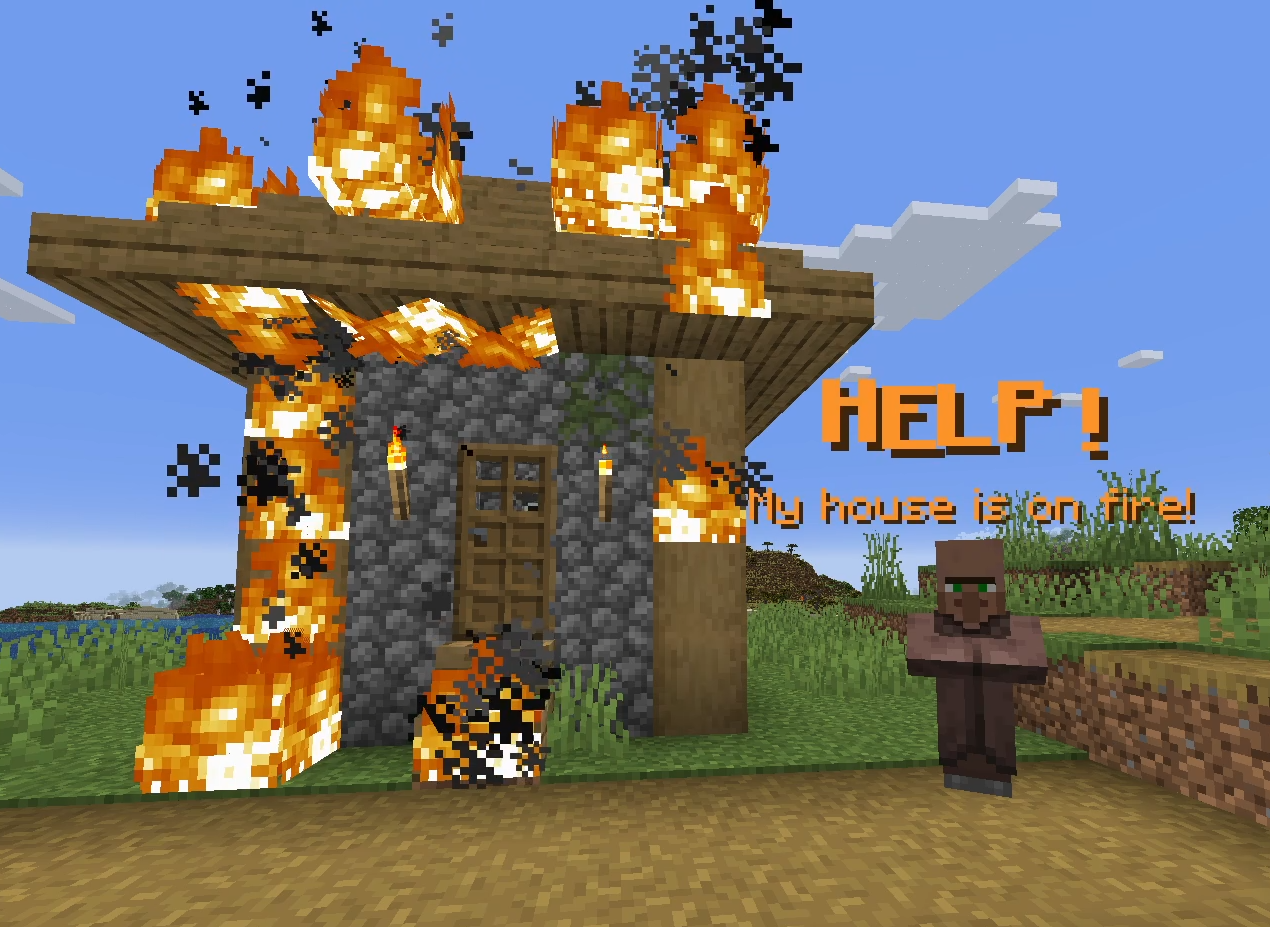
介绍
中文介绍正在准备中,下面暂时显示原文。
SpeechTools
Create smooth, custom speech with just one command!
Features Include:
- Full control over typing speed, transformation, shake, and much more
- Events system allowing you to run commands and change arguments at any point
All it takes is one command!
How to use SpeechTools
_This page is viewable in game by using the command /function speechtools:help_
To create a speech entity, use the command: /function speechtools:create {args:{},events:[]}
ARGUMENTS
text:Raw string, no json elements. e.g:args:{text:"Hi there!"}
To use quotation marks or apostrophes, you have to type \\\" or \\\'
(for versions 1.1.1 and below: apostrophe:\\' quotation marks:\\'\\')
extra:Any json elements to be attached to the text (color, font, bold etc). e.g:args:{extra:' "bold":true,"color":"green" '}duration:Integer duration of the speech before disappearing. Default: 100wait:Integer duration of ticks before the speech starts, or as a pause in events. Used for instances with multiple speech entities which start at different times. Default: 0fade_in:Duration of how long the text scales up from 0 when spawned. Set to 0 for no interpolation. Default: 3fade_out:Duration of how long the text scales down to 0 when ending. Set to 0 for no interpolation. Default: 3typed:true | false || Text is typed out over time instead of instantly appearing. Default: truetyped_delay:Delay between typed letters, in ticks. Default: 2punctuation_delay:Additional tick delay when punctuation is typed (.!?:;,) Commas use half this delay. Defaults totyped_delayvalue.shake:Text shaking effect, higher number, more shake. Experiment withteleport_durationto adjust effect. Max of 50. Default: 0teleport_offset:String set of coordinates to teleport to. Used withteleport_durationto create a sliding effect. e.g.args:{teleport_offset:"~ ~2 ~"}transformation:Same format as a display entities transformation.Other NBTYou can also put any other text_display nbt inargs{}, e.g.billboard:,background:,text_opacity:etc.
EVENTS
To add events to your speech entity, you can use the events[] field like so: function speechtools:create {args:{},events:[ {on:40,command:"say test"} ]}
on: Required for every event, specified with the following:
on:<number>Executes the event on the specified tick, e.g.on:40would run on the 40th tick.on:startExecutes the event when the entity spawns.on:endExecutes the event when the entity’s duration expires.on:type(when typed:true) Executes the event for every character typed, ignoring spaces. Intended for Undertale/Animal Crossing style voices.on:tickExecutes the event every tick.
command:String. Runs a command of the players choosing from the speech entity. e.g.{on:100,command:"function your:function/here"}modify_args:Same format as the ‘args’ field, can be used to change transformation, change typing speed, etc. e.g.{on:150,modify_args:{typed_delay:10}}pause_on_tick:Integer. If anon:tickevent is set, pause it for this many ticks.
Using Multiple Events
Simply add to the events array like so: [{on:start,command:"say hi"},{on:25,modify_args: {shake:10}},{on:50,modify_args:{shake:0}}]
If you want to add multiple events to one on: condition, do this: [{on:25,command:"say hi",pause_on_tick:5,modify_args: {typed_delay:10}}]
Limitations
- As of right now, you can only have single element text, meaning you can’t have one section of text in
italic:trueand the rest initalic:false. Instead you have to use multiple speech entities to achieve this effect. - If
fade_in:is activated, the transformation will take place on tick 3 of the entity, due to inconsistencies when ran on earlier ticks.
Any feedback/tips are appreciated!
常见问题
SpeechTools 支持哪些 Minecraft 版本?
SpeechTools 支持 Minecraft Java 版 1.21.1–26.2,共 15 个版本。下载时注意选择和你游戏版本一致的文件。
SpeechTools 怎么安装?
新建世界时在「数据包」里把下载的 .zip 拖进去;已有的存档,把文件放进存档目录下的 datapacks 文件夹,进游戏输入 /reload 即可生效。服务器同样放在世界目录的 datapacks 里。
评论
登录后评论和评分