
Specified random spawn points
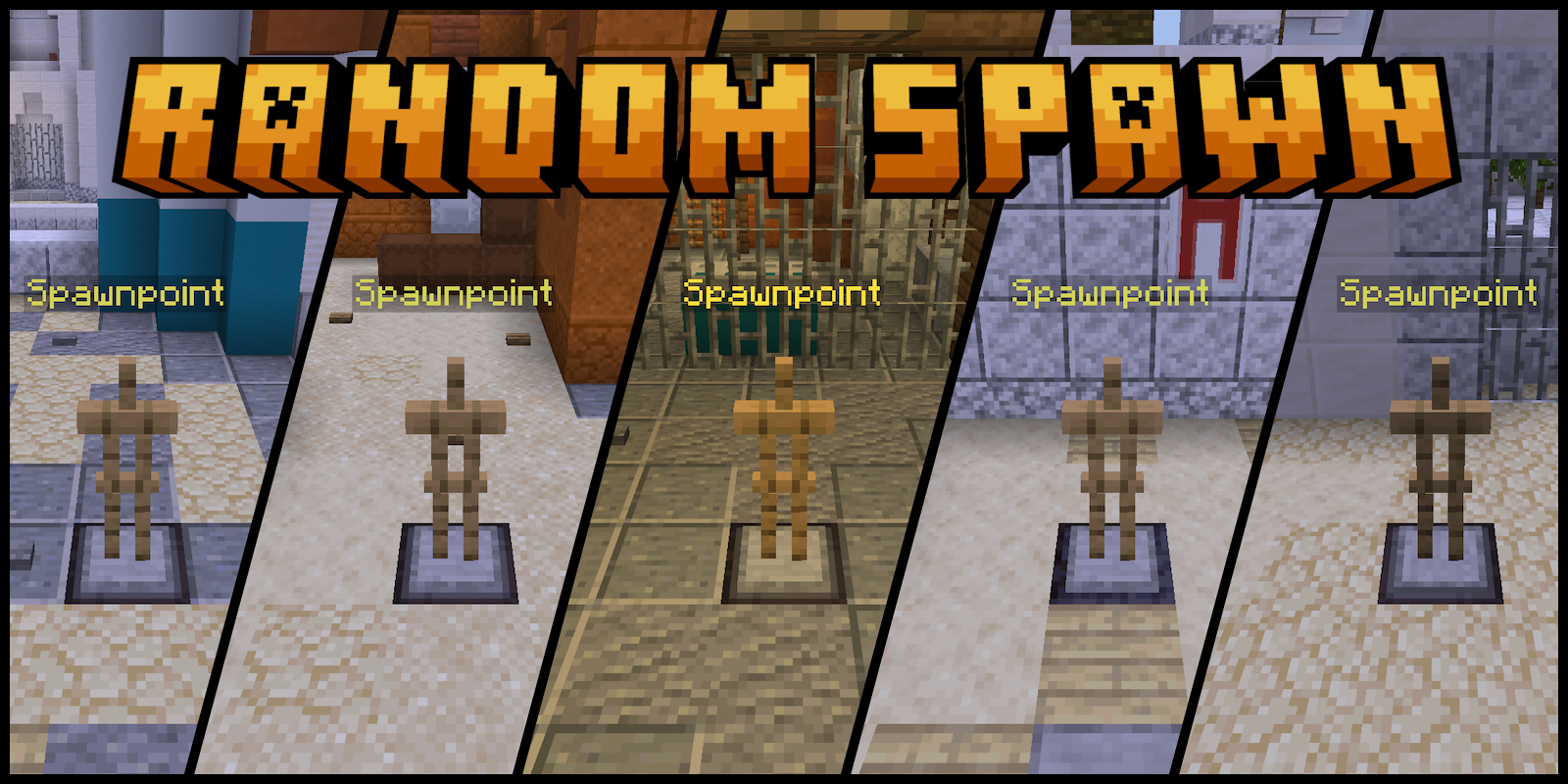
Place spawn points where players will randomly respawn after death. Perfect for mini-games and PvP.
截图


介绍
Random Spawn
This datapack allows you to set multiple spawn points. After death, the player will randomly respawn at one of these points.
What is this for?
You can use this datapack to play mini-games and PVP with your friends.
How to use
First, you need to set up spawn points. There are two ways to do this:
- Use the
/function random_spawn:give_spawnpoint/mecommand to give you an armor stand. Place these armor stands on the blocks where players should spawn. - Run the
/function random_spawn:spawnpointcommand to set a spawn point where you are standing.
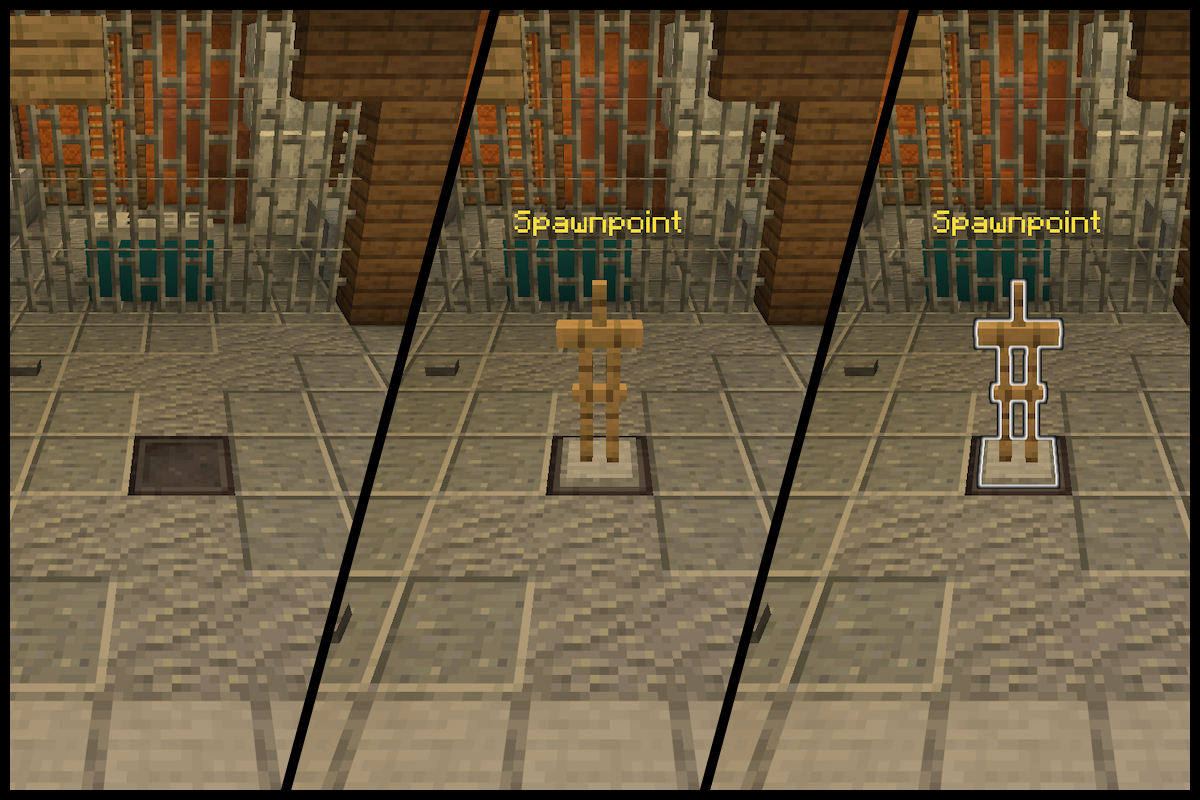
Armor stands are invisible by default. To see them, you can switch to spectator mode or run the /function random_spawn:visible/enable command.
### ⚠️ Warning
Spawn points apply to all players on the server simultaneously. Currently, it’s not possible to set spawn points individually for each player.
Now when spawns are placed, players will spawn on them after death. There is one condition for a player to spawn at a point: there must not be a single player within a 10 block radius.
Toggle visibility
Enable visibility:
/function random_spawn:visible/enableEnable visibility and additionally glow armor stands:
/function random_spawn:visible/glowDisable visibility:
/function random_spawn:visible/disable
Delete spawn points
Delete all spawn points:
/function random_spawn:delete/allDelete nearest spawn point within a 10 block radius:
/function random_spawn:delete/nearestYou can also enable visibility of armor stands and kill them as usual via left mouse button.
Additional functions
Teleport yourself to a random spawn:
/function random_spawn:tpTeleport all players to a random spawns:
/function random_spawn:tp_everyonePrint the number of spawn points in the chat:
/function random_spawn:get_count_spawnDisable datapack
To temporarily disable the datapack:
/datapack disable "file/random_spawn"Then to turn it back on:
/datapack enable "file/random_spawn"Command Cheatsheet
| Command | Description |
| ———————————————– | ————————————— |
| /function random_spawn:give_spawnpoint/me | give yourself armor stand |
| /function random_spawn:give_spawnpoint/everyone | give everyone armor stand |
| /function random_spawn:spawnpoint | set spawn point |
| /function random_spawn:visible/disable | disable visibility |
| /function random_spawn:visible/enable | enable visibility |
| /function random_spawn:visible/glow | glow armor stand |
| /function random_spawn:delete/all | delete all spawns |
| /function random_spawn:delete/nearest | delete nearest spawn |
| /function random_spawn:tp | teleport yourself to a random spawn |
| /function random_spawn:tp_everyone | teleport all players to a random spawns |
| /function random_spawn:get_count_spawn | get the number of spawns |
Versions on which the datapack doesn’t work:
- 1.20.5 – 1.20.6
- 1.21.5 – 1.21.10
Discord
On my Discord server, you can report bugs in my datapacks and suggest improvements. You can also order a datapack from me.
My other projects
Datapacks:
- GunGame – Standard Gun Game (Arms Race).
- Minimal hunger – Allows you to set a minimum amount of hunger below which it will not fall.
常见问题
Specified random spawn points 支持哪些 Minecraft 版本?
Specified random spawn points 支持 Minecraft Java 版 1.17–26.1.2,共 24 个版本。下载时注意选择和你游戏版本一致的文件。
Specified random spawn points 怎么安装?
新建世界时在「数据包」里把下载的 .zip 拖进去;已有的存档,把文件放进存档目录下的 datapacks 文件夹,进游戏输入 /reload 即可生效。服务器同样放在世界目录的 datapacks 里。
KawunDream 的其他作品
查看全部 →
Checkers for Two
The datapack adds the ability to play the classic checkers game with a friend

Minimal hunger
Allows you to set a minimum amount of hunger below which it will not fall.

GunGame
Standard Gun Game (Arms Race). Kill an enemy to obtain the next weapon. Complete the entire weapon chain to win.
评论
登录后评论和评分