RailSpeed
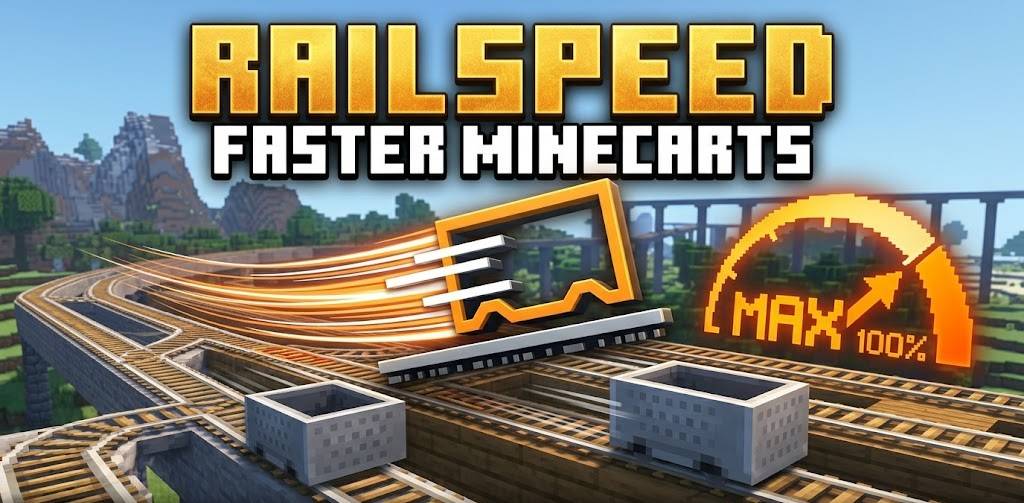
Boost your rail network! This lightweight datapack increases Minecart top speeds, making them a viable, high-speed alternative to Blue Ice and Elytras.
截图
介绍
Revolutionize Your Rails
Tired of Minecarts feeling like a relic of the past? RailSpeed transforms your rail infrastructure into a true high-speed transit system. No more waiting minutes to travel between bases—get there in seconds with optimized, high-velocity Minecarts.
✨ Key Features
-
Increased Speed: Boosts the default mineminecart spreed
-
Vanilla Compatible: Works with standard Power Rails. No custom blocks or complex machinery required.
-
Performance Friendly: Built using optimized functions to ensure zero impact on server TPS (Ticks Per Second).
-
Automatic Scaling: Safely handles corners and slopes to prevent “derailing” (jankiness) often found in older speed mods.
🚀 Why use this?
In the current meta, Elytras and Blue Ice highways dominate travel. This datapack brings the “Mine” back to Minecraft by making rail networks competitive again. It’s perfect for:
-
Large Scale Servers: Create a functional subway system for your community.
-
Early-Game Logistics: Move items and players quickly before you have an Elytra.
-
Aesthetic Builds: Finally use those beautiful rail designs for more than just decoration.
🛠️ How to Install
-
Download the
.zipfile. -
Drop it into the
datapacksfolder of your world save. -
In-game, type
/reload. -
(Optional) If the speed doesn’t change automatically, use
/gamerule minecartMaxSpeed [YourSpeed]to fine-tune your experience!
Compatibility
-
Version: Minecraft 1.20.x and above.
-
Multiplayer: Fully compatible with Fabric, Quilt, and Paper/Spigot servers.
-
Mod Compatibility: Works alongside most world-gen and utility mods.
常见问题
RailSpeed 支持哪些 Minecraft 版本?
RailSpeed 支持 Minecraft Java 版 1.20–26.1.2,共 22 个版本。下载时注意选择和你游戏版本一致的文件。
RailSpeed 怎么安装?
新建世界时在「数据包」里把下载的 .zip 拖进去;已有的存档,把文件放进存档目录下的 datapacks 文件夹,进游戏输入 /reload 即可生效。服务器同样放在世界目录的 datapacks 里。
StaticLabs 的其他作品
查看全部 →
Instant Smelt
A simple quality-of-life mod that smelts all raw ores instantly upon mining, letting you skip the smelting queue.

Advanced Tool Stats
Real-time, high-precision durability tracking directly in your action bar—no F3+H required.

Saddle Crafting Recipie
Simple mod that makes saddles craftable!

Elytra Crafting Recipe
Elytra are now craftable, but are still a end game item. requires dragon's breath and nether star to craft
评论
登录后评论和评分