
Skyblock Structure
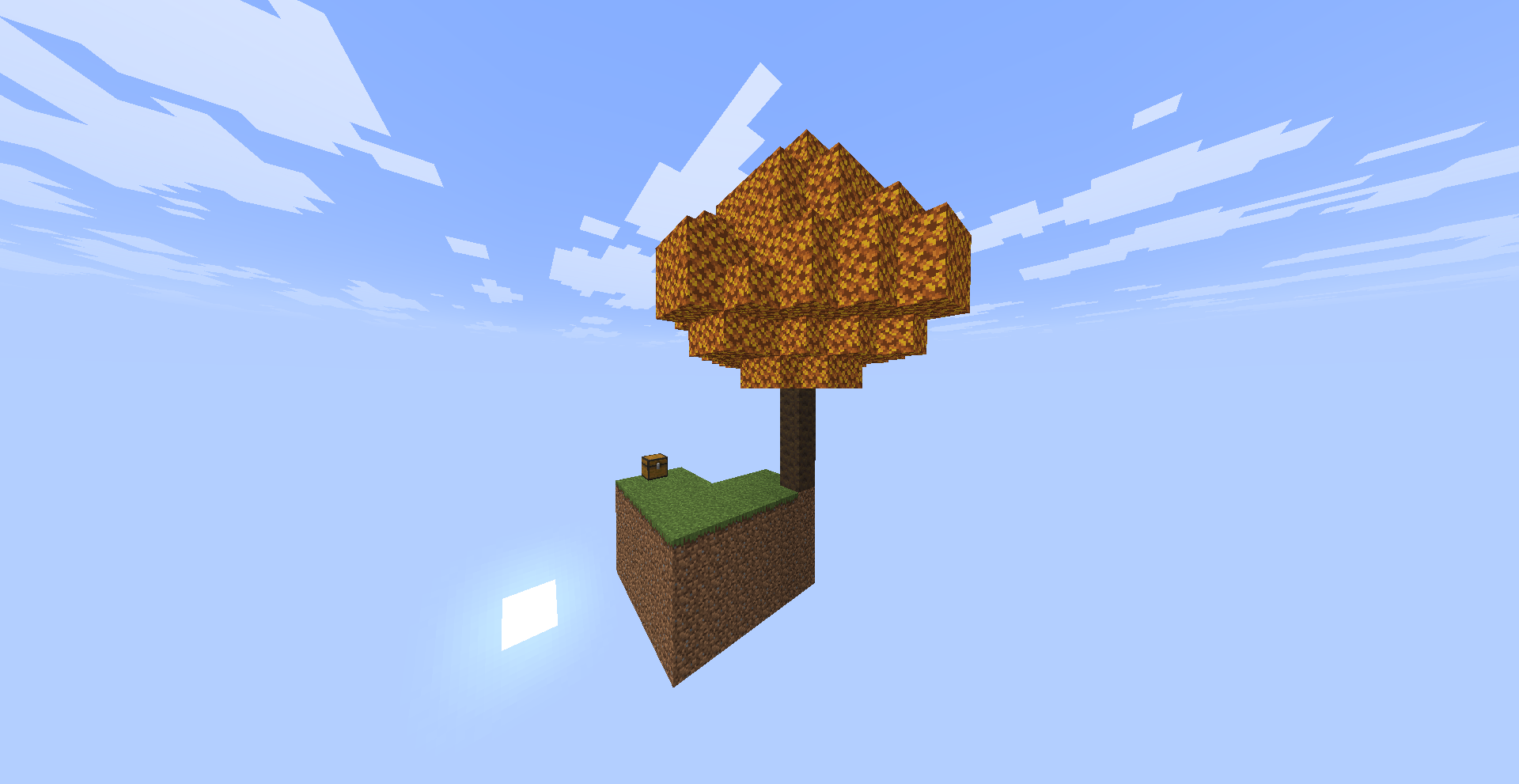
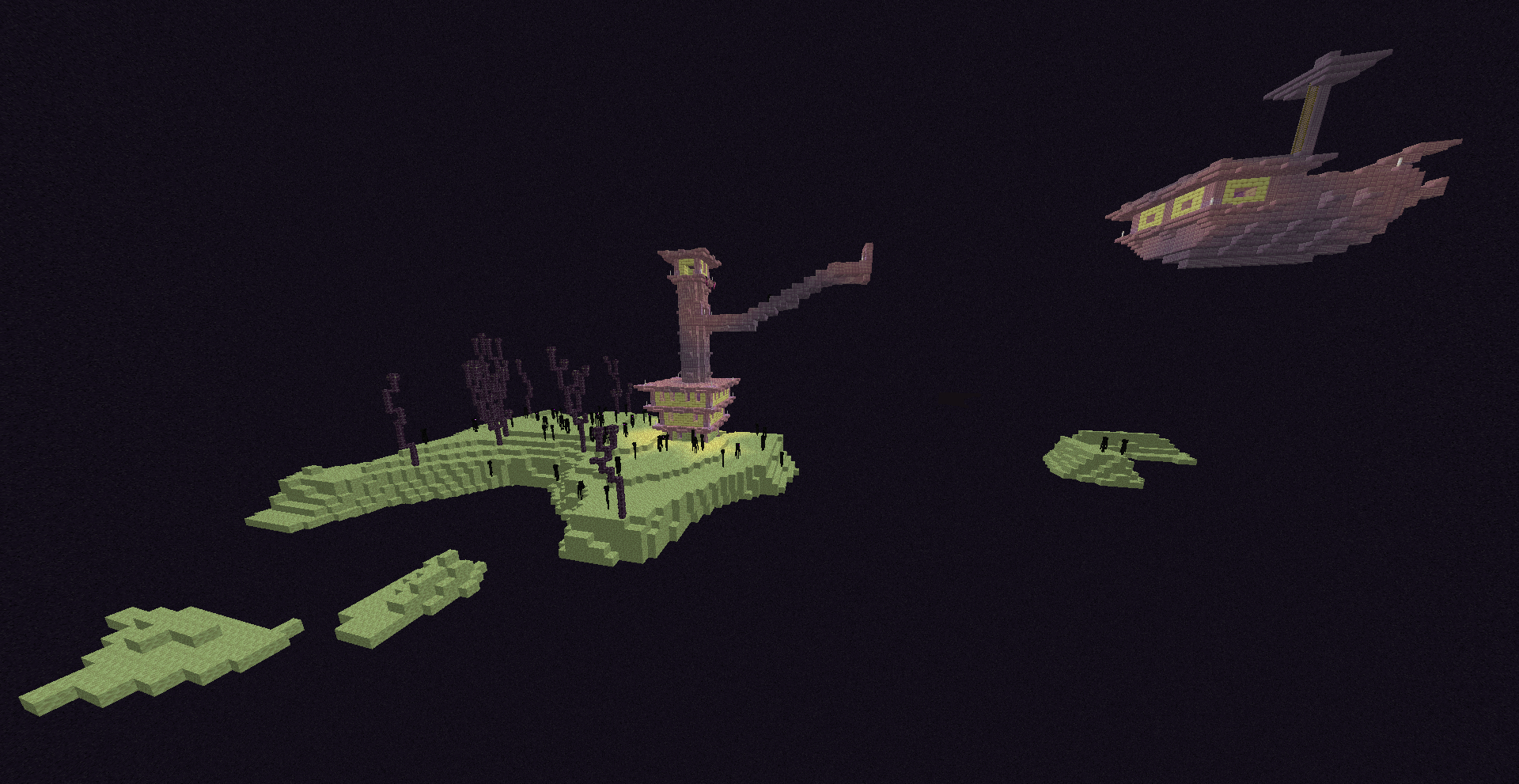
Create a completely empty world geared towards a Skyblock experience, while maintaining biome generation and allowing various in-game structures to spawn.
截图
介绍
Skyblock Structure
A datapack for Minecraft Java Edition 26.3 that allows you to create a completely empty world geared towards a Skyblock experience, while maintaining biome generation and allowing various in-game structures to spawn.
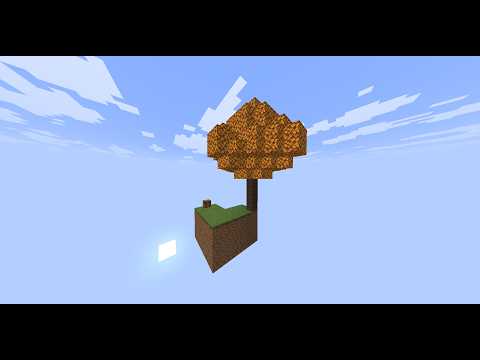
The goal is to start in a world without natural terrain while retaining the ability to find structures during exploration.
✨ Features
- 🌍 Empty world for a Skyblock experience.
- 🧬 Preserves biome generation.
- 🏛️ Allows for the generation of various Minecraft structures.
- 🌌 Designed to be used when creating a new world.
- 🧱 The world does not generate conventional natural terrain.
- ⚔️ Retains structures to facilitate survival progression and exploration.
🏛️ Structures
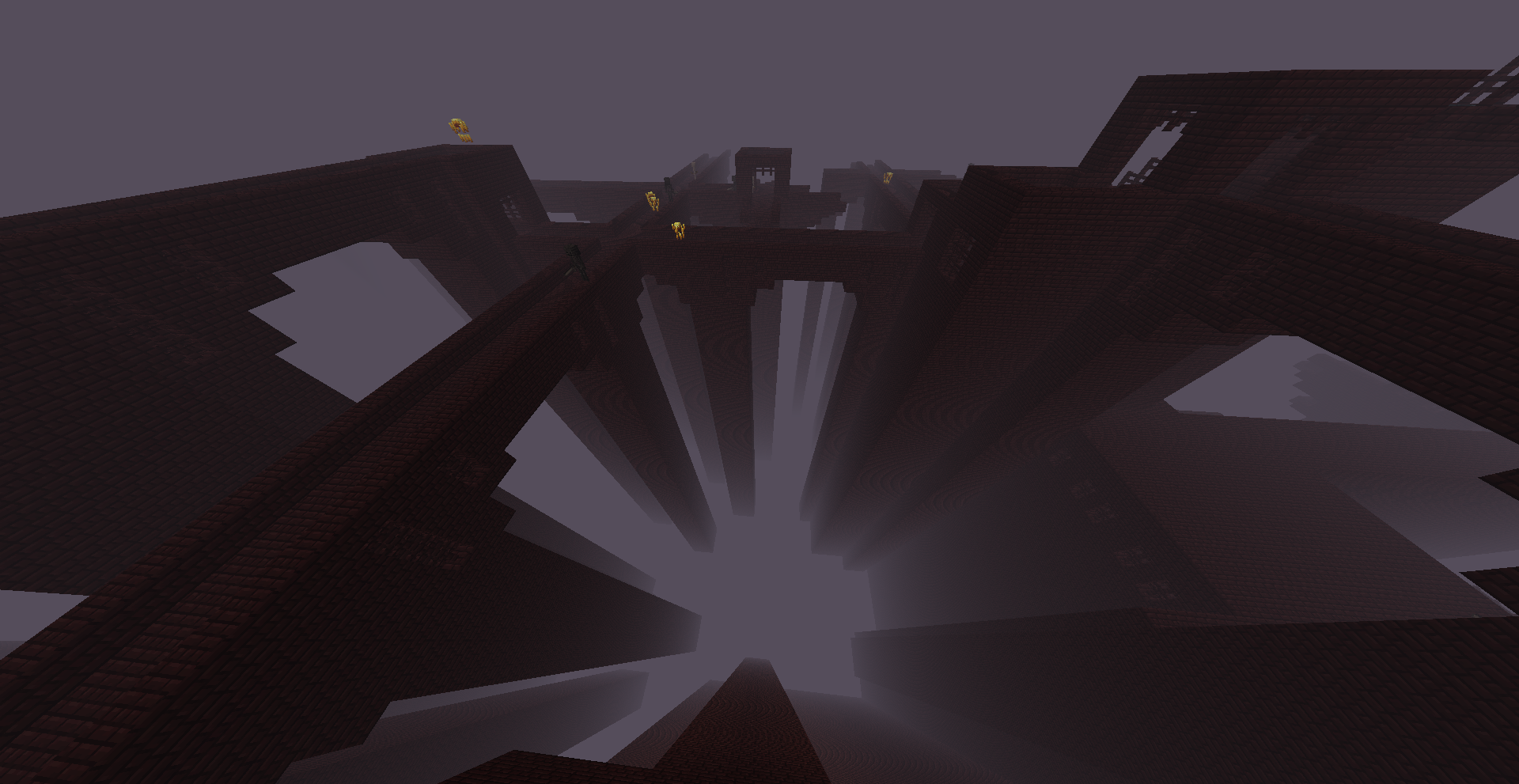
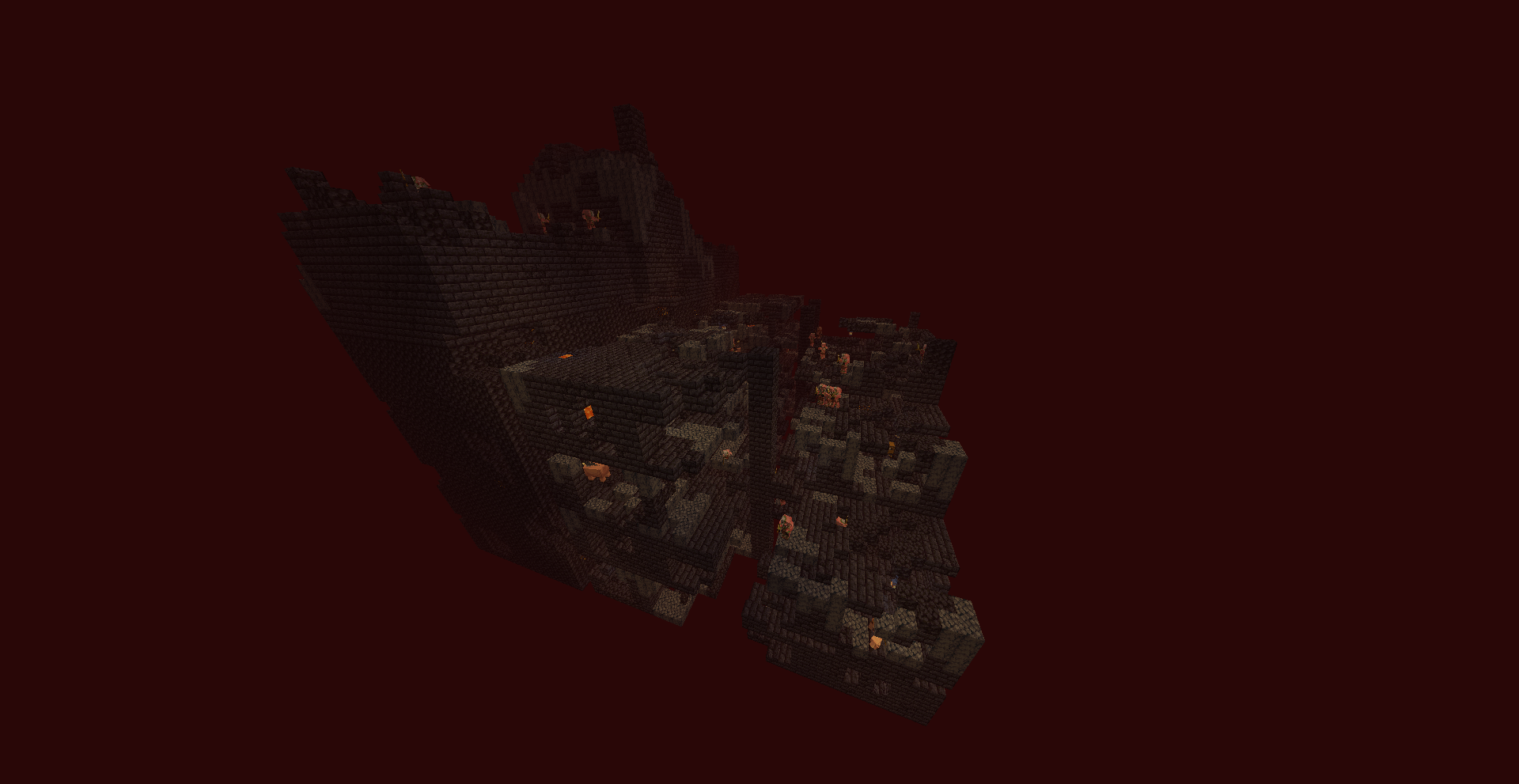
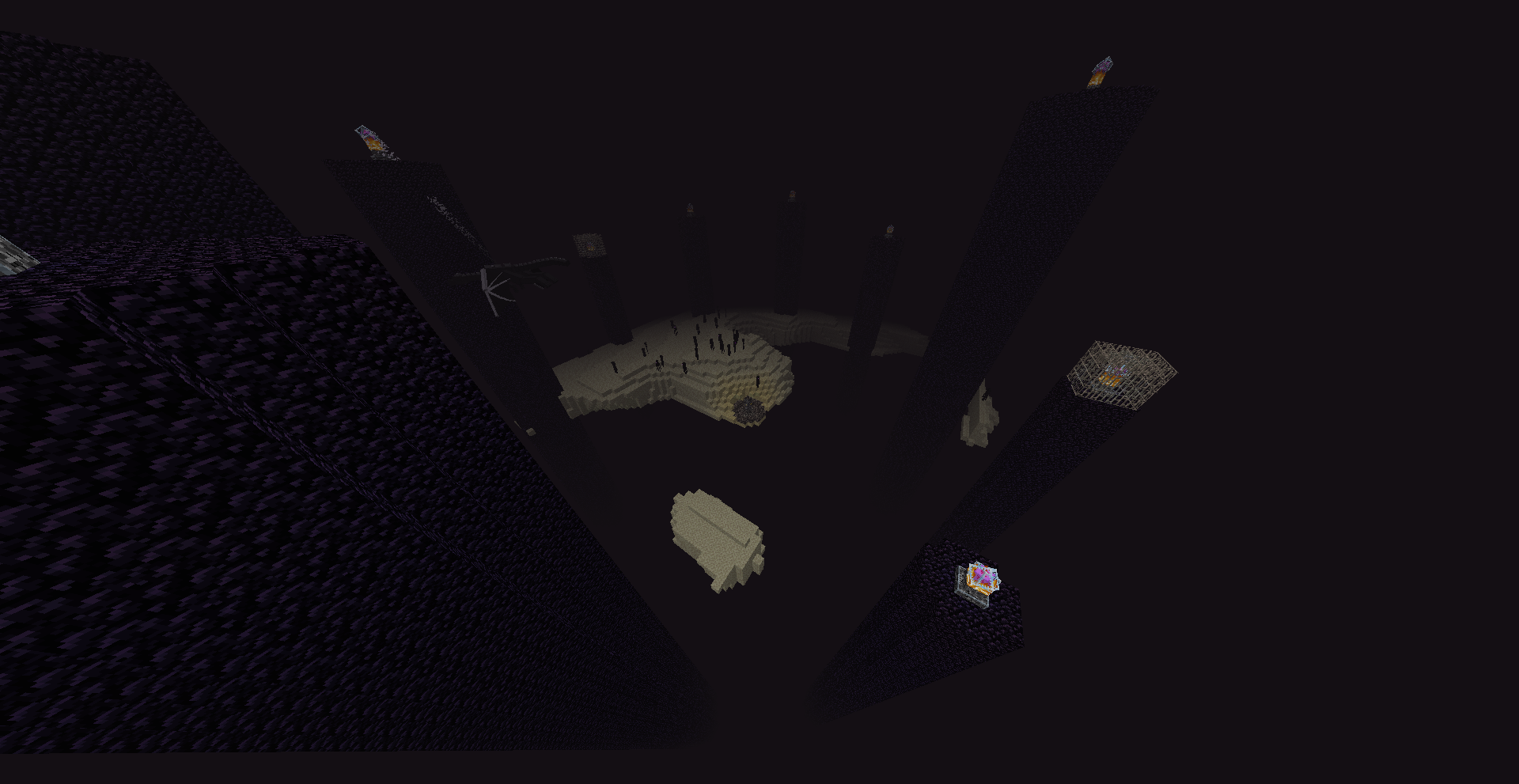
Structures that can generate include:
- Strongholds
- Trial Chambers
- Witch Huts
- Ocean Monuments
- Icebergs
- Pillager Outposts
- Nether Fortresses
- Bastions
- End Cities
- And other structures.
Note: Not all Minecraft structures are enabled to generate in this world. For example, Mineshafts and Villages do not currently generate.
The list is subject to change as the datapack continues to be developed.
📸 Screenshots
Empty World

Structures


Exploration


📥 Installation
Important: The datapack must be installed when creating a new world. Adding it to an existing world later is not recommended.
1. Download the datapack
Download the version of the datapack compatible with Minecraft Java Edition 26.3.
Do not unzip the datapack if the downloaded file is already in .zip format.
2. Create a new world
In Minecraft:
- Open Singleplayer.
- Select Create New World.
- Configure the world according to your preferences.
- Before creating the world, go to Data Packs.
- Add the Empty World Skyblock datapack.
- Enable the datapack.
- Create the world.
3. Verify the datapack
Once inside the world, you can check the active datapacks using:
/datapack listThe datapack should appear among the enabled packs.
⚠️ Important
Do not install the datapack after the world has already been created expecting it to regenerate the empty world.
World generation settings are used during world creation and chunk generation. To achieve the expected result, always create a new world with the datapack enabled from the start.
Credits
- C4miloN — Dev

常见问题
Skyblock Structure 支持哪些 Minecraft 版本?
Skyblock Structure 支持 Minecraft Java 版 26.3。下载时注意选择和你游戏版本一致的文件。
Skyblock Structure 怎么安装?
新建世界时在「数据包」里把下载的 .zip 拖进去;已有的存档,把文件放进存档目录下的 datapacks 文件夹,进游戏输入 /reload 即可生效。服务器同样放在世界目录的 datapacks 里。
C4miloN 的其他作品
查看全部 →
InTime
Players collect minerals and convert them into life time. Each player starts with **900 seconds (15 minutes)** on their timer.

CubeND More Interactions Block
Transforms Sulfur Cubes into interactive puzzle elements. By equipping different blocks in their body slot, Sulfur Cubes gain unique behaviors based on the block they stand on. Build towers, grow mushrooms, bounce across wool pads, pave the ground.

Sky_Classic_C4
Texture pack de cielo personalizado para Minecraft Java 26.3 usando el mod Nuimotor de skyboxes basado en JSON
评论
登录后评论和评分