
截图
介绍
❗Important❗
THE KEY KOMBINATION ONLY WORKS IF HOLDING ANY ITEM IN YOUR HAND!
To find out why look at the chapter at the bottom.
Features
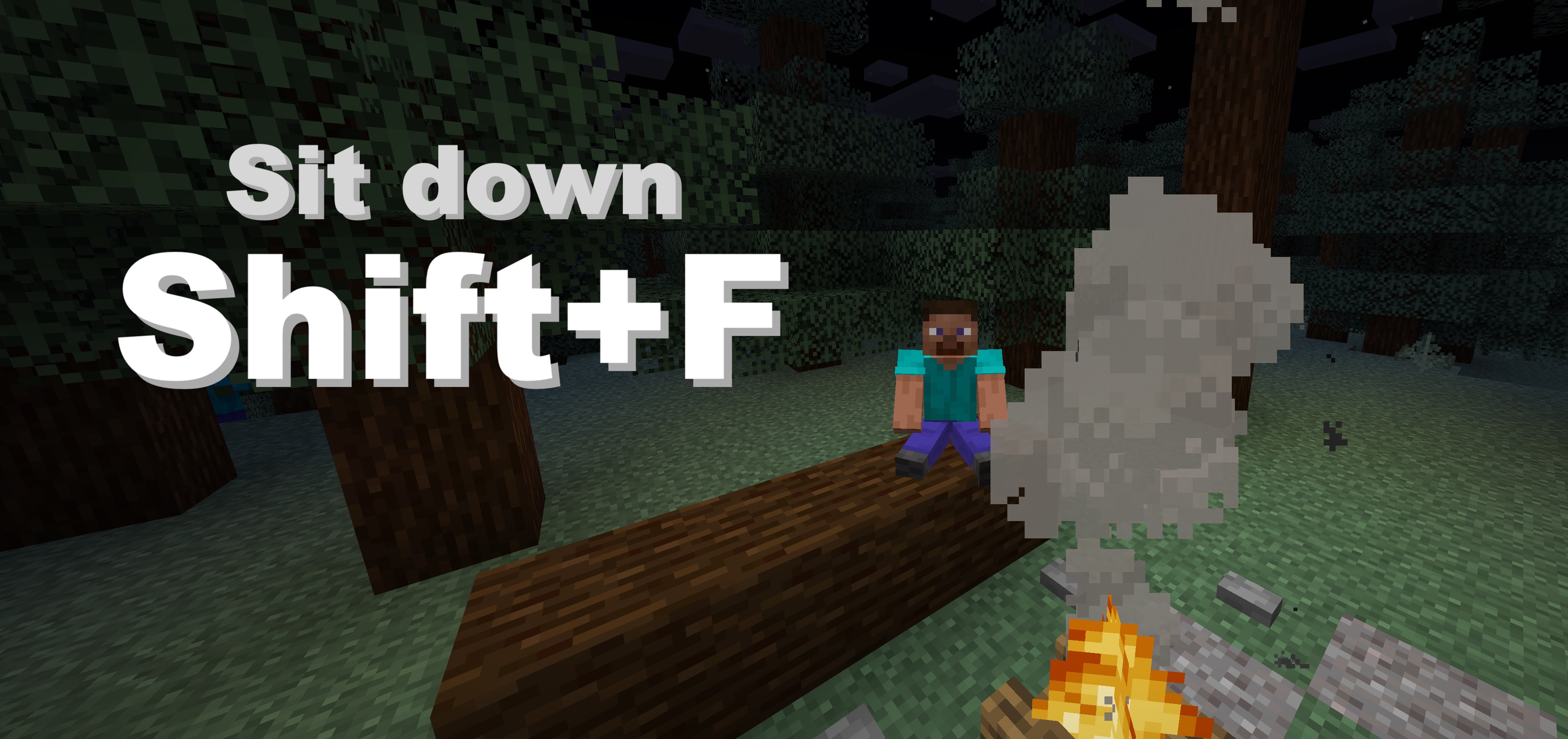
Press Shift+F (and release Shift quickly) to sit down. You can not sit down in the air.

After Pressing Shift and F there is a 1.5 second count down, release shift within this time limit and you will sit down. This is to allow use of the F button while shifted.

Supported Versions
| Version | Status |
|:———————:|:———————:|
| 1.21+ | ✅ Supported |
| 1.20.5 or lower | ❌ Broken due to Minecraft limitations |
Why not with no item in hand?
The datapack detects you pressing the F button by tagging the item in your mainhand with “in mainhand” and the item in your offhand with “in offhand”, when they now swap instantly, the datapack knows you have pressed F. Since you cannot tag air, this can’t be done without an item in your hand.
常见问题
Sit’n’Chill 支持哪些 Minecraft 版本?
Sit’n’Chill 支持 Minecraft Java 版 1.21–1.21.3,共 4 个版本。下载时注意选择和你游戏版本一致的文件。
Sit’n’Chill 怎么安装?
新建世界时在「数据包」里把下载的 .zip 拖进去;已有的存档,把文件放进存档目录下的 datapacks 文件夹,进游戏输入 /reload 即可生效。服务器同样放在世界目录的 datapacks 里。
Unthinkable 的其他作品
查看全部 →
Horse-o-meter
Measure the Stats of any horse with this new item!

Scaling Pills
Add Scaling Pills to your world, that allow you to make yourself smaller or bigger.

Inventory Rotate
Rotate/Cycle through your Inventory with Shift+F. (Mechanic: Stardew Valley)
评论
登录后评论和评分