
截图
介绍
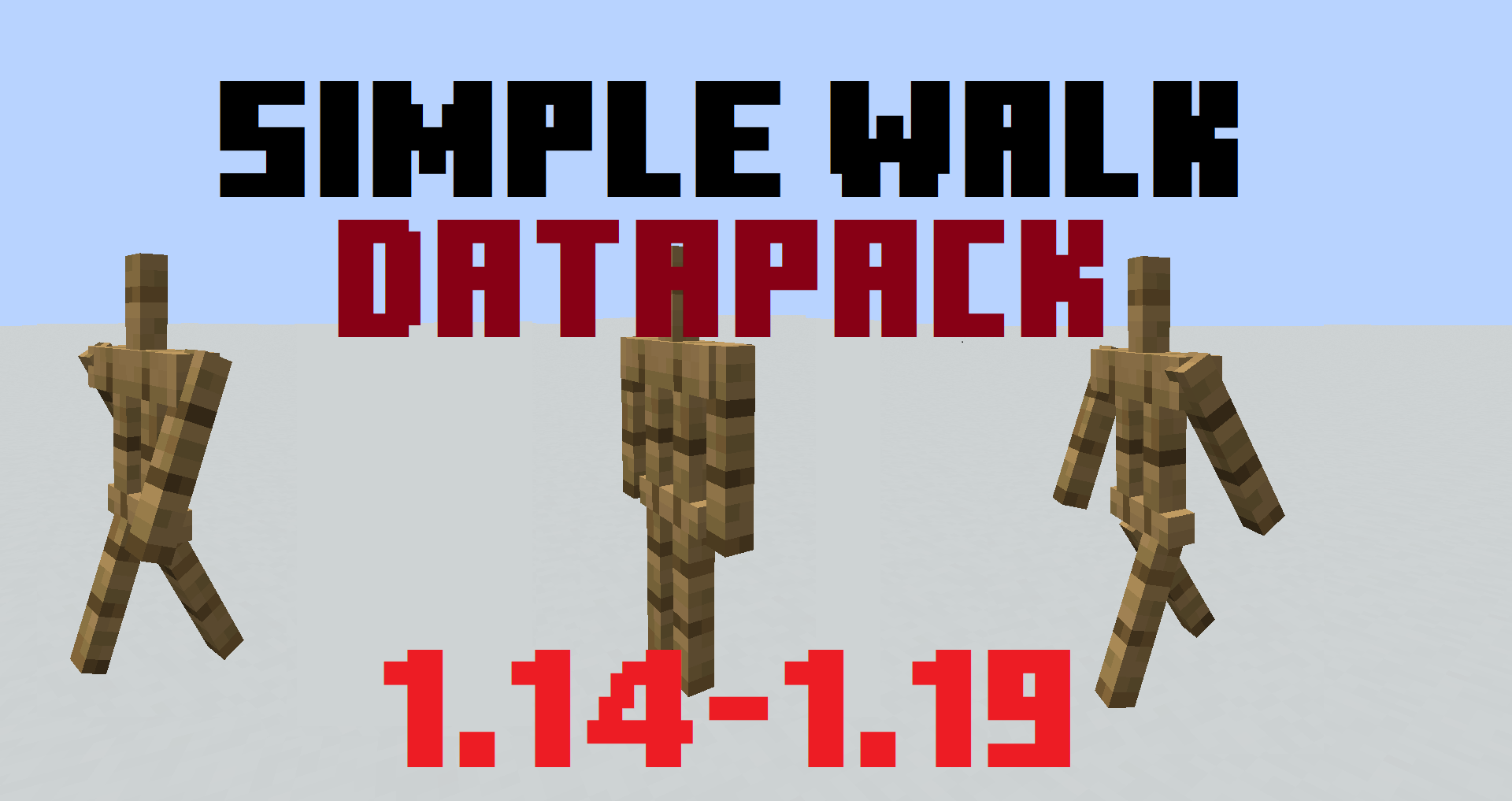
Datapack specifically for map makers.
Datapack allows you to:
- Enable armor stand movement animation.
- Force the armor stand to move.
- give armor stand Ability to jump
- Make the armor stand follow the player.
- Turn armor stand
To tag an armor stand type this command:
/tag @e[type=armor_stand] add [TAG]
TAG LIST:
move– Activate move animationwalk– armor stand moves at a speed of 0.1walk13– armor stand moves at a speed of 0.13walk2– armor stand moves at a speed of 0.2walk05– armor stand moves at a speed of 0.05left– turn Left on 45*left2– turn Left on 90*right– turn right on 45*right2– turn right on 90*180– turn 180*lookatplayer– make the armor stand face the player.canjump– The armor stand will jump to get on the block in front of it.eye– armor stand stops doing any movement and animation when the player looks at itbreak– breaks blocks in front of him (loot does not drop)breakdrop– breaks blocks in front of him (Blocks and loot drop out)breakup– breaks blocks in front up of him (loot does not drop)breakdropup– breaks blocks in front up of him (Blocks and loot drop out)breakd– breaks blocks in front down of him (loot does not drop)breakdropd– breaks blocks in front down of him (Blocks and loot drop out)place– puts stone blocks underneath
[If you want more animations or functional, write in the comments!]
Remove tag
/tag @e[type=armor_stand] remove [TAG]
If there are a lot of armor stands in your world, it is difficult to understand which one you want to use.
To fix this problem, you can pre-register additional tags when summoning an armor stand.
Type your armorstand id and target by these id.
/summon minecraft:armor_stand ~ ~ ~ {Tags:[“id0”]}
an example of such an application:
/tag @e[tag=id0] add walk
or
/execute as @e[tag=id0] at @s run tag @s add walk
-entities with tag id0 will be given a tag “walk”
常见问题
Simple Armorstand Walk Animation 支持哪些 Minecraft 版本?
Simple Armorstand Walk Animation 支持 Minecraft Java 版 1.13.1–1.20.1,共 28 个版本。下载时注意选择和你游戏版本一致的文件。
Simple Armorstand Walk Animation 怎么安装?
新建世界时在「数据包」里把下载的 .zip 拖进去;已有的存档,把文件放进存档目录下的 datapacks 文件夹,进游戏输入 /reload 即可生效。服务器同样放在世界目录的 datapacks 里。
评论
登录后评论和评分