
Shrink
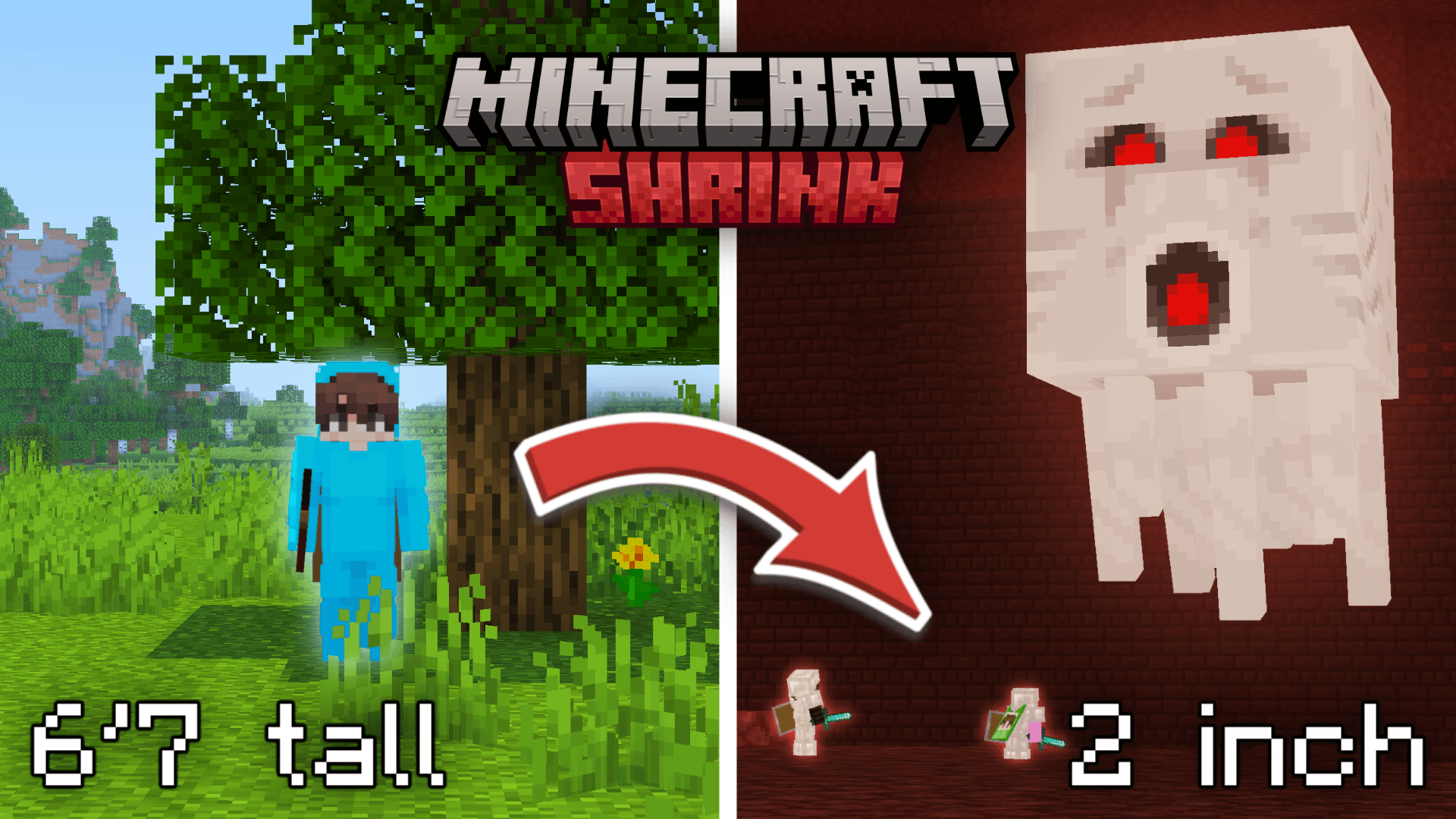
The required datapack to run the challenge from the video "Minecraft But We Shrink Every 15 Minutes"
截图


介绍
Shrink Datapack – Minecraft But We Shrink Every 15 Minutes
The official datapack required to play the challenge from
“Minecraft But We Shrink Every 15 Minutes”
Start at full size… and slowly get smaller and smaller until survival becomes nearly impossible.
⏳ Every few minutes, players shrink
🫧 Movement and jump height scale with your size
⚠️ A final warning appears before the last, lethal shrink
💀 Stay alive as long as you can… or get crushed by the world around you
How to Play
- Install the datapack into a 1.21.5 or higher version of minecraft
- Run
/function shrink:start - Survive as the world grows bigger around you
You may need to enable the datapack manually with the /datapack enable file/shrink.zip command or use a datapack loader mod.
Commands
/function shrink:start— Starts the Shrink challenge/function shrink:reset— Stops the game and resets all progress/function shrink:config_set— Opens config info / default settings/function shrink:config_set_1m— Sets shrink interval to 1 minute/function shrink:config_set_5m— Sets shrink interval to 5 minutes/function shrink:config_set_15m— Sets shrink interval to 15 minutes
Datapack created by pqlv, aidennurie and addie2cool for their youtube video! You are more than welcome to try out the challenge yourself! We would love to see what you guys do with it. I’m not an experienced programmer myself so you might encounter some bugs. Feel free to tweak the code and reuse it for your needs.
常见问题
Shrink 支持哪些 Minecraft 版本?
Shrink 支持 Minecraft Java 版 1.21.5–26.1.2,共 9 个版本。下载时注意选择和你游戏版本一致的文件。
Shrink 怎么安装?
新建世界时在「数据包」里把下载的 .zip 拖进去;已有的存档,把文件放进存档目录下的 datapacks 文件夹,进游戏输入 /reload 即可生效。服务器同样放在世界目录的 datapacks 里。
评论
登录后评论和评分