
ShishaCraft
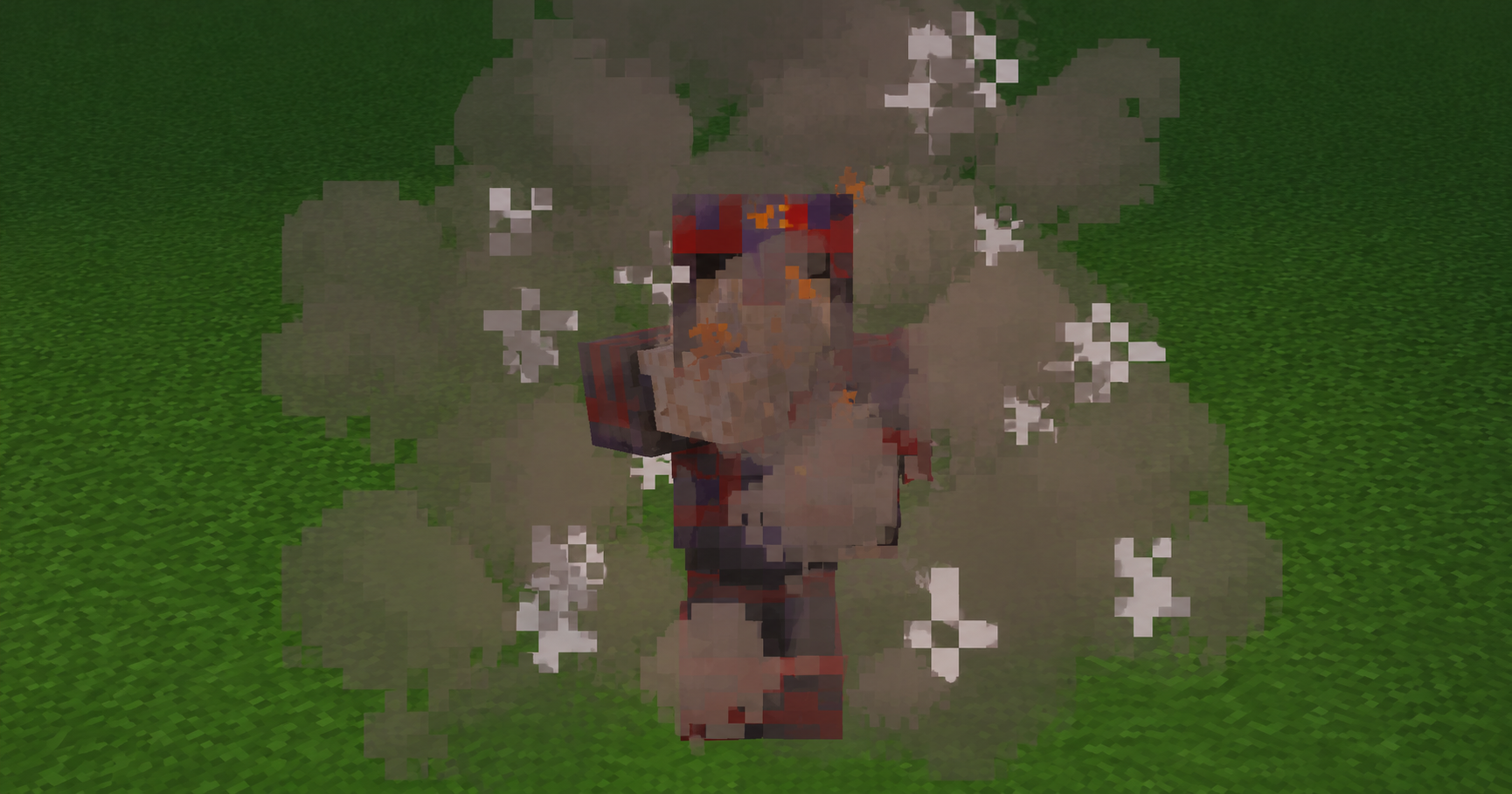
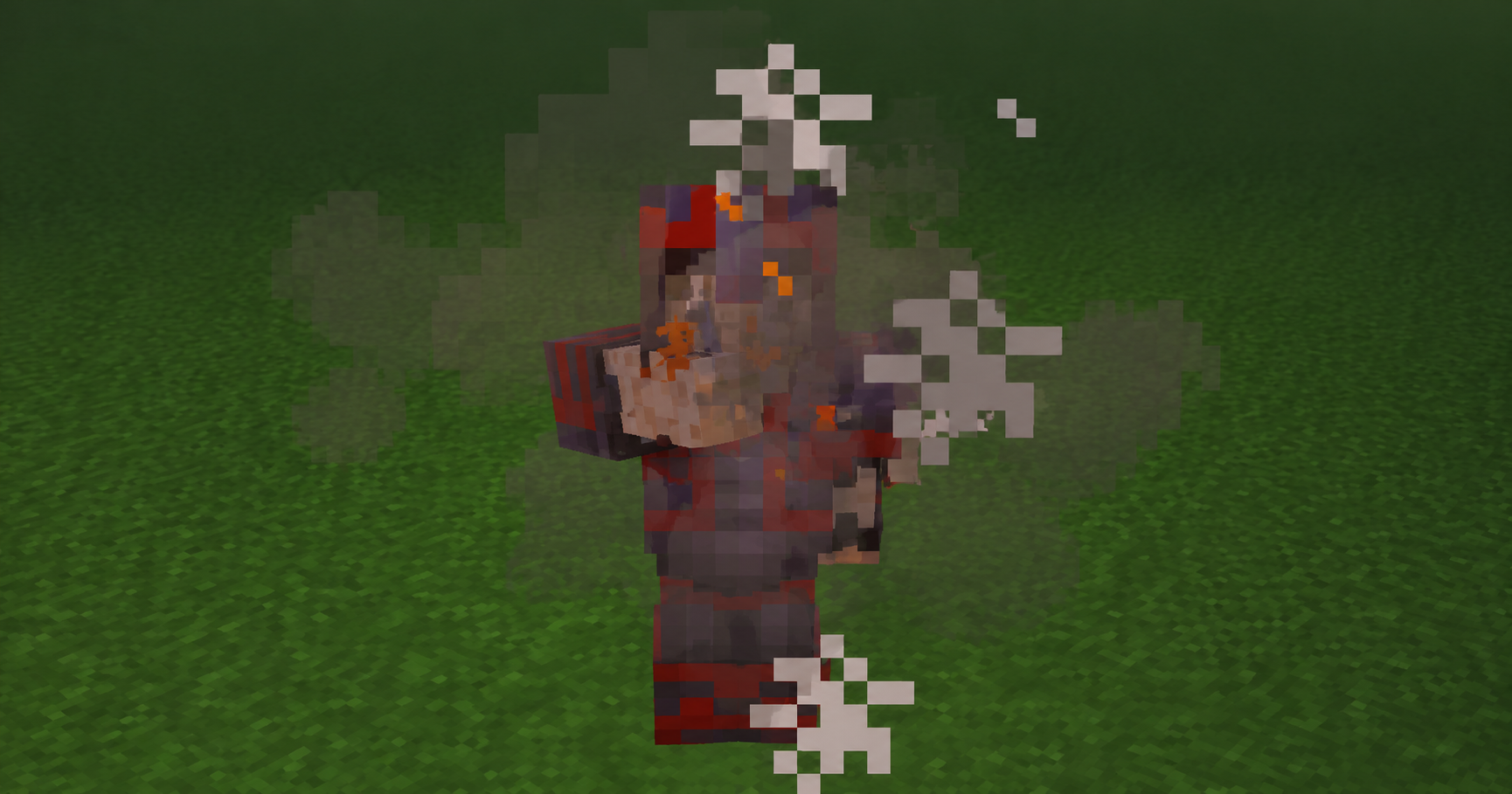
Add 25 craftable shisha flavors with custom particle effects, configurable particle density, and multiplayer support.
截图

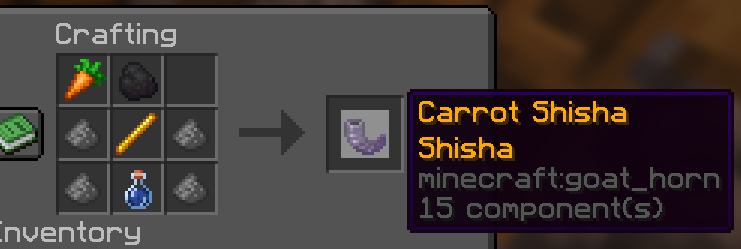
介绍
❤️ Support Future Development
This project is completely free to download and use.
Shisha Datapack was created with many hours of design, testing, and polishing. If you enjoy using it in your world or on your server, consider supporting future development.
Your support helps us:
- Create new flavors
- Add new particle effects
- Improve multiplayer features
- Keep the datapack updated for future Minecraft versions
- Develop new datapacks and content
Every bit of support is greatly appreciated and helps us continue creating free content for the Minecraft community.
☕ Support us on Ko-fi:
https://ko-fi.com/dataverse
Thank you for supporting DataVerse Studios!
Shisha Datapack
Server-side datapack. No mods or resource packs required.
Shisha Datapack adds a unique decorative and social roleplay feature to Minecraft with 25 craftable flavors, customizable particle effects, multiple particle density levels, and full multiplayer support.
Perfect for survival worlds, SMP servers, cafés, cities, roleplay communities, and social hangout areas.
Features
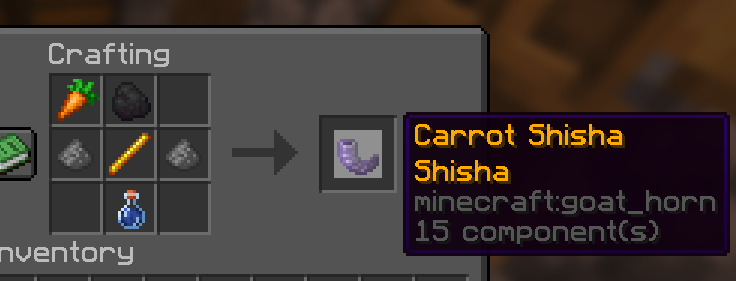
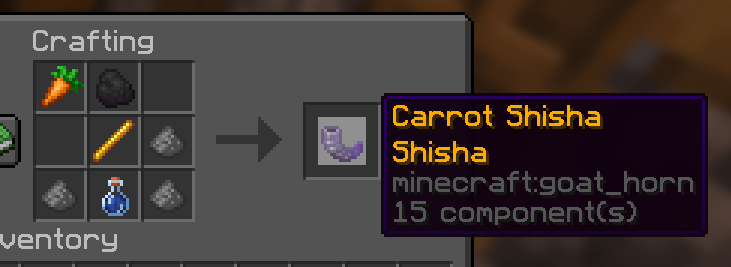
- ✅ 25 Craftable Flavors
- ✅ 4 Particle Density Levels
- ✅ Custom Particle Effects
- ✅ Survival-Friendly Crafting
- ✅ Multiplayer Compatible
- ✅ Vanilla Friendly
- ✅ No Mods Required
- ✅ Server-Side Installation
- ✅ Easy Configuration Menu
- ✅ Custom Data-Driven System
Available Flavors
Fruit Flavors
- Apple
- Golden Apple
- Melon
- Sweet Berries
- Glow Berries
- Chorus Fruit
- Popped Chorus Fruit
Plant Flavors
- Carrot
- Golden Carrot
- Beetroot
- Kelp
- Dried Kelp
- Cactus
Sweet Flavors
- Honey Bottle
- Pumpkin Pie
Crystal Flavor
- Amethyst Shard
Colored Flavors
- Red Dye
- Orange Dye
- Yellow Dye
- Green Dye
- Lime Dye
- Blue Dye
- Purple Dye
- Lapis Lazuli
- Glow Ink Sac
Total: 25 craftable flavors.
Particle Levels
The amount of Gunpowder used during crafting determines the particle density.
- Small
- Normal
- High
- Maximum
Higher levels create larger and denser particle effects.
Multiplayer
All players can see the custom particle effects, making the datapack perfect for multiplayer servers, roleplay worlds, cafés, and social builds.
Configuration
Use:
/function shisha:config
Configure:
- Particle Effects
- Particle Density
- Cooldowns
- Visual Settings
Installation
- Download the datapack.
- Place it in:
world/datapacks/
- Run:
/reload
- Start crafting and enjoy.
Compatibility
- Minecraft Java Edition 26.1+
- Singleplayer Supported
- Multiplayer Supported
- Vanilla Servers
- Realms Compatible
No mods required.
常见问题
ShishaCraft 支持哪些 Minecraft 版本?
ShishaCraft 支持 Minecraft Java 版 26.1–26.2,共 4 个版本。下载时注意选择和你游戏版本一致的文件。
ShishaCraft 怎么安装?
新建世界时在「数据包」里把下载的 .zip 拖进去;已有的存档,把文件放进存档目录下的 datapacks 文件夹,进游戏输入 /reload 即可生效。服务器同样放在世界目录的 datapacks 里。
评论
登录后评论和评分