
Fractures – Shelved
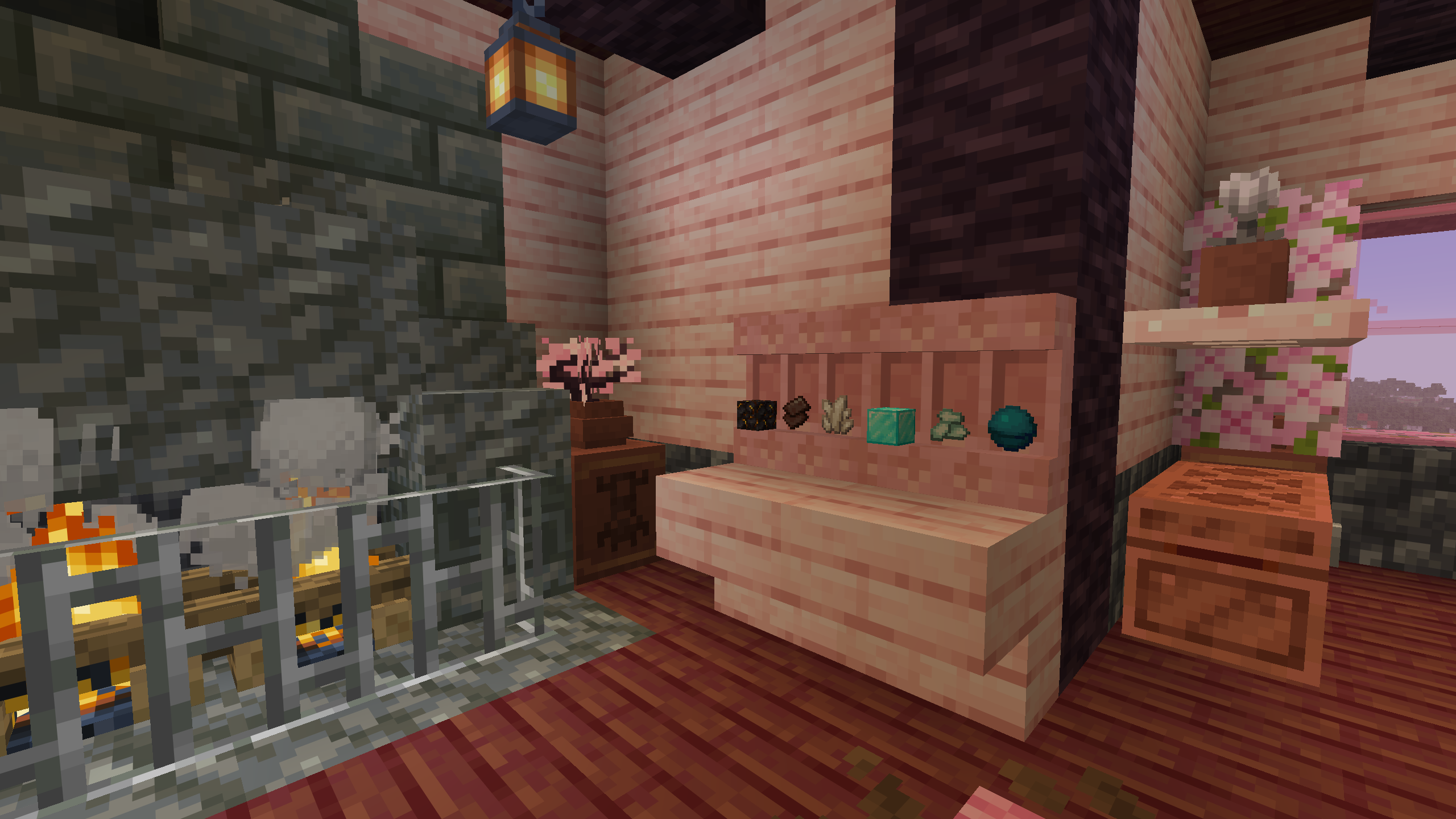
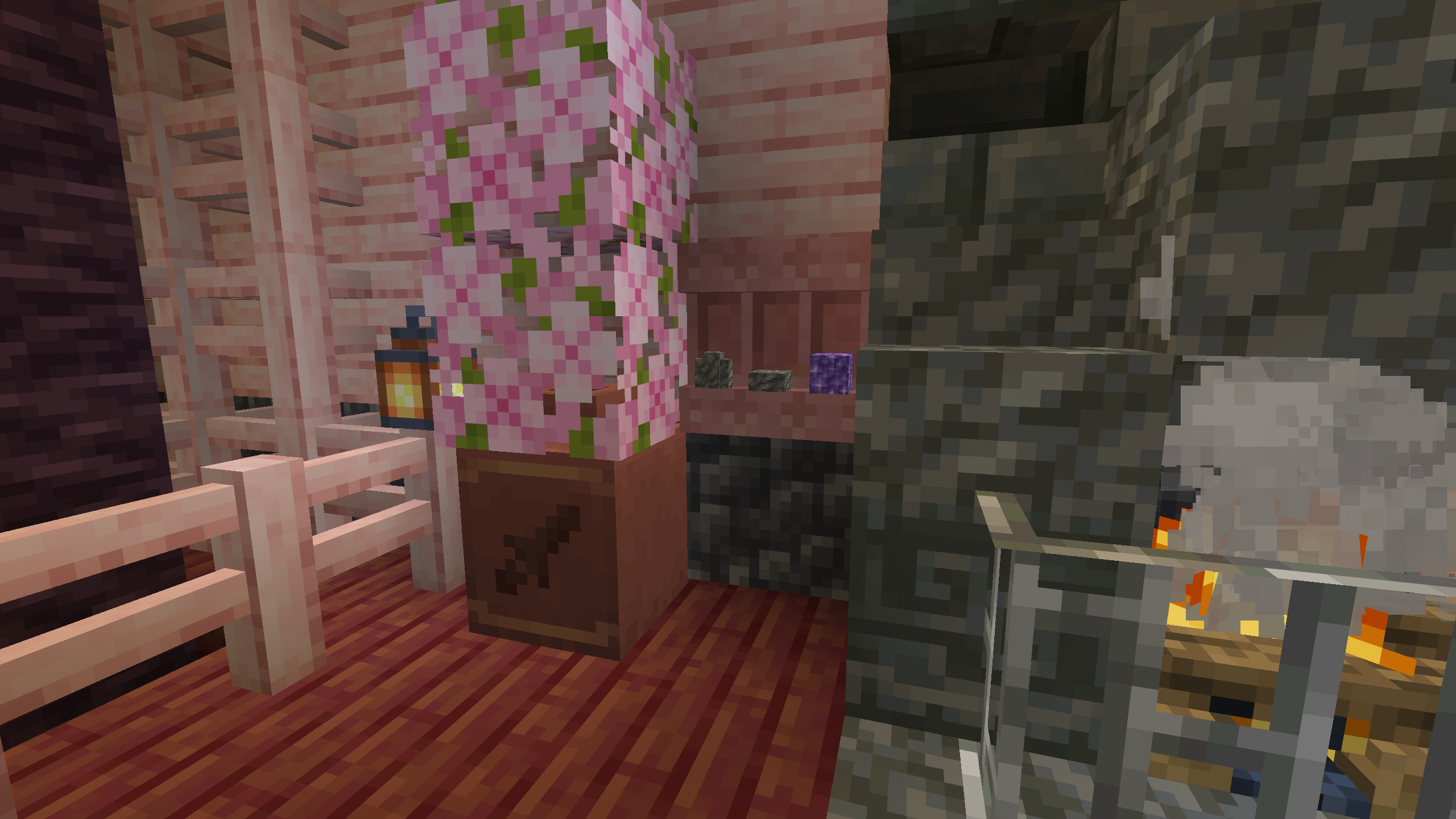
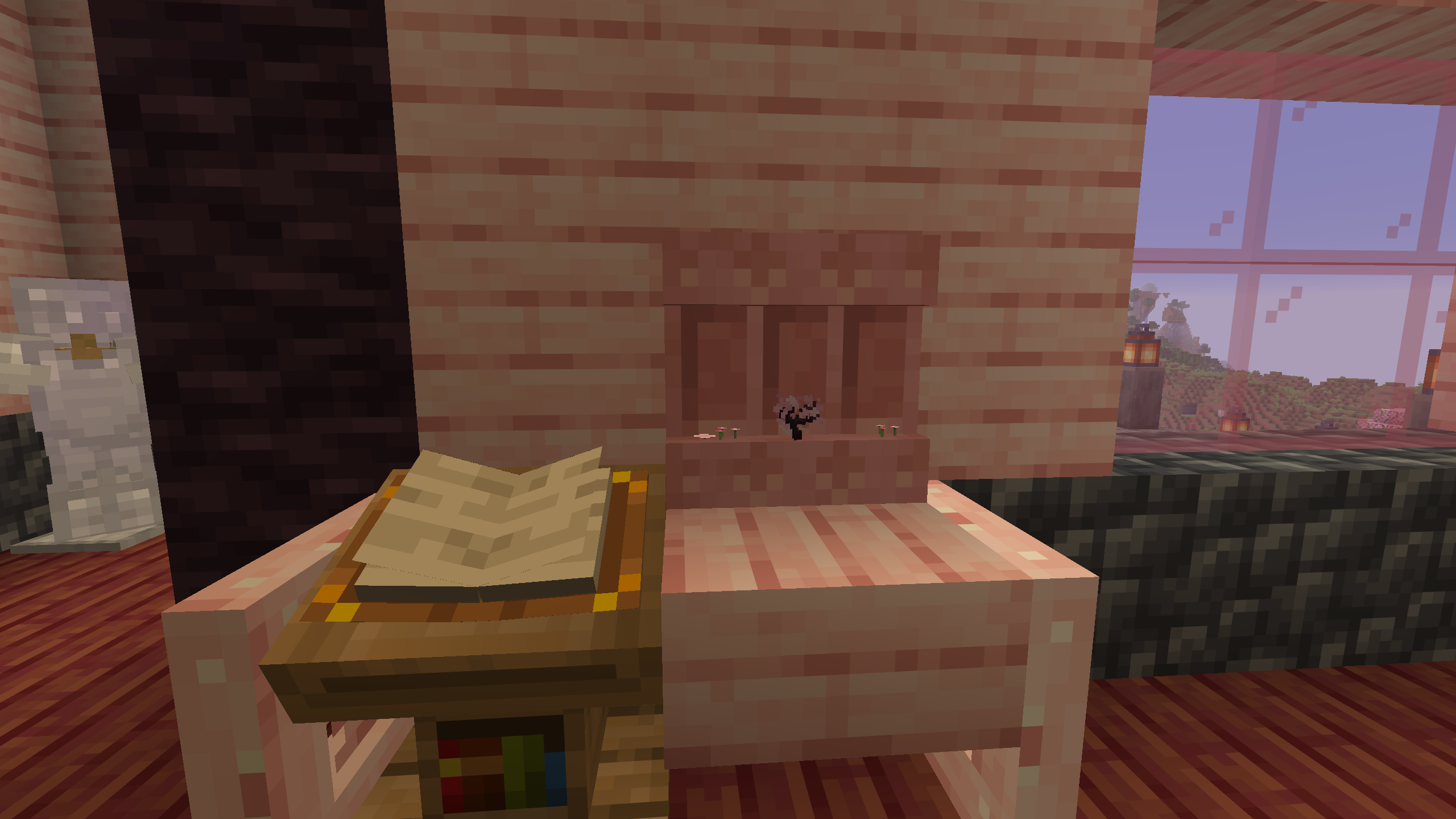
Brush your Shelves! Using a Brush on a Shelf Block allows you to change how its items are displayed.
截图
介绍
Brush your Shelves!
By using a brush on a shelf block, you can change the display position of the items in the shelf from the center to bottom, and vice versa.
_Please note that for this to work the players head must be within the same block as the shelf._
Shelved & Shelved + Resource Packs
These Resource Packs additionally make changes to the way blocks are displayed within a shelf, making them smaller (3×3 pixels instead of 4×4) and not clip into the shelf.
Shelved + adds support for other Fractures Series packs, such as vertical fence posts.
_To use the Texture Pack move the zip file to the Minecraft Resource Pack folder (User > AppData > Roaming > .minecraft > resourcepacks), right click the zip file, and select “Extract All”. The Texture Pack should now show up in Minecraft!_
_(you can also locate the folder by going to Resource Packs in the Minecraft Options and selecting the “Open Pack Folder” Button on the bottom left of the Screen, where you can then Copy/Cut & Paste the file)_
Note that this Pack only works for Minecraft: Java Edition
ALL RIGHTS RESERVED
If you’d like to use my assets in a project of yours, feel free to message me on Discord! (Rosyfia)
常见问题
Fractures – Shelved 支持哪些 Minecraft 版本?
Fractures – Shelved 支持 Minecraft Java 版 1.21.9–26.2,共 7 个版本。下载时注意选择和你游戏版本一致的文件。
Fractures – Shelved 怎么安装?
新建世界时在「数据包」里把下载的 .zip 拖进去;已有的存档,把文件放进存档目录下的 datapacks 文件夹,进游戏输入 /reload 即可生效。服务器同样放在世界目录的 datapacks 里。
Rosyfia 的其他作品
查看全部 →
Fractures 3D
3D Items Resource Pack for Minecraft

Fractures – Potions
Visually distinct Potions!
Fractures – Potions
Visually distinct Potions!

Fractures – Emblems
Resource Pack using existing & updated Emojis for Enchantment & Effect Icons!
评论
登录后评论和评分