
截图
介绍
IMPORTANT – I (AverageTaTeMan) only share my content on Planet Minecraft, Modrinth, and CurseForge. If you see this project on any other site, IT IS NOT ME AND SHOULD NOT BE TRUSTED!
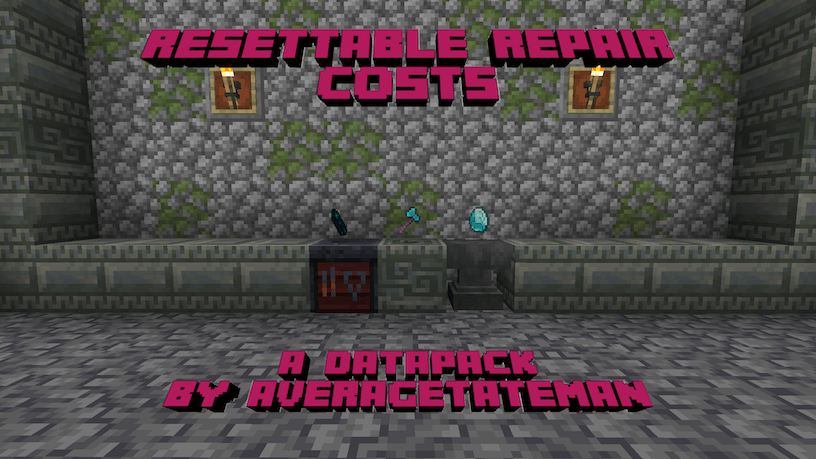
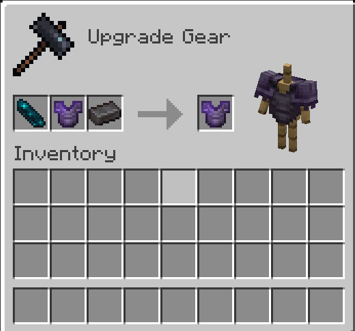
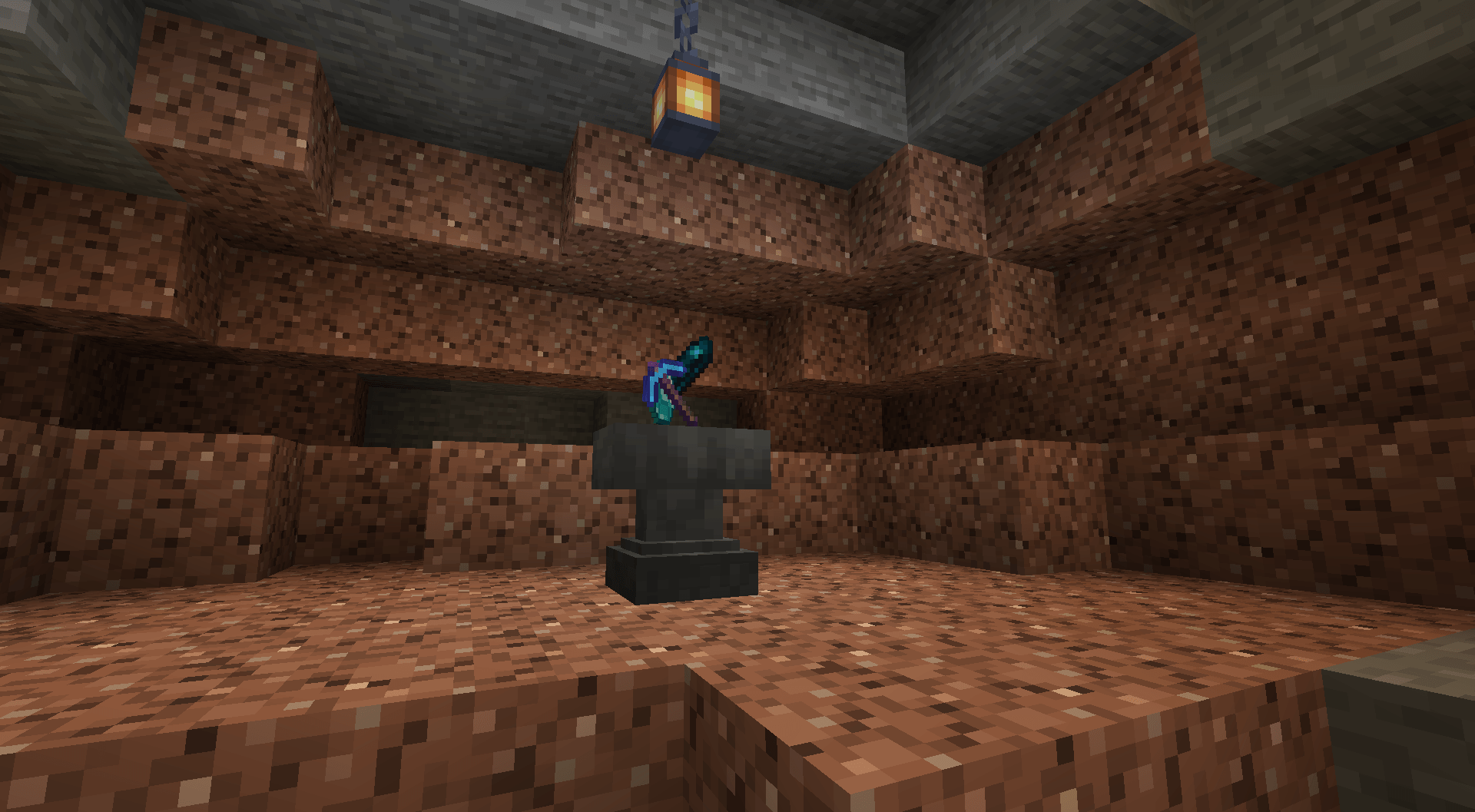
Ever had one of your beloved items say “Too Expensive” when you put it in an anvil? This Data Pack helps to avoid that pain, allowing an items repair cost to be reset by putting it in a Smithing Table with an Echo Shard and one of its repair material. Additionally, several items that didn’t have a specified repair item in an Anvil now also have one.
List of Items and Their Associated Repair Items
– Wooden Tools, Shield, Bow, Crossbow, Fishing Rod, Carrot on a Stick, Warped Fungus on a Stick: Any Wooden Planks
– Stone Tools: Cobblestone, Cobbled Deepslate, Blackstone
– Copper Tools/Armor, Brush: Copper Ingots
– Iron Tools/Armor, Chainmail Armor, Flint and Steel, Shears: Iron Ingots
– Golden Tools/Armor: Gold Ingots
– Diamond Tools/Armor: Diamonds
– Netherite Tools/Armor: Netherite Ingots
– Leather Armor: Leather
– Turtle Shell: Turtle Scutes
– Wolf Armor: Armadillo Scutes
– Elytra: Phantom Membrane
– Trident: Prismarine Crystals
– Mace: Breeze Rods
Installation Instructions to Get the Data AND Resource Packs:
1) Select “Files”

2) Select a Version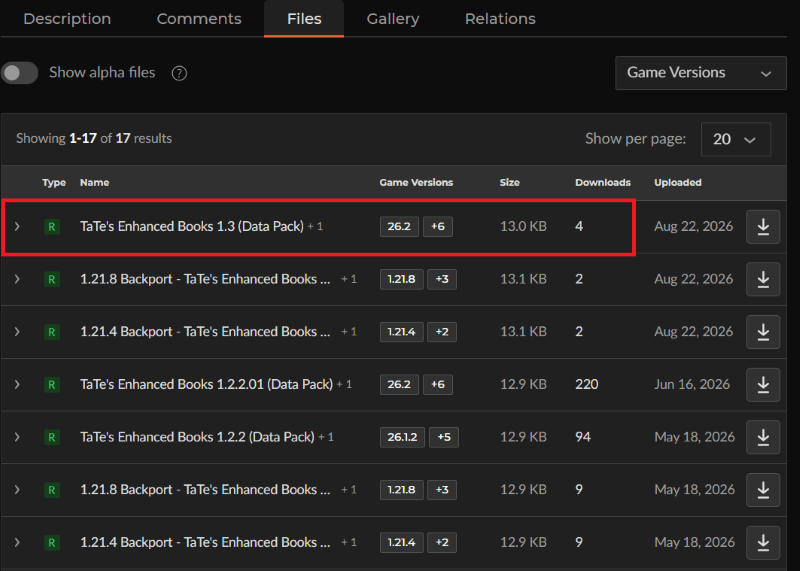
3) Click “View Full Page”
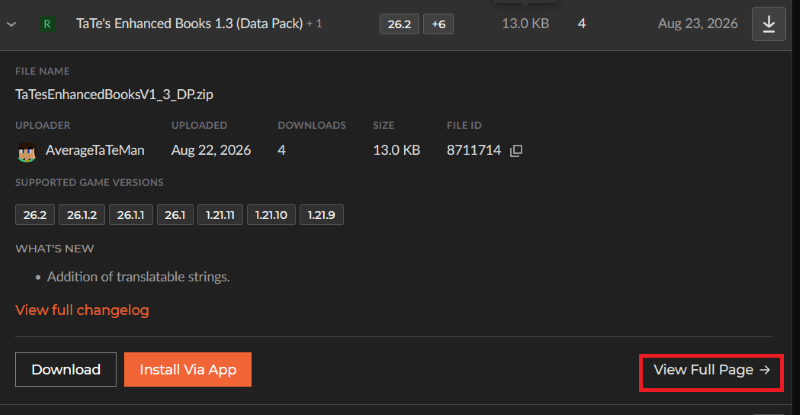
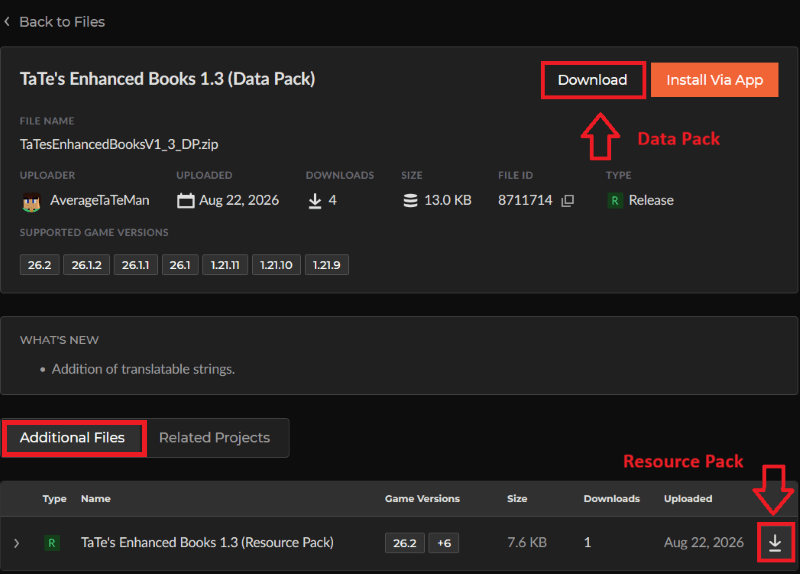
4) Click “Download” to download the data pack file, click “Additonal Files” to show the resource pack file, then click the download icon to download it, as shown below.
5) Unzip the files (optional, but recommended as that’s how I use/test them).
6) Add the resource pack to your Selected Packs (ideally at the top) in your Resource Packs menu.
7) Add the data pack to either your Selected Packs in the Data Packs menu (if adding at world creation) OR put it in your world’s ‘datapacks’ folder (if adding afterwards. Recommended to either not have world open at the time or to close and reopen it afterwards).
8) You may get a prompt about experimental settings not being supported when opening the world. This can safely be ignored, but it’s also never a bad idea to make a backup if it’s a world you care about.
常见问题
Resettable Repair Costs 支持哪些 Minecraft 版本?
Resettable Repair Costs 支持 Minecraft Java 版 1.19–26.3,共 29 个版本。下载时注意选择和你游戏版本一致的文件。
Resettable Repair Costs 怎么安装?
新建世界时在「数据包」里把下载的 .zip 拖进去;已有的存档,把文件放进存档目录下的 datapacks 文件夹,进游戏输入 /reload 即可生效。服务器同样放在世界目录的 datapacks 里。
AverageTaTeMan 的其他作品
查看全部 →
TaTe’s Extra Trims
20 New Trim Patterns and 52 New Materials That Can Be Utilized Using Various Items + Extra Functionality for Modifying Trims!

TaTe’s Extra Armors and Elytras
Craft and Use New Armor Sets and Elytras!

MiniMobToys
Get Miniature Toy Versions of Your Favorite Mobs!

Resettable Vaults
Reset Vaults So That the Same Player Can Loot Them Multiple Times!
评论
登录后评论和评分