
截图
介绍
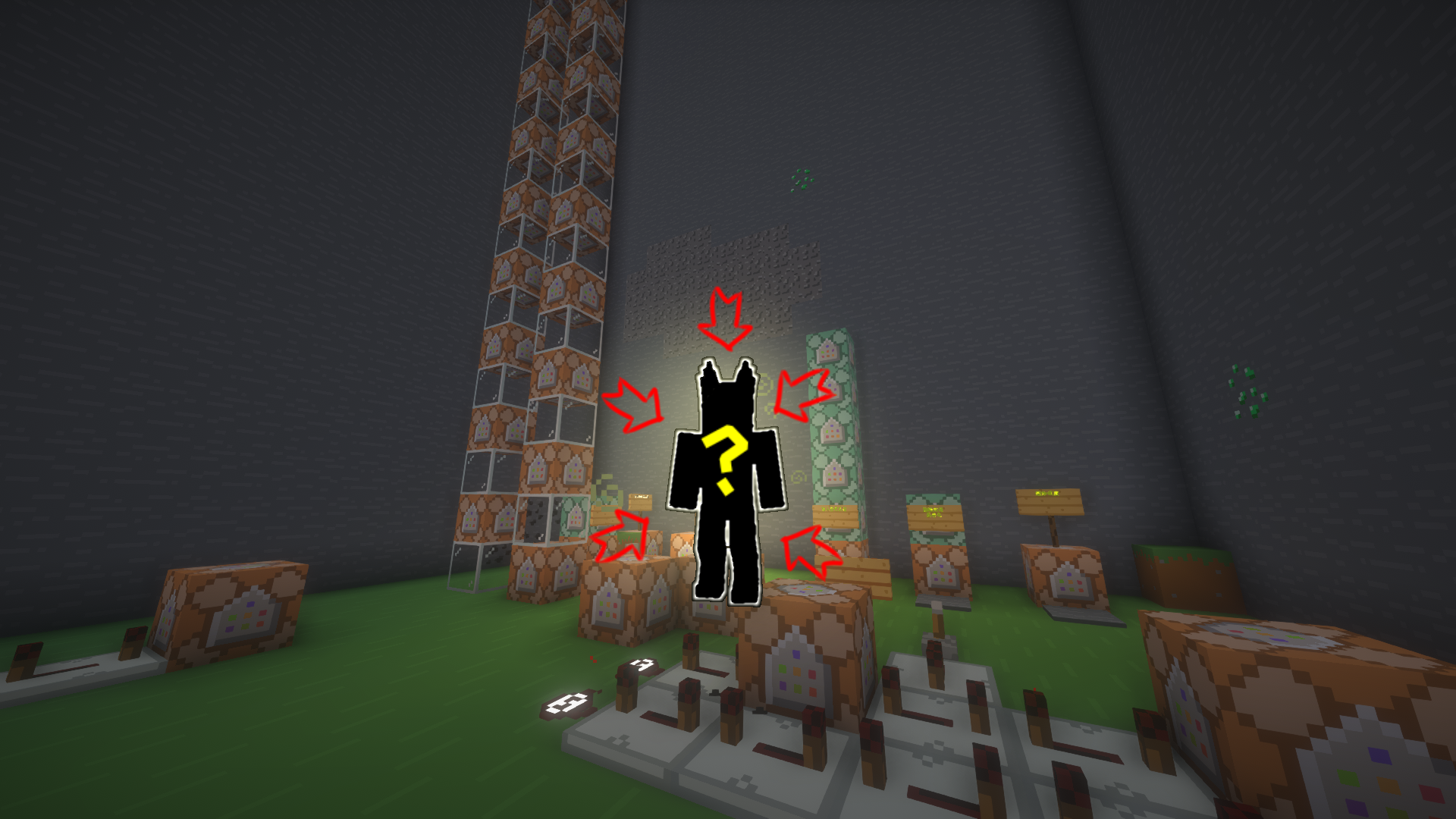
Changed Random Transfur Datapack
🔧 Features
Enhanced compatibility with [Changed Mod] for dynamic transfur gameplay
🎮 Game Modes
| Mode | Description |
|————|——————————————–|
| Random | Triggers random transfur at configurable intervals |
| Kill | Random transfur after killing mobs |
| XP | Transfur occurs when gaining/losing XP |
| Day | Daily transfur at Minecraft midnight |
⚙️ Configuration Options
- Grace Period System
- Disables random transfur for new players (defaults to Boss 009 transfur)
- Configurable duration and toggle
- Starter Kit
- Grants configurable items on first spawn
- Transfur Filter
- Whitelist/blacklist specific transfur types
📥 Installation
Dependencies
- Required:
- [Changed] 0.14+
- [Changed Addon Plus] 2.6.5.6+
Installation Steps
- Download the
.zipdatapack file - Either:
- Place in world’s
datapacksfolder, or - Drag into “Data Packs” during world creation
- In-game: Execute
/reloadto initialize
🛠️ Commands
/function random_transfur:help– Configuration UI/function random_transfur:load– Reset all
Note: Server OPs required to modify settings in multiplayer
= = =
随机兽化数据包
🔧 功能
需搭配[Changed Mod]实现多种兽化模式
🎮 兽化模式
| 模式 | 描述 |
|————|————————————–|
| 随机 | 按设定时间间隔随机兽化 |
| 击杀 | 击杀生物后触发兽化 |
| 经验 | 经验值变化时兽化 |
| 每日 | 每个游戏日黎明时自动兽化 |
⚙️ 配置选项
- 新手保护
- 保护期内免疫随机兽化(默认兽化类型:Boss 009)
- 可设置持续时间及开关
- 初始物品
- 首次进入游戏时给予预设物品
- 兽化类型过滤
- 可禁用特定兽化形态
📥 安装指南
必要组件
- 必须安装:
- [Changed] 0.14+~~~~
- [Changed Addon Plus] 2.5.6.5+
安装步骤
- 下载
.zip格式数据包 - 选择以下任一方式:
- 放入存档的
datapacks文件夹,或 - 创建世界时通过”数据包”界面拖入
- 游戏中执行
/reload加载配置
🛠️ 指令列表
/function random_transfur:help– 打开设置菜单/function random_transfur:load– 重置
注意: 多人游戏中需OP权限修改配置
常见问题
Random Transfur Datapack 支持哪些 Minecraft 版本?
Random Transfur Datapack 支持 Minecraft Java 版 1.18.2。下载时注意选择和你游戏版本一致的文件。
Random Transfur Datapack 怎么安装?
新建世界时在「数据包」里把下载的 .zip 拖进去;已有的存档,把文件放进存档目录下的 datapacks 文件夹,进游戏输入 /reload 即可生效。服务器同样放在世界目录的 datapacks 里。
评论
登录后评论和评分