
Pool and Billiards
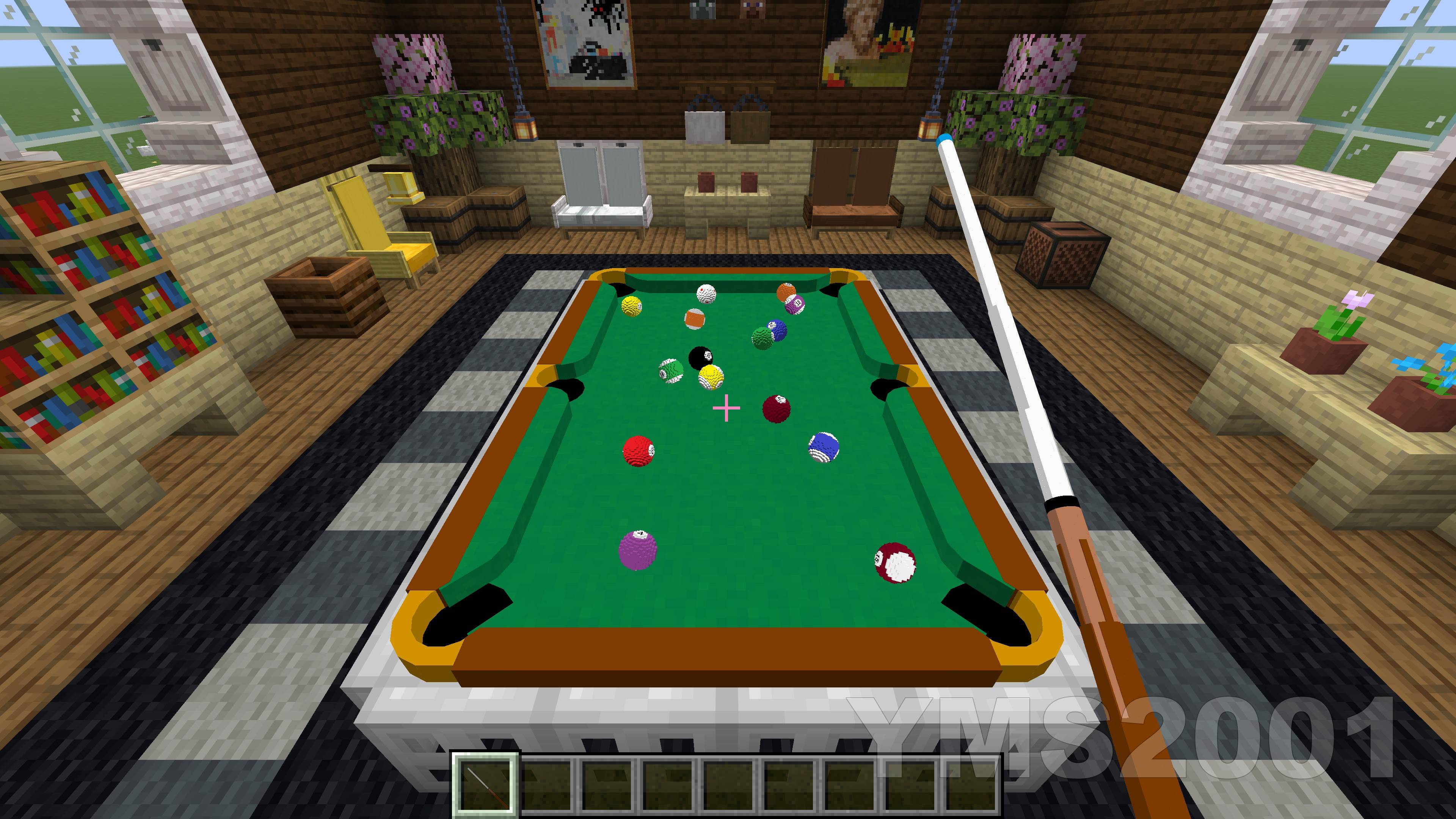
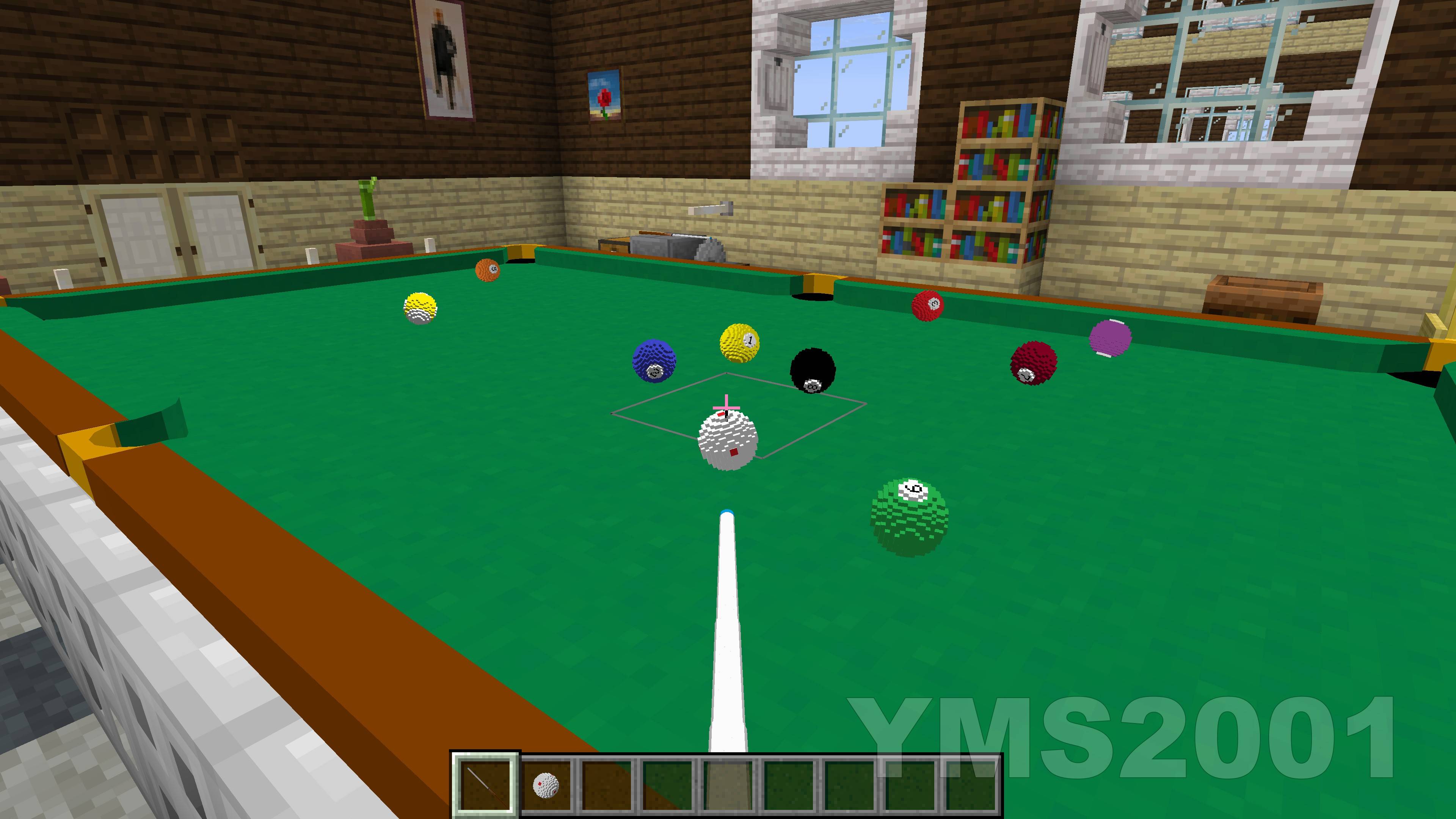
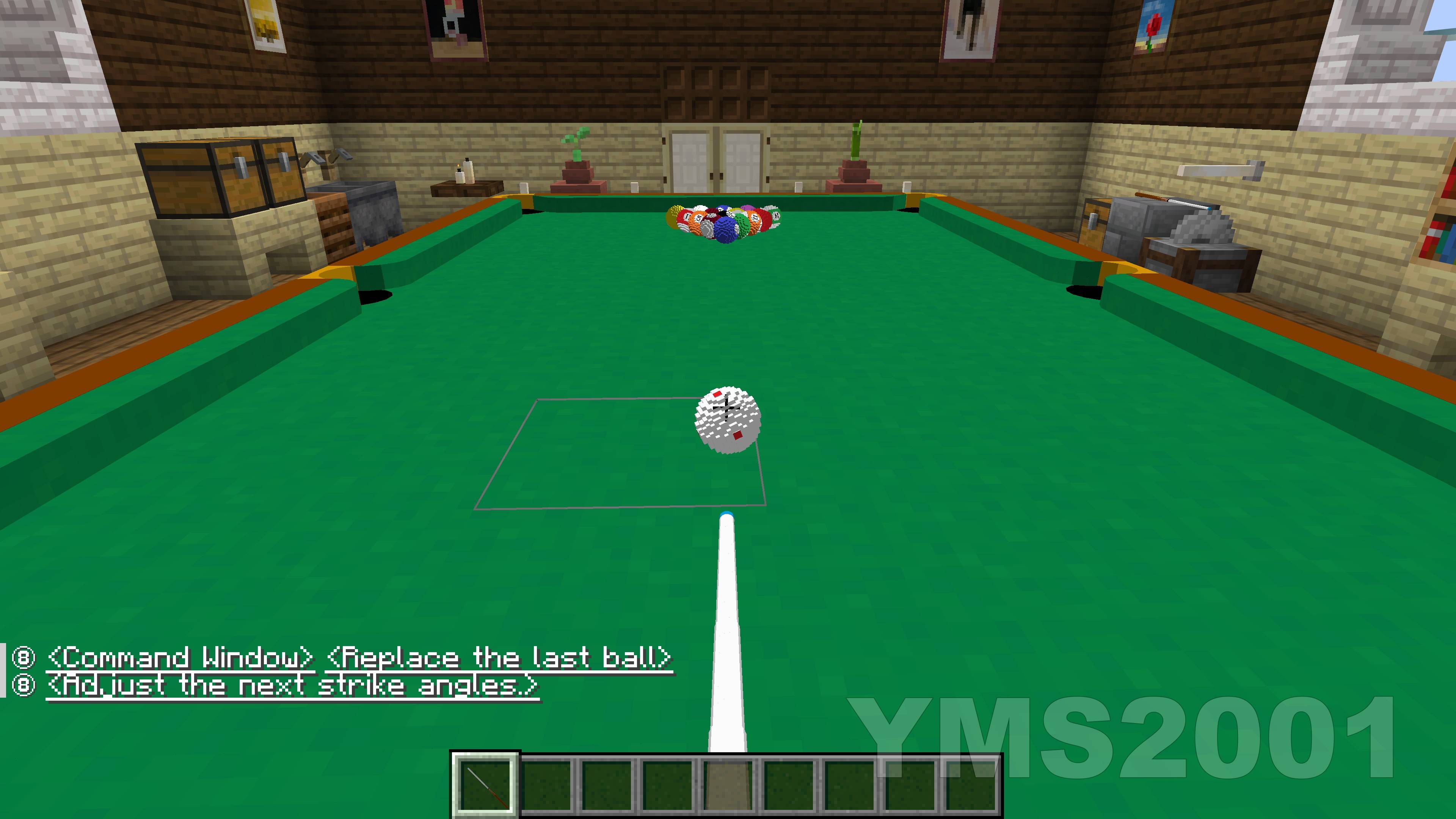
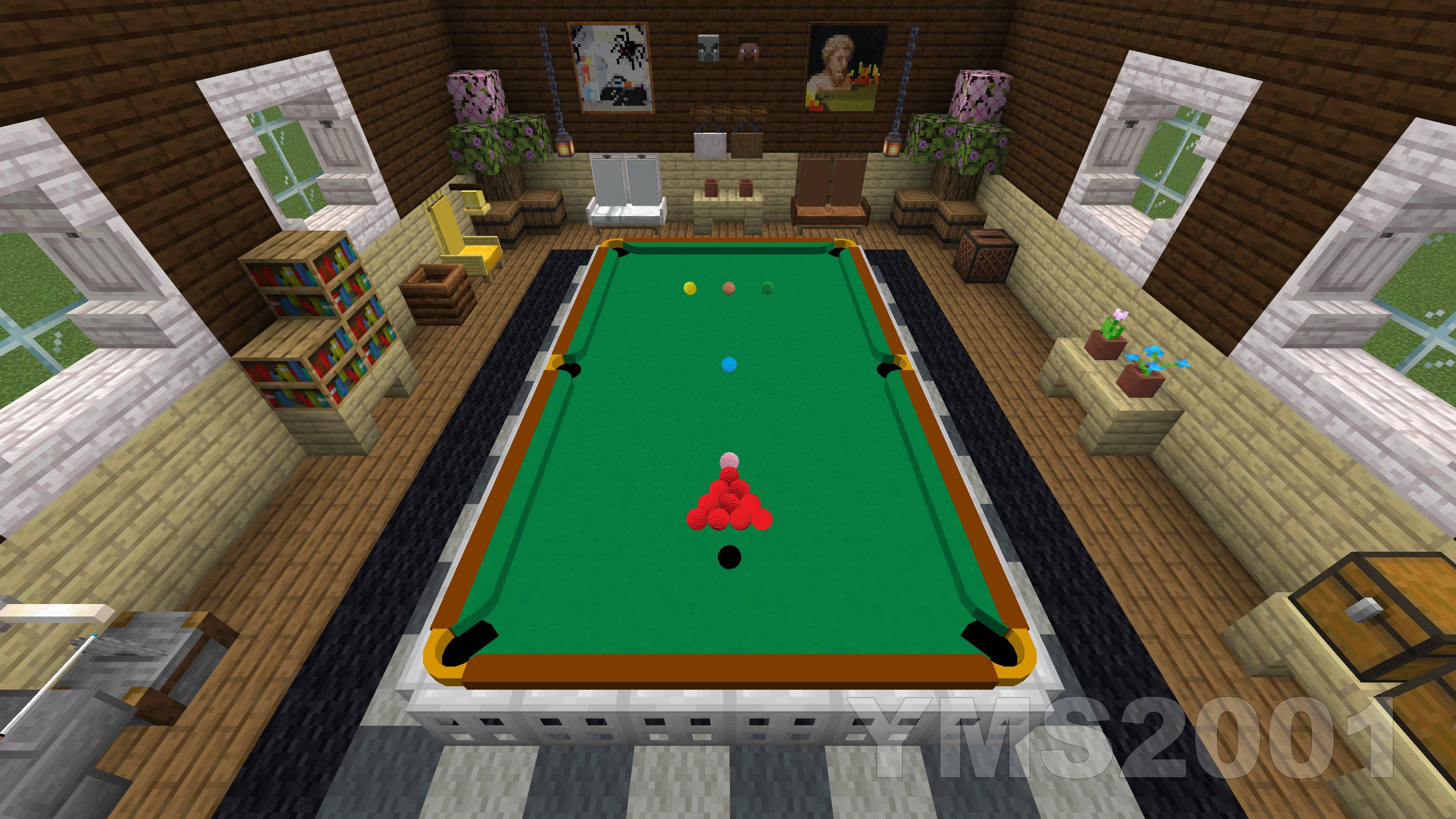
Immersive, fully playable single and multiplayer pool games built entirely in Vanilla Minecraft.
截图
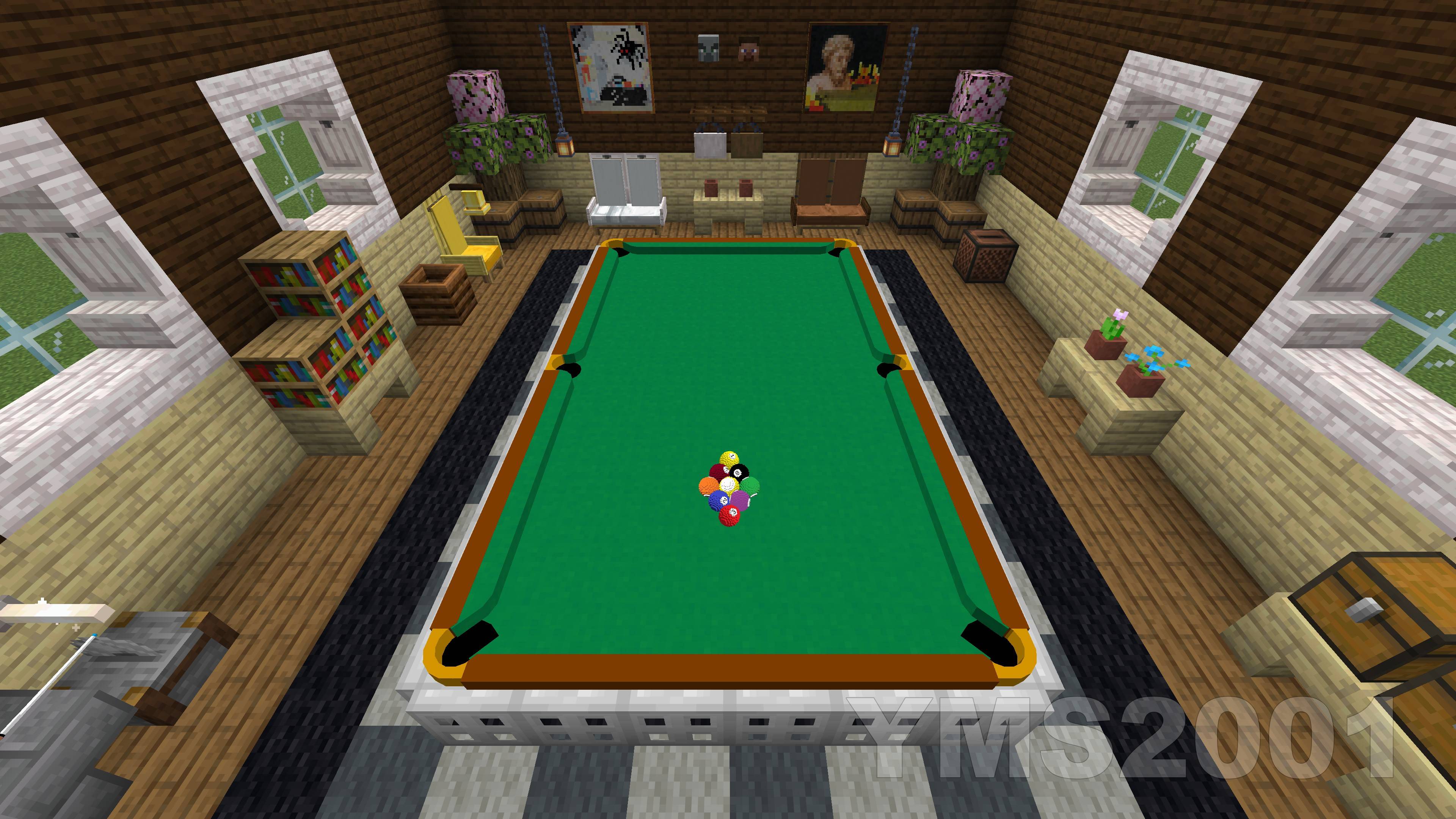
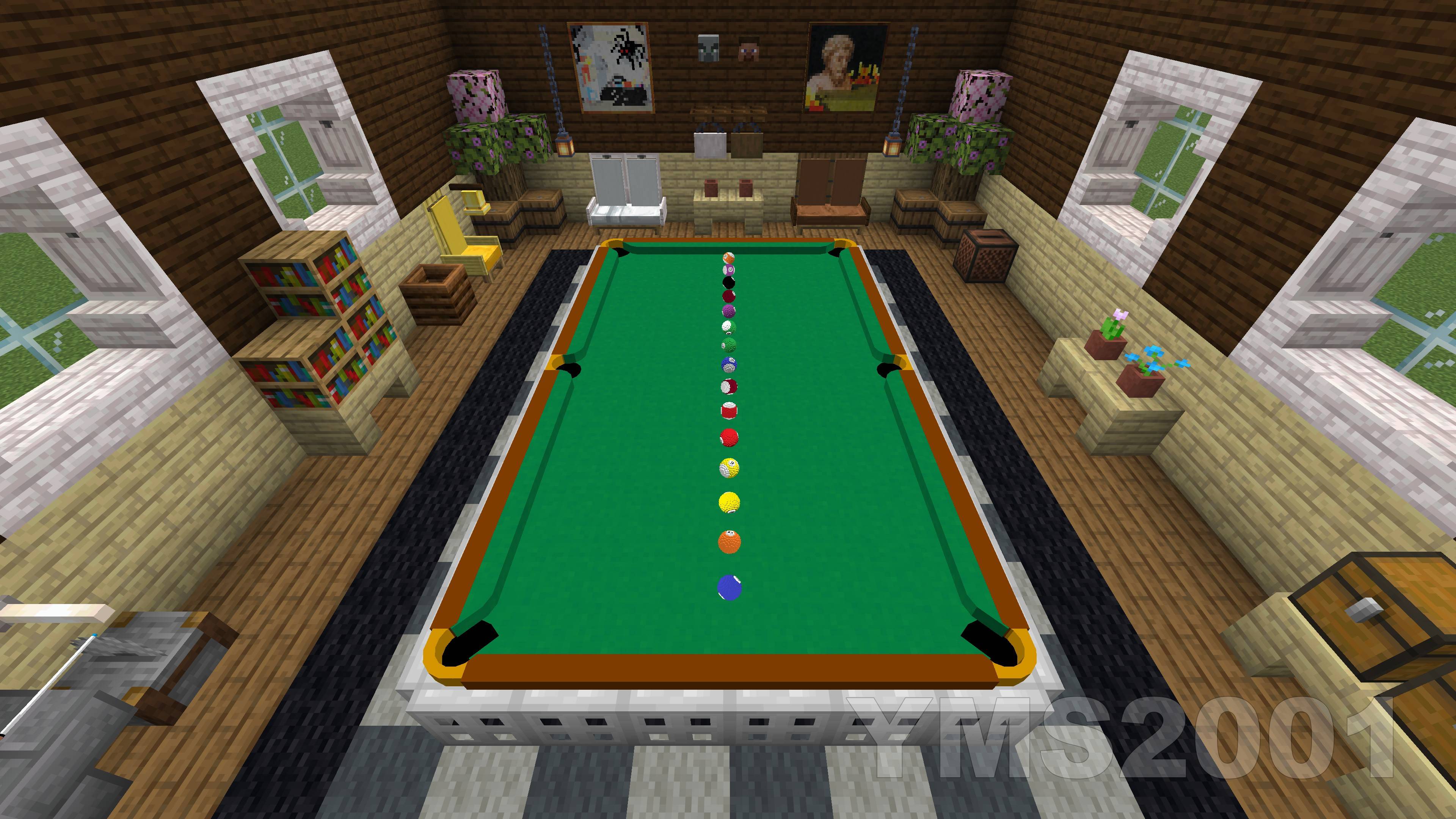
介绍
Pool and Billiards Datapack by YMS2001
It got a website for all info you need!
Dependencies
This datapack depends on the following components:
- Required — Pool and Billiards Resource Pack
Make sure all required components are installed and enabled before use.
请使用GitHub链接查看中文版使用说明和近期改动总结
https://github.com/MingshiYangUIUC/Pool-Minecraft-Squid-Workshop-Project
About
This datapack is designed for Minecraft players who enjoy cue sports.
Here, pool broadly refers to cue sports including Snooker, 8-Ball, 9-Ball, and related variants.
The datapack supports single-player and two-player gameplay in Minecraft Java Edition 1.16+.
Supported game modes:
- Snooker
- UK 8-Ball
- Generic 8-Ball
- 9-Ball
- Rule-free practice mode
Installation
1. Download the following for the correct game version
- Pool Datapack
- Pool and Billiards Resource Pack
2. Locate your Minecraft directory
On Windows this is usually:
C:/Users/YourUserName/AppData/Roaming/.minecraft3. Install the resource pack
Move Pool Resource Pack into:
.minecraft/resourcepacks4. Install the datapacks
Open the world folder where you want to install the datapacks:
.minecraft/saves/<your world>/datapacksMove both files into this folder:
- Pool Datapack
Each world requires its own copy of the datapacks.
5. Start Minecraft and open the world
6. Enable the resource pack
Esc -> Options -> Resource PacksMove Pool Resource Pack to the enabled side.
7. Run the following command
/reload8. Recommended setting
/gamerule maxCommandChainLength 131072Or max_command_sequence_length depending on version.
9. Enjoy
Here are a few helpful commands.
- Open command window directly without clicking any buttons in chat.
/function app:help/pool/commandwindow - Run the loading function, in case you want to troubleshoot / check missing settings and don’t want to run
reload.
/function pool:classes/main/load - Terminate a game without using command window.
/function pool:classes/lobby/terminate_helper - Remove a table without using command window.
/function pool:classes/table/clear
Included Mechanics
This datapack includes the following systems:
- Simplified Newtonian physics simulation for pool balls
- Neural network-based rack simulation during the break
- Simplified match setup and game rules
- Chat-based GUI for convenient interaction; most actions are done with the mouse
- Support for English and 简体中文
For performance and clarity, the simulation omits some real-world effects such as friction between pockets and balls, cushion deformation, and other minor physical complexities.
Additional Information
Full documentation, installation and usage guides, and source code are available here:
https://github.com/MingshiYangUIUC/Pool-Minecraft-Squid-Workshop-Project
Compatibility Note
For Minecraft versions before 1.21, you may need to edit pack.mcmeta to remove the compatibility warning.
The datapack content is mostly identical across supported versions, so adjusting this single file is usually easier than maintaining multiple nearly identical copies.
Please refer to the Pack Format documentation and update pack.mcmeta according to your Minecraft version:
常见问题
Pool and Billiards 支持哪些 Minecraft 版本?
Pool and Billiards 支持 Minecraft Java 版 1.16–26.3,共 40 个版本。下载时注意选择和你游戏版本一致的文件。
Pool and Billiards 怎么安装?
新建世界时在「数据包」里把下载的 .zip 拖进去;已有的存档,把文件放进存档目录下的 datapacks 文件夹,进游戏输入 /reload 即可生效。服务器同样放在世界目录的 datapacks 里。
YMS2001 的其他作品
查看全部 →
Pool and Billiards
记得安装资源包!这是 Minecraft Java 版中最先进的开源台球游戏之一,拥有逼真的物理效果、斯诺克、八球、九球、多人游戏和 AI 对手。

Pool and Billiards Resourcepack
适用于台球数据包。请匹配相同的次版本系列,例如 v1.3.x 资源包搭配 v1.3.x 数据包。请匹配相同子版本系列,例如 v1.3.x 资源包搭配 v1.3.x 数据包。

Pool Table and Billiards Balls
The Resourcepack for Pool and Billiards Datapack

Scoreboard Math Datapack
The Math Datapack provides math utility functions. Contains pure scoreboard operations without using entities. Powers the Pool and Billiards Datapack.
评论
登录后评论和评分