
The Patchwork Datapack – TARDIS
The Patchwork adds content from DrWho and content that would fit at its place, timey wimey sci-fi stuff!
截图

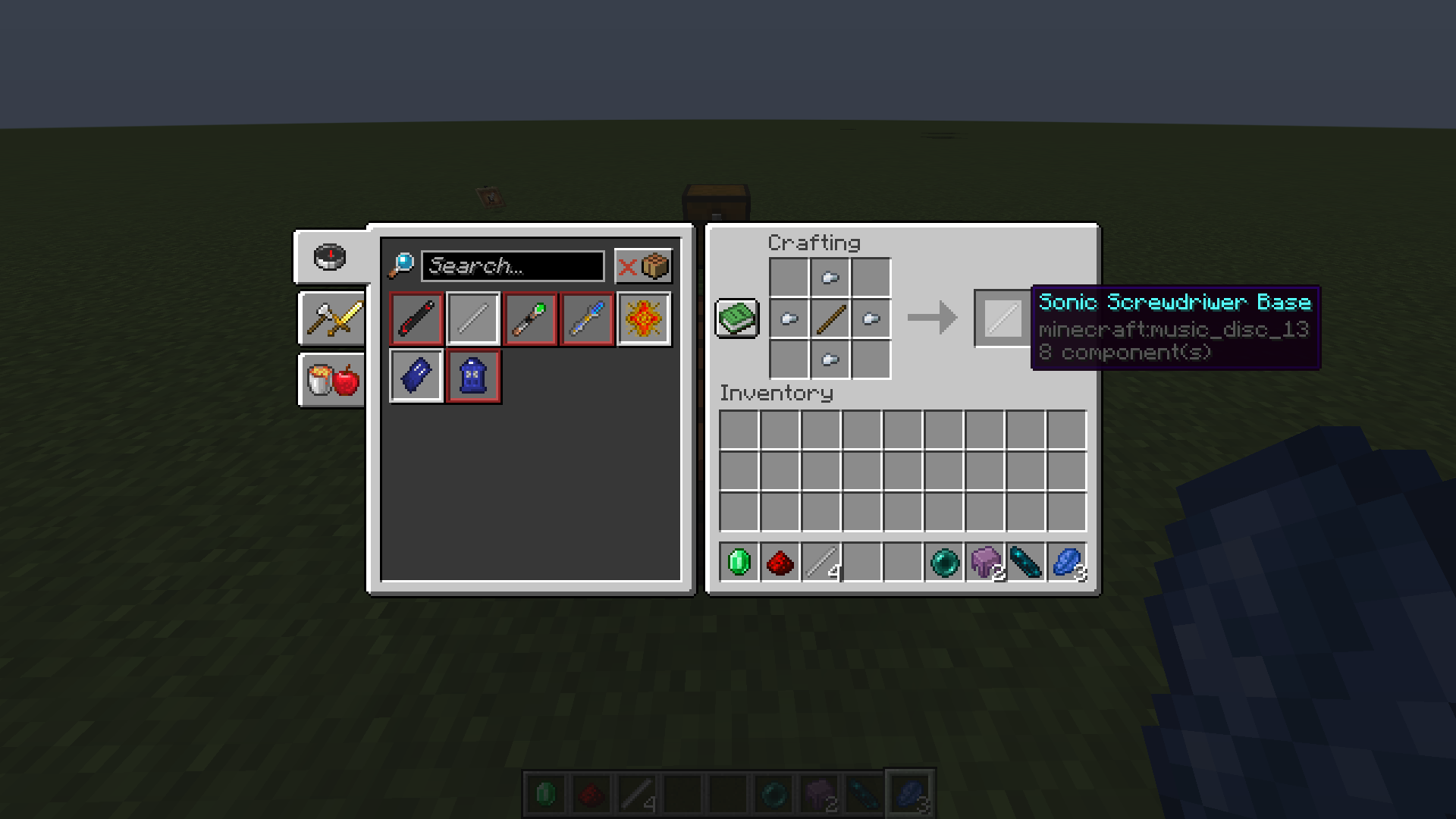


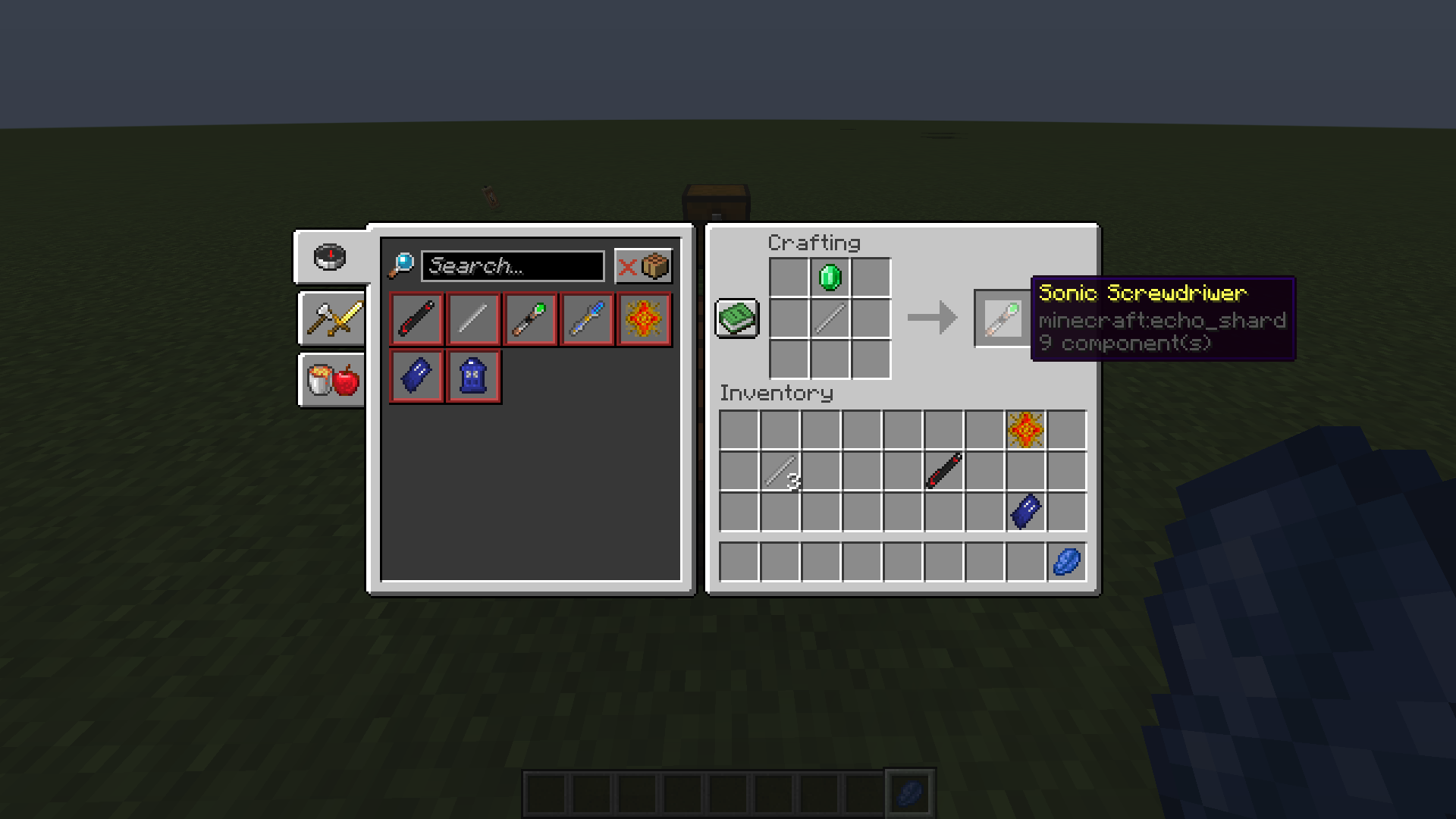
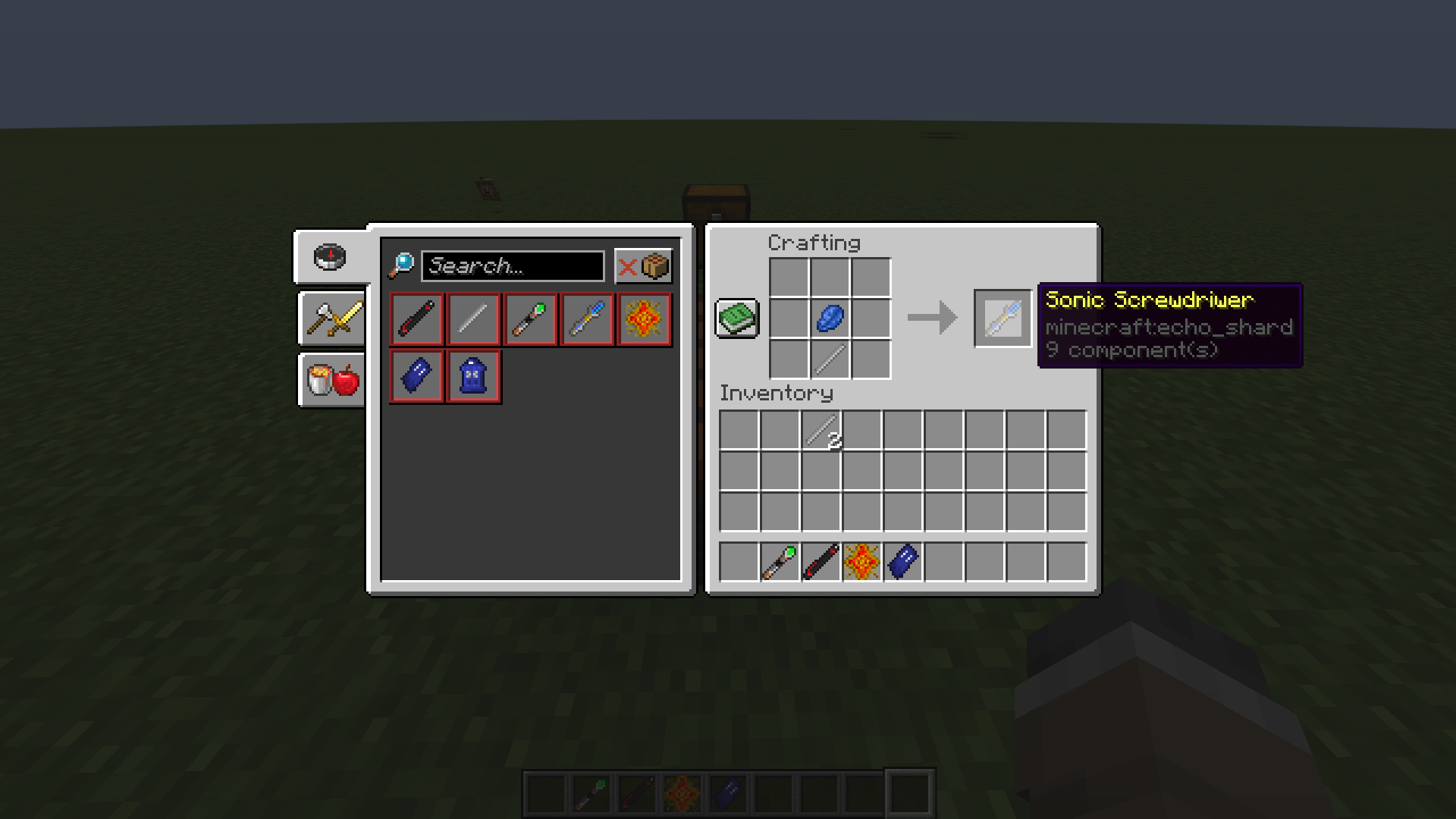
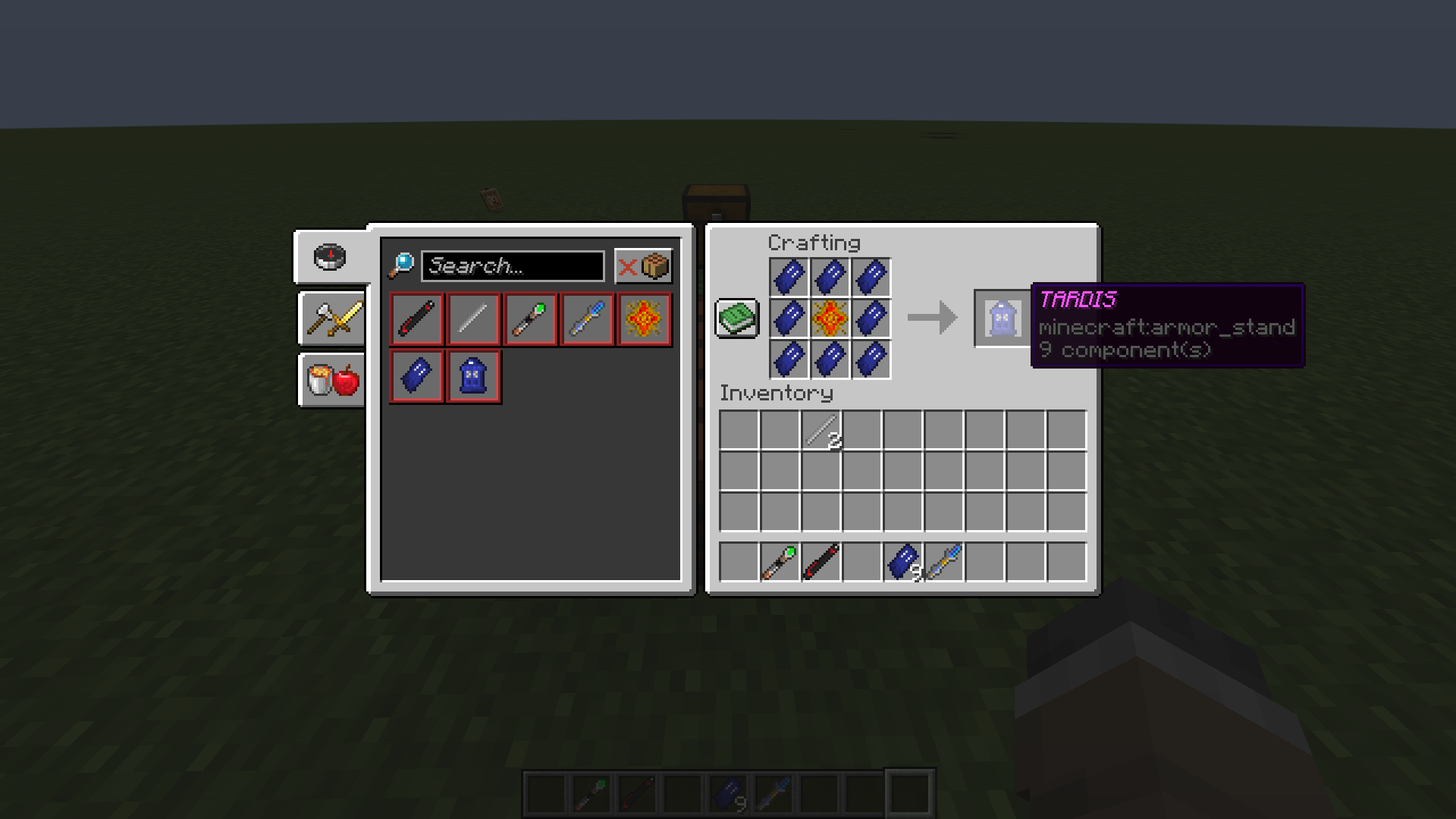


介绍
The Patchwork Datapack
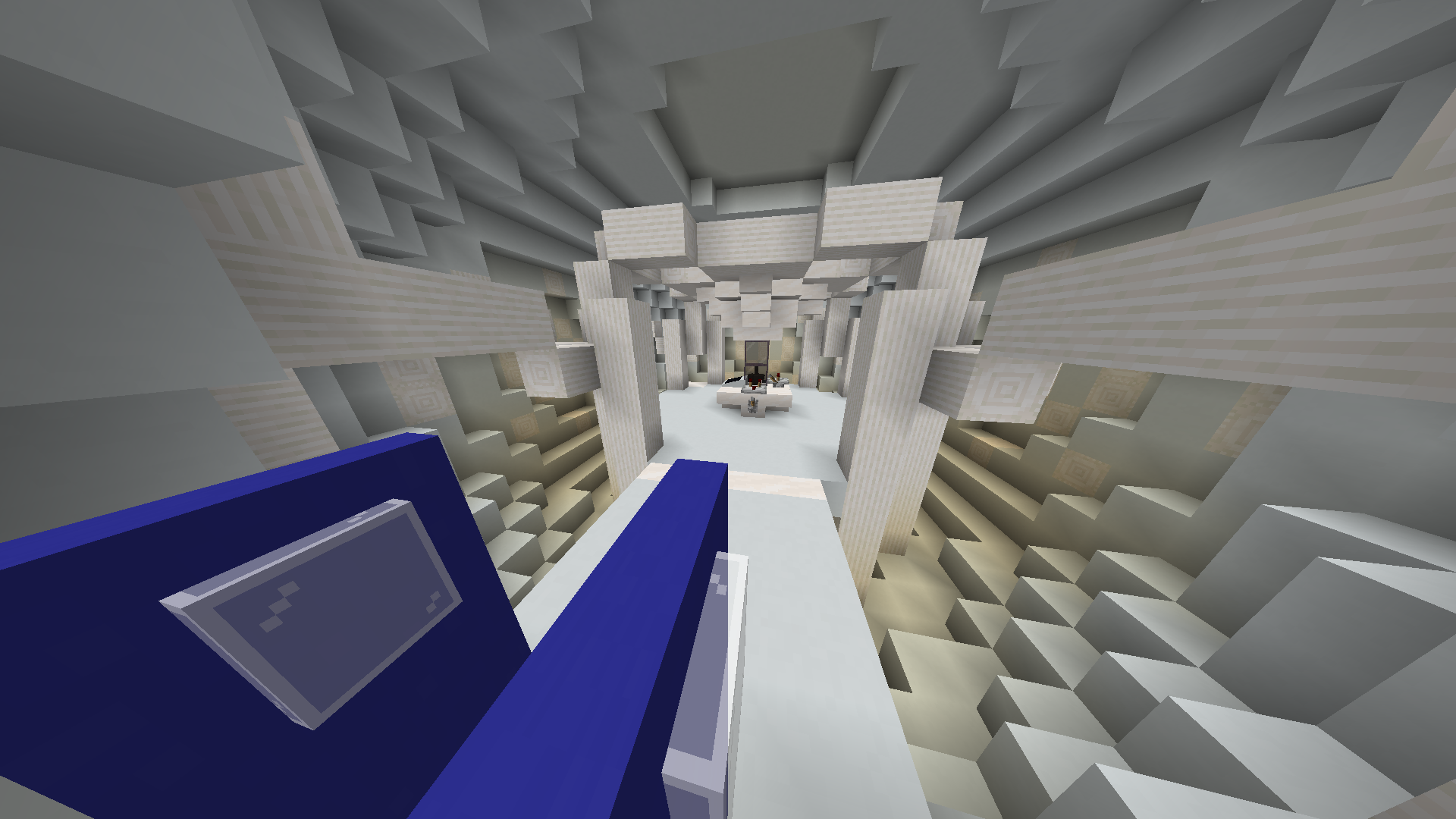
The Pathcwork is a Datapack adding TARDIS Ship from Doctor Who and is planed to have more immersive content in the future. Have a Functional TARDIS Ship only DataDriven!
Because modrinth or me does something wrong with Datapacks, i made a little tutorial
How to Install
To Load in the datapack into your world you need to put this datapack from
/profiles/<yourinstancename>/datapack/
to:
/profiles/<yourinstancename>/saves/<yourworldname>/datapacks/
This is because though you download the datapack onto your modfinth profile, it does not load in the world when creating.
After loading the datapack you need to enable it with Commands with premissions enabled \
/datapack enable "file/ThePatchwork.zip" (it should autocomplete)
The texture pack is not available yet! it does not install automaticly with the datapack so item textures are gonna be wierd…
The Patchwork Datapack


Content List
The Patchwork Datapack curently has only 2 items in its contents list:
Content List
The TARDIS Capsule
Use the Interface to Control the Coordinates of travel, Doors, check players in the capsule, and Travel to set coordinates!
The Sonic Screwdriver
use the sonic with right-click, and change the mode with crouch right-click.
The sonic has only one mode working for now, TARDIS Tool – which can summon the Tardis Capsule to your location from anywhere in the overworld!
Disclamer – Liscense and IP Info
Worth to note i DO NOT OWN any Doctor Who Content Like The TARDIS and The Sonic Screwdriver, as well as their Sound Design. Doctor Who IP Belongs to BBC
常见问题
The Patchwork Datapack – TARDIS 支持哪些 Minecraft 版本?
The Patchwork Datapack – TARDIS 支持 Minecraft Java 版 1.21.1。下载时注意选择和你游戏版本一致的文件。
The Patchwork Datapack – TARDIS 怎么安装?
新建世界时在「数据包」里把下载的 .zip 拖进去;已有的存档,把文件放进存档目录下的 datapacks 文件夹,进游戏输入 /reload 即可生效。服务器同样放在世界目录的 datapacks 里。

评论
登录后评论和评分