
截图
介绍
Do you want to convert your precious resources back to ores, for easier storage and transportation? Do you wish you could use different methods to create the ores, such as crafting, cutting, or smelting? Do you want to learn and use the recipes in a simple and intuitive way, with the help of the recipe book and the advancements system? If you answered yes to any of these questions, then this data pack is for you!
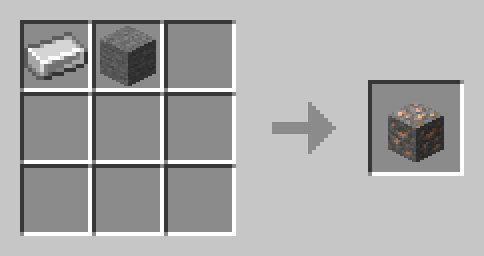
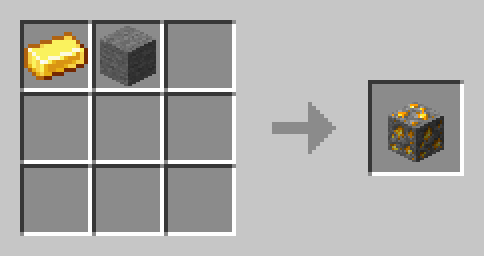
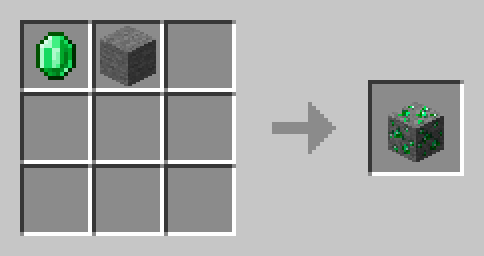
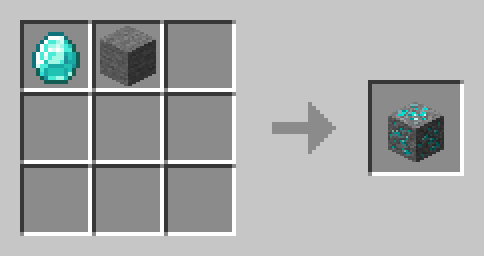
This data pack adds recipes to convert the ore resources back to the ores, allowing you to store and transport them more efficiently. You can use the crafting table, the stonecutter, or the blast furnace to create the ores from the resources. The recipes are balanced and compatible with other data packs that add new ores or resources. The data pack also integrates with the recipe book and the advancements system, so you can easily learn and use the recipes.
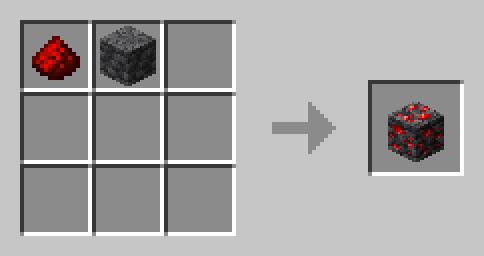
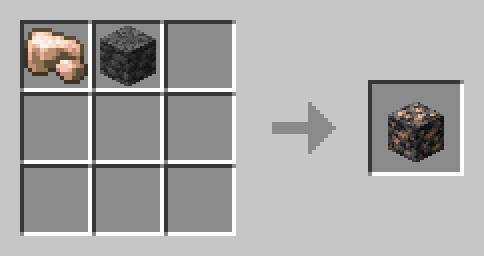
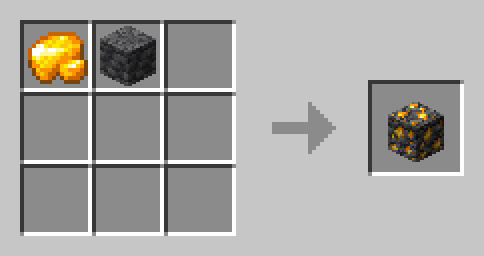
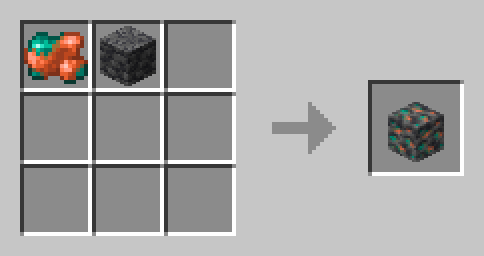
The data pack supports the following resources and ores:
- Coal -> Coal Ore
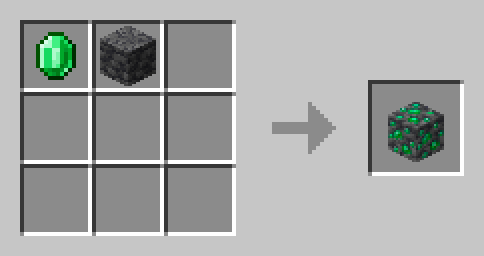
- Emerald -> Emerald Ore
- Netherite Scrap -> Ancient Debris
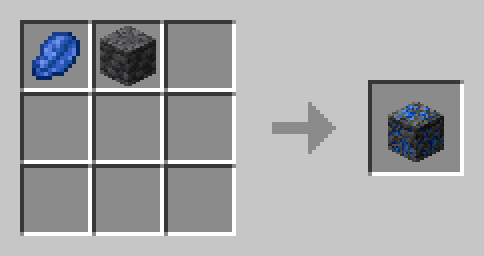
- Lapis Lazuli -> Lapis Lazuli Ore
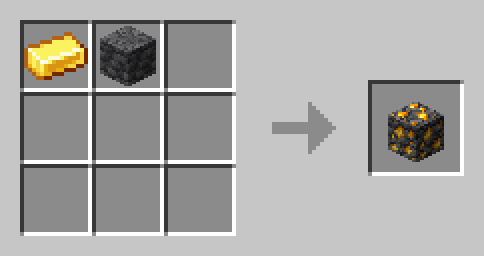
- Gold Ingot -> Gold Ore
- Gold Nugget -> Nether Gold Ore
- Quartz -> Nether Quartz Ore
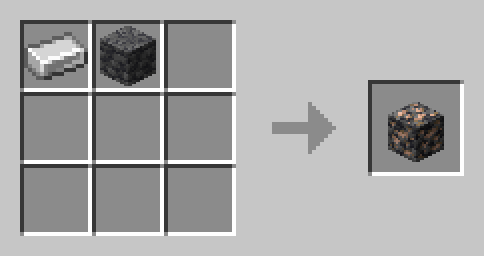
- Iron Ingot -> Iron Ore
- Redstone -> Redstone Ore
To install the data pack, simply download the zip file and place it in the datapacks folder of your world save directory. To enable the data pack, use the /reload command or restart your world. To disable the data pack, use the /datapack disable command.
Enjoy the convenience and flexibility of converting your resources back to ores with this data pack! 😊
常见问题
Ores Recipes!! 支持哪些 Minecraft 版本?
Ores Recipes!! 支持 Minecraft Java 版 1.20–1.21.4,共 12 个版本。下载时注意选择和你游戏版本一致的文件。
Ores Recipes!! 怎么安装?
新建世界时在「数据包」里把下载的 .zip 拖进去;已有的存档,把文件放进存档目录下的 datapacks 文件夹,进游戏输入 /reload 即可生效。服务器同样放在世界目录的 datapacks 里。
InventoXtar 的其他作品
查看全部 →
Stack Enchants
Stack Enchanted Books of the Same Kind
Stack Enchants
Stack Enchanted Books of the Same Kind

FullBright Dark-GUI Supreme
The Fully Bright way with the darker GUI with the coolest animations

No More Axolotl Despawns!
Did you wish that your axolotl's won't disappear or despawn then this the perfect data pack to prevent your axolotl from going to heaven.
评论
登录后评论和评分