
OreoClient
a 'client' for minecraft. Not much. Its what you would expect from a hacked client, but on a datapack so you cant abuse anything on it. server side only.
截图
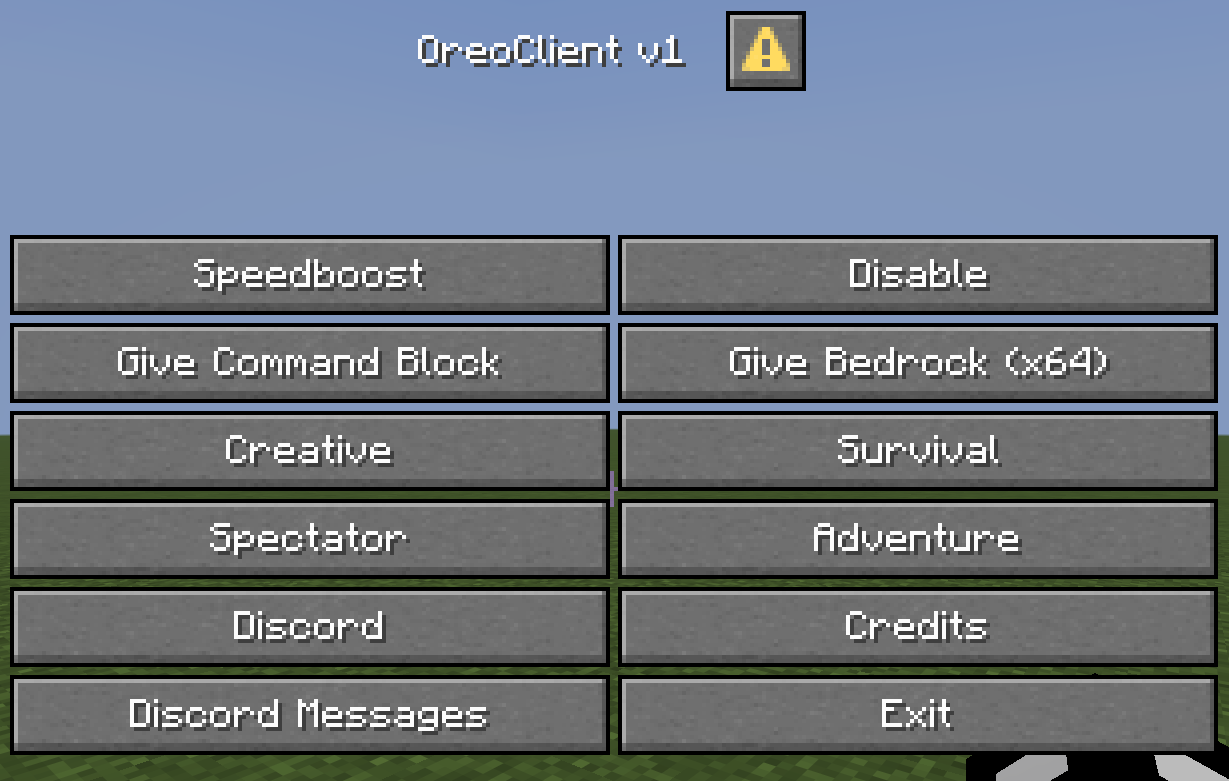
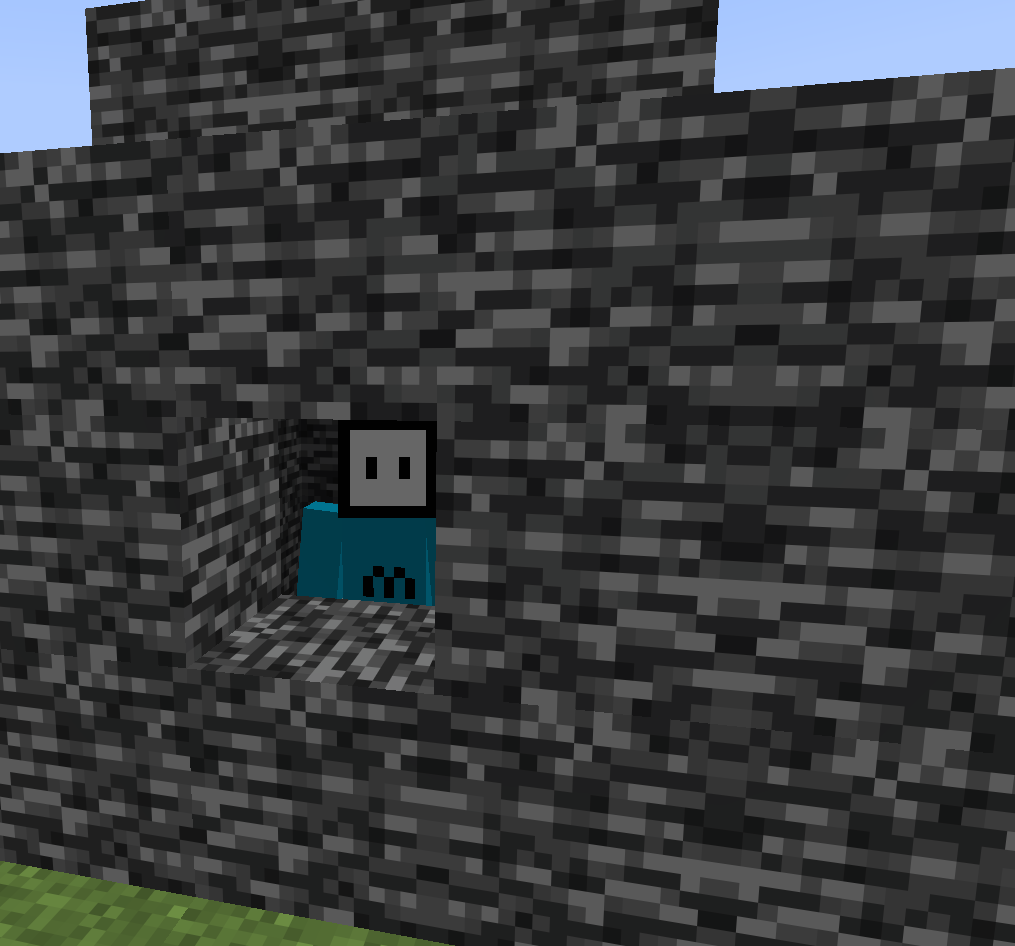
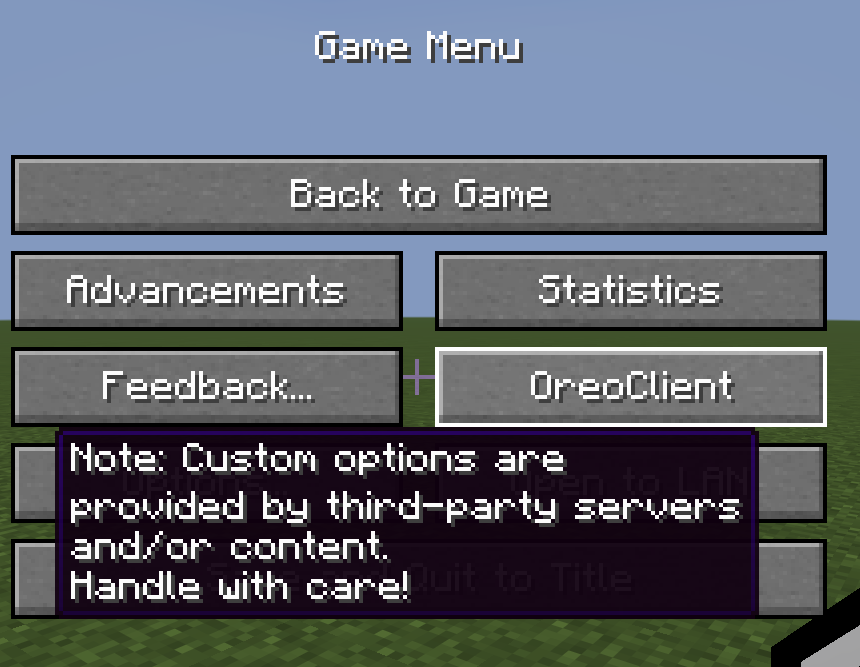
介绍
Per Section 3 of Modrinth’s Content Rules – This is just a datapack, therefore its not client side and can only be used if the server host allows the datapack.
OreoClient
_”a so called minecraft ‘client'”_
Description
This datapack acts as a hacked client, but for server side, as datapacks cannot be accessed client side unless the server has the datapack enabled. OreoClient was just a little dumb thing I made from boredom. Not much currently, I am working on updates for it though, so yeah.
Usage
To use the datapack, you can access its menu by pressing your quick actions key (default: G) or access the button from the pause menu.
Installation
- Download it
- Open your worlds datapack folder
- Drag it in
- leave and rejoin the world (if your in it)
(Note: you will have to agree to some warnings, thats Mojangs placement, not mine.)
Features
- i forgot sorry
Q&A
Q: Is this legal?
A: Yes, as datapacks CANNOT be accessed only by client (unless playing singleplsyer)
Q: When are updates coming?
A: Whenever I release them.
Q: Do you plan on making actual minecraft mods?
A: No, as I dont feel like learning Java.
Q: Do you plan on making datapacks in the future?
A: Yes, I do actually.
Q: Can I help with development?
A: Yes, just contact me on Discord. (chipndip__)
Q: Will this be an actual client?
A: No, and it never will be.
常见问题
OreoClient 支持哪些 Minecraft 版本?
OreoClient 支持 Minecraft Java 版 1.21.11。下载时注意选择和你游戏版本一致的文件。
OreoClient 怎么安装?
新建世界时在「数据包」里把下载的 .zip 拖进去;已有的存档,把文件放进存档目录下的 datapacks 文件夹,进游戏输入 /reload 即可生效。服务器同样放在世界目录的 datapacks 里。
评论
登录后评论和评分