
截图



介绍
Minecraft, But I Can CRAFT EVERYTHING With DIRT
Ever looked at a pile of Dirt and thought “this should be enough to win the game”? Now it is. This datapack turns the most useless block in Minecraft into the only resource you’ll ever need.
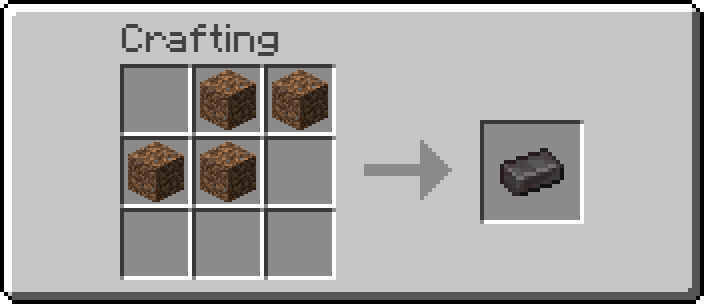
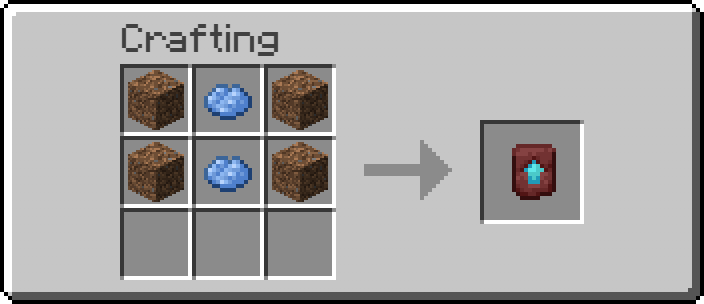
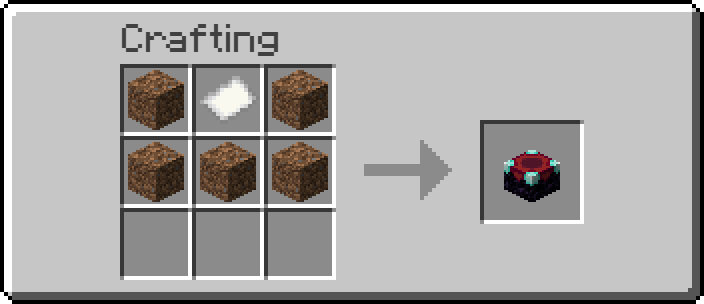
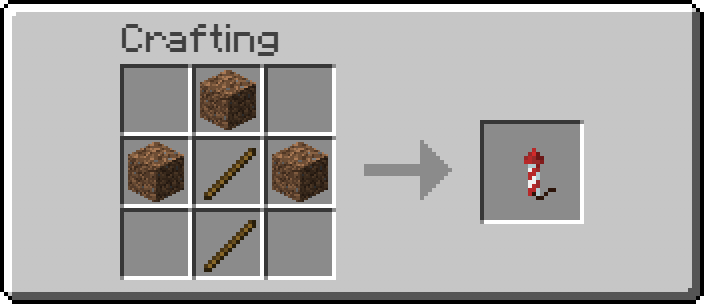
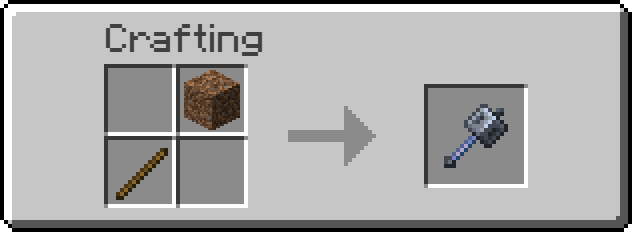
Every recipe below uses Dirt as the core ingredient — craft your way from Iron and Gold all the way up to Netherite, Elytra, and even Command Blocks, no mining or Nether trip required.
✨ Key Feature: Auto-Unlock
No more digging through the recipe book wondering why your recipes aren’t showing up. The moment you pick up a single block of Dirt, every custom recipe in this pack instantly unlocks in your recipe book. Just grab some dirt and start crafting.
🛠️ Installation
- Download the
.zipfile — do not extract it. - Drop it directly into your world’s
datapacksfolder, or - Add it from the Data Packs screen when creating a new world.
- Run
/reloadif added to an existing world. - Pick up a Dirt block — recipes unlock automatically!
📜 Recipes Included
- Diamond
- Iron Ingot
- Gold Ingot
- Netherite Ingot
- Ender Pearl
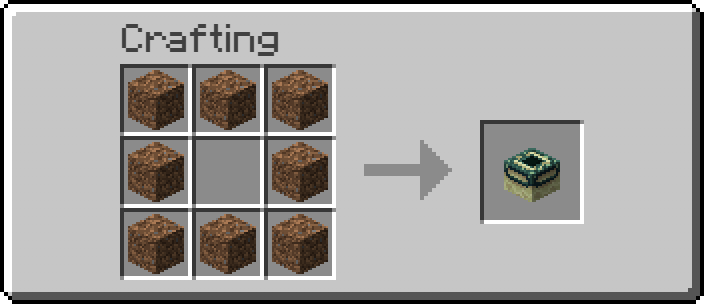
- End Portal Frame
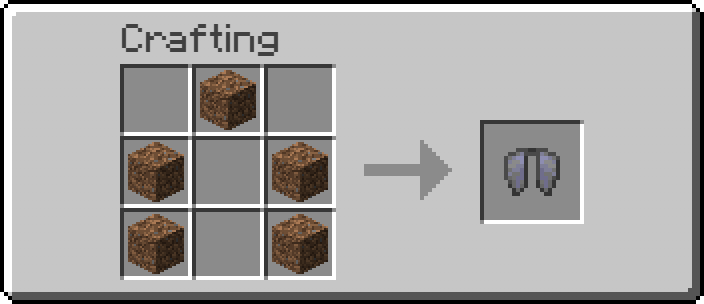
- Elytra
- Trident
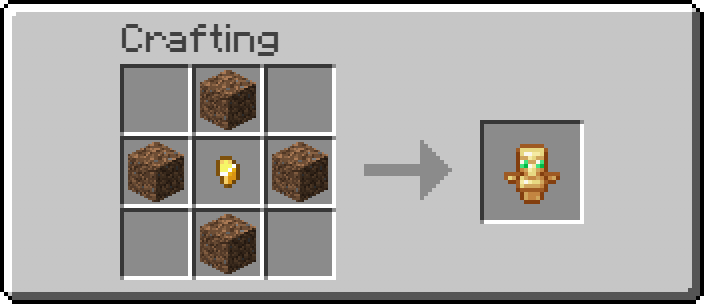
- Totem of Undying
- Golden Carrot
- Golden Apple
- Enchanted Golden Apple
- Bow
- Arrow
- Mace
- TNT
- Enchanting Table
- Experience Bottle
- Firework Rocket
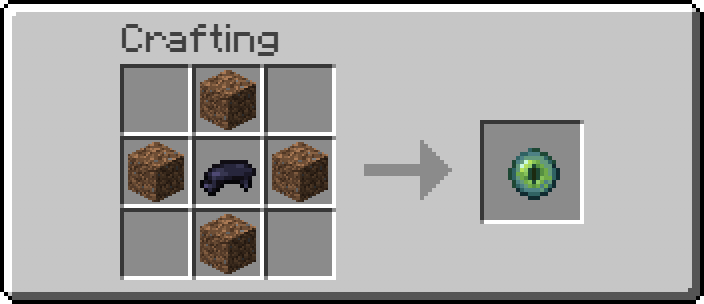
- Ender Eye
- Netherite Upgrade Smithing Template
- Command Block
(22 custom recipes in total — check the recipe book in-game or Gallery in Modrinth for exact shapes.)
Found a bug or have an idea for a new dirt-powered recipe? Let me know in My Discord!
常见问题
Minecraft But I can CRAFT EVERYTHING with DIRT 支持哪些 Minecraft 版本?
Minecraft But I can CRAFT EVERYTHING with DIRT 支持 Minecraft Java 版 1.21.9–26.2,共 7 个版本。下载时注意选择和你游戏版本一致的文件。
Minecraft But I can CRAFT EVERYTHING with DIRT 怎么安装?
新建世界时在「数据包」里把下载的 .zip 拖进去;已有的存档,把文件放进存档目录下的 datapacks 文件夹,进游戏输入 /reload 即可生效。服务器同样放在世界目录的 datapacks 里。
AdarshHehe 的其他作品
查看全部 →
Minecraft, But Ores Drops OP LOOT
Minecraft But Ores Drops OP ITEMS

Minecraft, But Chest Drops OP LOOT
Minecraft But Chest Drops OP ITEMS

Minecraft, But Stone Drops OP LOOT
Minecraft But Stone Drops OP ITEMS

ZoomHehe
A lightweight, smooth, and fully customizable OptiFine-style cinematic zoom mod for Fabric.
评论
登录后评论和评分