
Material Counter
Count all materials needed to build any selected area. Fast, simple, and survival-friendly.
截图
介绍
Material Counter
Material Counter is a datapack that lets you quickly calculate which materials and how many of each are required to recreate a selected structure in Minecraft.
Simply select an area using the dedicated Material Counter Position Selector, and the datapack will automatically analyze every block and generate a complete list of the required materials.
Features
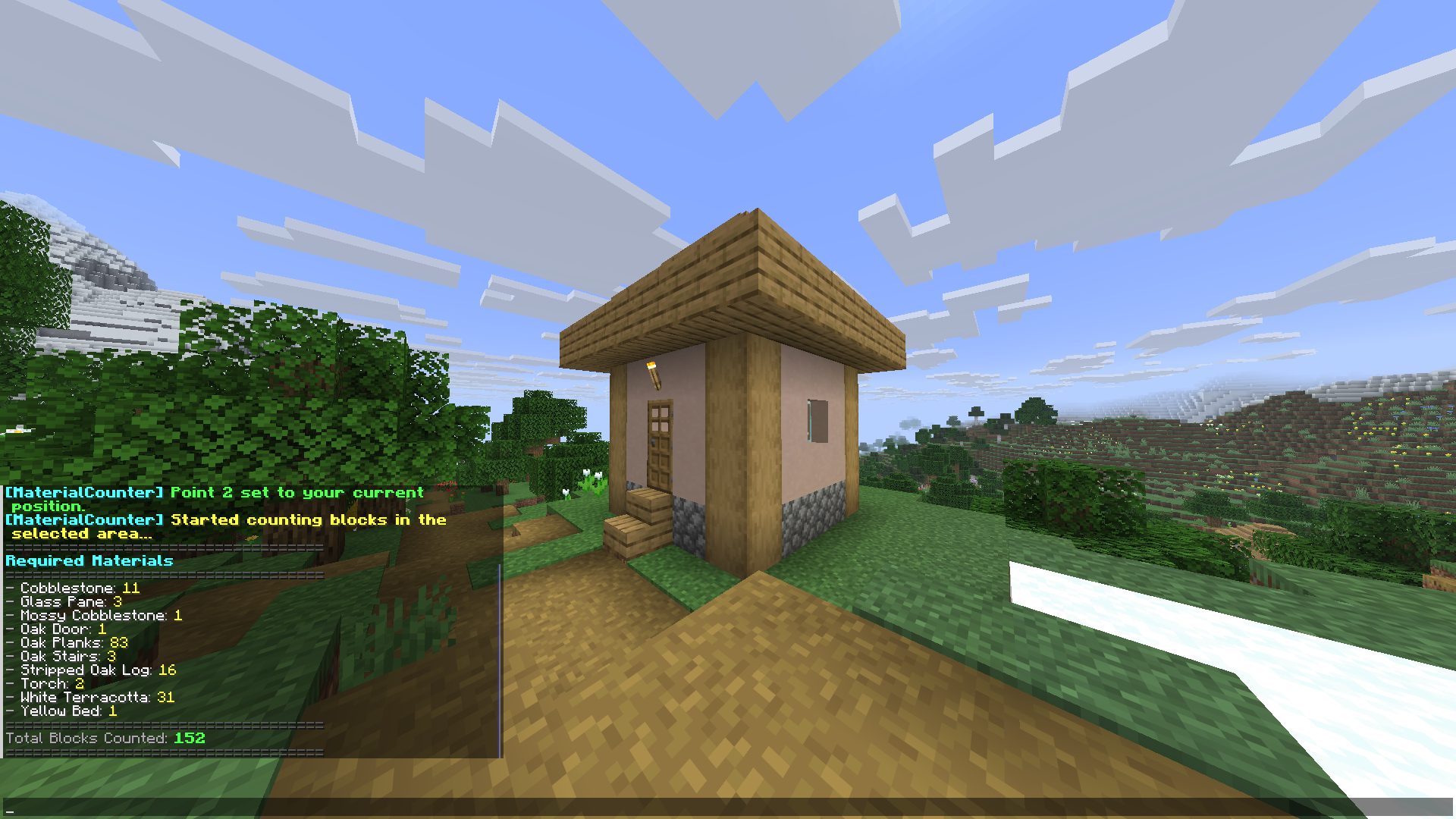
- Counts every block within the selected area.
- Displays a complete list of the required materials.
- Shows the exact quantity of every block needed.
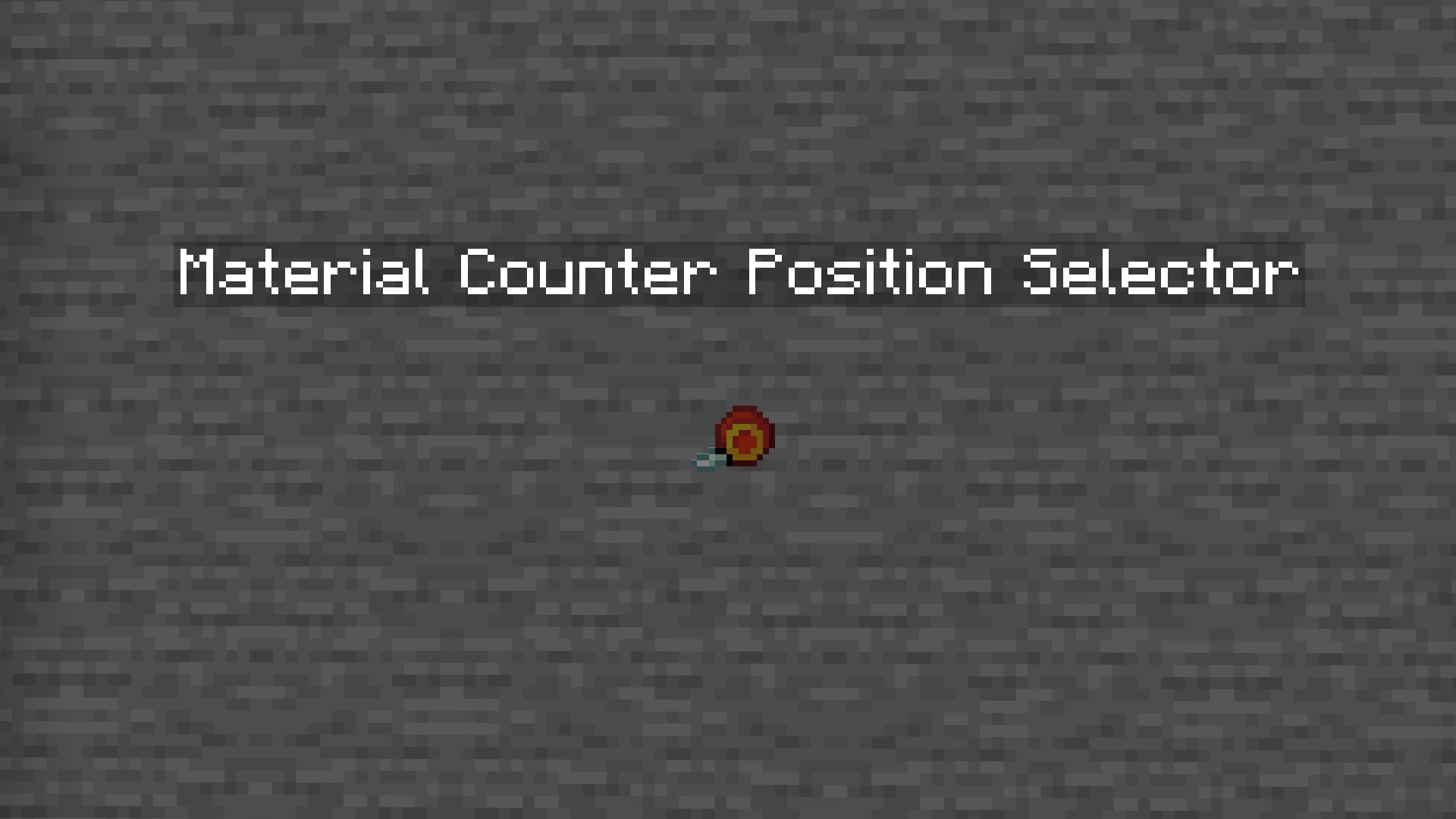
- Dedicated Position Selector tool.
- Automatic in-game User Guide.
- Chat Mode and Book Mode for displaying results.
- Toggleable position outline particles.
- Crafting recipes for both the Position Selector and the User Guide.
Usage
1. Obtain the Position Selector
You can get the tool in two ways.
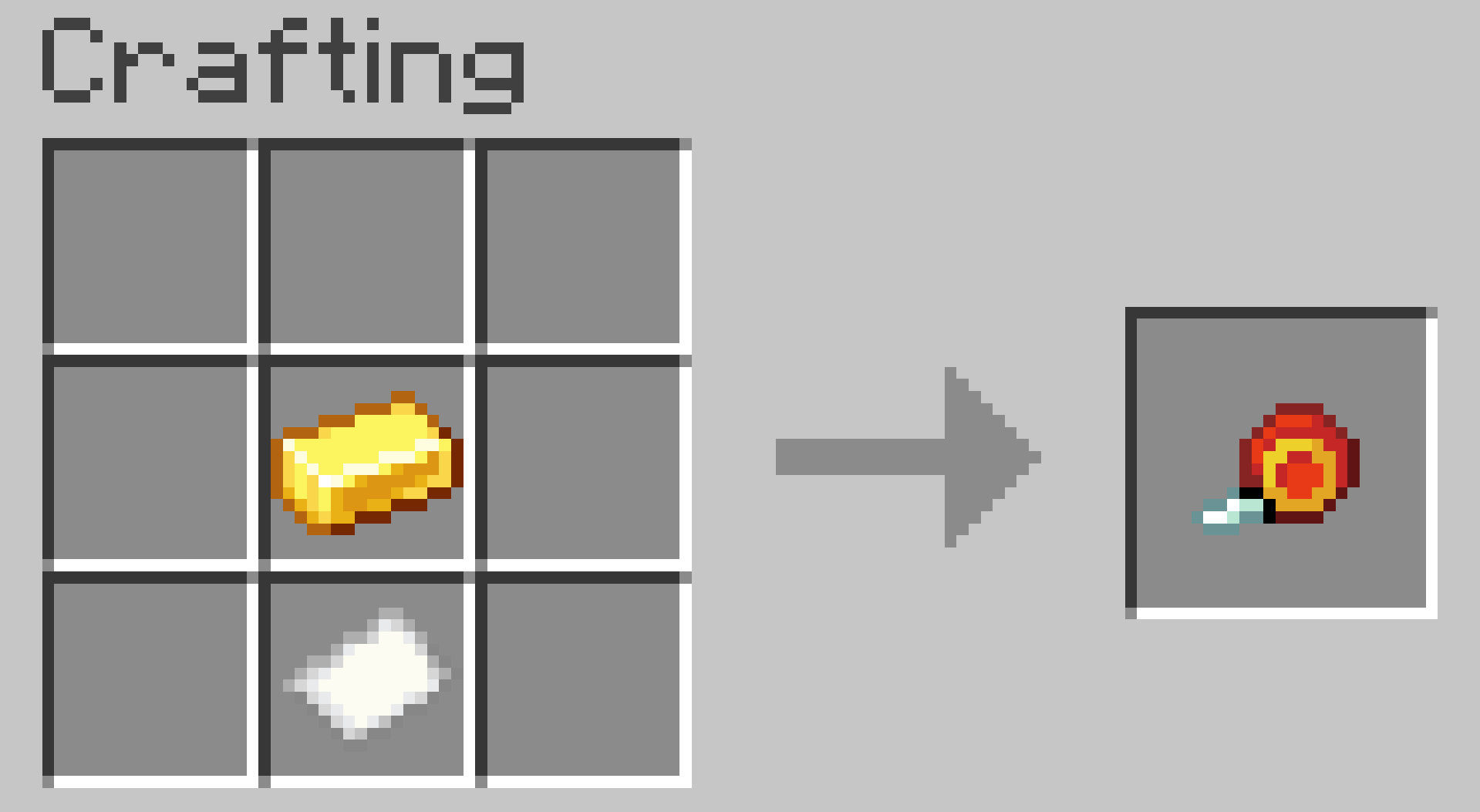
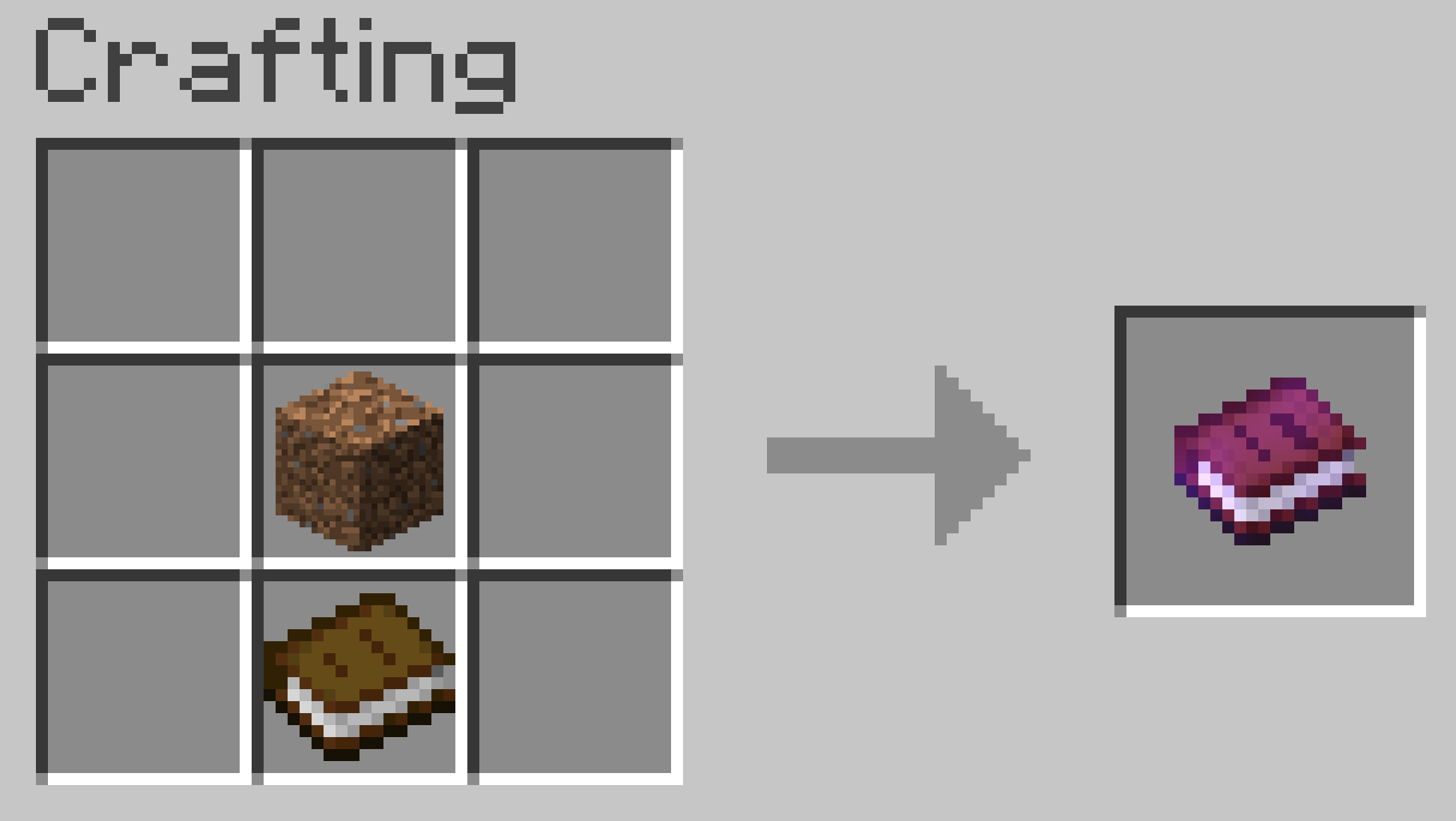
a) Craft it using the following recipe:
b) Obtain it instantly by running:
/trigger give2. Select Position 1
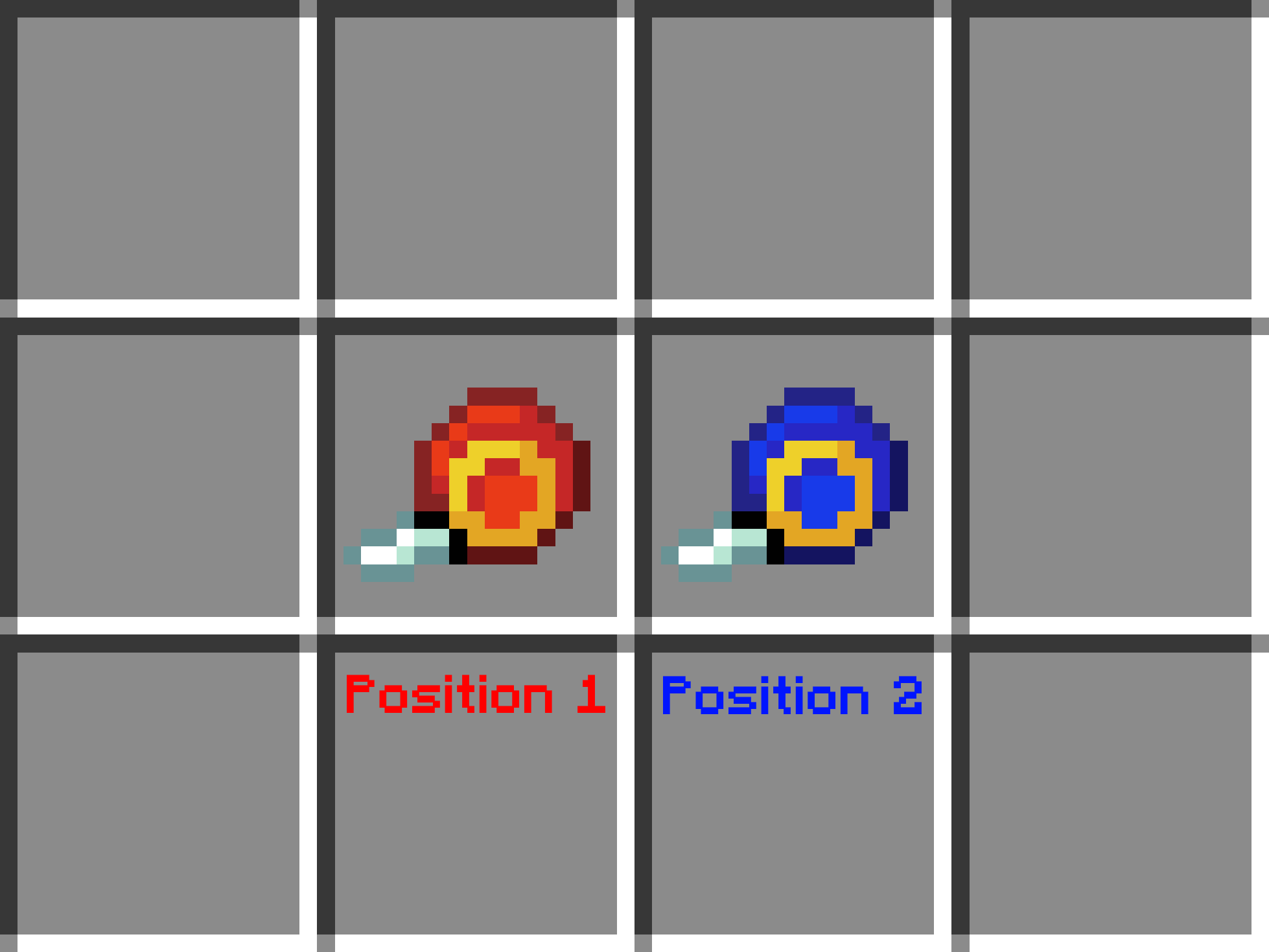
Go to one corner of your build and right-click an empty block face.
The Position Selector will change its appearance, indicating that the next step is selecting Position 2.
3. Select Position 2
Go to the opposite corner of the build and right-click again.
4. Wait for the calculation
The datapack will analyze every block inside the selected area.
Large selections may take longer depending on the size of the build and your computer’s performance.
5. View the results
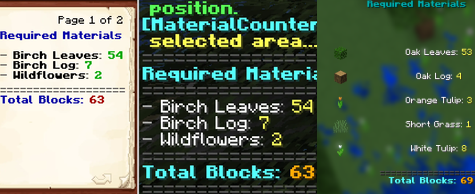
By default, the material list appears in chat.
If you prefer, you can switch to Book Mode, which generates a book containing the complete material list.
Settings
The datapack includes two optional settings.
/trigger list
Switches between:
- Chat Mode (default)
- Book Mode
- Dialog Mode
/trigger position_outlines
Enables or disables the particles that mark Position 1 and Position 2.
Enabled by default.
User Guide
The first time you join a world with the datapack installed, you’ll automatically receive an in-game User Guide explaining every feature.
If you lose it, you can craft another copy using its crafting recipe.
Compatibility
No additional mods or libraries are required.
Place the datapack in your world’s datapacks folder.
To enable the custom textures for the Position Selector, place the same ZIP file in the
resourcepacksfolder as well.
Warning
Selecting extremely large areas may cause Minecraft to freeze or crash.
Your world should remain safe, as Minecraft Java Edition can restore backups if a crash occurs during datapack execution.
Credits
Creator: MrKazanek
Special thanks: Bluezers
Thank you to everyone who supported this project! ❤️
常见问题
Material Counter 支持哪些 Minecraft 版本?
Material Counter 支持 Minecraft Java 版 26.2。下载时注意选择和你游戏版本一致的文件。
Material Counter 怎么安装?
新建世界时在「数据包」里把下载的 .zip 拖进去;已有的存档,把文件放进存档目录下的 datapacks 文件夹,进游戏输入 /reload 即可生效。服务器同样放在世界目录的 datapacks 里。
MrKazanek 的其他作品
查看全部 →
Tool Trims Concept
This mod introduces new trims for tools, allowing customization similar to armor. Now you can decorate your pickaxes, swords, and axes with unique patterns to match your playstyle. Explore the world of Minecraft, discover special smithing templates.

My Action Bar: Enhanced
A mod that lets you customize the information displayed in your action bar. Choose which elements to show or hide, so you can focus on the information that matters most while playing.

My Action Bar
My Action Bar is a datapack that lets you customize the information displayed in your action bar. Choose which elements are visible and which are hidden, so you only see the information that matters most while playing.
评论
登录后评论和评分