
Magical Addons
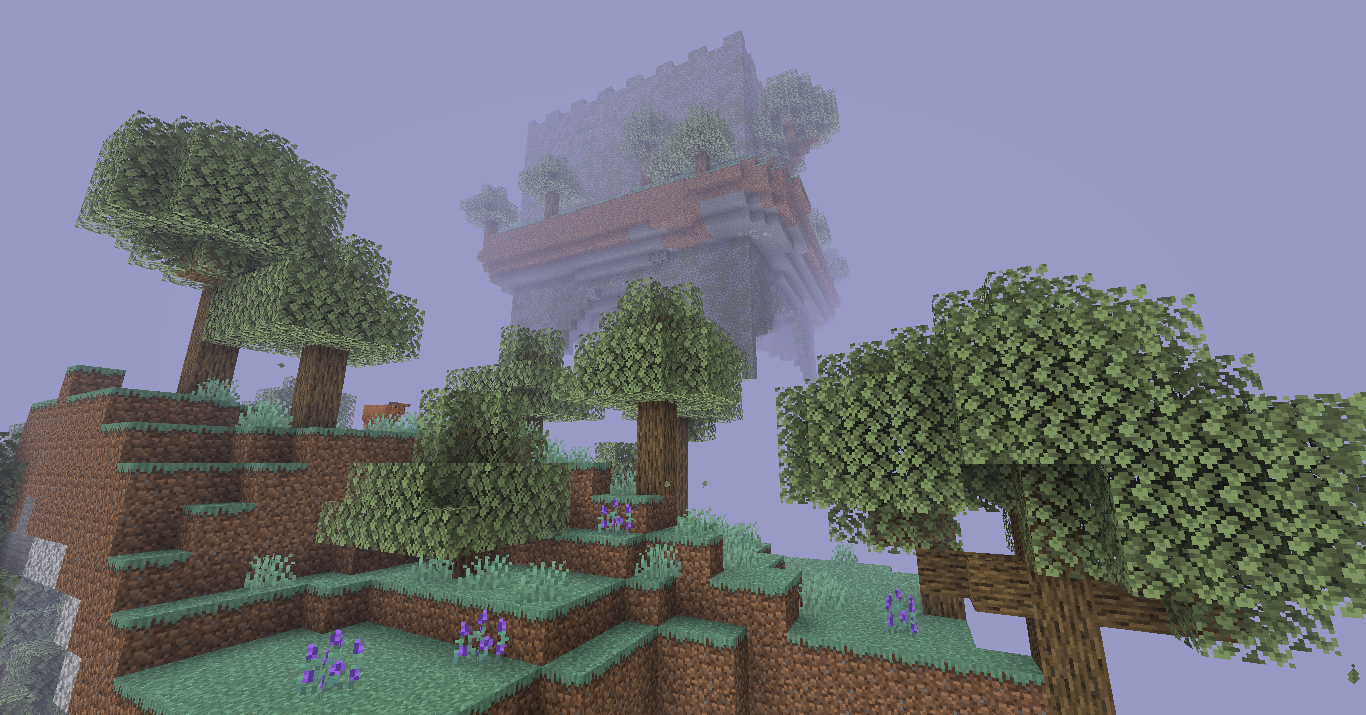
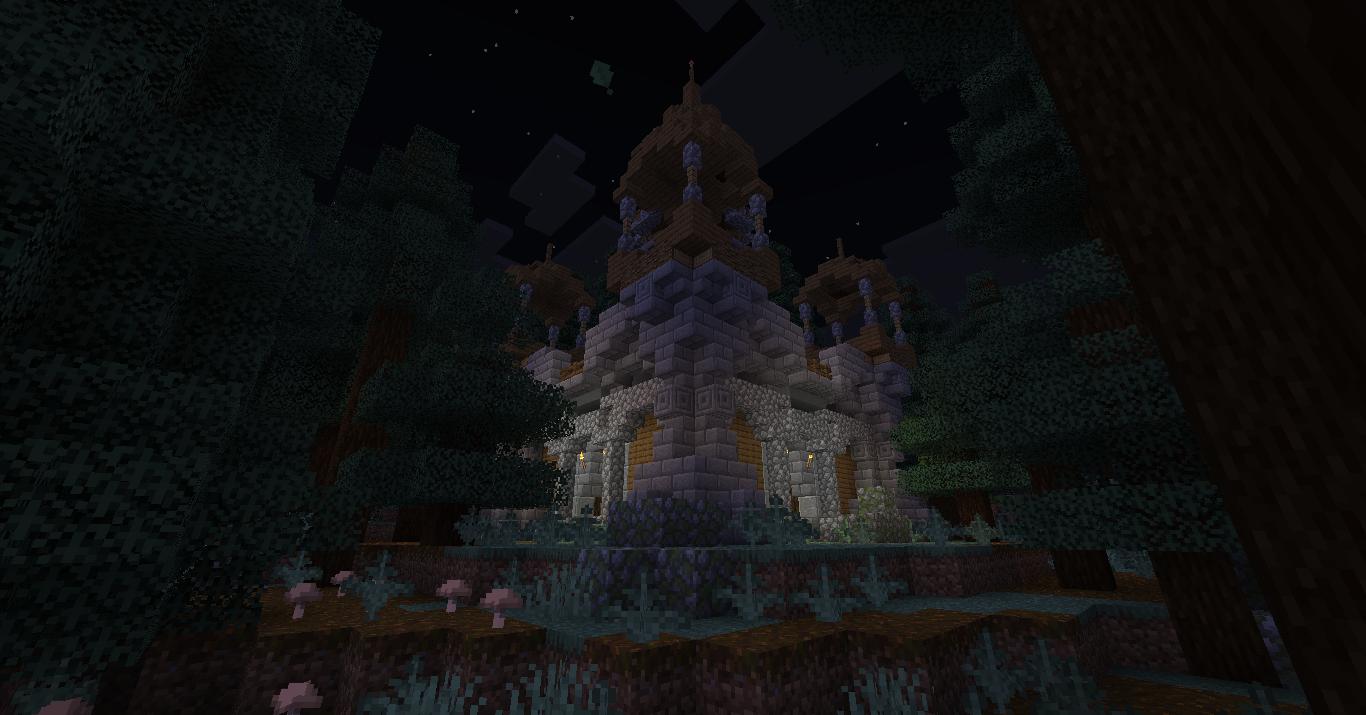
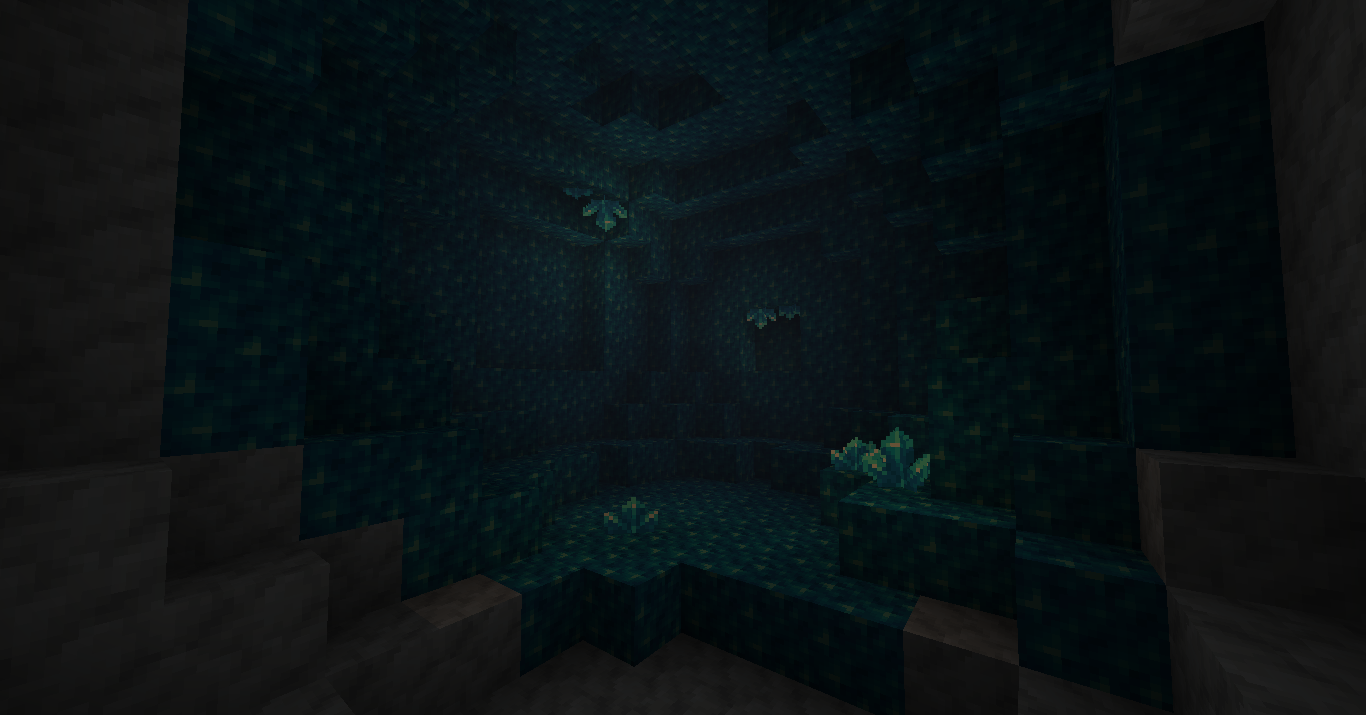
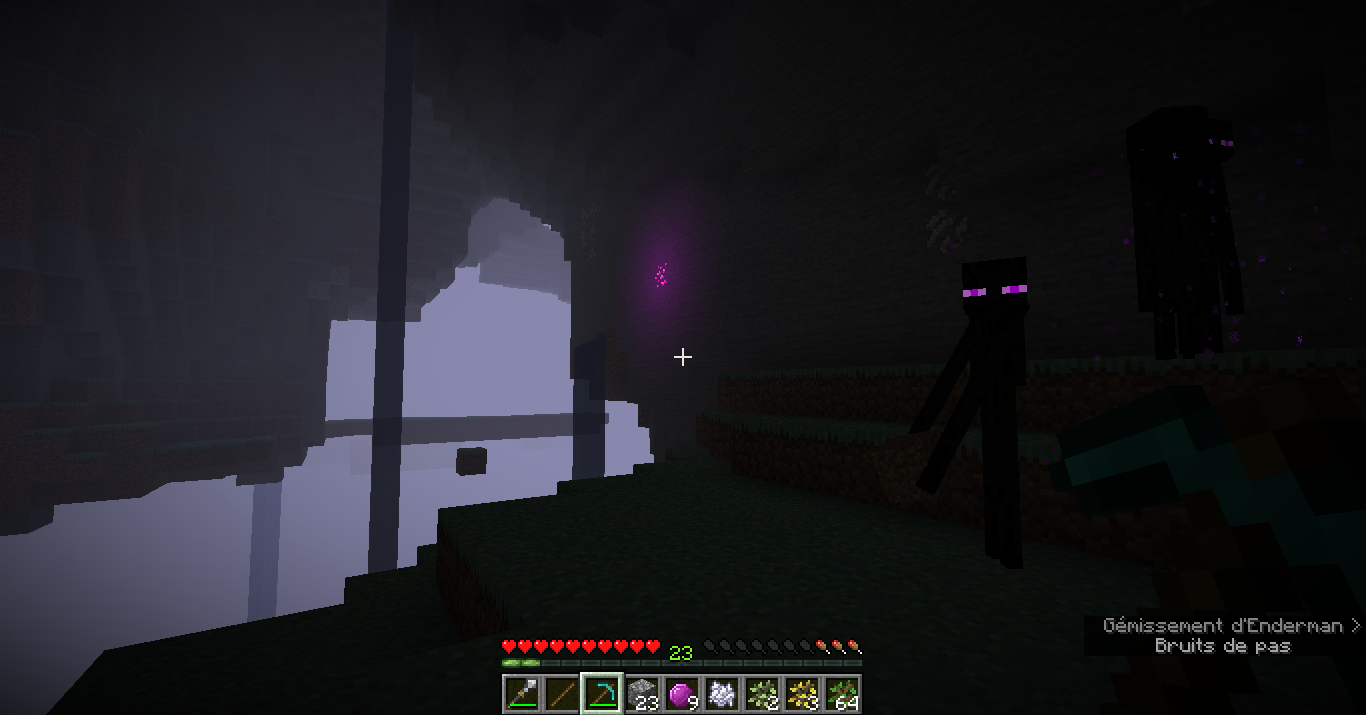
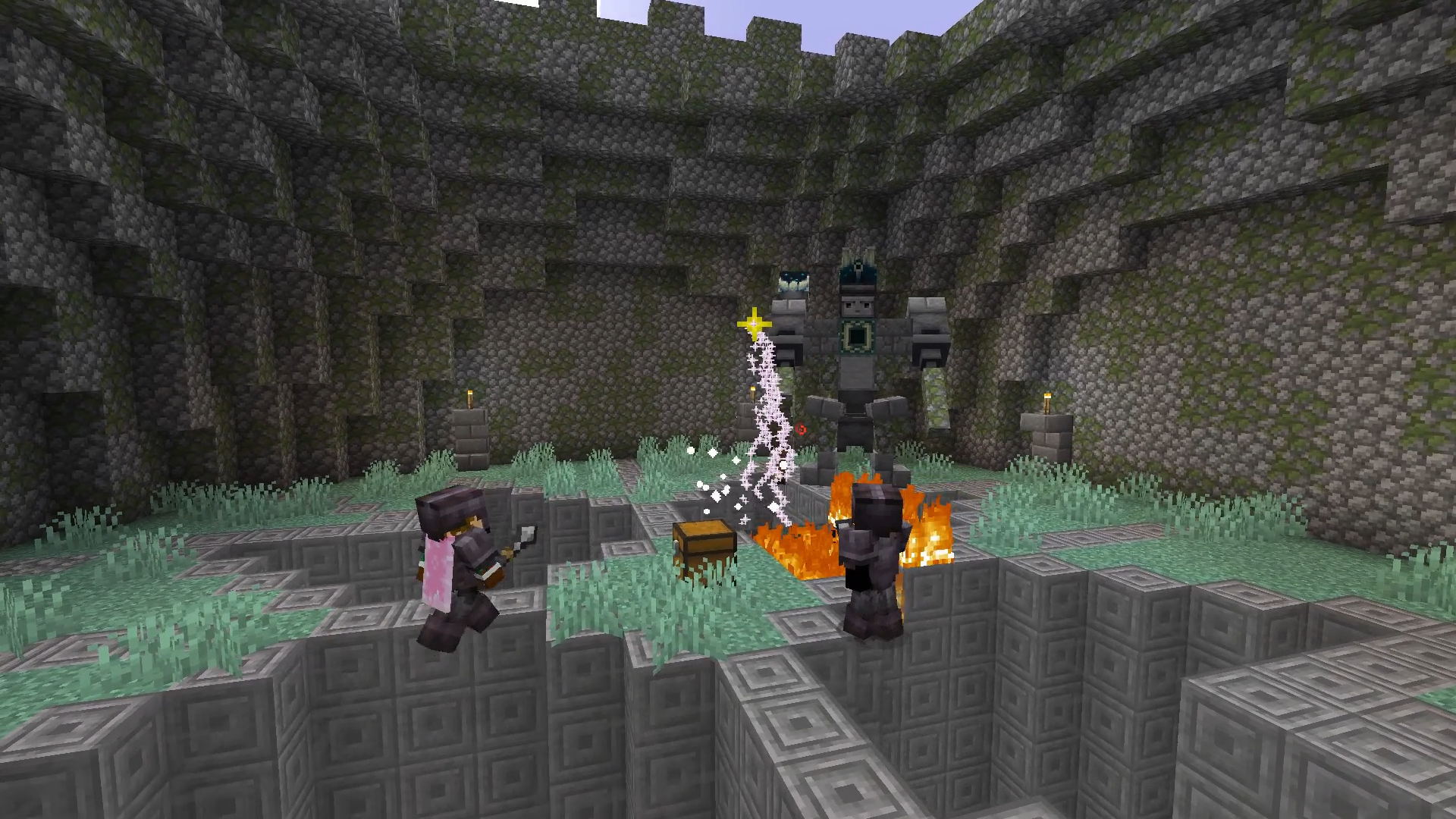
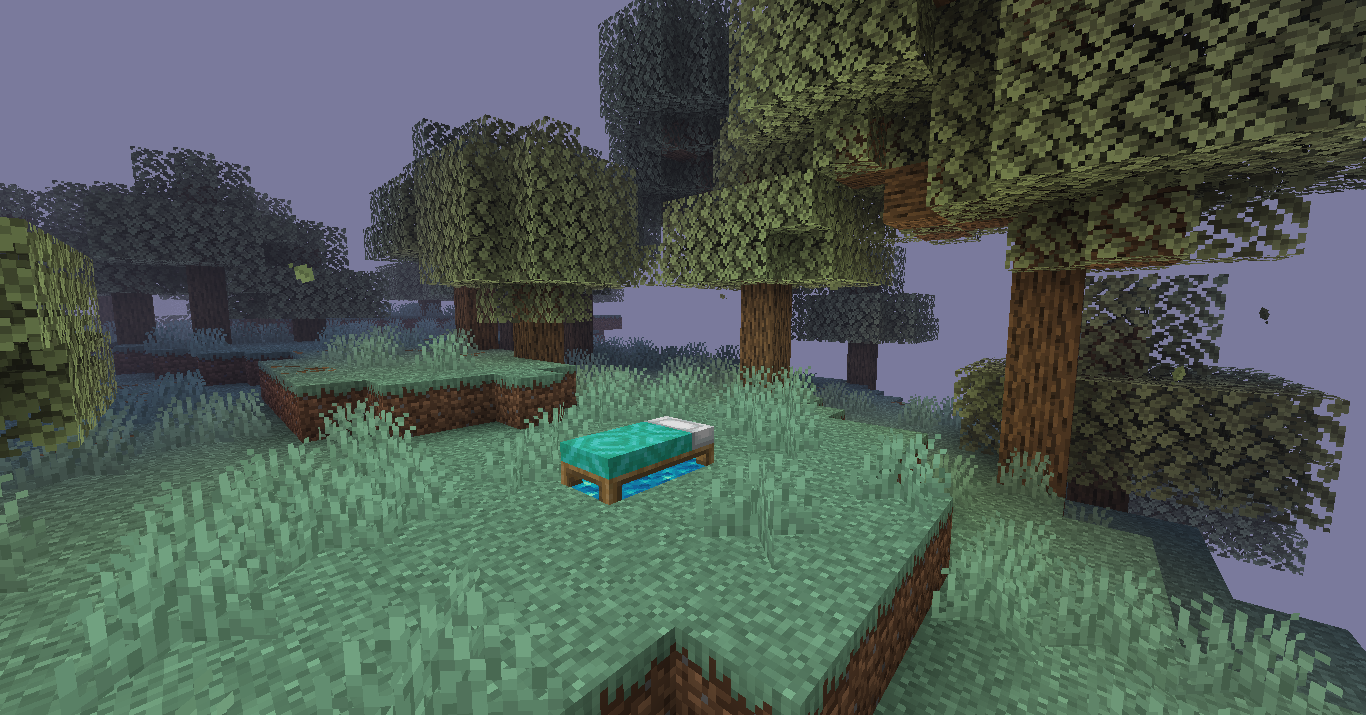
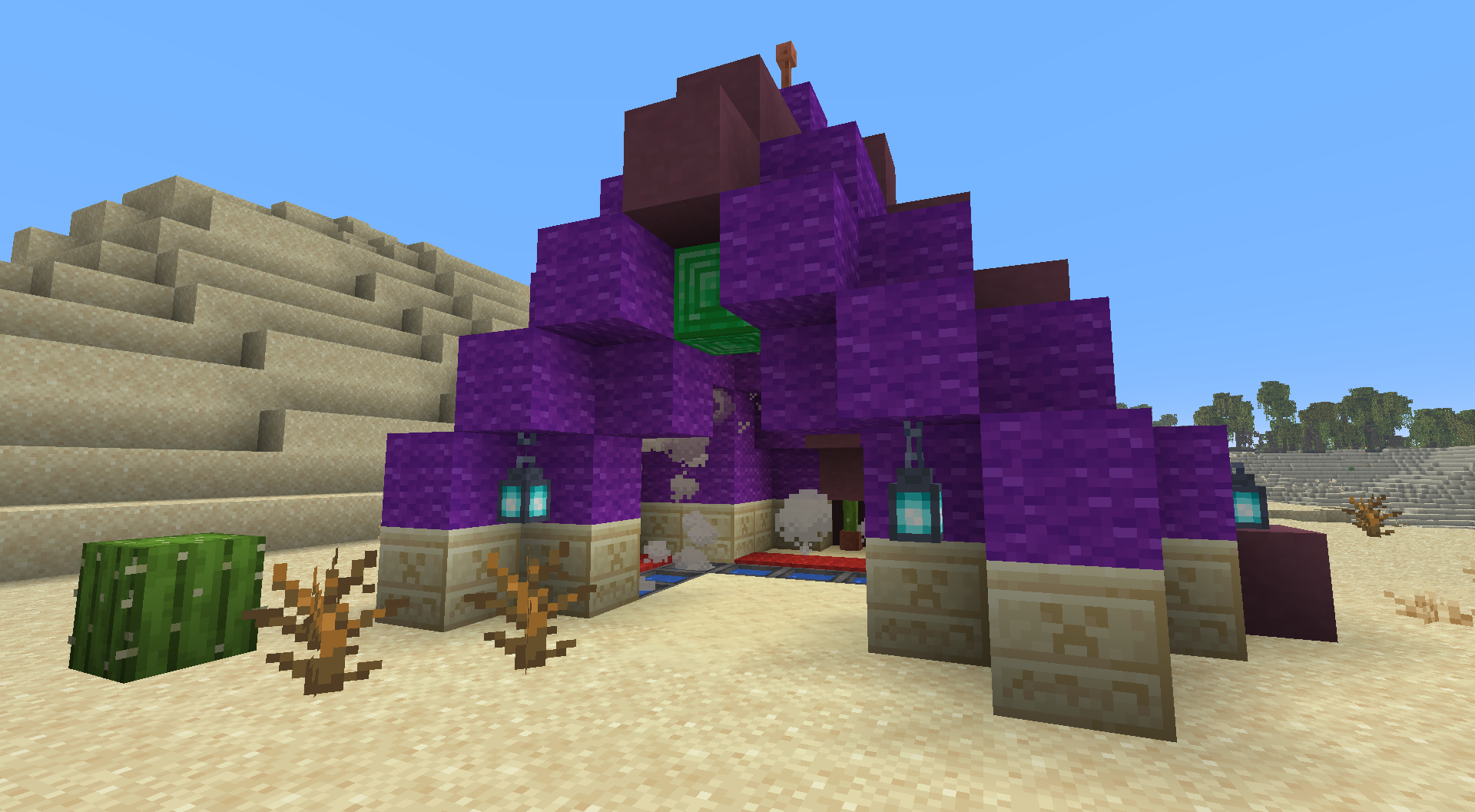
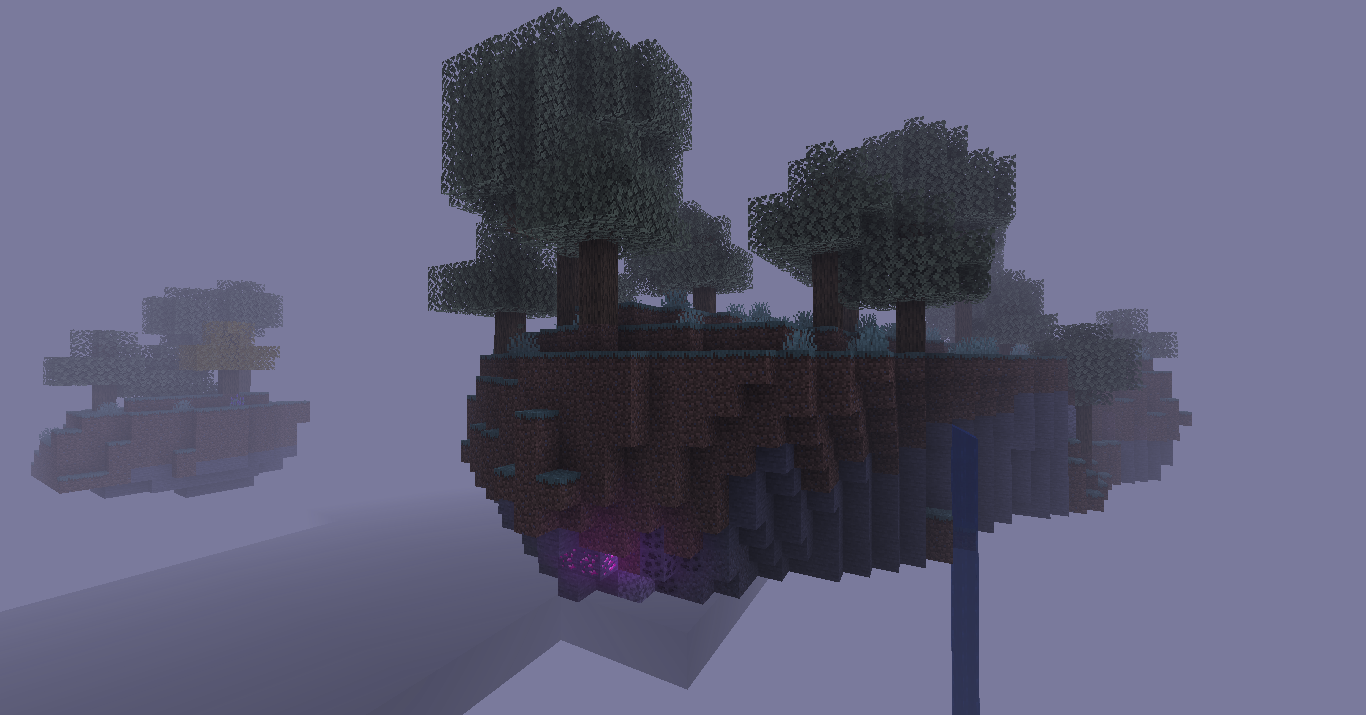
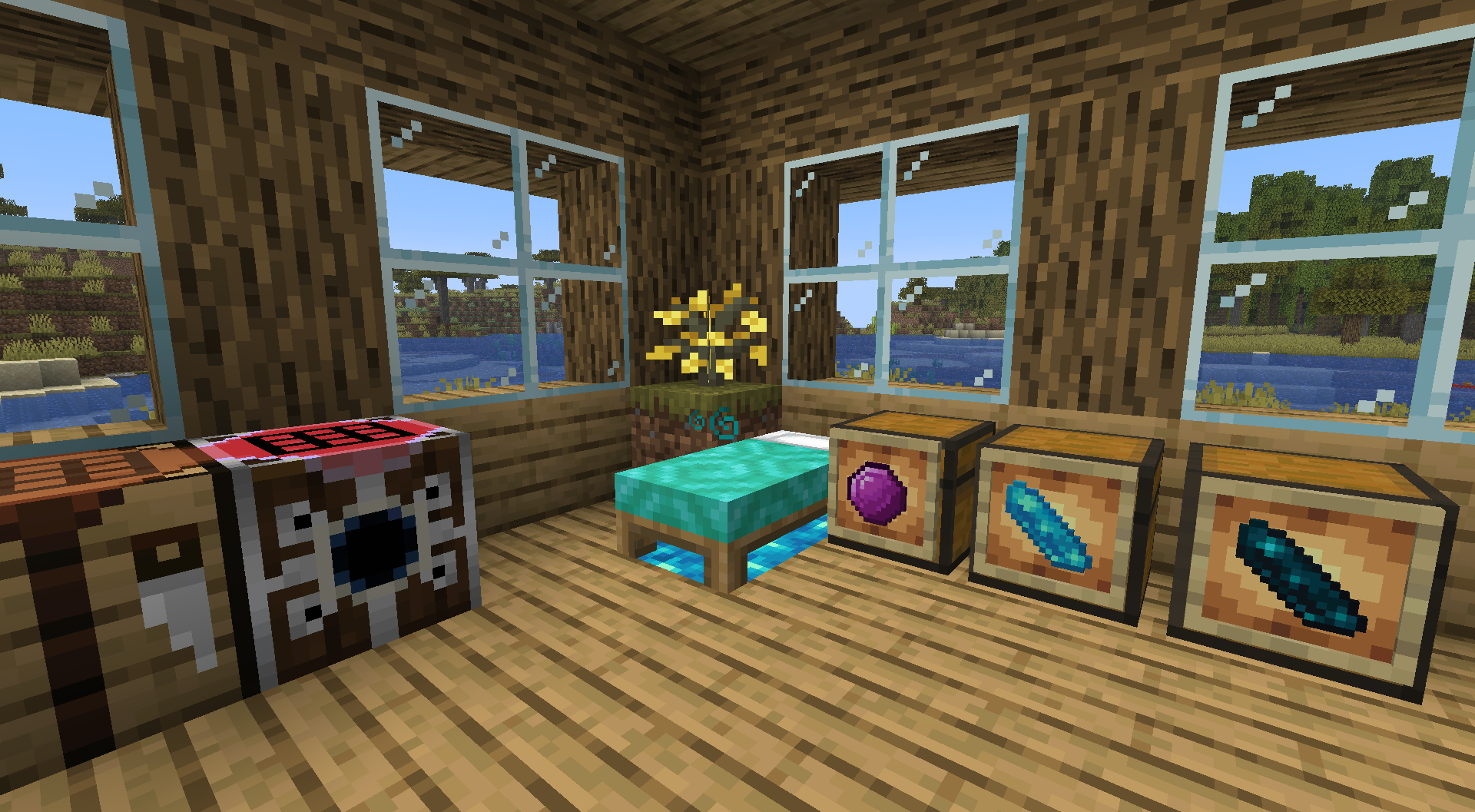
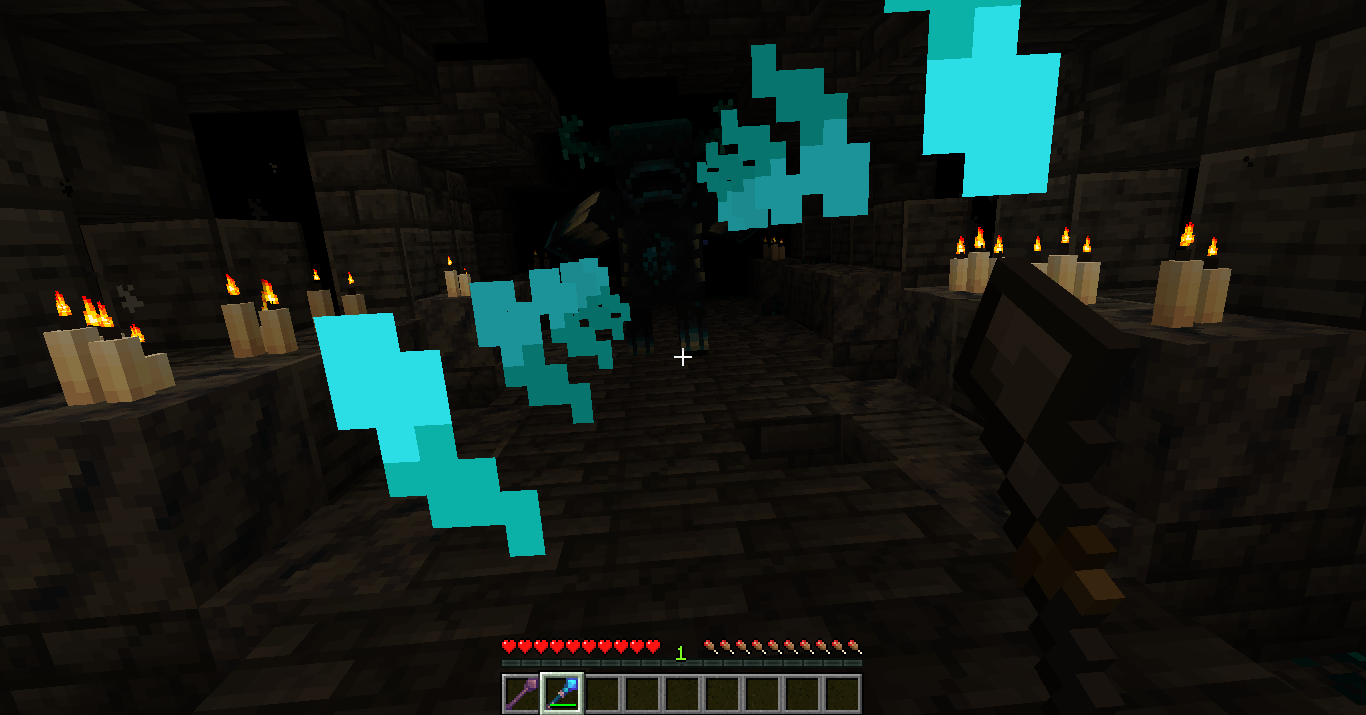
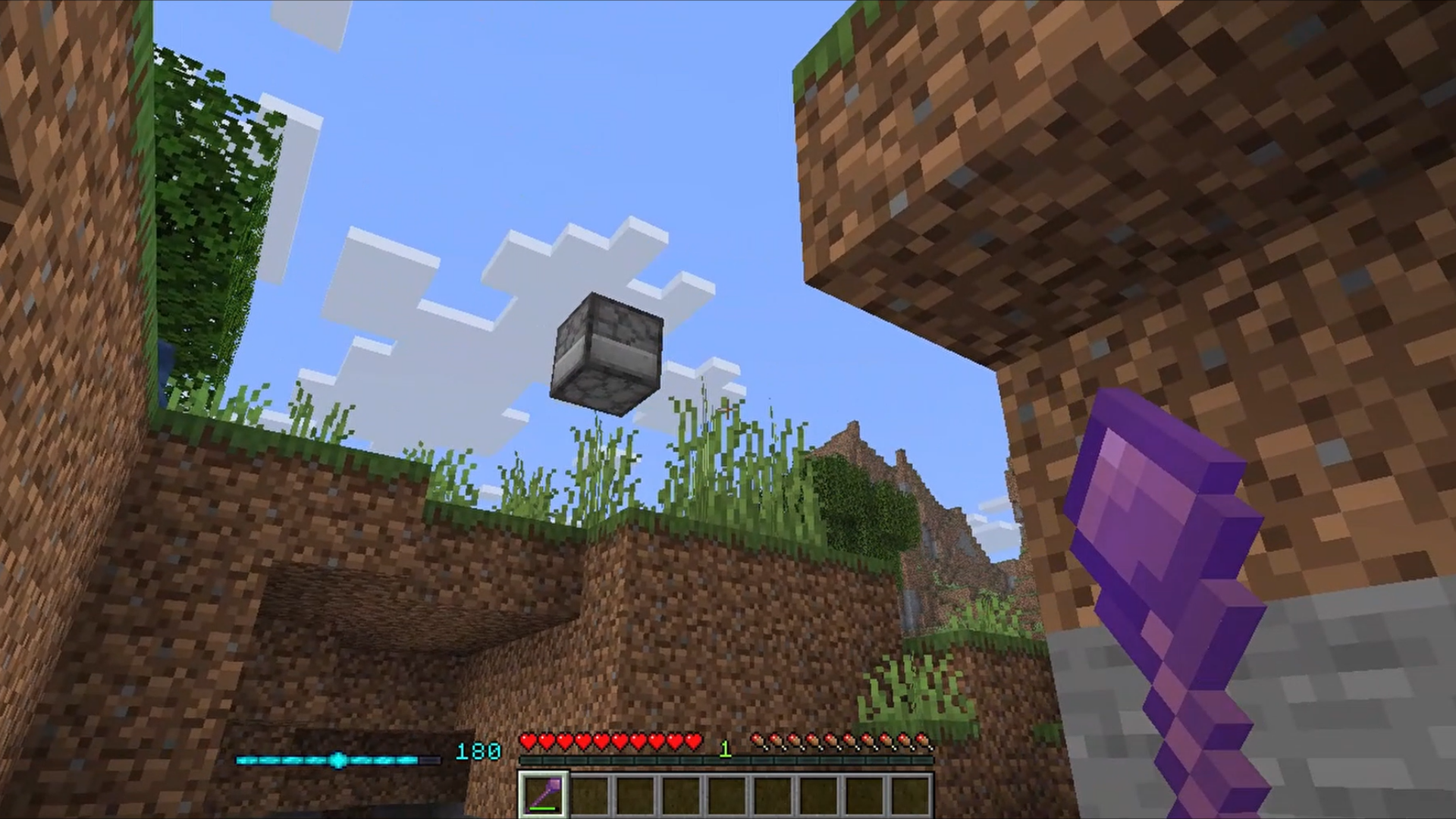
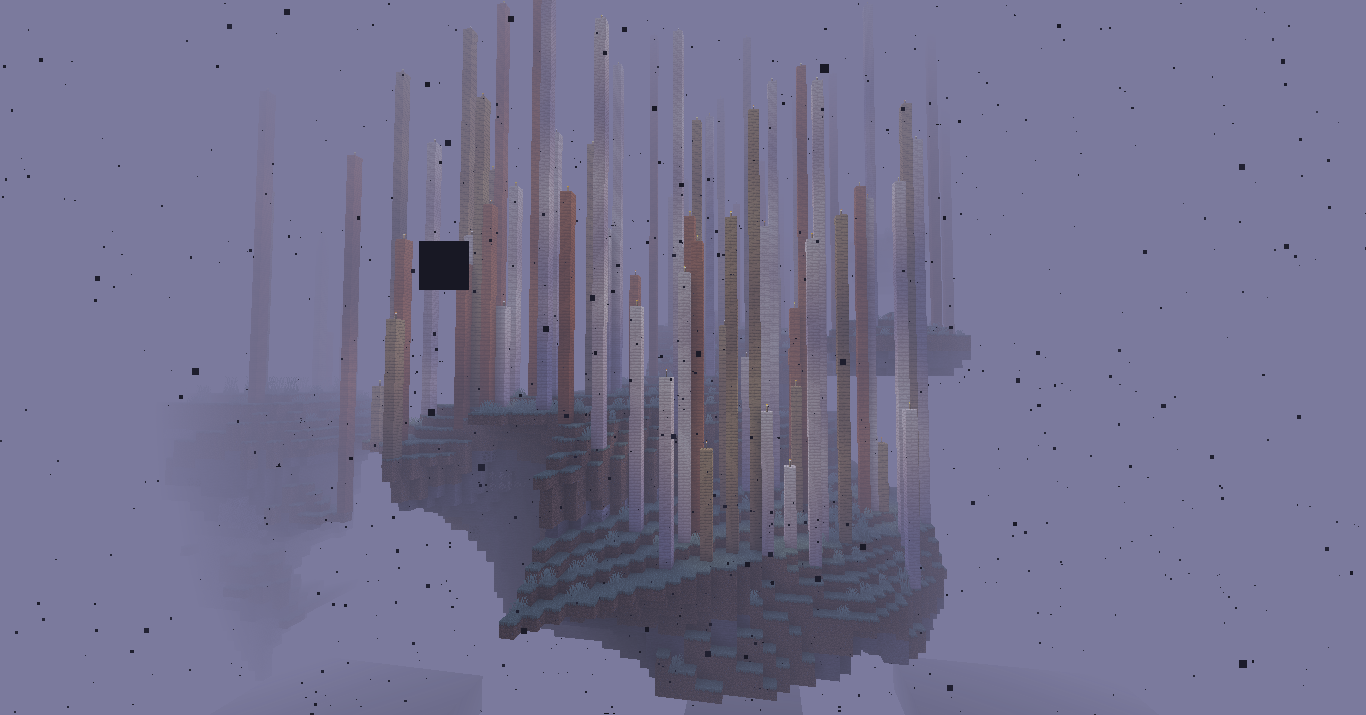
Magical Addons is an ambitious data pack for Minecraft : Java Edition designed to consistently further the boundaries of magic in Minecraft. Craft magic items, fight new mobs and explore a reimagined Aether dimension!
截图
介绍
Intro
Magical Addons is an ambitious data pack for Minecraft : Java Edition designed to consistently further the boundaries of magic in Minecraft. Craft magic items, fight new mobs and explore a reimagined Aether dimension!
⚠️ Warning ⚠️
This is a standalone data pack that is not guaranteed to work with any complementary mods or shader packs. This is an early access release – bugs, crashes, and unexpected issues may occur.
Join our Discord Server to get support and give feedback: https://discord.gg/4kzRhxpjbk
Check out the trailer: https://www.youtube.com/watch?v=yhODbLjt39U
Stay up to date with everything Magical Addons on X: https://x.com/MagicalAddonsMC
Setup
- Locate your .minecraft installation directory
- To add the data pack to an existing world : drop the “magical_addons_datapack” folder into the “datapacks” directory of your world
- To add the data pack to a new world : select the “More” tab in the new world settings, click “Data Packs”, then drag the “magical_addons_datapack” into the Minecraft window
- In your “resourcepacks” directory, drop the “Magical Addons Resource Pack” folder
- In the game, select the “Magical Addons Resource Pack” from your Resource Pack list
Credits
- GhostAdmiral (Executive Producer & Head Of Community – Project Lead, Programming, Game Design, Testing)
- Jatzylap (Production Director & Development Lead – Project Lead, Programming, Game Design, Game Art, SFX, Testing)
- Kotew (Original Concept, Programming, Game Design, Game Art)
- NachoToast (Programming)
- Odedbir (Programming)
- Oisann (Narrative Design)
- SammygoodTunes (Original Soundtrack, Testing)
常见问题
Magical Addons 支持哪些 Minecraft 版本?
Magical Addons 支持 Minecraft Java 版 1.21.8–26.2,共 3 个版本。下载时注意选择和你游戏版本一致的文件。
Magical Addons 怎么安装?
新建世界时在「数据包」里把下载的 .zip 拖进去;已有的存档,把文件放进存档目录下的 datapacks 文件夹,进游戏输入 /reload 即可生效。服务器同样放在世界目录的 datapacks 里。
评论
登录后评论和评分