
Magic Transporters
Magic Transporters introduces new blocks and items. This blocks, called "Elevators" and "Conveyors", allow you to move faster between places or floors.
截图
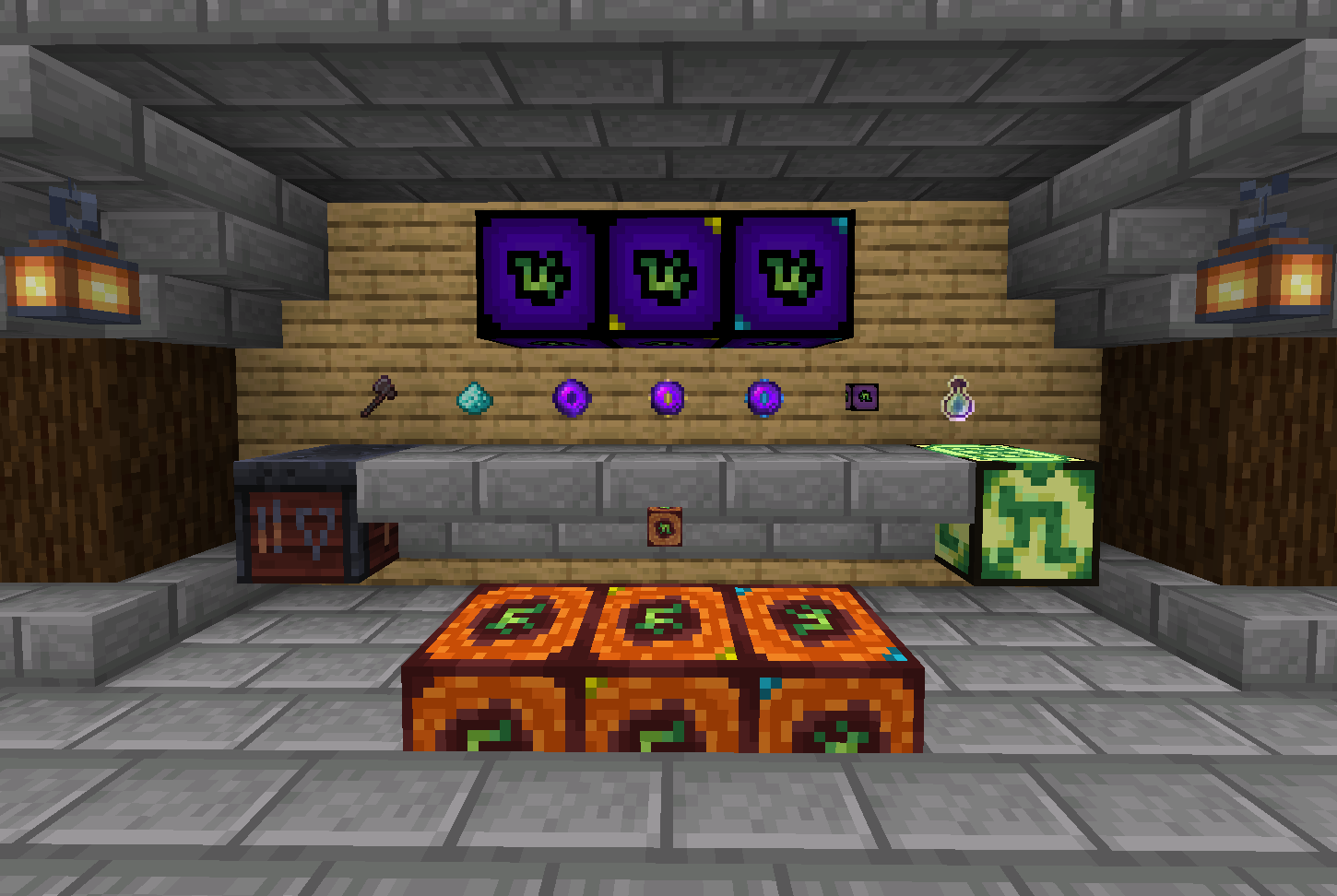
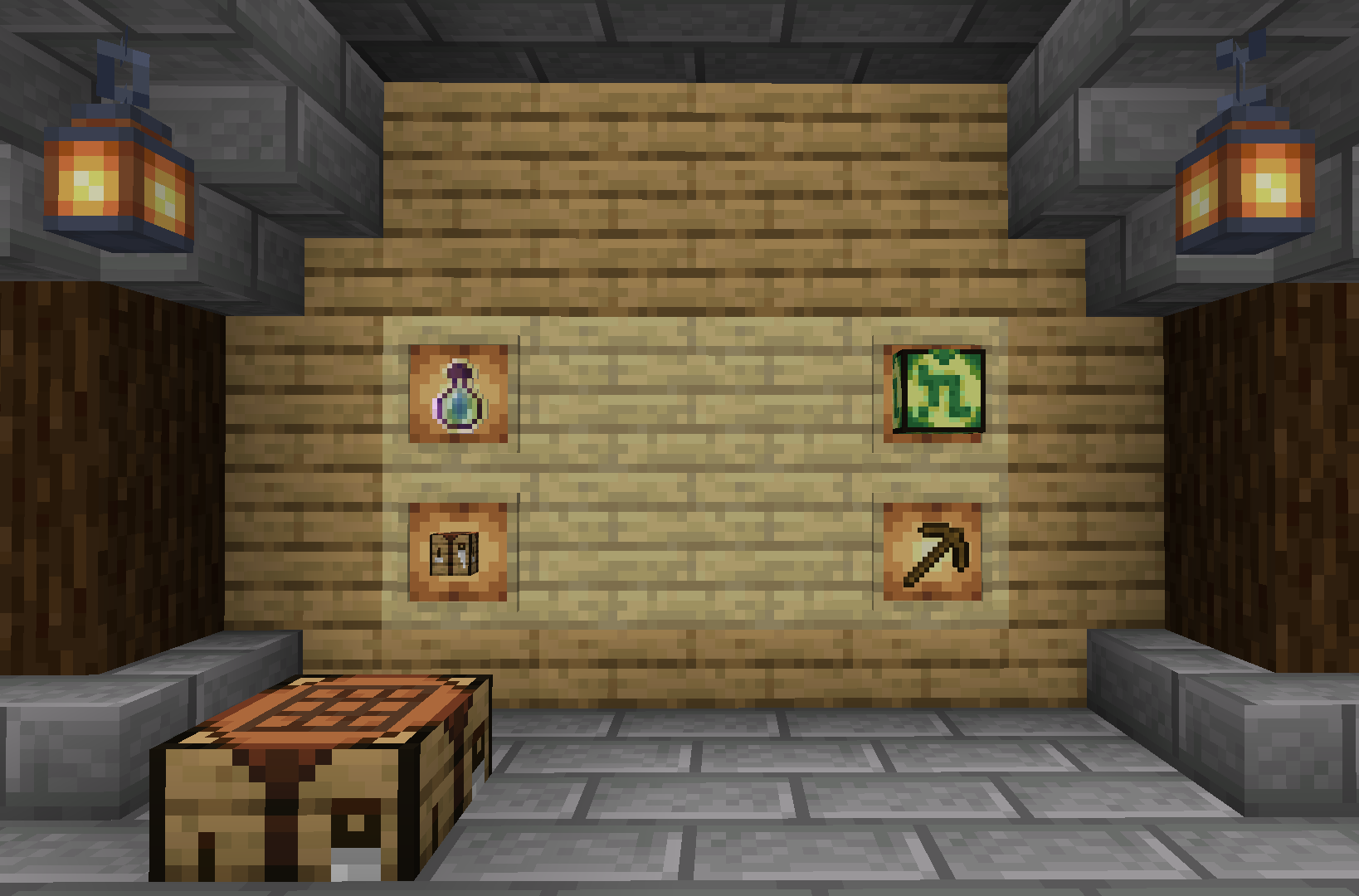
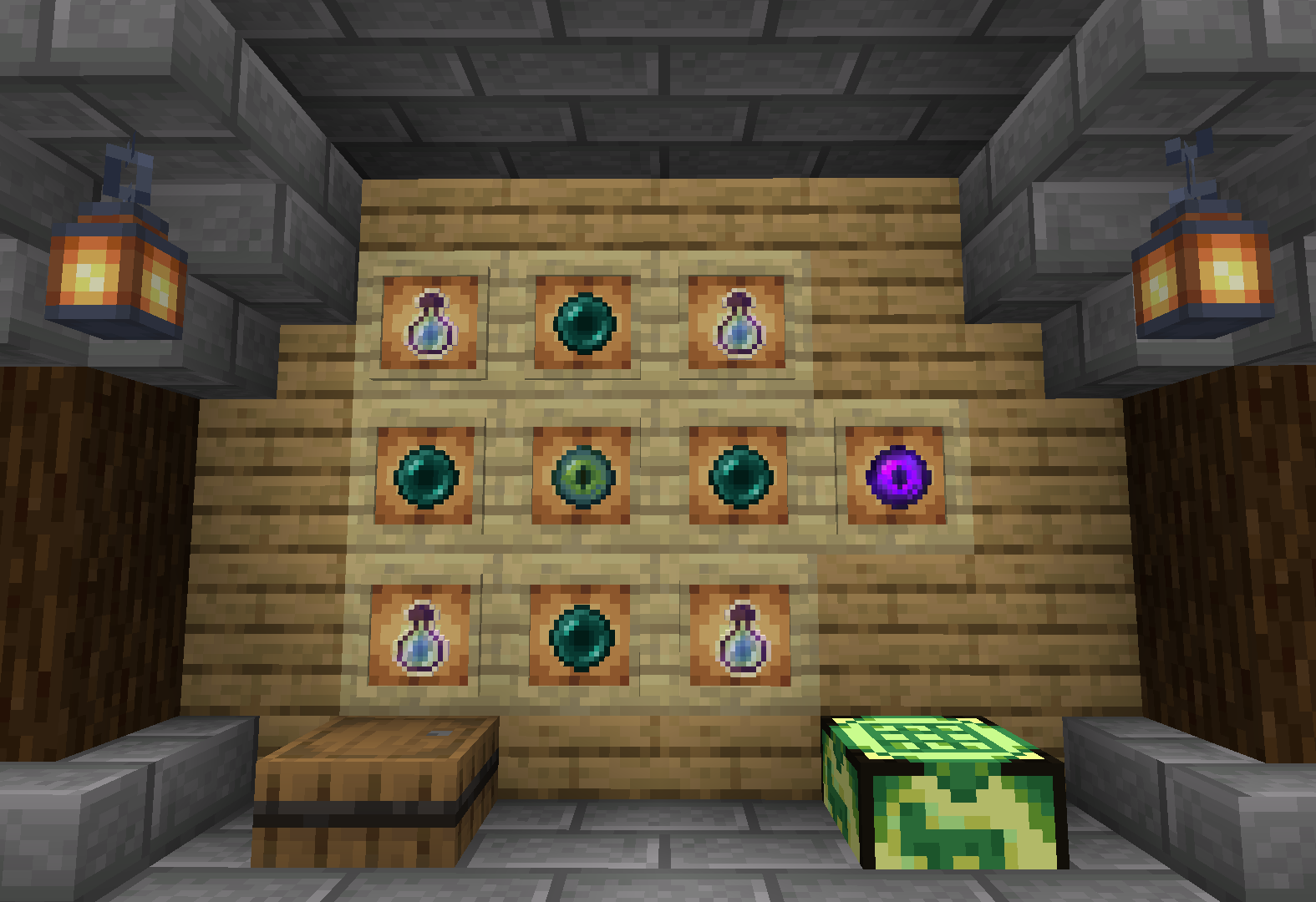
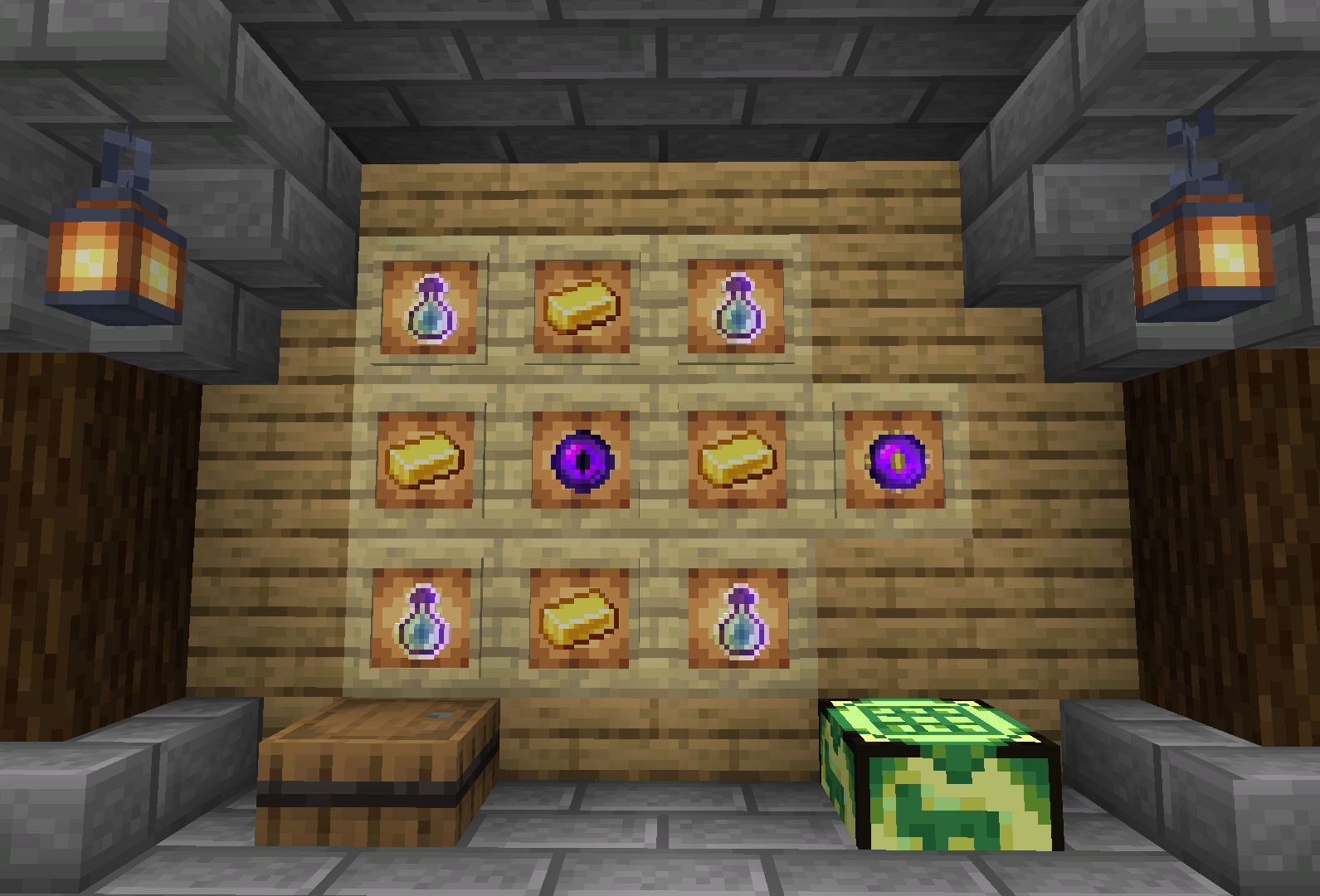
介绍
Magic Transporters introduces new blocks and items. This blocks, called “Elevators” and “Conveyors“, allow you to move faster between places or floors.
There are different “levels” that will improve the maximum distance you can reach.
To use an Elevator you will need to positionate yourself on top of any elevator type and jump to go upstairs or shift to go downstairs.
It would be essential that there is at least an other elevator (not necessarily of the same power) above or below.\
To use a Conveyor you will need to positionate yourself on top of any conveyor type and shift to go fowards.
It would be essential that there is at least one other conveyor (not necessarily of the same power) aligned (does not work in diagonal).
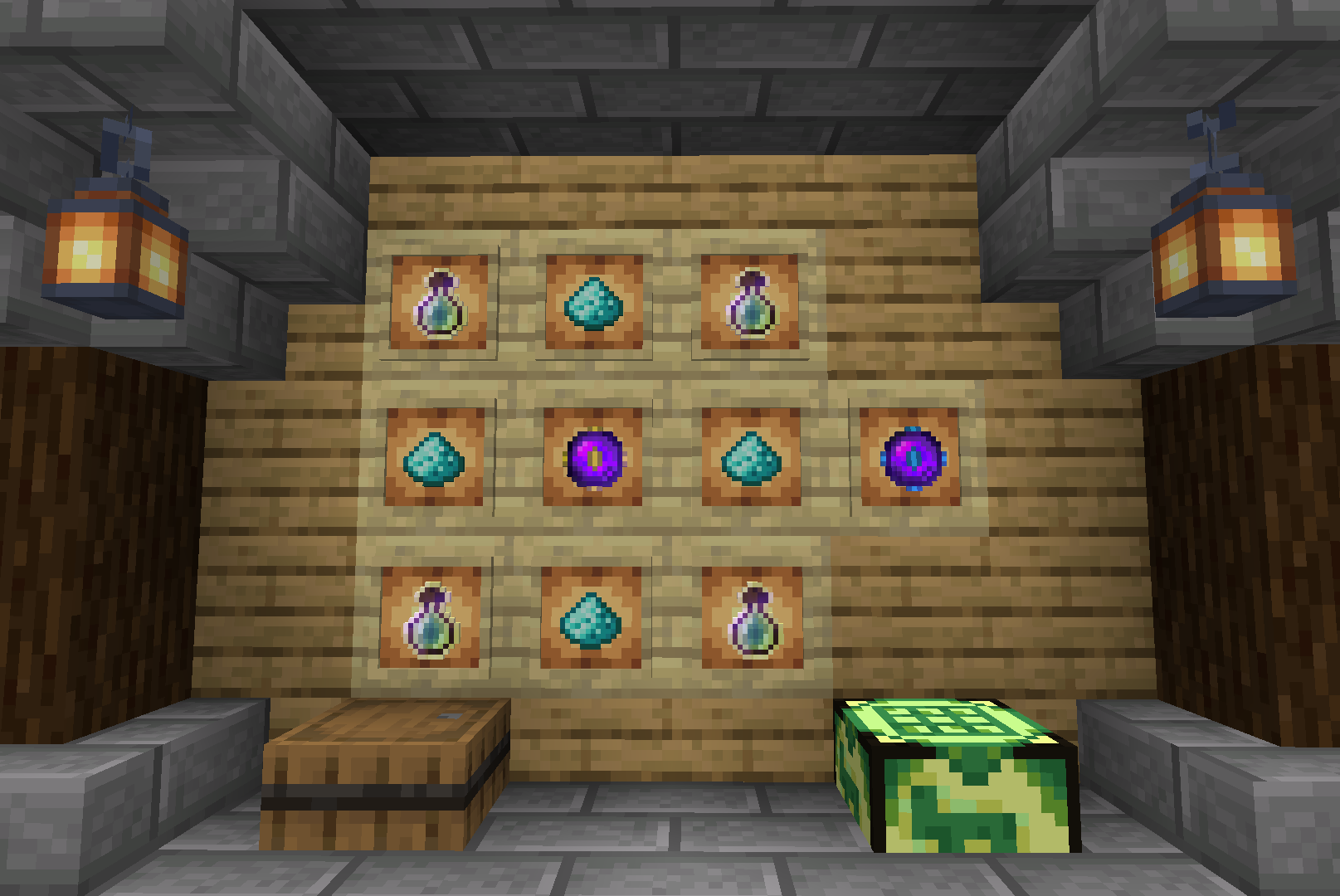
To get an Elevator you will need to craft as first the Elevator (base for all kinds of elevators) and then combine it with one of the Transporter Cores depending on the power you want your elevator has.\
To get a Conveyor is the same idea: use a Conveyor and one of the Transporter Cores.
Crafting is done either through the “Magic Crafter“, or by dropping the different items on top of a Smithing Table.
You can view al recipes here.
常见问题
Magic Transporters 支持哪些 Minecraft 版本?
Magic Transporters 支持 Minecraft Java 版 1.19–1.20,共 6 个版本。下载时注意选择和你游戏版本一致的文件。
Magic Transporters 怎么安装?
新建世界时在「数据包」里把下载的 .zip 拖进去;已有的存档,把文件放进存档目录下的 datapacks 文件夹,进游戏输入 /reload 即可生效。服务器同样放在世界目录的 datapacks 里。
XAVI333 的其他作品
查看全部 →
Chunk Pregenerator
探索时不再卡顿! 提前加载区块,尽情享受探索乐趣。

Way to Grave
死亡后将物品安全保存在墓穴中。

Custom Elytra ResourcePack
Custom Elytra 数据包的官方资源包。

Custom Elytra DataPack
无需披风,也能展示任意鞘翅皮肤。只需在铁砧中重命名即可。 无需 OptiFine!
评论
登录后评论和评分