
Luminous Nether Tweaks
This Project adds the data pack required to configure the two new biomes in Luminous:Nether!
截图
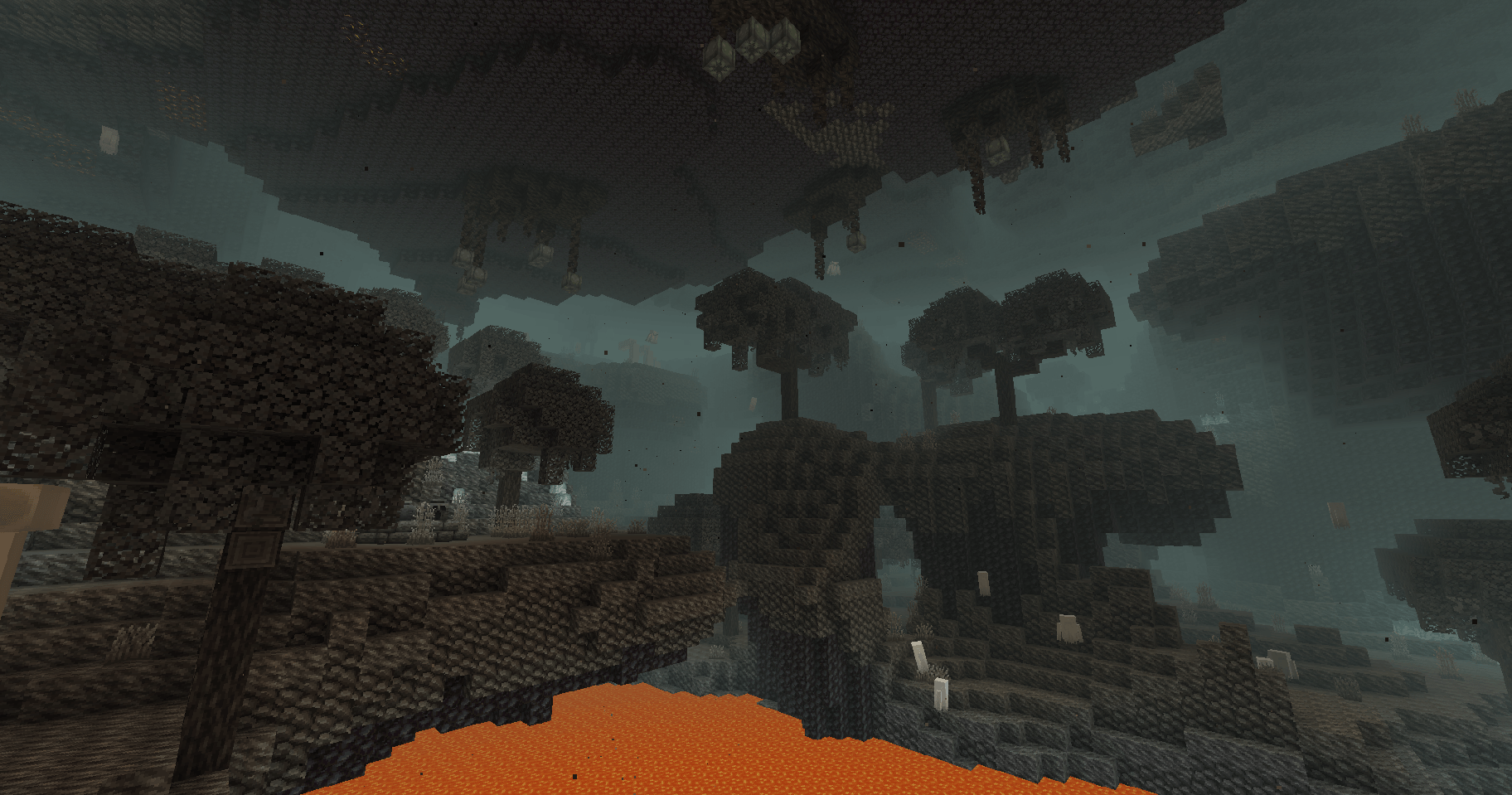
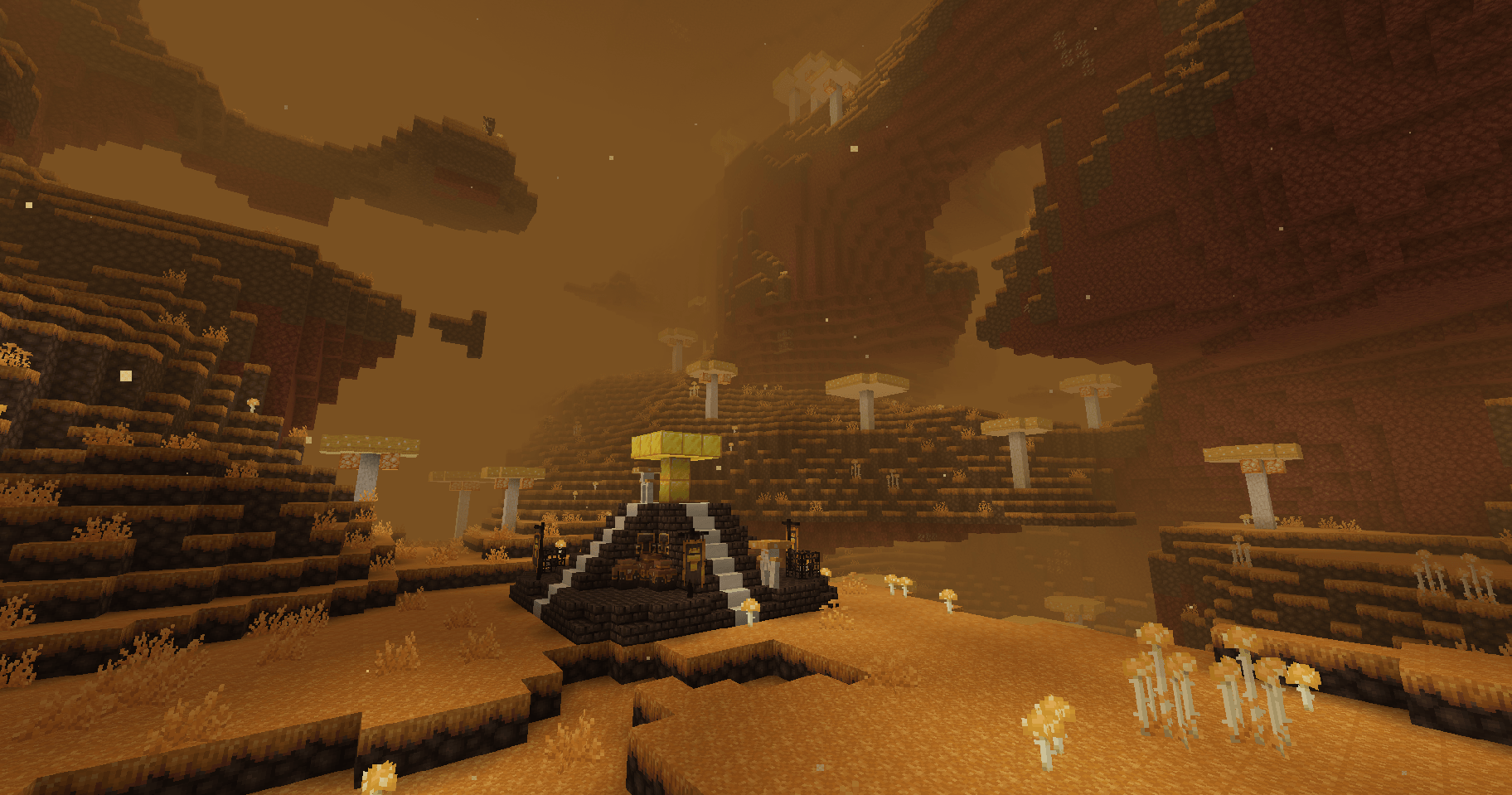
介绍
Luminous Nether Tweaks adds a new data pack for adjusting the biome weights of thw two biomes in Luminous:Nether!
THIS IS _NOT_ the original Luminous:Nether mod! This does NOT add any new content, and will only work with the main mod found HERE!
How to use:
1.) Unzip/extract the provided zip file to wherever is most convenient, I would suggest your desktop
2.) Navigate through the folders as follows: data/luminous_nether/blueprint/modded_biome_slices/ until you see two json files – “ash_forest_slice.json” and “fungal_plains_slice.json”
3.) Open either of them with a text editor , like notepad. When opening, you’ll be met with code that looks like this:
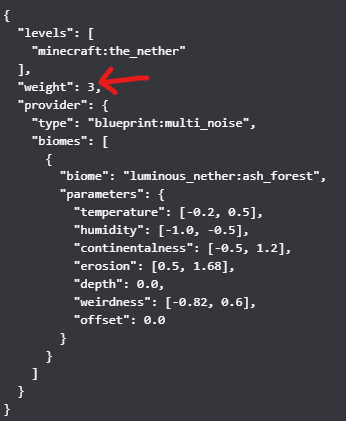
By changing the number that the arrow is pointing to, you can adjust how common or rare the biome is. The default weight is 3. There is one json for each biome, and their weight works independantly of the other.
4.) Once you have made the changes, find your “%appdata%” folder on your device (I recommend using the windows searchbar if you don’t know how to do that)
5.) open your “.minecraft” folder and find the “saves” folder
6.) Locate the file with the world name that matches the world you wish to edit
7.) drop the WHOLE “Luminous_Nether_Tweaks” master file (Zipped or unzipped – up to you!) in the “datapacks” folder!
(Note: A restart is NOT required for these changes to take effect on a server! The server operator just has to type “/reload” in the console once the data pack is properly placed in the data pack folder!)
常见问题
Luminous Nether Tweaks 支持哪些 Minecraft 版本?
Luminous Nether Tweaks 支持 Minecraft Java 版 1.20–1.21.1,共 3 个版本。下载时注意选择和你游戏版本一致的文件。
Luminous Nether Tweaks 怎么安装?
新建世界时在「数据包」里把下载的 .zip 拖进去;已有的存档,把文件放进存档目录下的 datapacks 文件夹,进游戏输入 /reload 即可生效。服务器同样放在世界目录的 datapacks 里。
RipleysMods 的其他作品
查看全部 →
Luminous: Beasts
用 26 种全新的传奇野兽及其稀有变种,点亮你的世界!

Luminous: Overworld
通过全面改造的生物群系、新生物、新装饰方块,以及等待你狩猎的强大野兽,让你的 Minecraft 原版体验焕然一新、更加丰富!

Luminous Tag
新增装饰标签——供 LUMINOUS 和 LUMINOUS:NETHER 使用的物品。

Luminous: Nether
探索全新的下界生物群系,迎战危险的敌人!用全新方块建造,还能用新装饰品美化你的世界!
评论
登录后评论和评分