
截图



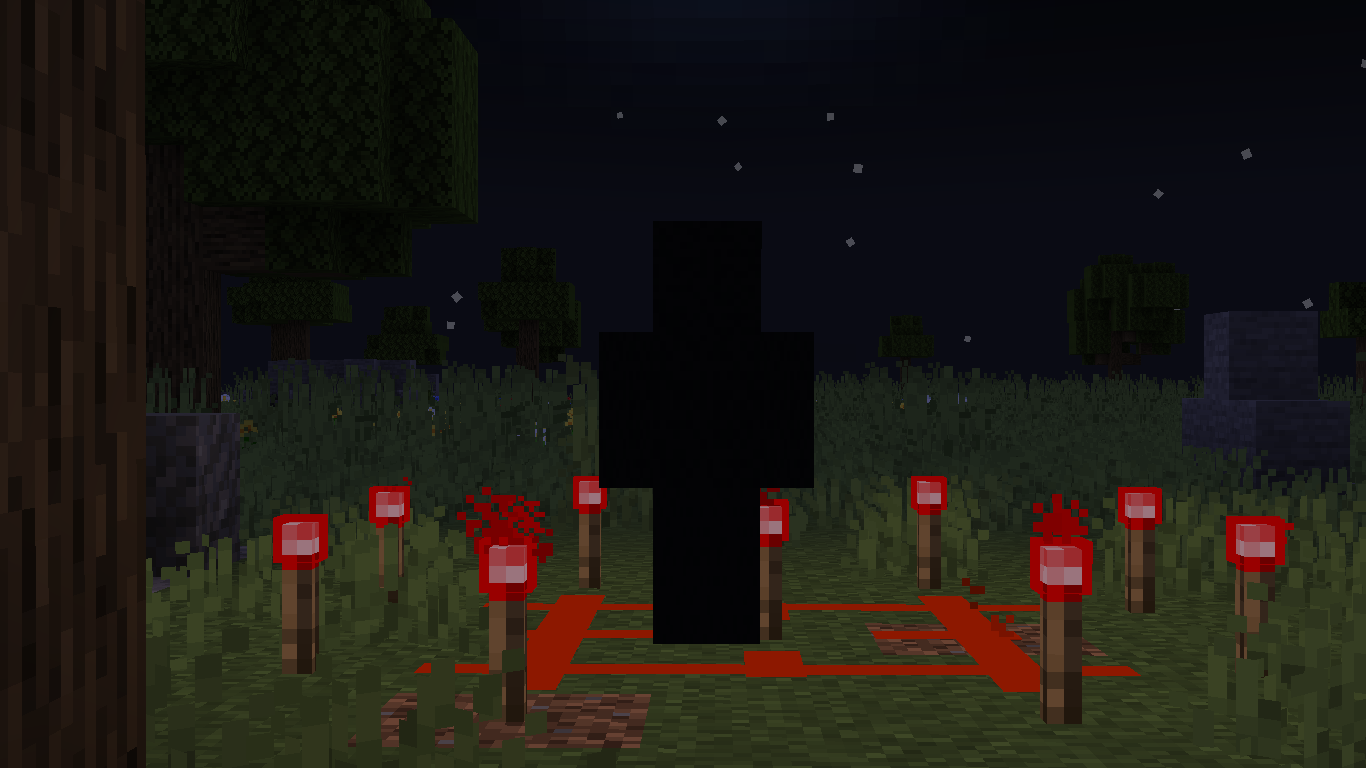
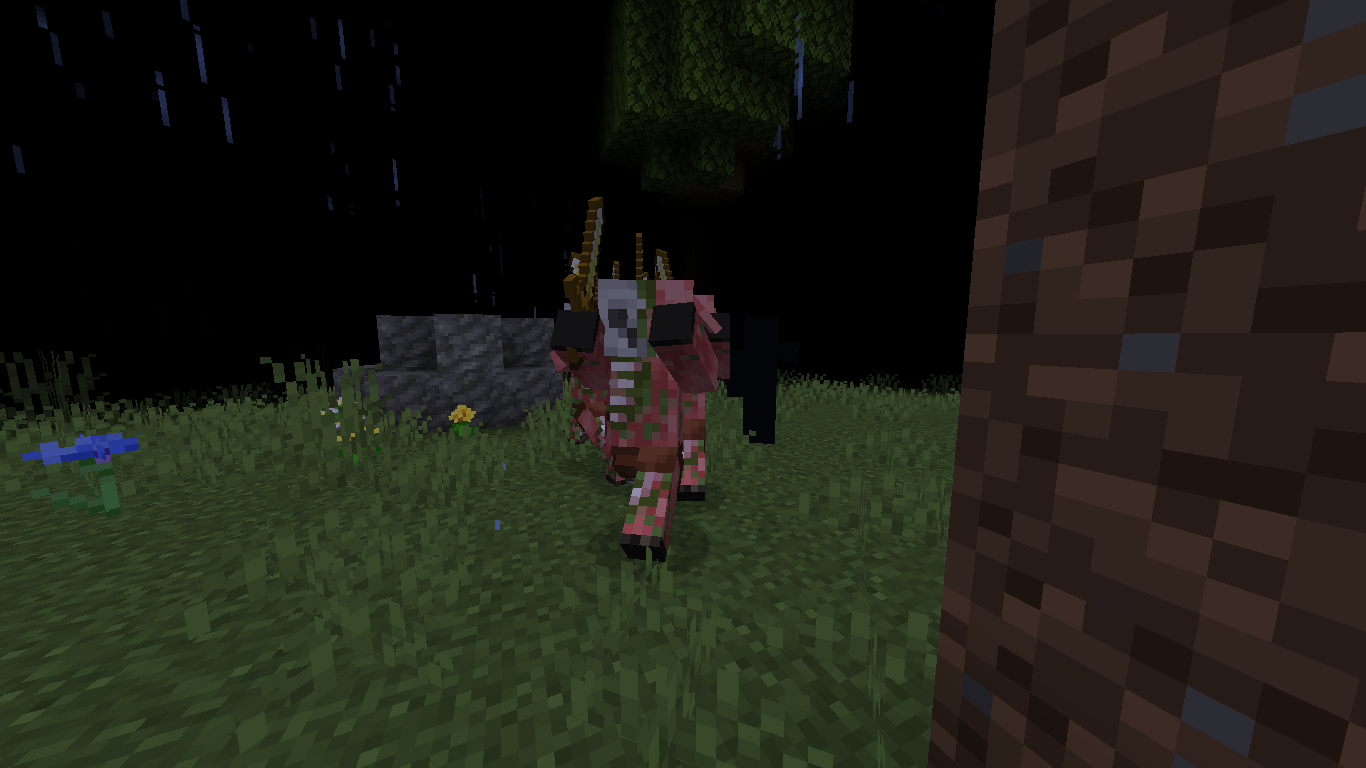

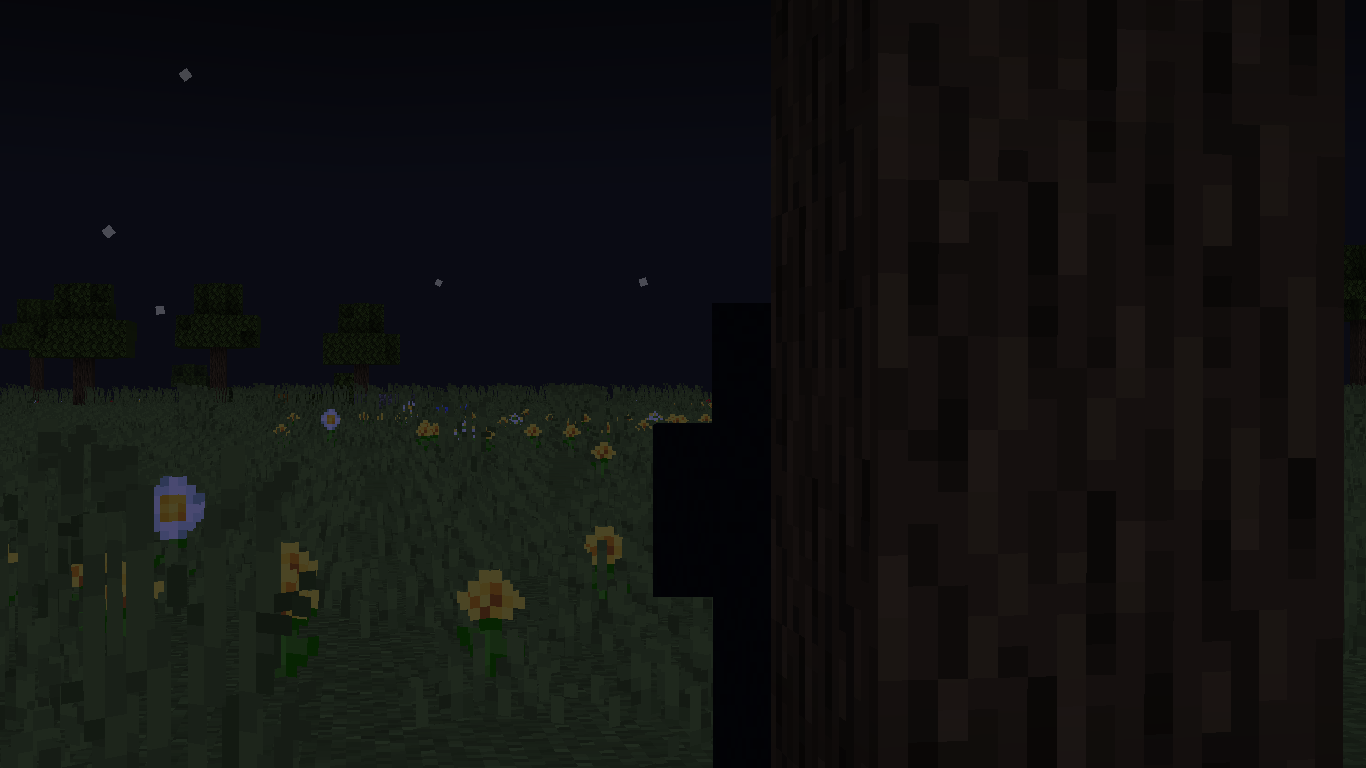

介绍
Lumenfuchs’ Dummy
The Project
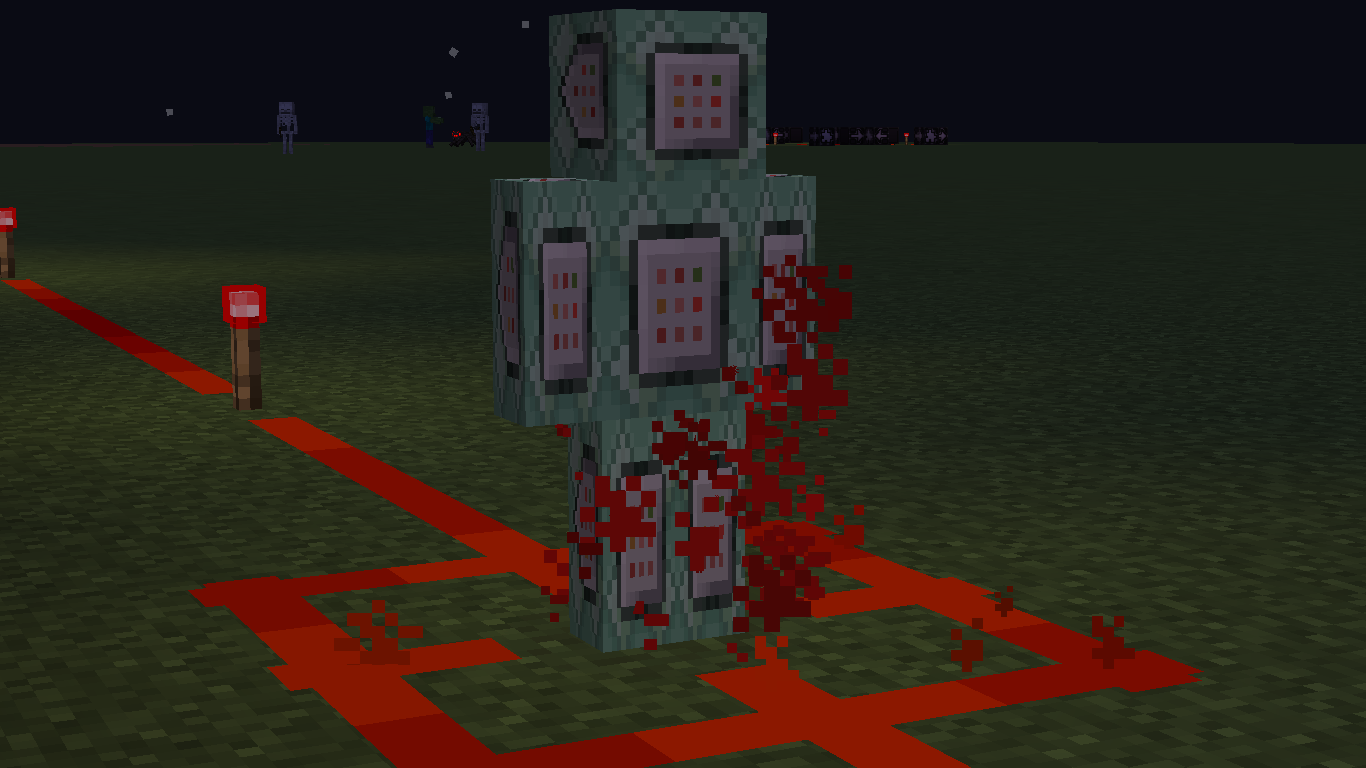
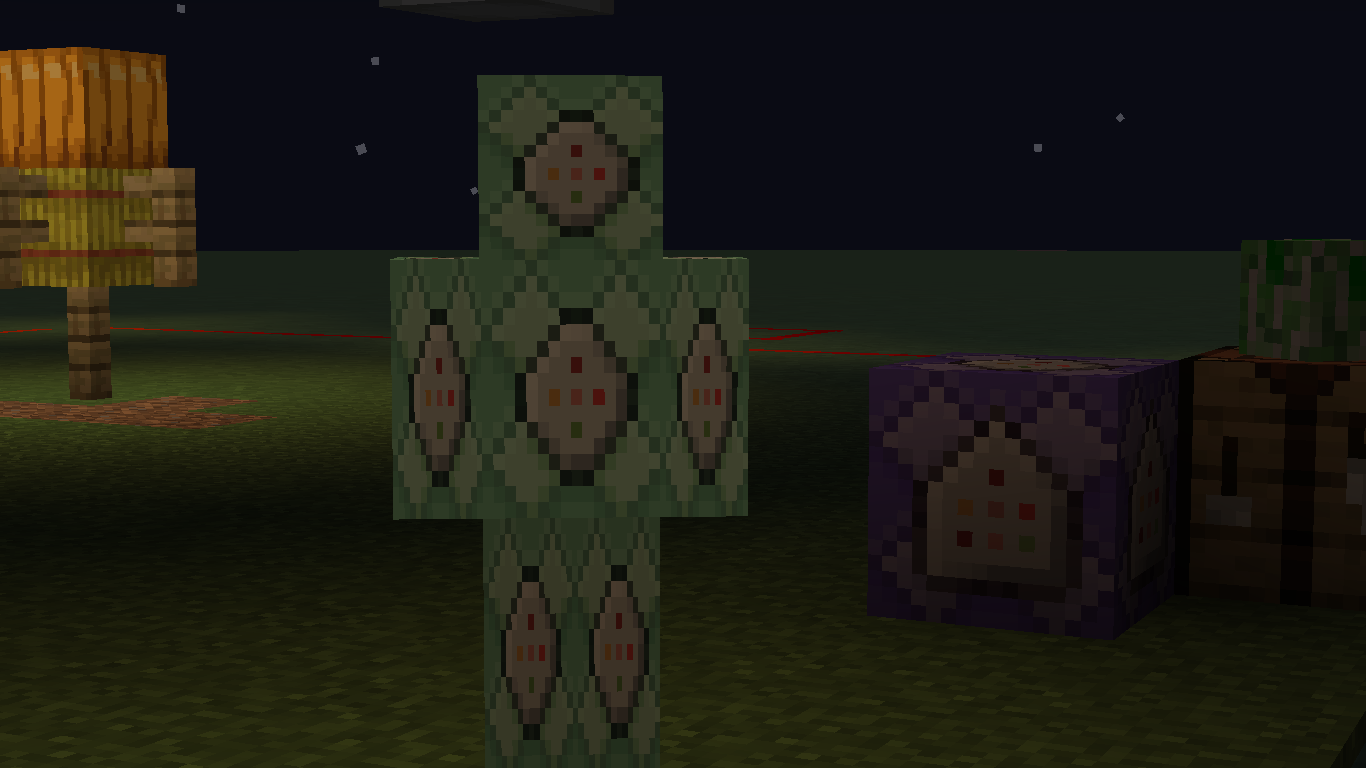
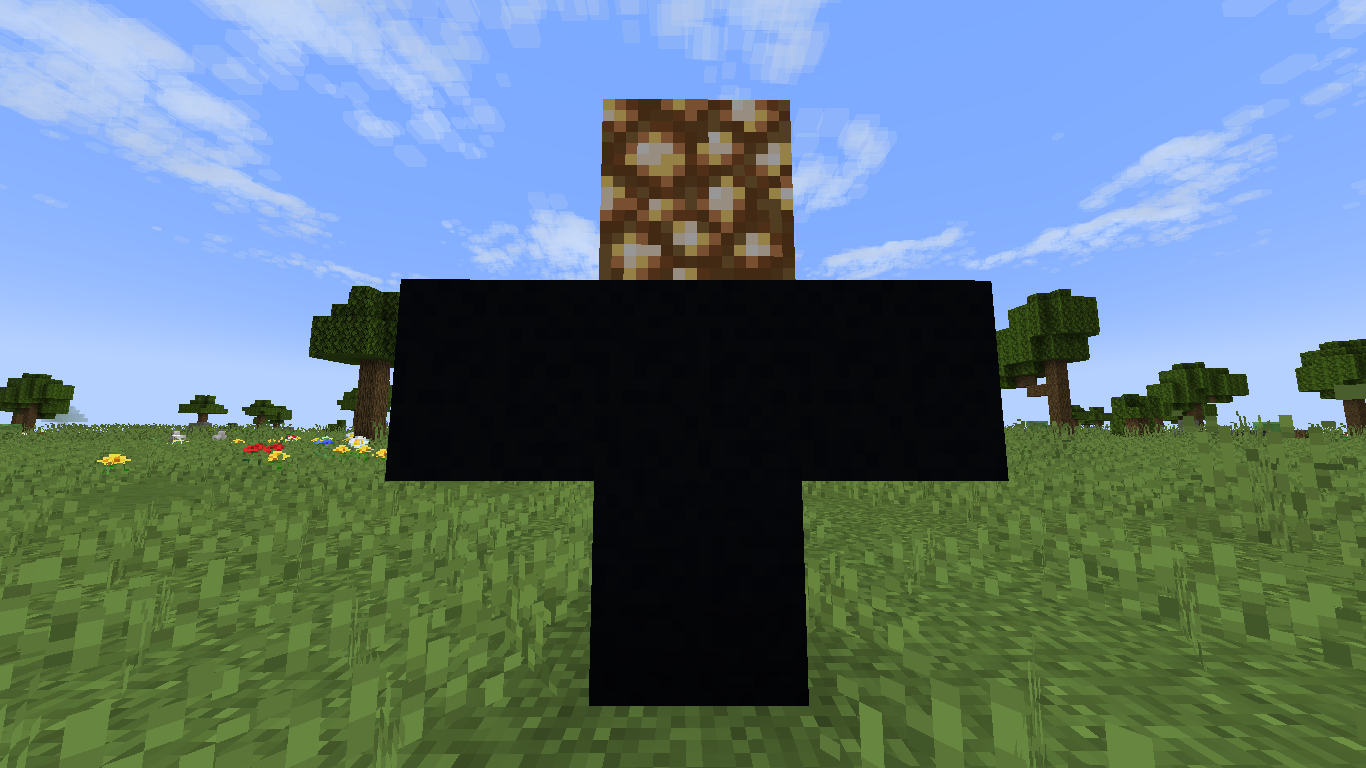
Lumenfuchs’ Dummy is a proof-of-concept datapack/mod which adds a new entity: the Dummy. With unusual stalking behaviors and even weirder interactions with its environment, the Dummy is a presence that will not leave you at ease until it is gone.
The Dummy
The Dummy is a non-mob humanoid who mimicks entity-like behavior to its best capacity. It stares nearby players, and if not actively looked at, slowly approaches them.
If getting too close to a player, the Dummy performs its “attack” ability, causing skies to darken and mobs to anger towards that player. Even heavens itself turns against the victim, with thunders being redirected to smite the player.
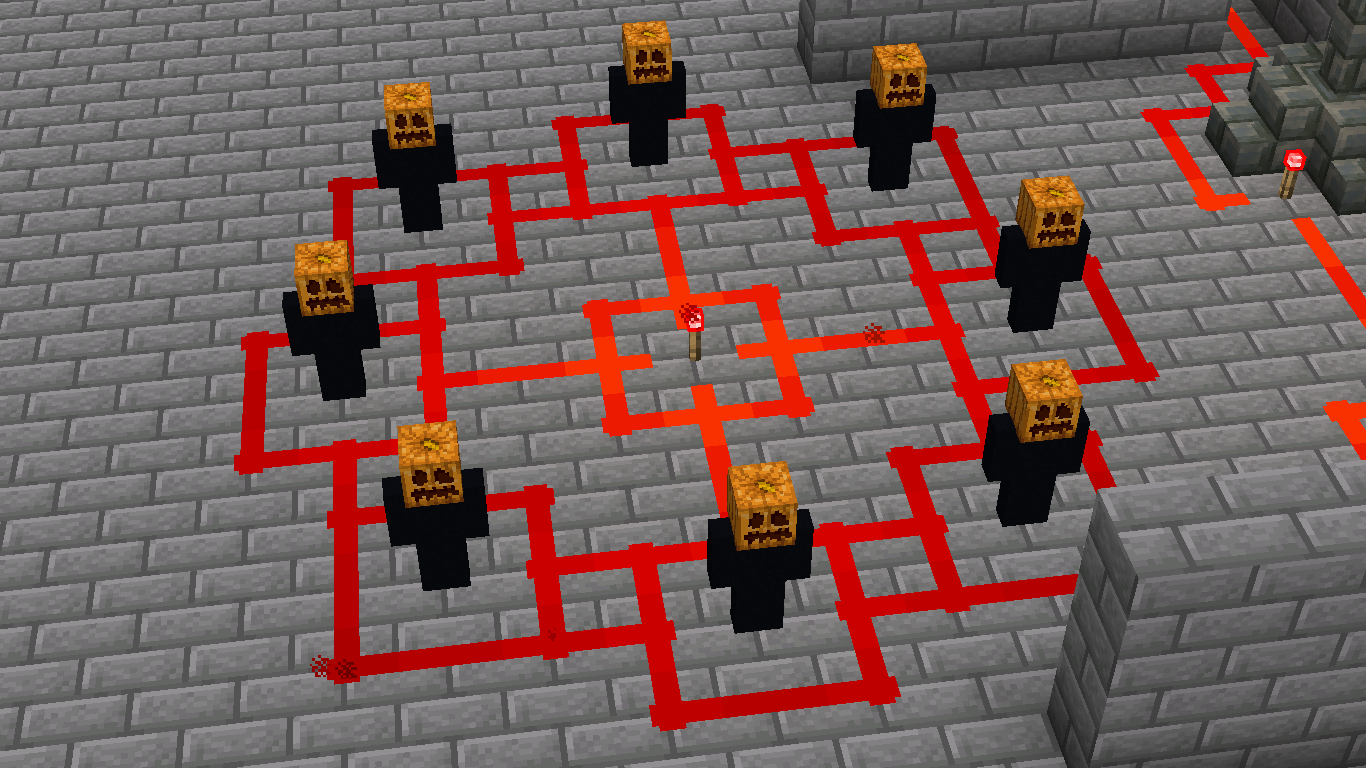
Some methods of avoiding a Dummy’s stalk include gaps in terrain, as it will avoid heights greater than one block, and strongly powered redstone. However, keeping one at bay might not last you too long…
Settings
All behaviors of the datapack are configurable in-game by running /trigger lumenfuchs.settings ; Customization, behavior and compatibility-affecting features may all be edited to the user’s desire within a “settings panel” in chat.
Some older versions (most notably v1.1.1 and v1.2.0) may cause the datapack to stop working when upgrading on an existing world; On such cases, resetting that world’s settings can fix these issues and restore the datapack’s functionality:
- Running /trigger lumenfuchs.settings set 400 will set any missing setting, which helps if upgrading caused the issue.
- Running /trigger lumenfuchs.settings set 500 will reset all settings to their default values; This is an last resort if a setting is set to an invalid value but can’t be edited within the in-game settings panel.
How to Install
- Go to Files, select the topmost file available (as of writing: “v.1.4.0 – DummyLib“), then press Download in the top-right corner.
- (Optional) In “Additional Files” (bottom-left; right after “Changelog”), select and download the Resource Pack for non-English translations. (Currently only Brazillian Portuguese is supported)
- Open Minecraft, select your world, then “Edit”.
- Select “Open World Folder”.
- Add the datapack’s file to the “datapacks” folder.
- Open your world; The datapack should be automatically enabled.
For more information, see this tutorial page on the Minecraft Wiki.
For a comprehensive list
of all features in this datapack, including settings descriptions and how to spawn the Dummy, see here.
Resource pack featured in gallery screenshots: Clean Redstone Dust by Vanilla Tweaks.
常见问题
Lumenfuchs’ Dummy 支持哪些 Minecraft 版本?
Lumenfuchs’ Dummy 支持 Minecraft Java 版 1.21.2–1.21.5,共 4 个版本。下载时注意选择和你游戏版本一致的文件。
Lumenfuchs’ Dummy 怎么安装?
新建世界时在「数据包」里把下载的 .zip 拖进去;已有的存档,把文件放进存档目录下的 datapacks 文件夹,进游戏输入 /reload 即可生效。服务器同样放在世界目录的 datapacks 里。
评论
登录后评论和评分