
截图
介绍

Truffle’s Minecraft Lockout



What is Lockout?
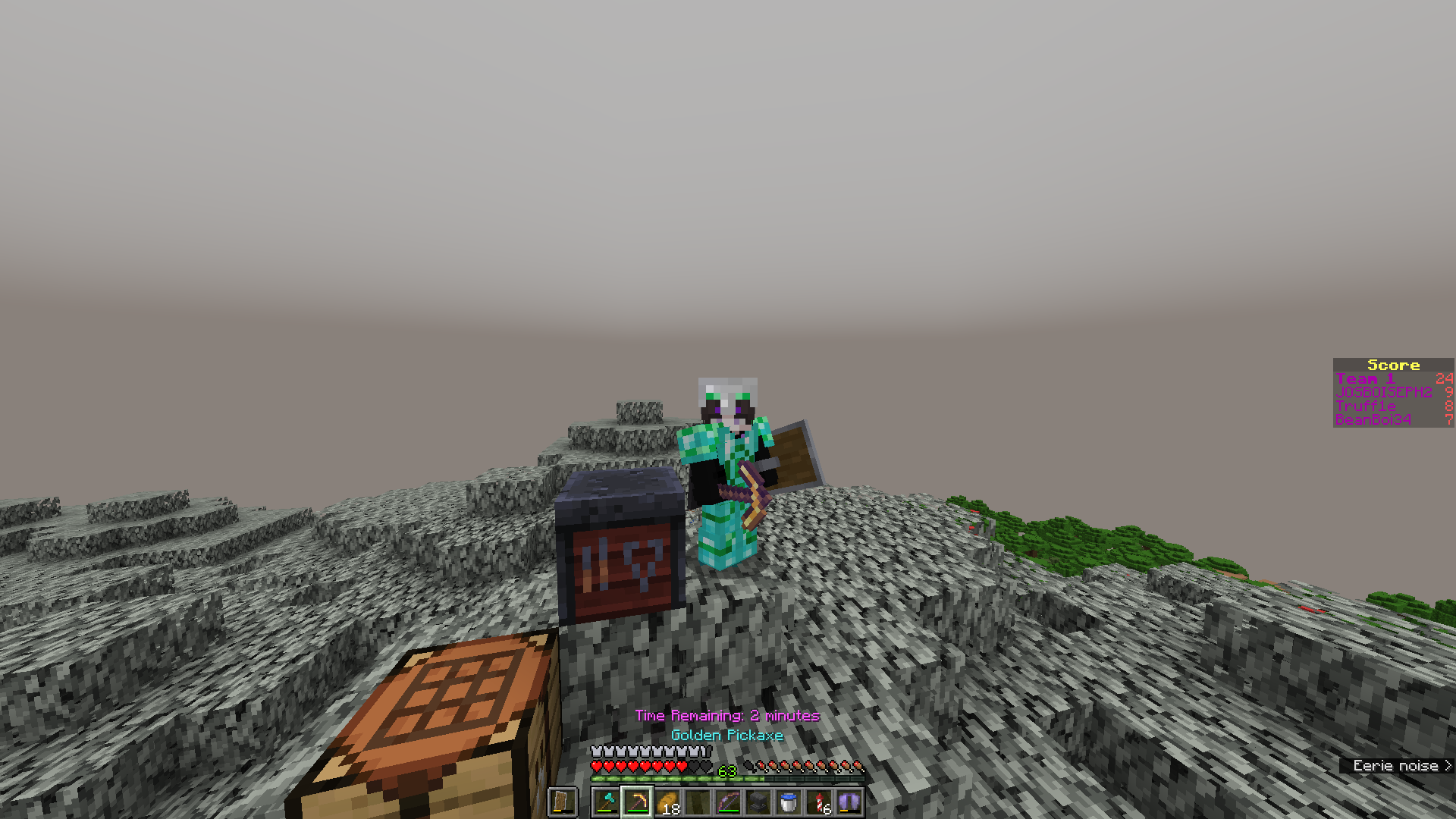
Lockout is played on a random Minecraft world in survival mode. Two teams try to complete more than half the objectives on a board of typically 25 goals. The goals can be easy like ‘Eat Apple’ or as challenging as ‘Enter End City’. Each goal is worth one point. Once one team completes a goal, the other team is “locked out” of that goal and can no longer earn a point for it. The first team to complete more than half the board wins.
This game was originally invented by SmallAnt and created by AtSign as a Forge mod. You can find the original mod on Curseforge here, although it is no longer receiving updates. There is an updated version for Fabric made by marin774 and specnr. This project recreates lockout in a data pack so that it can be played in 100% vanilla Minecraft. If you are looking for a traditional lockout experience, use one of the mods linked above. If you want to play on vanilla (or any mod loader of your choosing), read on.
Lockout was originally created by SmallAnt!
I hope you enjoy!
~Truffle
Installation & Setup
Each data pack is one single-use lockout board. Simply download a board, load the data pack into your world or server, add players to teams, and play!
NOTE
The current version of this project is for Java Edition version 1.21.8+.
Older versions provide support for 1.21 through 1.21.4.
Bugrock is not supported. Data packs are a Java Edition exclusive feature.
CAUTION
Do not install a lockout data pack on a pre-existing world. Lockout is intended to be played on a new world.
Playing Lockout
To play lockout, install the data pack on your world or on a server.
Players can use /trigger join_team set <1 or 2> to select their team while still in the lobby.
You can manually add players to teams using /team join 1 <player> and /team join 2 <player>.
IMPORTANT
To start the game, run
“
/function lockout:game/start“
or click the button that says “Start Lockout”
If a player joins late, and they can’t see the lockout board, first add them to a team and have them relog.
TIP
If a goal is bugged or you just want to give a player a specific goal, you can use
/execute as <player> run function lockout:grant/name_of_goal. Or alternatively you can revoke a goal that a player has already achieved with/function lockout:revoke/name_of_goal.
Playing Blackout
The data pack also allows you to start a Blackout game. Blackout is cooperative lockout. Complete the entire board to win. Everyone works together.
To play, follow the same steps as above to generate the data pack and load it into your world. Then run /reload and either click the button in chat that says “Start Blackout” or type
## Limitations
Typically in lockout you have a compass to track players, however a compass is clunky to implement in a data pack. Instead you can use `/trigger locate` at any time to see players' coordinates during the game. In newer Minecraft versions, you can use the locator bar as well. This functionality can be disabed in the preferences menu.

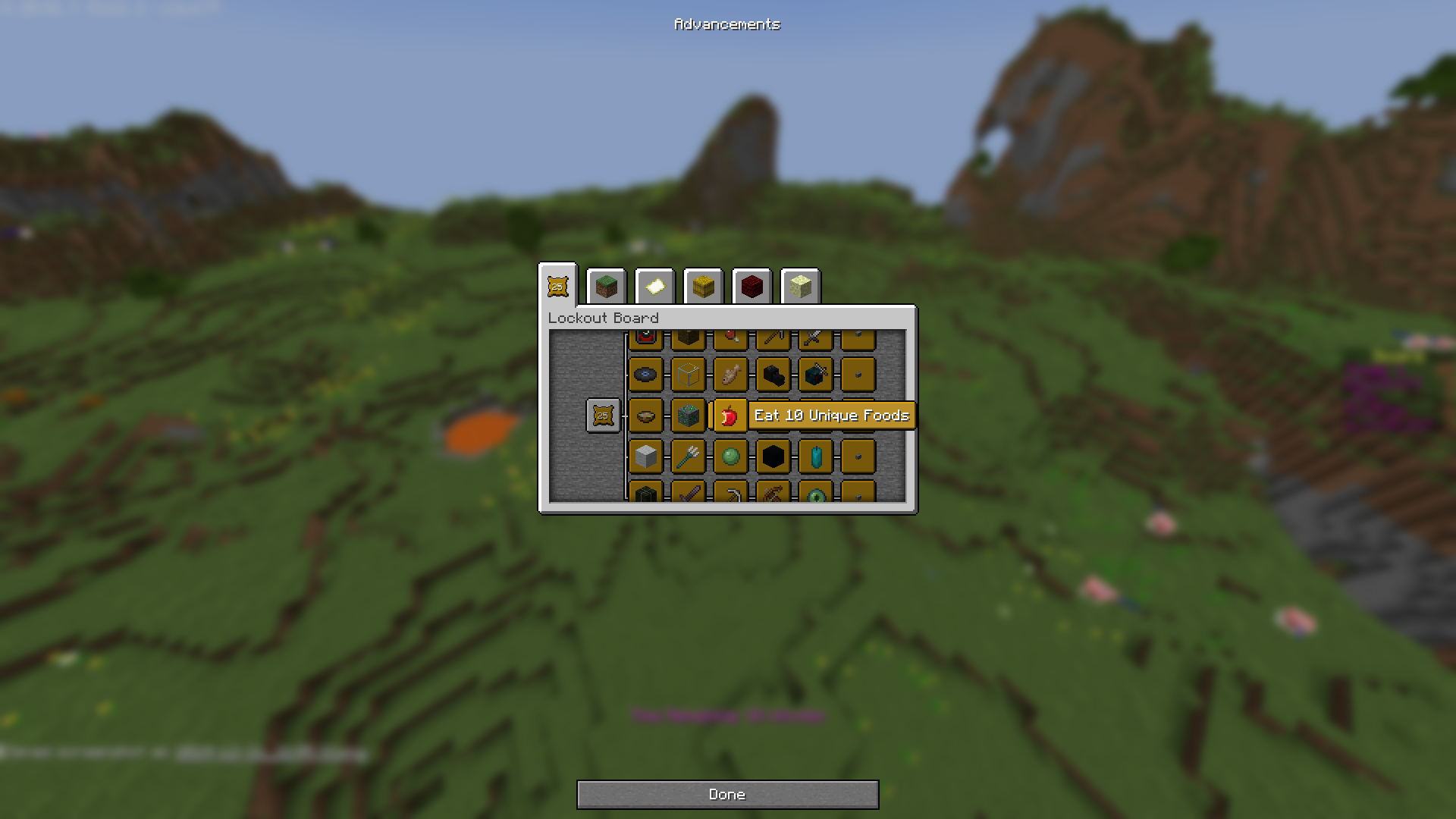
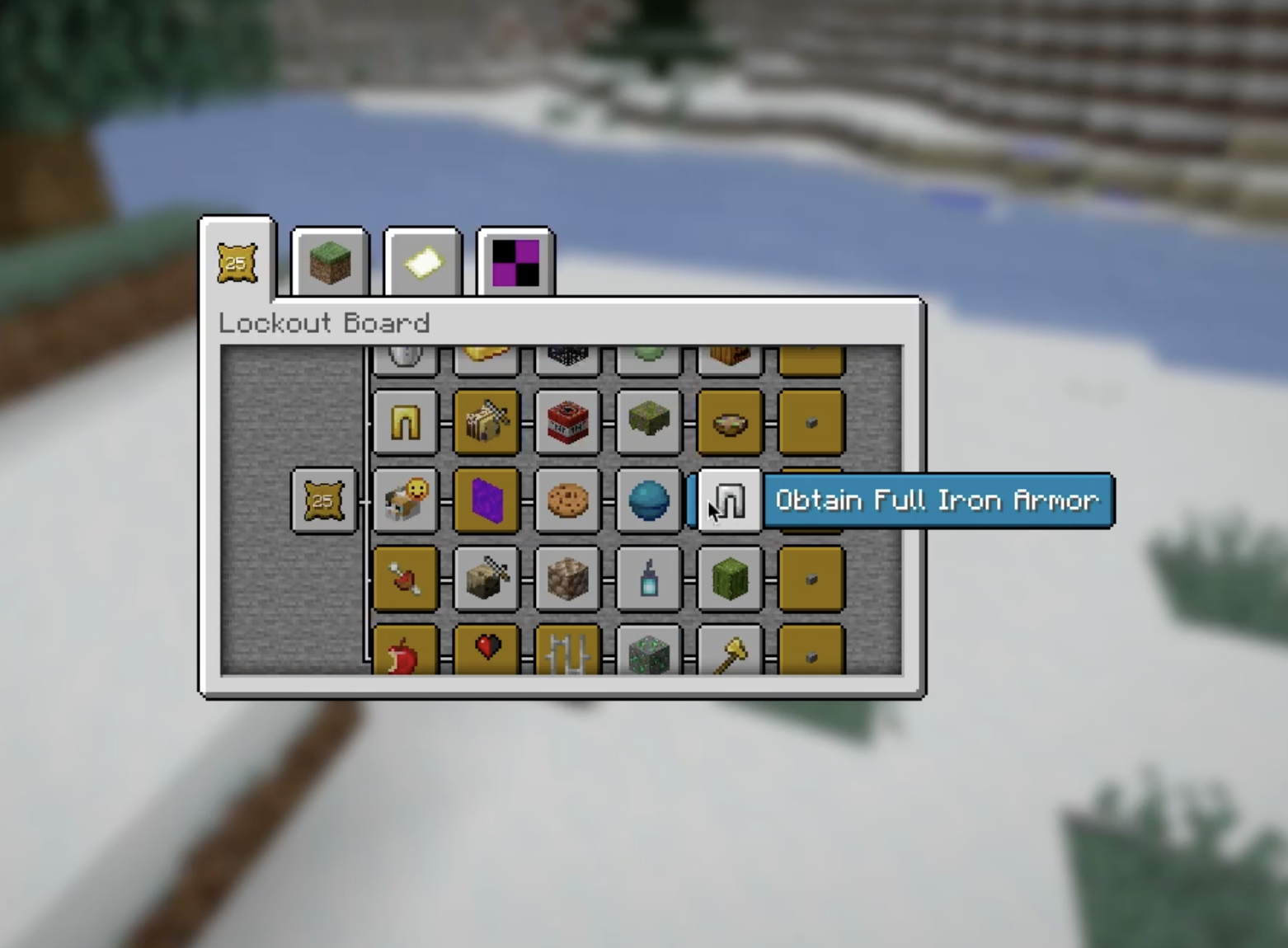
There is no lockout board overlay like in the mod version. Press your advancements keybind (default is L) to see the lockout board. This is a data pack limitation.

With that being said, there are plenty of benefits to playing in vanilla. You can install any mod loader you want and your friends can join and play instantly without any tricky client-side setup.


## Resource Pack
In order to make some of the goal icons more descriptive, this generator comes with an optional resource pack that utilizes some of the textures from the original lockout mod. [Download it here!](https://modrinth.com/resourcepack/lockout-resource-pack) I highly recommend using it, but it is not required to play.


## Known Issues
Due to data pack limitations, there may be some issues with players logging off during the game, though I've done as much as I can to limit any problems from this. One such issue that may arise is if a player logs out during the game start sequence. If this happens and the player cannot move/jump after the game has started, try running `/execute as <affected_player> run function lockout:game/reset/attributes`


## Generator
Due to data pack limitations, you must use a different data pack for each board. Here on Modrinth, you can download preset boards I have created [using my generator on GitHub](https://github.com/Truff1e/lockout). If you want to create your own custom lockout boards, please go check out my generator and follow the instructions to start making your own boards. All the data packs here on Modrinth were generated using that script.

**Note: Each release is a different board. You do not have to play only the latest release. I have uploaded several boards with varying difficulties and sizes.**


## License
This code is licensed under the terms of the GNU GPLv3 license.

Derivative works must also be licensed under the GPL.

## Contact Me
If you have any questions, you are welcome to email me at `[email protected]` or open a new issue on github.
常见问题
Lockout 支持哪些 Minecraft 版本?
Lockout 支持 Minecraft Java 版 1.21.4–26.1.2,共 8 个版本。下载时注意选择和你游戏版本一致的文件。
Lockout 怎么安装?
新建世界时在「数据包」里把下载的 .zip 拖进去;已有的存档,把文件放进存档目录下的 datapacks 文件夹,进游戏输入 /reload 即可生效。服务器同样放在世界目录的 datapacks 里。
Truff1e 的其他作品
查看全部 →
Endless Desert
A challenging survival datapack that changes the world generation, adds a thirst system, new structures and tougher mobs.

Ultracore – A Hardcore Survival Challenge
Thought Minecraft was easy? Think again...

Lockout Resource Pack
Lockout Textures for Truffle's Minecraft Lockout Data Pack

Shattered Kingdom
Custom structures, legendary weapons, powerful armor trim powers and weapon bindings that give any item overpowered attacks and benefits
评论
登录后评论和评分