
截图
介绍

Lock & Key
A datapack that locks a door or a chest to one key.



Introduction
Lock chests and doors with unique and unguessable keys!
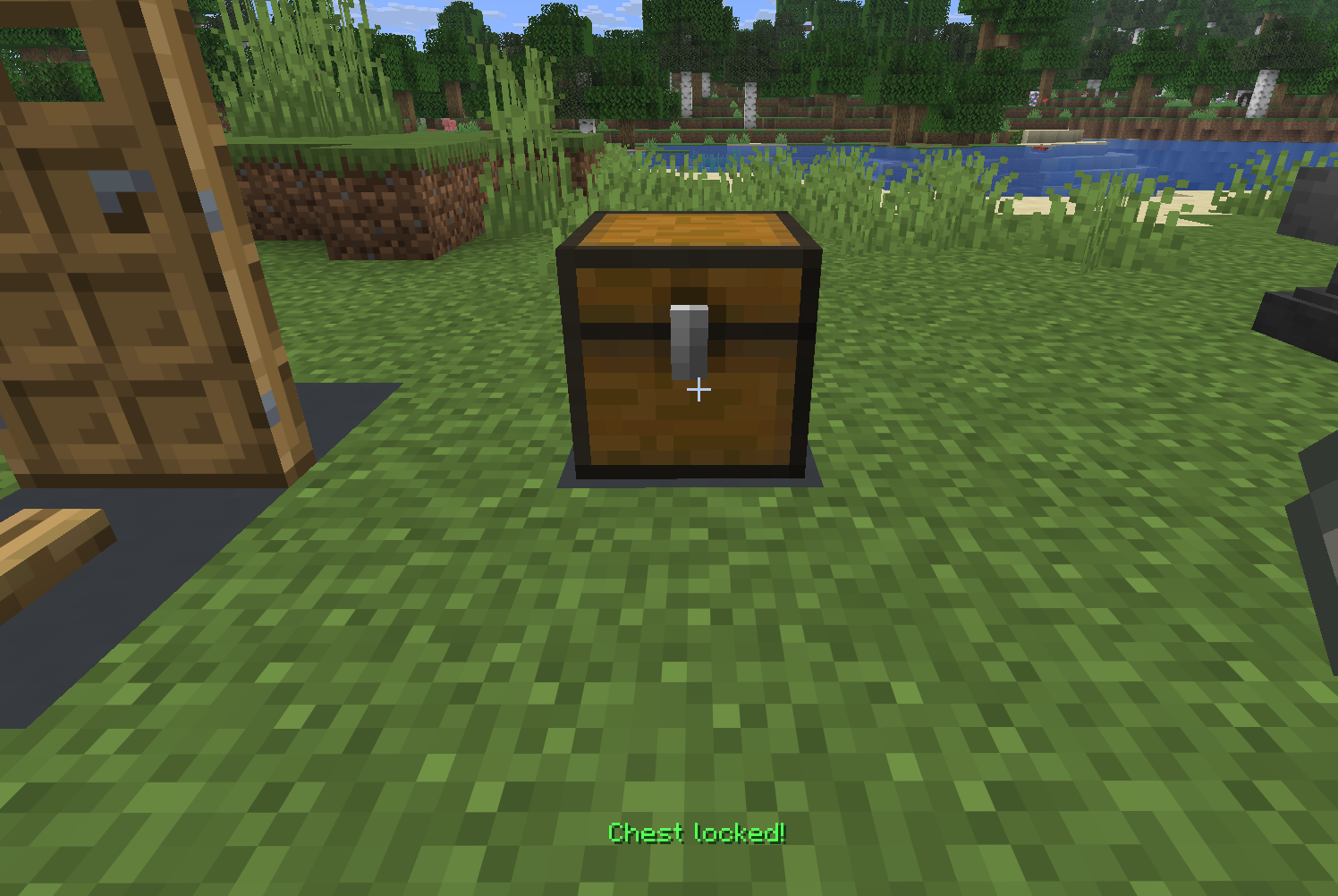
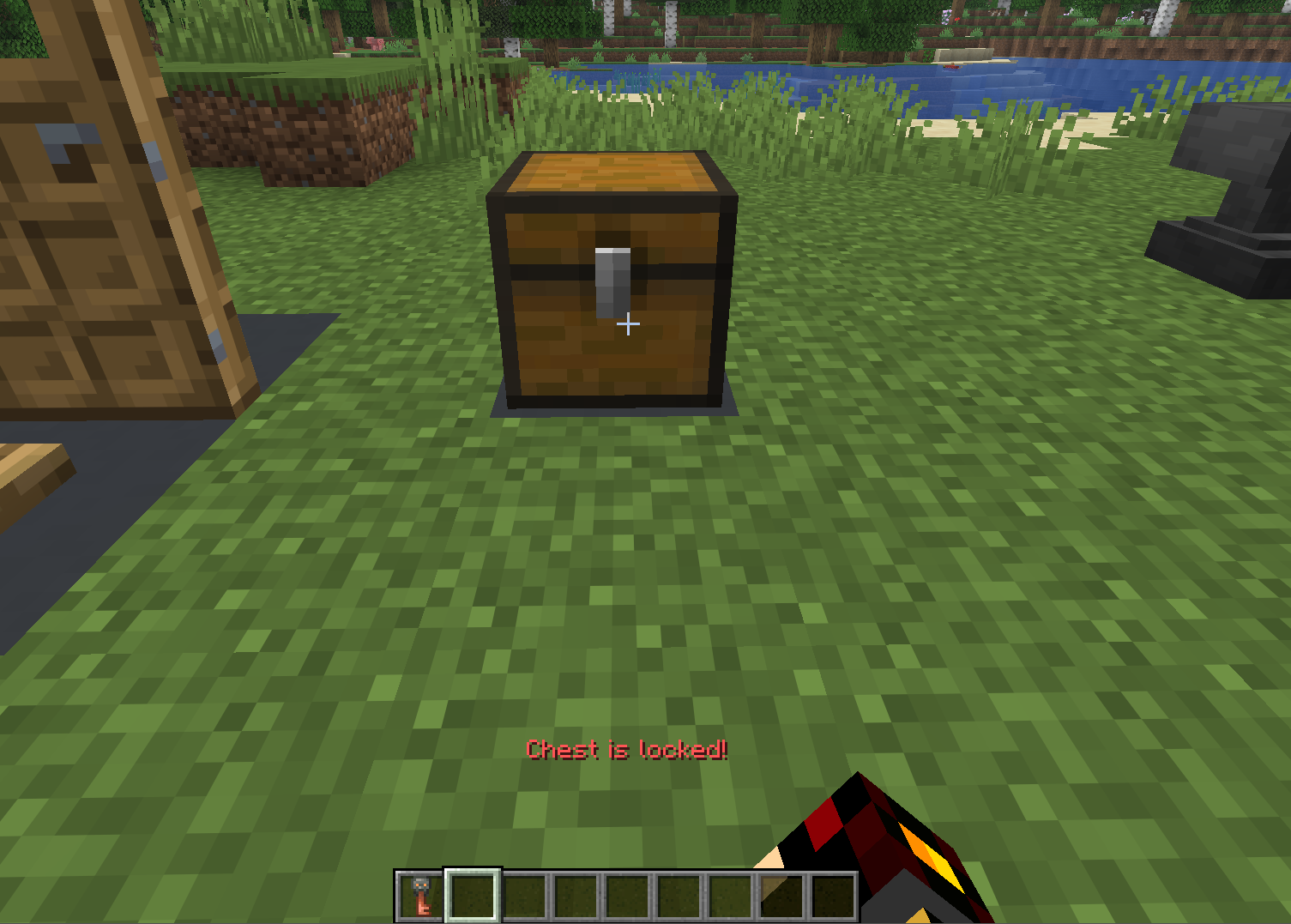
Craft a key, sneak + right-click a door or a chest, and it is now locked! No player can break, open, or activate (via redstone) the locked block without the key!
[!NOTE]
Explosions are still able to break locked objects
How to Use it
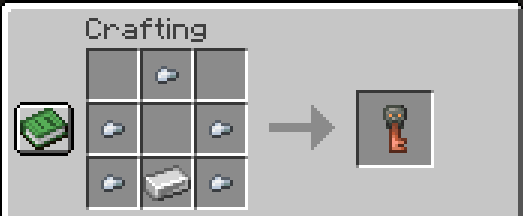
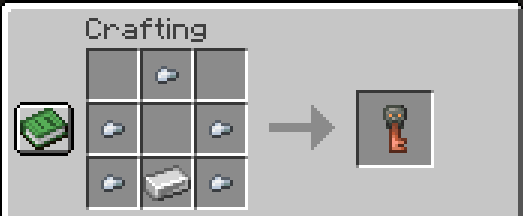
Craft the key with 5 Iron Nuggets and 1 Iron Ingot.
Name it. A key is identified by its signature (who first used the key) and its name. Renaming a key is unique from any other key!
[!TIP]
Name your key in an anvil before you lock anything with it, and make a spare!
There is no master key. Lose the key and the lock stays shut.
[!NOTE]
Due to the limitations of Minecraft string comparison, a lock cannot have a
"character in the name. If it does, you will not be able to lock anything.
Lock it. Sneak and right-click a door or a chest while holding the key. This will automatically sign the key to your user.
Share it. Give somebody a copy of the key and they can open everything it locked. Craft another, sign it, name it the same, and it opens the same locks.
Make spares. Lock something while holding multiple unsigned keys and the entire stack is signed at once!
Unlock it. Sneak and right-click a locked door or chest while holding the key that locked it.
Features
- Doors cannot be opened with redstone. The door stays in the same state as when it was locked.
- Both halves of a double chest lock, and unlock, together.
- If the block is destroyed some other way (e.g. an explosion), the key is also destroyed.
- Unguessable locks. Locks are keyed via their name AND who signed it. Another player cannot create a key that will open your chest, even if the name is the same!
Installation
- Download the release
.zip. - Drop it into
<world>/datapacks/. /reload, or load the world.
Commands
| Command | Description |
| — | — |
| /function lk:give | Gives an unsigned Lock Key without crafting one. |
| /function lk:uninstall | Takes every lock off and removes any storage, tags, etc from the datapack. Run this before deleting the pack. |
[!TIP]
If you lose the key, a locked block cannot be opened (except via explosion, etc). If you uninstall while a lock is in unloaded chunks, it will not be removed.
To remove a lock without a key or datapack, run the following command near the lock:
/kill @n[type=minecraft:interaction,tag=lock.lock,distance=..5]

常见问题
Lock & Key 支持哪些 Minecraft 版本?
Lock & Key 支持 Minecraft Java 版 26.2。下载时注意选择和你游戏版本一致的文件。
Lock & Key 怎么安装?
新建世界时在「数据包」里把下载的 .zip 拖进去;已有的存档,把文件放进存档目录下的 datapacks 文件夹,进游戏输入 /reload 即可生效。服务器同样放在世界目录的 datapacks 里。


评论
登录后评论和评分