
截图
介绍
La Peace SFX Data Pack (Only For Java)
For Bedrock/Pocket: https://www.curseforge.com/minecraft-bedrock/addons/la-peace-sfx
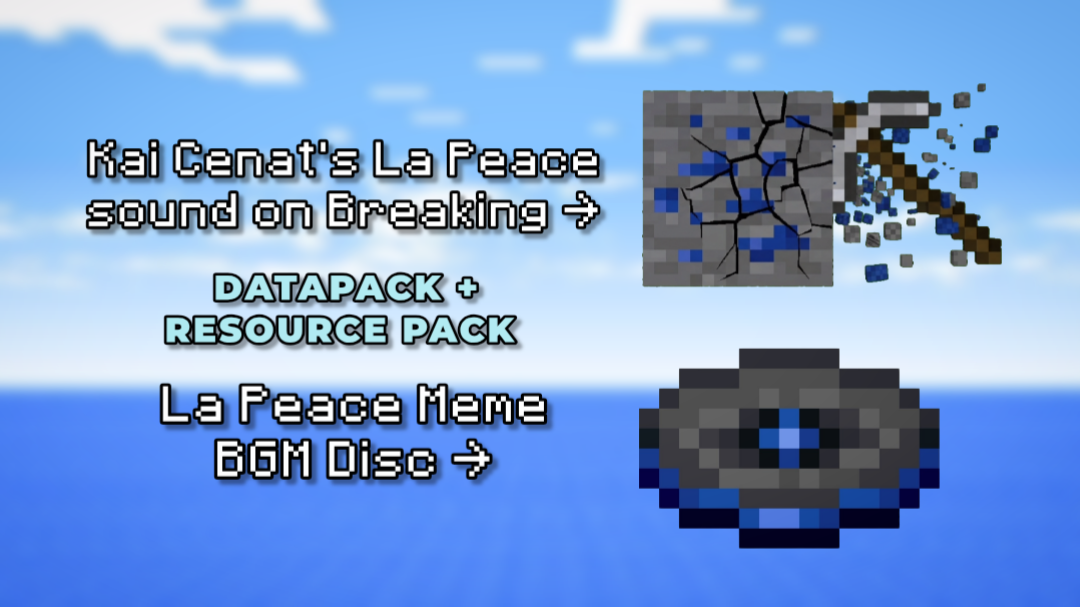
Bring the viral Kai Cenat “La Peace” meme straight into your Minecraft world! This data pack renames lapis items, adds custom sound effects when mining, lets you craft a custom music disc with the iconic Great Fairy Fountain BGM, and includes full command controls to play or stop the music whenever you want.
📦 Features
- Renamed Lapis Items & Blocks:
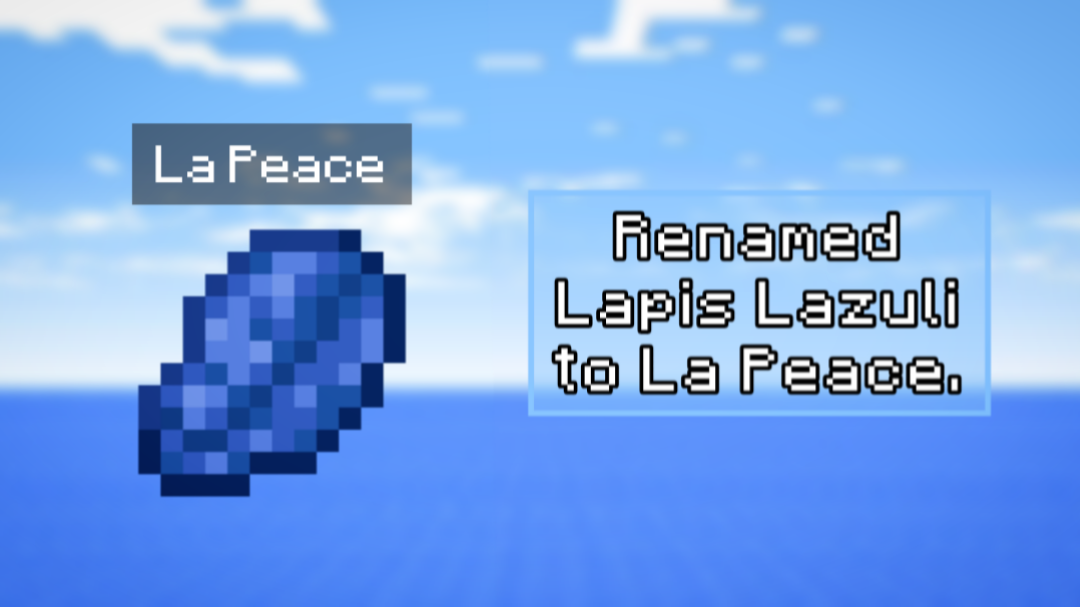
- Lapis Lazuli → La Peace
- Lapis Lazuli Ore → La Peace Ore
- Deepslate Lapis Lazuli Ore → Deepslate La Peace Ore
- Block of Lapis Lazuli → Block of La Peace
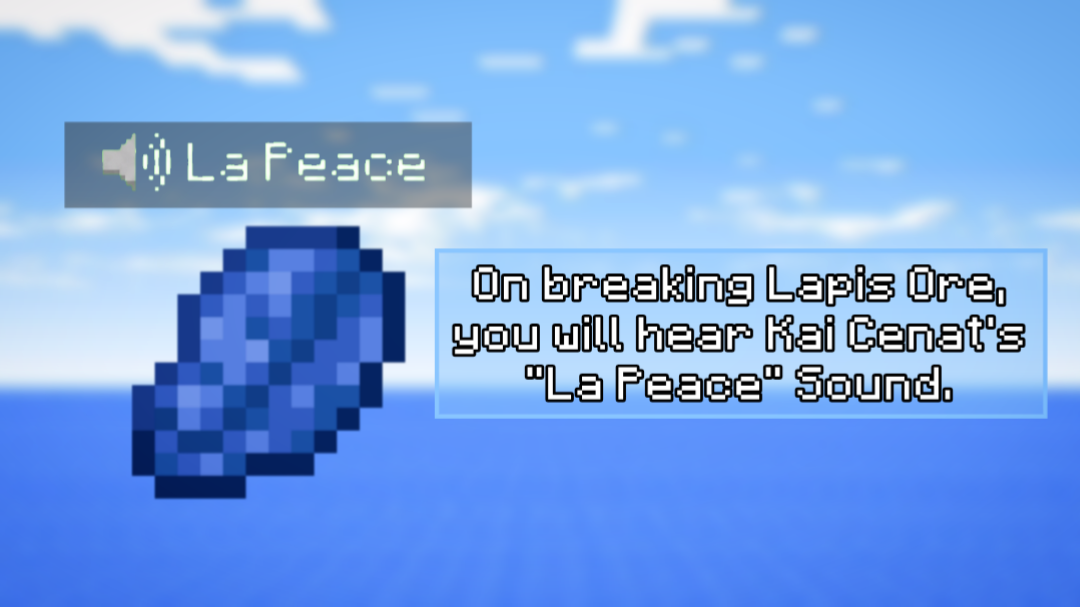
- Custom Mining SFX: Every time you mine a La Peace ore (Lapis Ore), Kai Cenat’s iconic “La Peace” sound effect plays instantly!
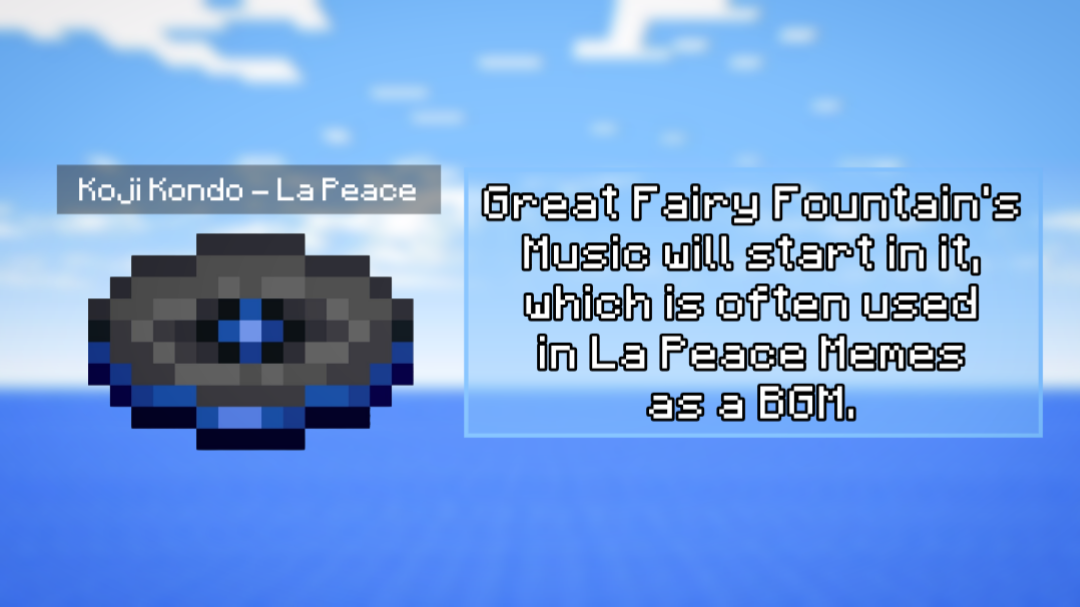
- Craftable “La Peace” Music Disc: Craft your very own custom disc that plays the relaxing Great Fairy Fountain background music.
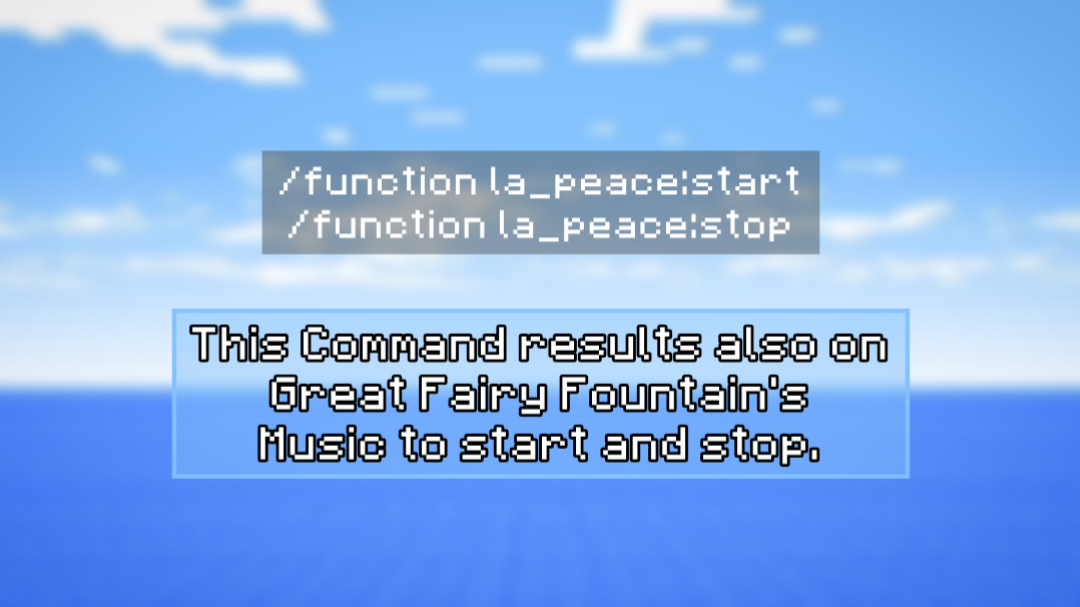
- Audio Command Controls: Start or stop the meme music on demand using simple in-game commands.
📜 Crafting Recipe
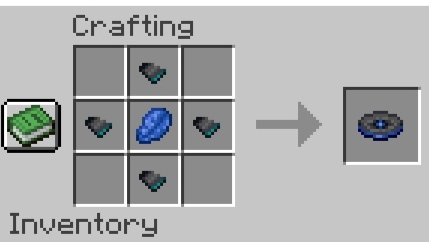
Craft the La Peace Music Disc using 4 Disc Fragments (Disc Fragment 5) and 1 La Peace (Lapis Lazuli) in a 3×3 crafting table grid:
🎵 Commands
- Play Music: /function la_peace:play
- Stop Music: /function la_peace:stop
⚠️ IMPORTANT: Required Resource Pack
This data pack requires the companion Resource Pack to hear the custom sounds and see the updated item names properly!
🎮 Version Compatibility
Supported Versions: Minecraft 1.21 all the way to 26.2
💬 Need Help or Found a Bug?
If you run into any issues, recipes not working, or audio bugs, don’t hesitate to reach out!
👉 Join our Discord Server to report bugs, get support, or hang out with the community!
常见问题
La Peace SFX 支持哪些 Minecraft 版本?
La Peace SFX 支持 Minecraft Java 版 1.21–26.2,共 16 个版本。下载时注意选择和你游戏版本一致的文件。
La Peace SFX 怎么安装?
新建世界时在「数据包」里把下载的 .zip 拖进去;已有的存档,把文件放进存档目录下的 datapacks 文件夹,进游戏输入 /reload 即可生效。服务器同样放在世界目录的 datapacks 里。


评论
登录后评论和评分