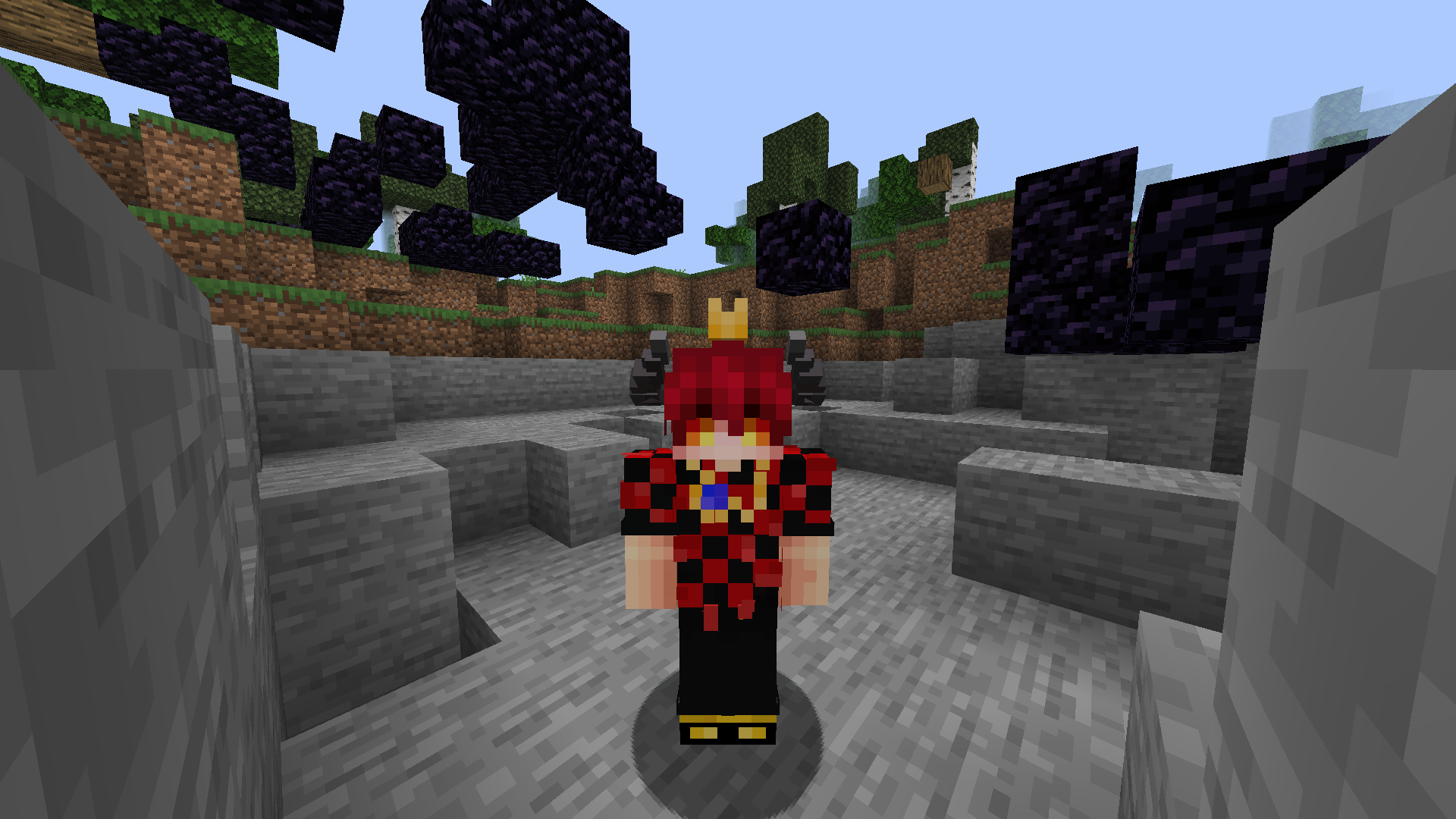
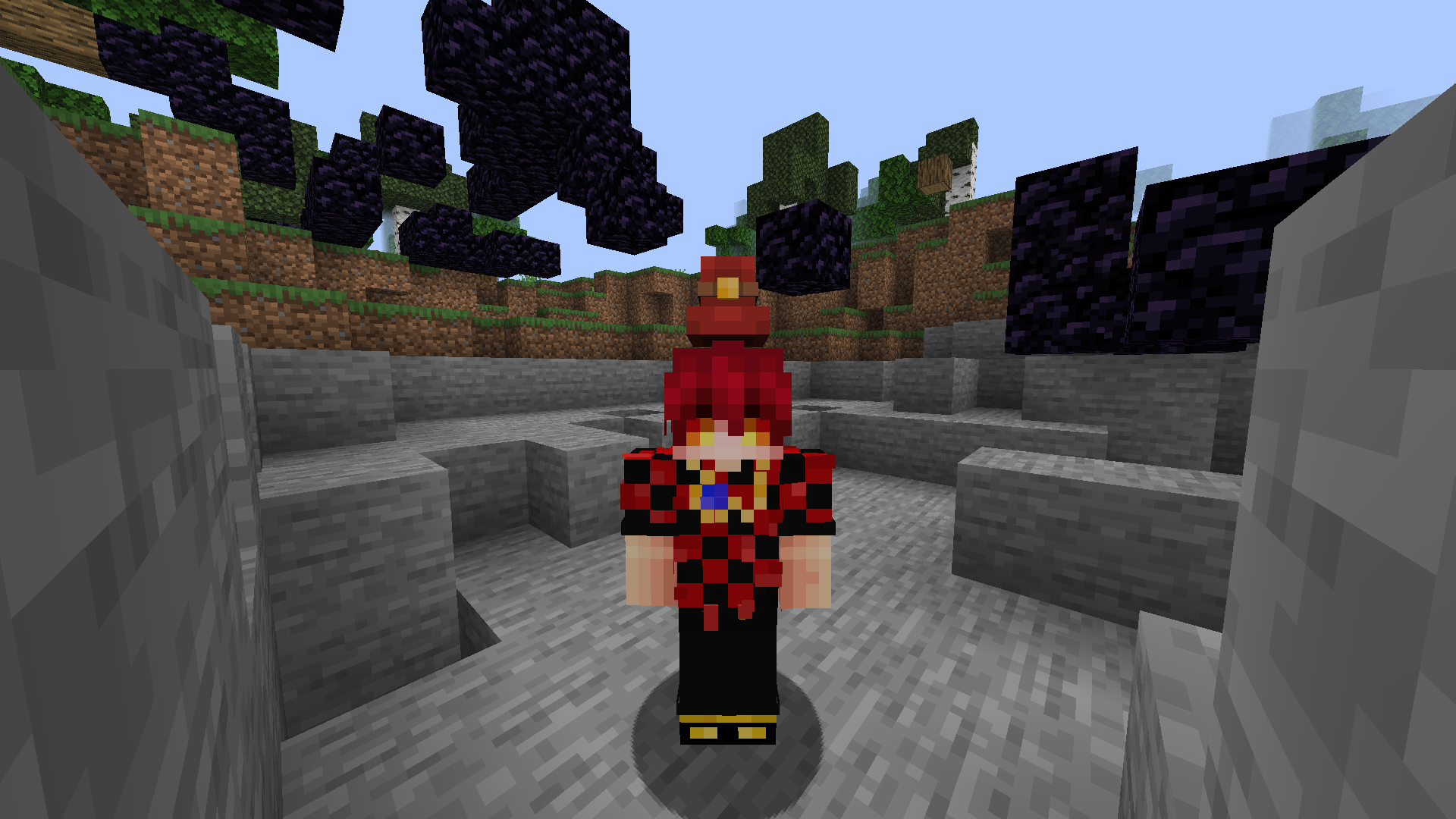
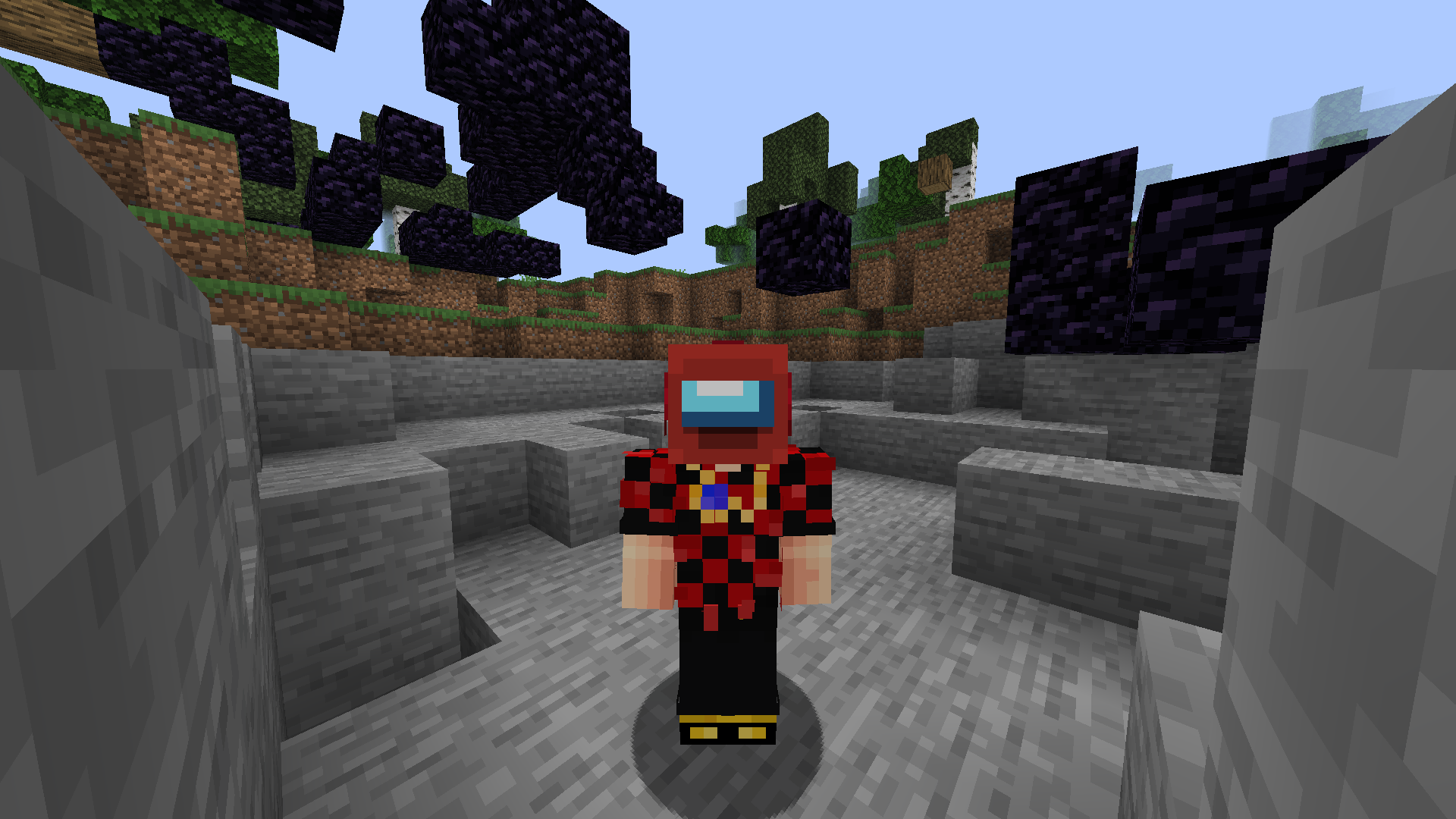
截图
介绍
中文介绍正在准备中,下面暂时显示原文。
KOHATS
KOHATS is a datapack and resourcepack. That adds hats and easier system for them using new dialog system. Also it’s fully support English and Russian.
How to use
- Install and enable both datapack and resourcepack.
- Hold helmet you want to convert in your hand and open KOHATS menu using button in
Pause Menuor by pressingQuick Action(Gby default).

- Select hat you want (There you can see hat previews). If hat supports dye coloring. You can set color you want. For example you want color #EB4034. Open any hex to decimal converter and convert your color. For #EB4034 it will be 15417396. Press
Ok.
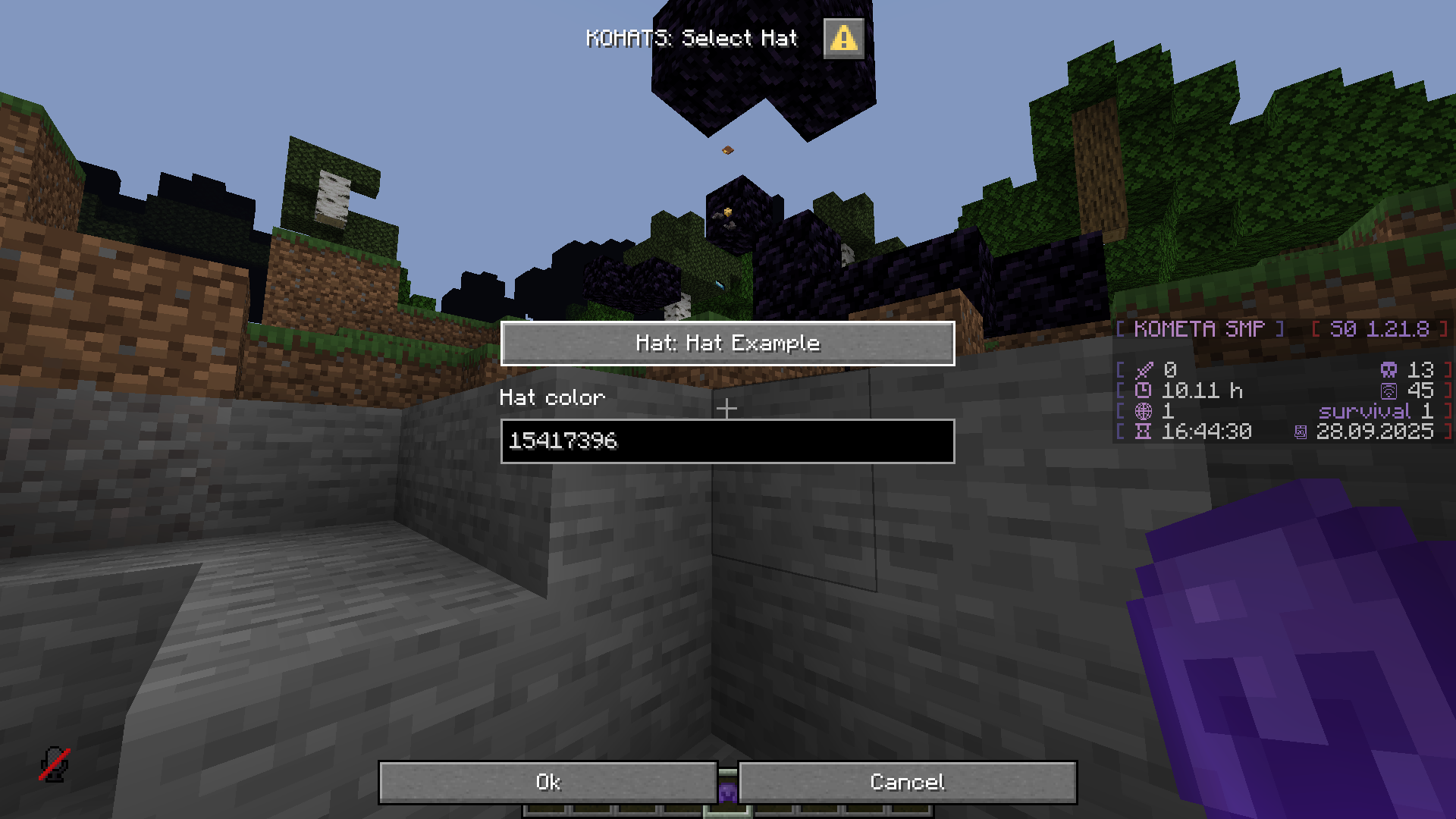
- Minecraft will ask a confirmation. Press
Yesand your helmet will be replaced with hat.
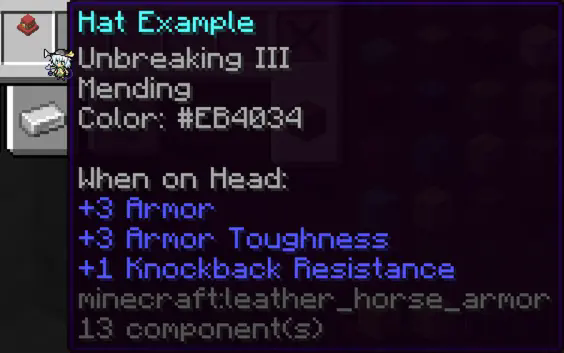
Custom hats
You can use your custom hats. Model and translation key is required, tint is optional. However your hat wont appear in Select Hat dialog, but you still can get it in Select Custom Hat dialog by manually writing translation key and item model. Take a look at resource pack for examples.
QA
- Why use
Leather Horse Armorinstead ofCurved Pumpkin?
Leather Horse Armorallow both, changing item model and dye coloring.
- Why color select so ugly?
- Currently it’s best I can do with dialog limitations.
- I can’t get hat in multiplayer.
- It’s due dialog limitation of running at user permissions. So to use it you must have access to
/functioncommand.
常见问题
KOHATS 支持哪些 Minecraft 版本?
KOHATS 支持 Minecraft Java 版 1.21.8,可用的加载器:Fabric / Forge / NeoForge / Quilt。下载时注意选择和你游戏版本一致的文件。
KOHATS 怎么安装?
新建世界时在「数据包」里把下载的 .zip 拖进去;已有的存档,把文件放进存档目录下的 datapacks 文件夹,进游戏输入 /reload 即可生效。服务器同样放在世界目录的 datapacks 里。


评论
登录后评论和评分