Furnicraft
作者:Efeketket__
Furnish your creations with a wide variety of unique furniture in the vanilla style, without the need for any resource packs.
截图
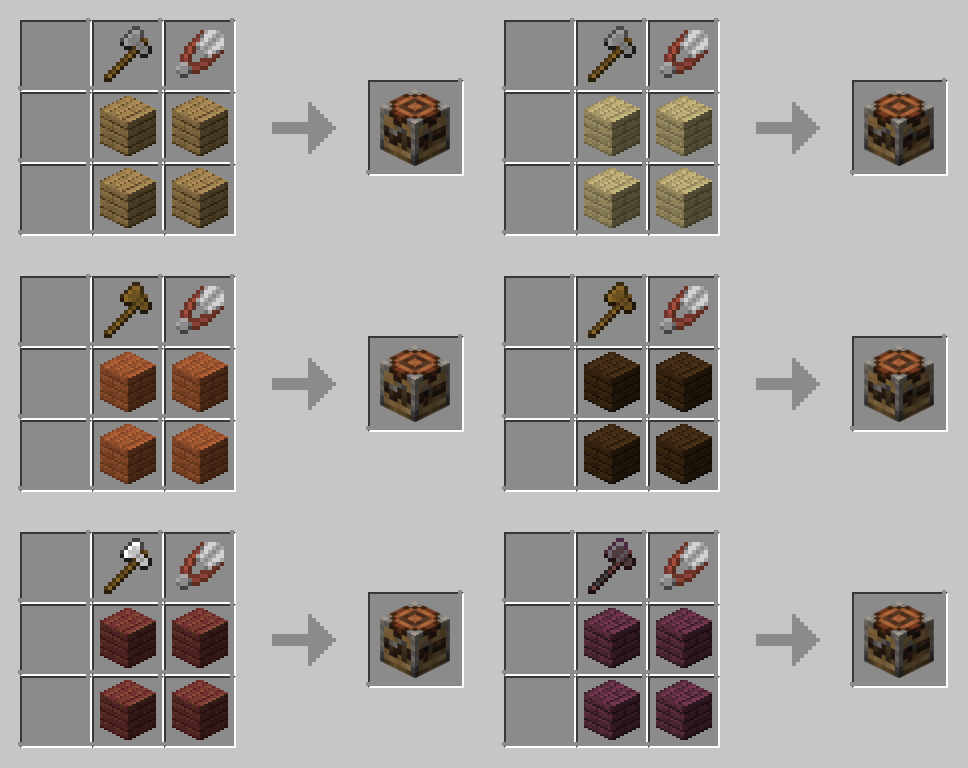
介绍
中文介绍正在准备中,下面暂时显示原文。
FurniCraft – Furnish Your Creations!
A Minecraft Quality of Life datapack, mod for version 1.20 & 1.21.6 This datapack introduces new furniture to your game. (No Texture Pack Required)
For more information and updates about the project, visit the ketket.dev page.

FEATURES
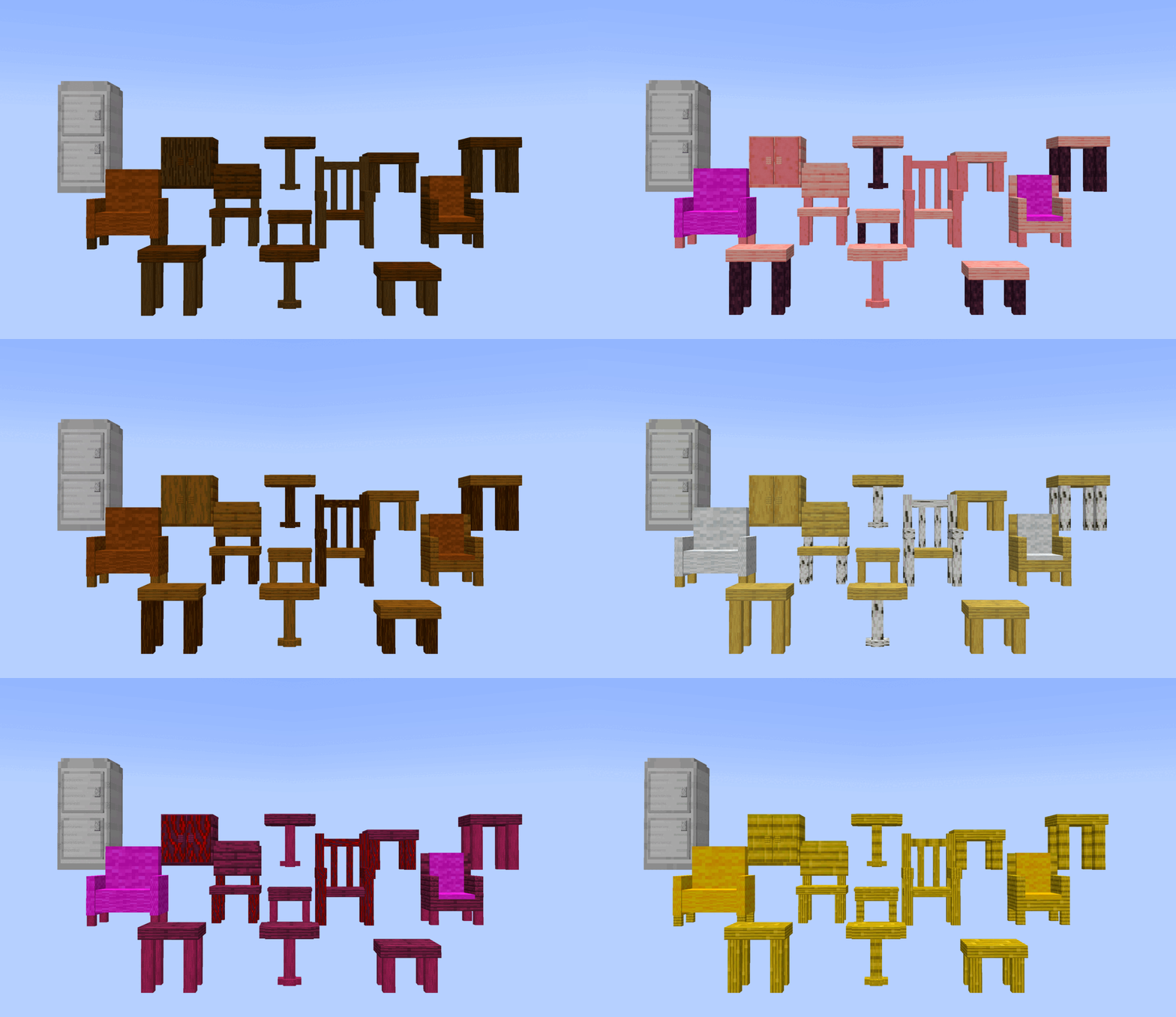
FurniCraft adds 20 unique furniture pieces in 6 categories to Minecraft, each with various wood and color options.
🛌List of Furniture
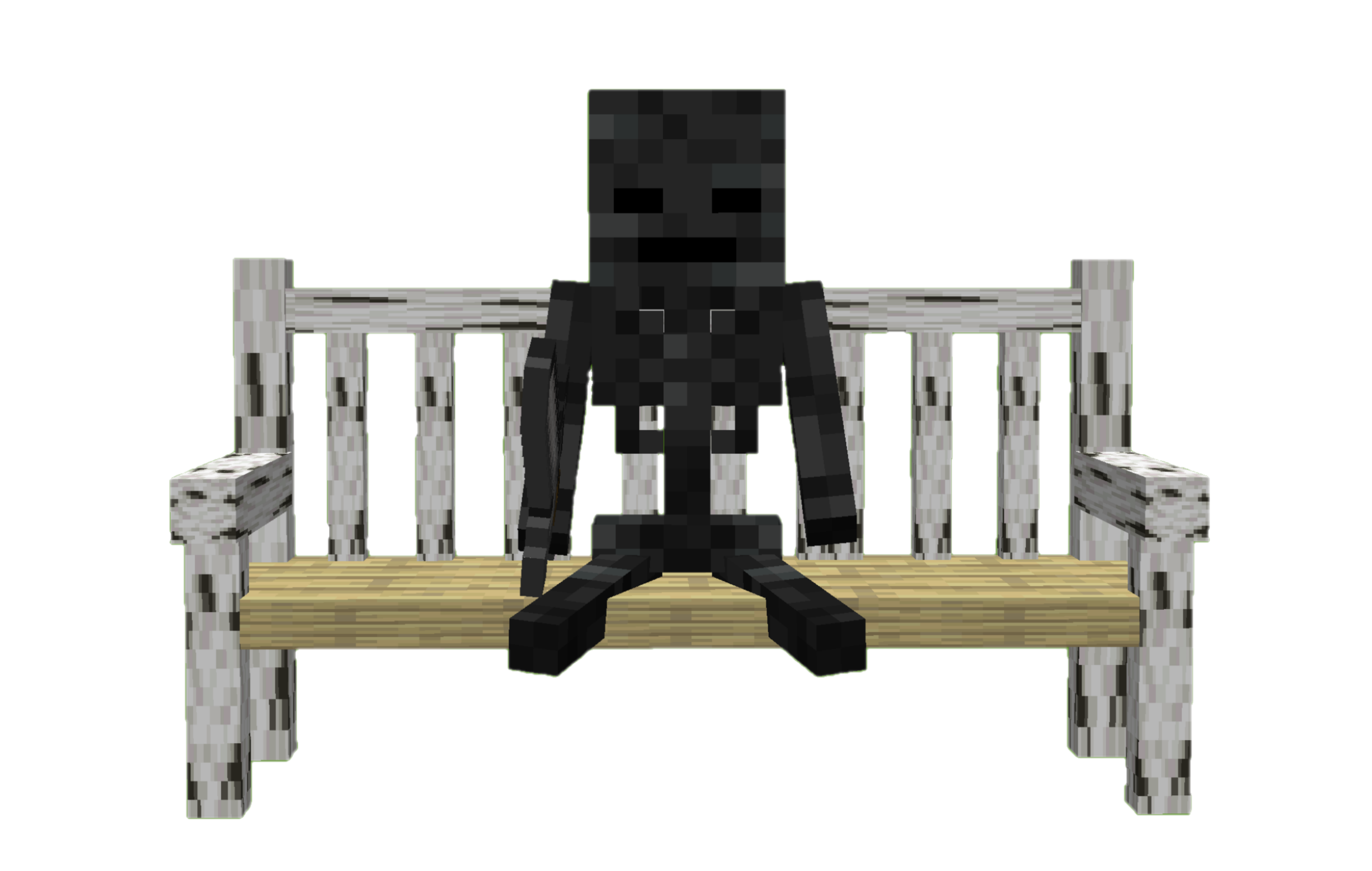
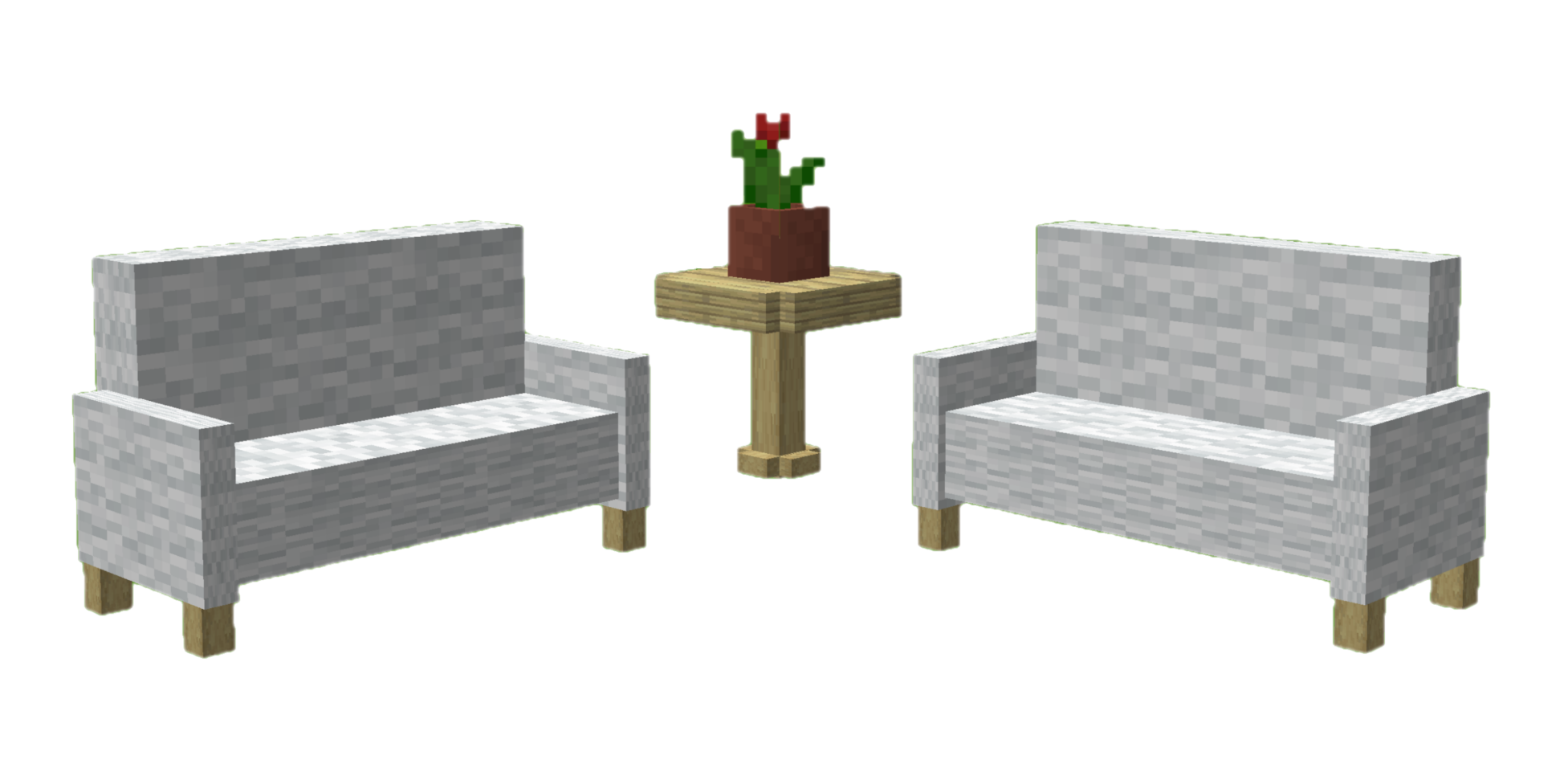
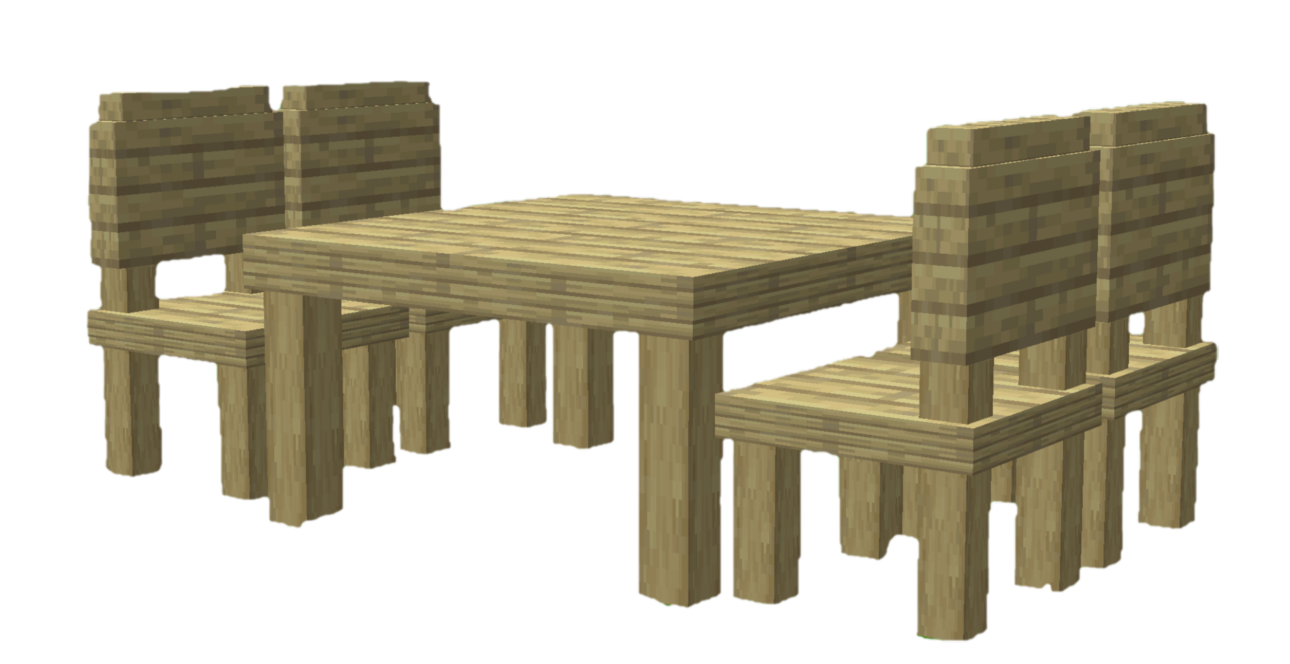
- Chair (Stool, Chair, Armchair, Sofa, Park Bench,Throne Chair)
- Table (Table, Low Table, Pedestal Table, Accent Table)
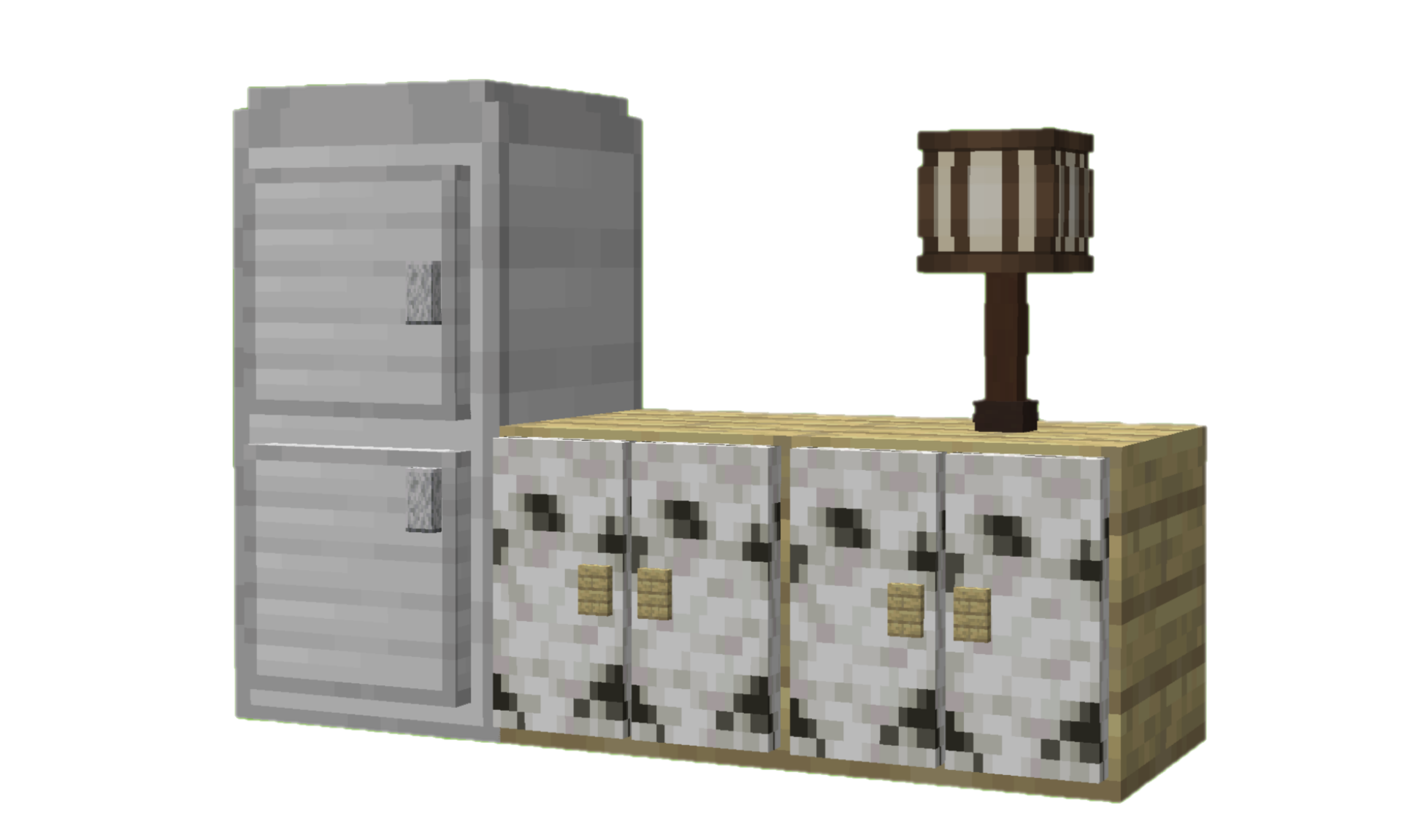
- Cabinet (Cabinet, Bedside Cabinet, Fridge, Mailbox)
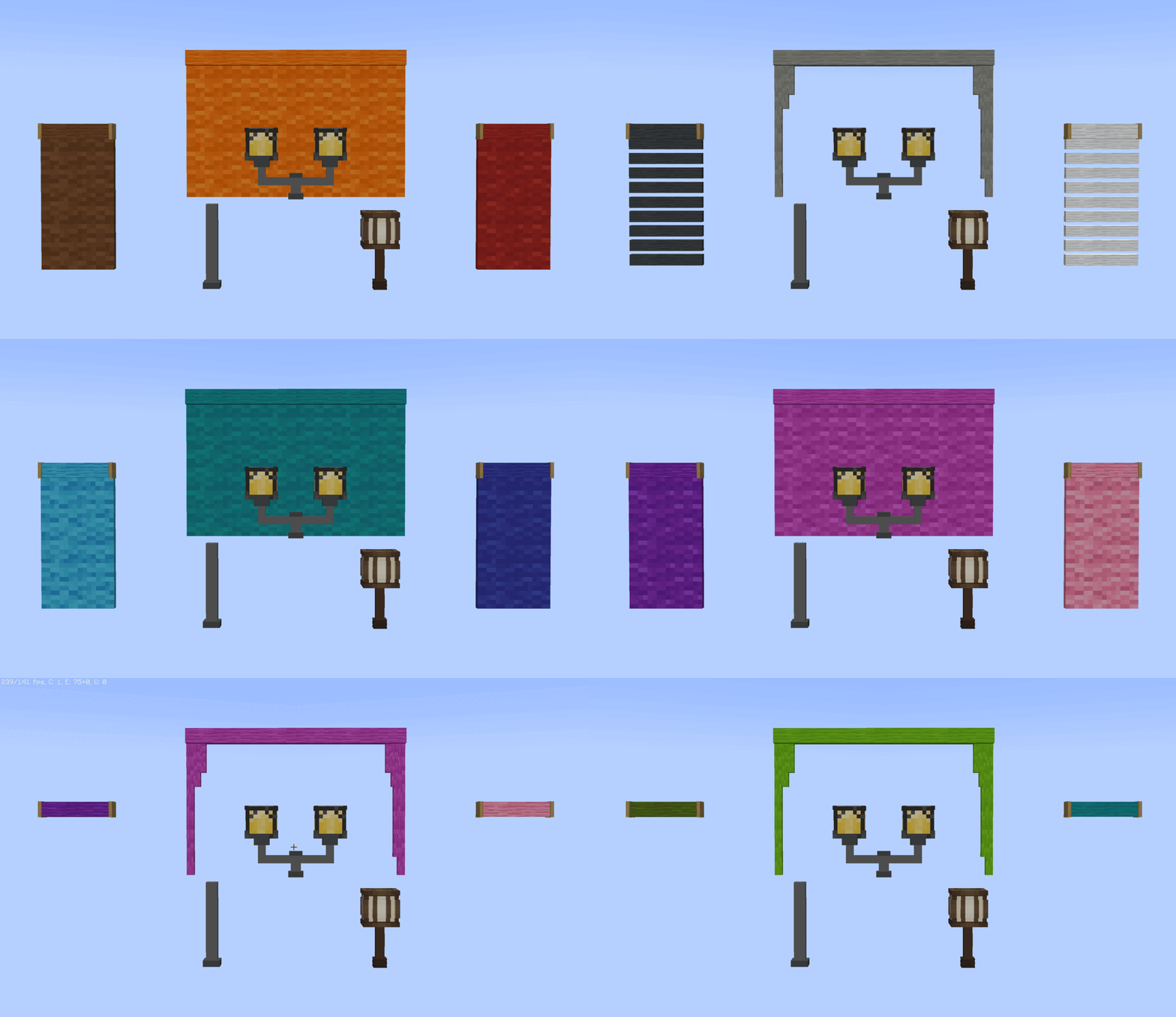
- Light Fixture (Street Lamp, Street Lamp Pole , Desk Lamp)
- Curtain (Curtain, Roller Blind)
- Rack (Wall Rack)


For more information and updates about the project, visit the ketket.dev page.
UTILITIES
In addition to decorative additions, it also adds game-mechanical additions.
💡 Additions
- Players and mobs can sit on the all type of chair.
- Players can switch whether mobs can sit on a chair by shift right-clicking with an empty hand.
- With fridge, you can generate ice and water. For ice click bottom block of the fridge with water bucket. You can also fill empty buckets, bottles with fridge.
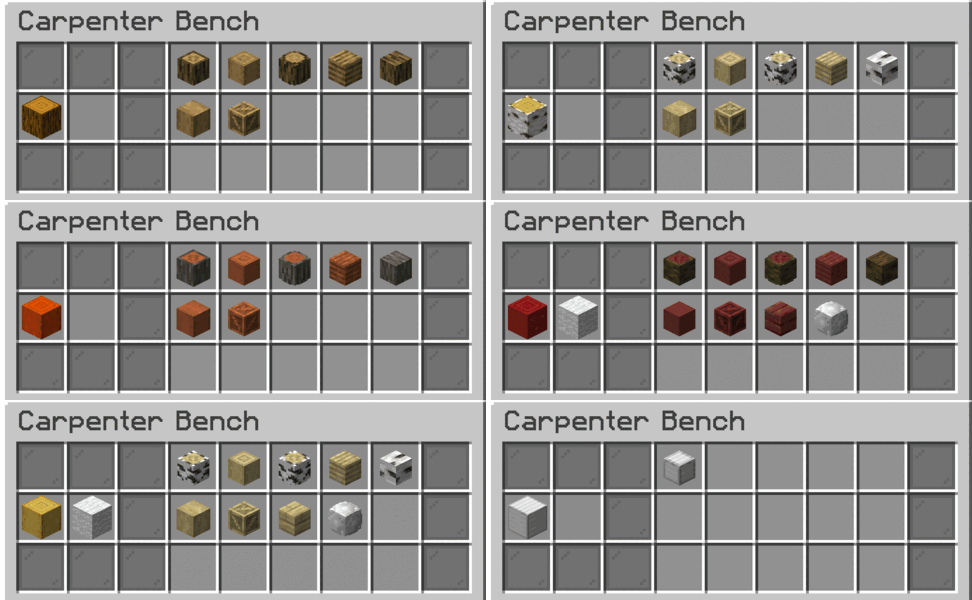
- You can easily change the wood type of the furniture. Simply hold any log in your hand and use Shift + right- click.
- You can strip furniture while holding axe with Shift + Right click.
- You can open & close curtain with empty handed Shift + Right click.
- Add a splash of color to your furniture by dyeing their wool with the dyes in your hand. Simply use Shift + right-click.
- You can store your items at cabinets.
- Table, sofa, park bench and curtain connect automatically with their same types.
常见问题
Furnicraft 支持哪些 Minecraft 版本?
Furnicraft 支持 Minecraft Java 版 1.19.4–26.3,共 25 个版本,可用的加载器:Fabric / Forge / NeoForge / Quilt。下载时注意选择和你游戏版本一致的文件。
Furnicraft 怎么安装?
新建世界时在「数据包」里把下载的 .zip 拖进去;已有的存档,把文件放进存档目录下的 datapacks 文件夹,进游戏输入 /reload 即可生效。服务器同样放在世界目录的 datapacks 里。
评论
登录后评论和评分