
Item Frame Text Hider
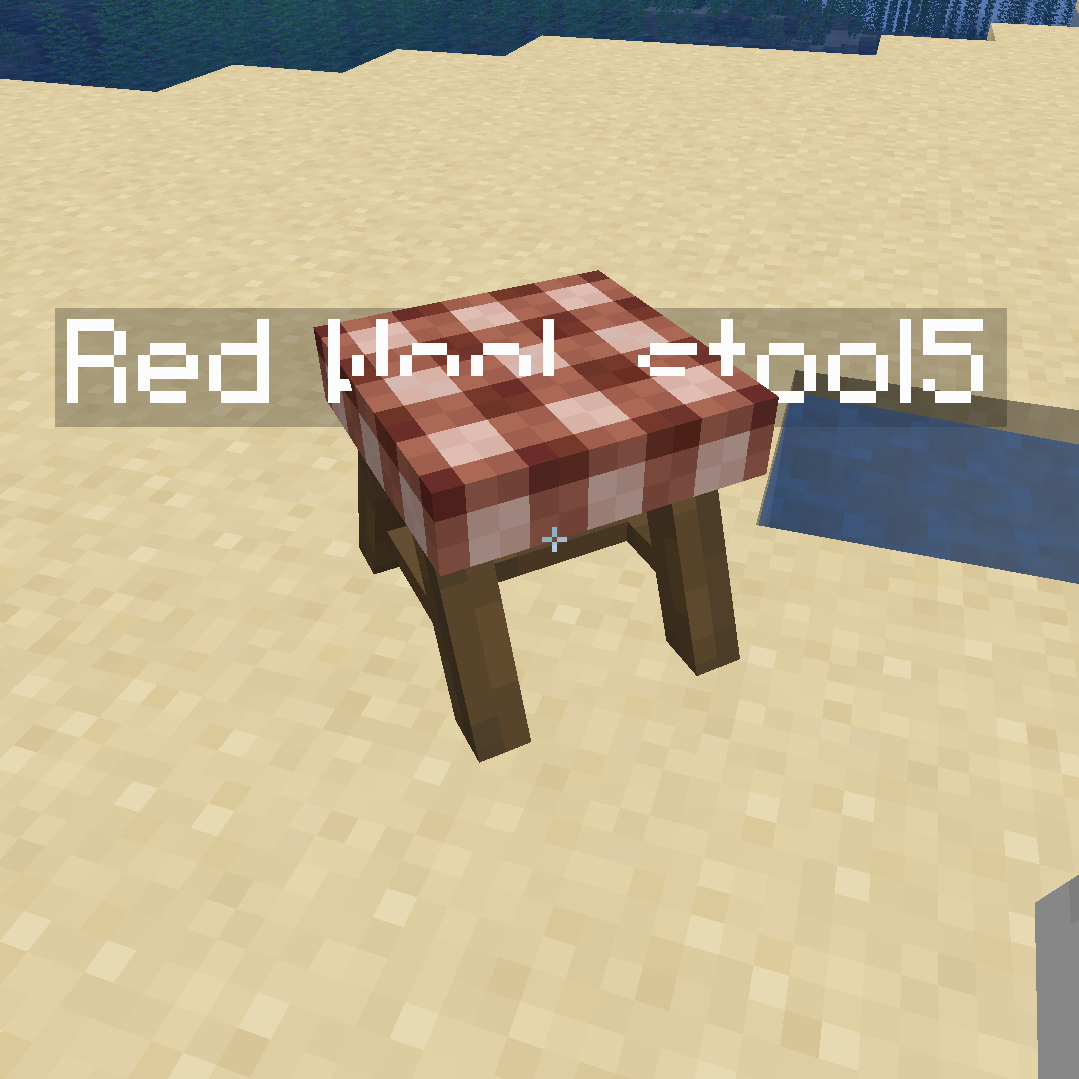
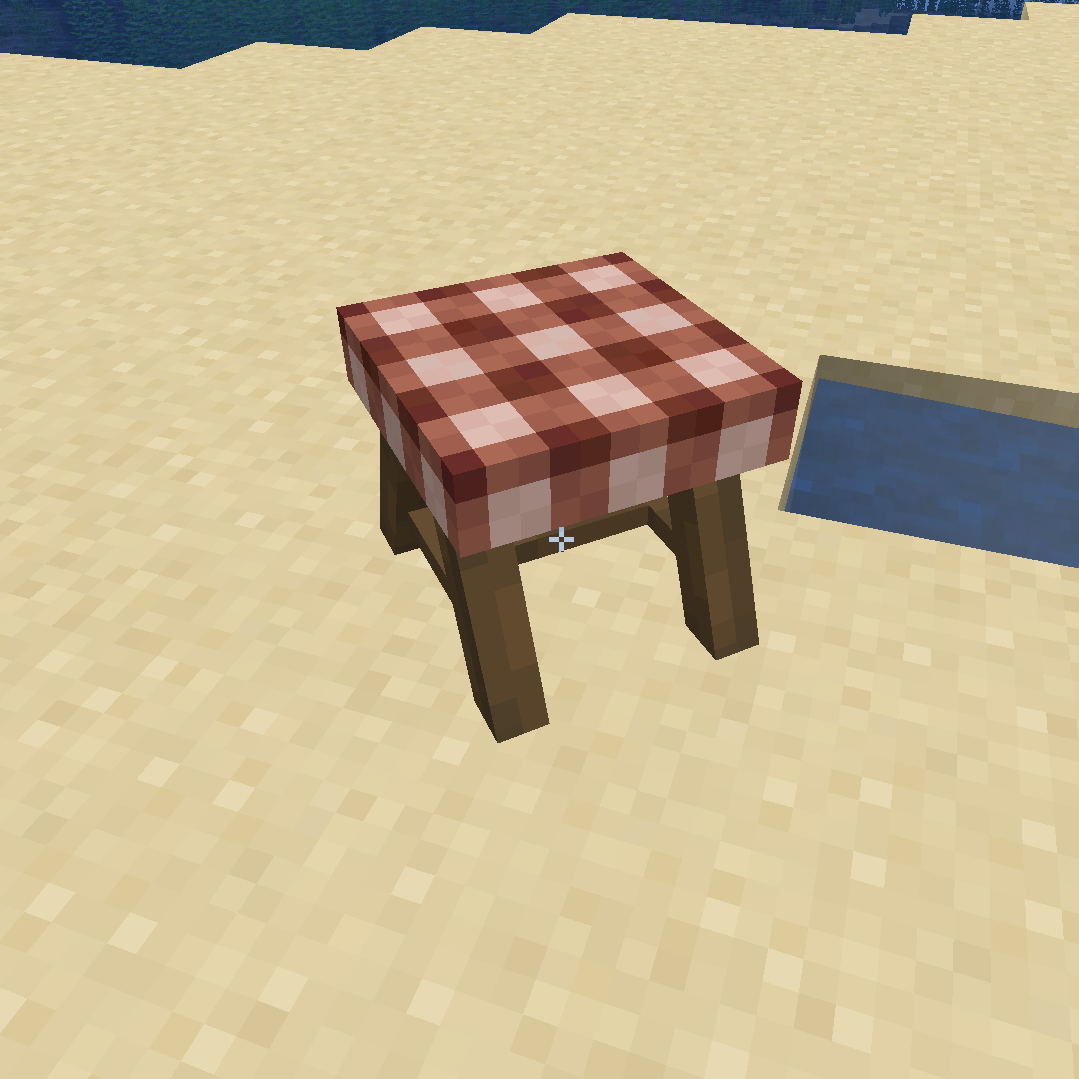
Allows players to get a book that lets them lock item frames while simultaniously hiding their names
截图


介绍
Item Frame Text Hider
This datapack allows you to get a book using
/trigger GiveFrameBookthat has two clickable prompts that locks all item frames from being interacted with in a 5x5x5 radius around the player and also hides their floating text names, which is really helpful when using CIT packs, and the second prompt indicates with purple particles all locked item frames in a 10x10x10 radius.
To unlock the item frames, all you have to do is left click it and you should be able to remove the item frame or rotate and change the item.
常见问题
Item Frame Text Hider 支持哪些 Minecraft 版本?
Item Frame Text Hider 支持 Minecraft Java 版 1.20.4–1.21.1,共 3 个版本。下载时注意选择和你游戏版本一致的文件。
Item Frame Text Hider 怎么安装?
新建世界时在「数据包」里把下载的 .zip 拖进去;已有的存档,把文件放进存档目录下的 datapacks 文件夹,进游戏输入 /reload 即可生效。服务器同样放在世界目录的 datapacks 里。
评论
登录后评论和评分