截图
介绍
中文介绍正在准备中,下面暂时显示原文。
Immersive Craft
Features
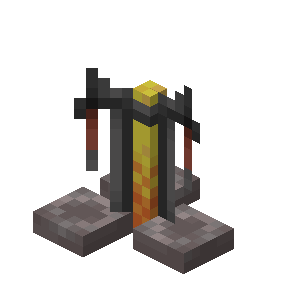
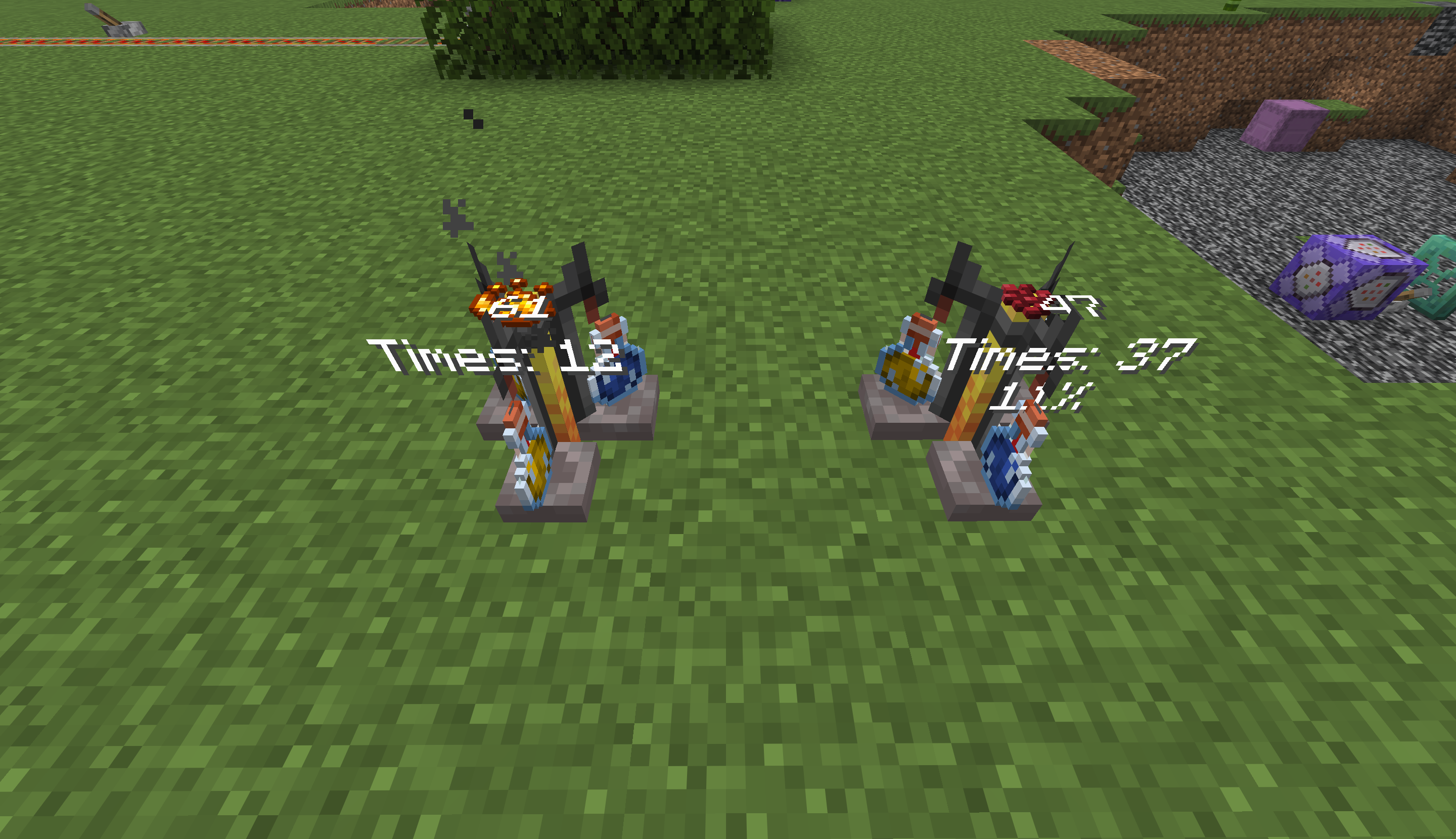
- Brew potions by right-clicking brewing stands while holding the required items.
- Display the available brewing times and current brewing progress.
Usage
- Right-click the potion slots on a brewing stand to insert or remove potions.
- Right-click the center pillar to add or remove fuel.
- Hold a brewing ingredient and right-click the top of the brewing stand to add it.
常见问题
Immersive Craft: Brewing 支持哪些 Minecraft 版本?
Immersive Craft: Brewing 支持 Minecraft Java 版 1.21.2–1.21.11,共 10 个版本。下载时注意选择和你游戏版本一致的文件。
Immersive Craft: Brewing 怎么安装?
新建世界时在「数据包」里把下载的 .zip 拖进去;已有的存档,把文件放进存档目录下的 datapacks 文件夹,进游戏输入 /reload 即可生效。服务器同样放在世界目录的 datapacks 里。
4tubborn 的其他作品
查看全部 →
Block Morph
by 4tubborn
A Minecraft Datapack that lets you transform into customized block structures
1,270
20 天前
Modrinth

Crossbow Plus!
by 4tubborn
Now you can use anything as projectiles of crossbows!
397
3 个月前
Modrinth

Better Than IME
by 4tubborn
fix in-game IME conflicts for BTA
343
6 个月前
Modrinth

Planket: Easier Inventory
by 4tubborn
Modifiy creative mode inventory style.
311
2 个月前
Modrinth
评论
登录后评论和评分