
截图
介绍
中文介绍正在准备中,下面暂时显示原文。

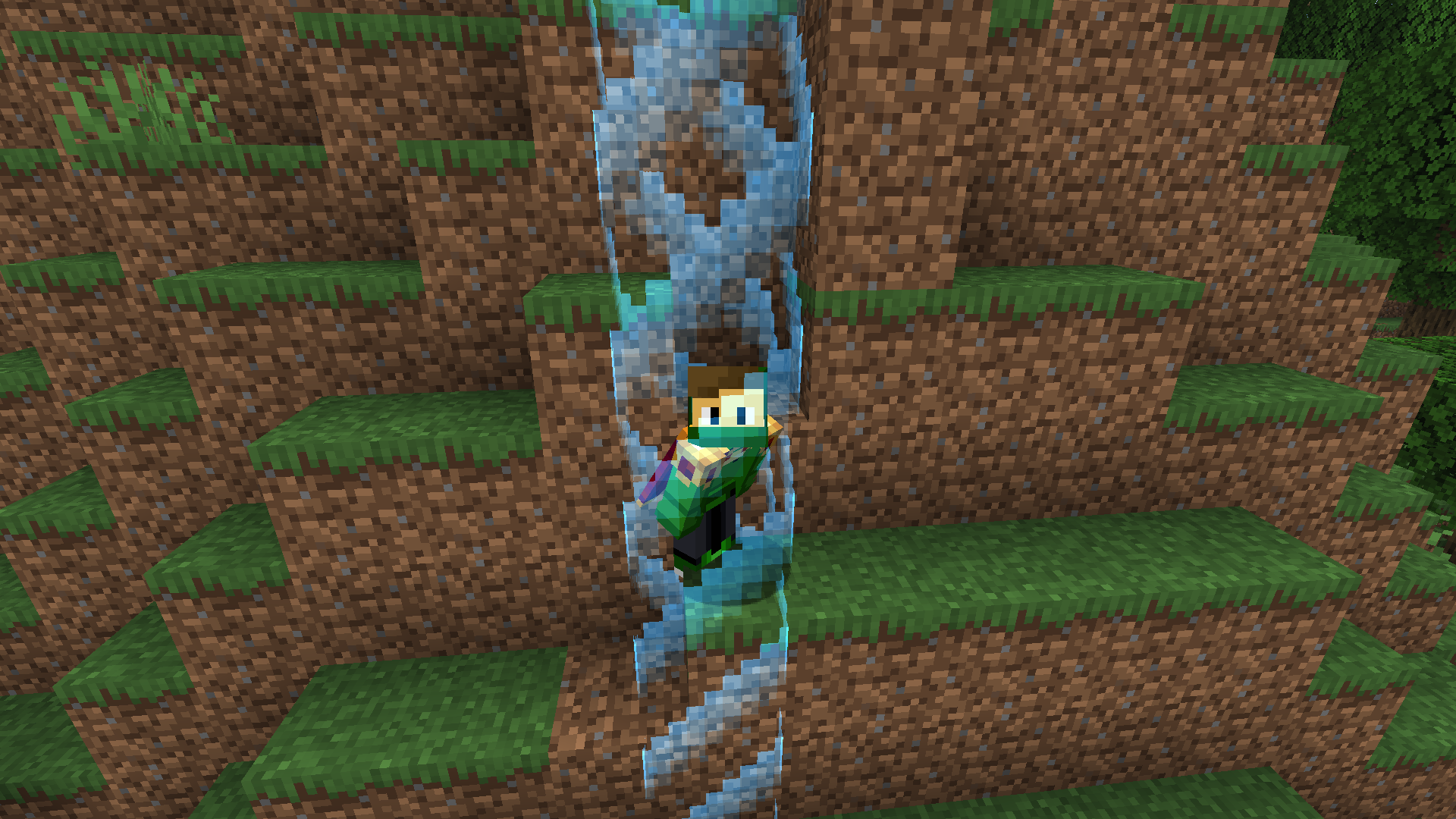
The barrier expands as the player takes damage. (READ THIS!)
How to install?
- Download the datapack
.zipfile. - Create new world and click More/Data Packs
- Click Open Pack Folder and place the downloaded
.zipfile into opened folder. - Create your world.
- Run
/trigger startin chat to activate the border. - You’re done! The datapack is now installed and ready to use.
Functions
- After starting a game, the world border is set to 1×1 block, centered on the player’s spawn point.
- Every time the player takes damage, the datapack checks the lost health and increases the border size.
- Expansion ratio: 1 HP (half a heart) = +0.5 block to the world border.
- The border always grows evenly in all directions from its center.
- Don’t worry about the datapack incompatibility message, because it has been tested on all versions listed in the version file.
常见问题
Hurtborder 支持哪些 Minecraft 版本?
Hurtborder 支持 Minecraft Java 版 1.21–1.21.8,共 9 个版本。下载时注意选择和你游戏版本一致的文件。
Hurtborder 怎么安装?
新建世界时在「数据包」里把下载的 .zip 拖进去;已有的存档,把文件放进存档目录下的 datapacks 文件夹,进游戏输入 /reload 即可生效。服务器同样放在世界目录的 datapacks 里。
FuzjaJadrowa 的其他作品
查看全部 →
Locator Bar
by FuzjaJadrowa
Recreated concept of a player locator bar for Minecraft. Simple, clean bar at the top of your screen.
6.4万
1 个月前
Modrinth

Coords & Days
by FuzjaJadrowa
Adds coords and days in left-top corner of the game.
2,299
25 天前
Modrinth
Days Of Destiny
by FuzjaJadrowa
The new worlds look like someone has been there before... But who?
840
1 年前
Modrinth

Froggy
by FuzjaJadrowa, ImpSteve
Mod that adds Froggy screamer into the game.
690
3 个月前
Modrinth
评论
登录后评论和评分