
Homes
A data pack that easily allows you to set (multiple) homes in your world to return to. No OP required.
截图
介绍
Homes
Versions for 1.14-1.16 available here
Video
What it does
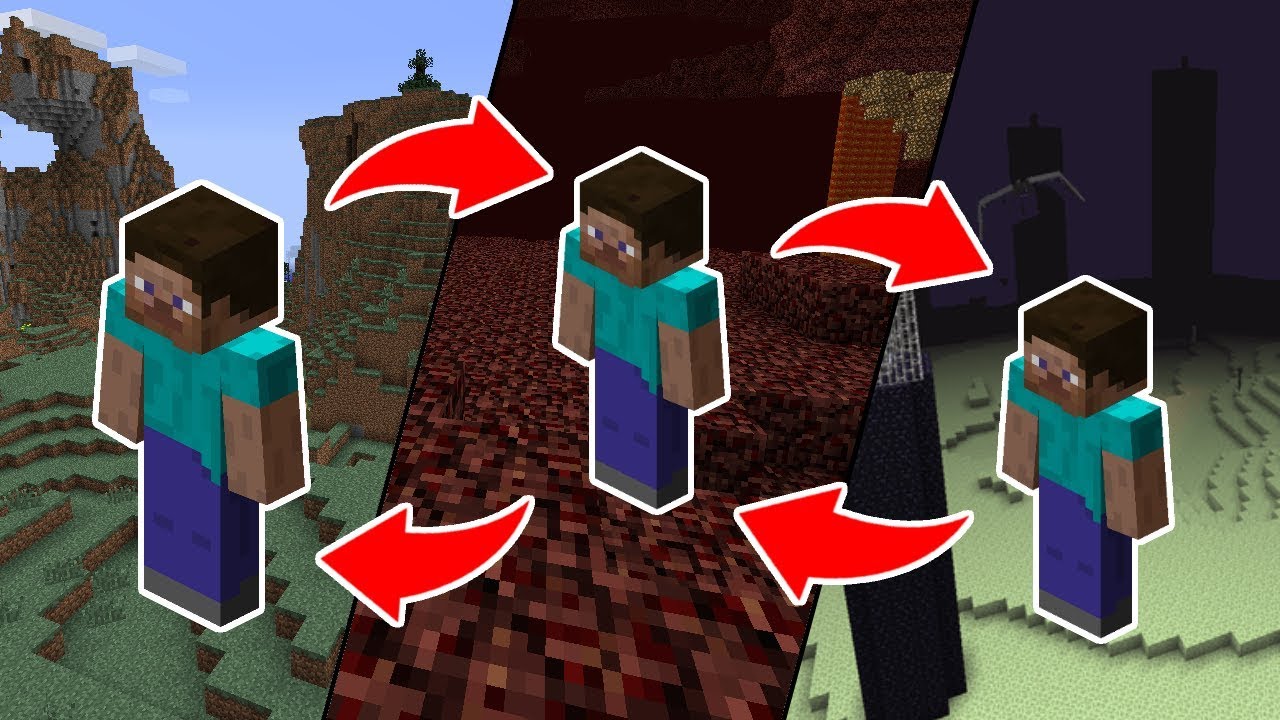
Homes allow you to save positions in the world and teleport to them whenever you want, including different dimensions.
This Datapack allows you to set a configurable amount of homes (including unlimited) in any world. The players of the world don’t need OP to use the home commands.
How to set up
Download the zip file and place it into your world/datapacks folder. If the world is already running, run reload. That’s all you need to do.
You can look at the ingame-help for the datapack by running
/trigger home.help
But while you’re here you might as well read the long explanation below ↓
Settings
There is a setting to limit the maximum amount of homes a player can create _(default: unlimited)_.
/scoreboard players set maxHomes home.settings XXReplace XX with the maximum amount. Any value below 0 disables the maximum. Changing this setting later will not remove excess homes from players, just prevent them from creating new ones if they would be above the limit.
Commands explanations
General
- All commands need to be prefaced with
/trigger. - Some of the commands allow you to specify a specific home (the ones annotated with
(set #)). You will always have to identify the home by its ID and cannot identify it via its name. - If you’re not specifying a specific home in a command that allows for it, it will default to home number 1.
- Negative values are ignored.
- _There are no undos._
Specific commands
/trigger home.help
Display the ingame help page.
/trigger home (set #)
Teleport to one of your homes. Defaults to Home #1 if nothing else is specified.
/trigger home.set (set #)
Set a new home location. This command will also override a home if set to an existing number.
/trigger home.delete (set #)
Deletes the specified home.
/trigger home.list
Lists all your homes in a list with their ids, coordinates and names.
/trigger home.rename (set #)
Sets the name of the specified home to the name of the item in your hand. The item needs to be renamed in an anvil for it to work. If it isn’t or your hand is empty, it will not change the name.
Further Information
Uninstalling
You can use /function homes:uninstall to remove all the scoreboards from the game. This will however not remove the saved homes from the game. To remove those, run /data remove storage homes:homes homes.
Contact
If you have any questions, concerns, praise or found a bug, you can contact me directly at [email protected] or use my contact form.
常见问题
Homes 支持哪些 Minecraft 版本?
Homes 支持 Minecraft Java 版 1.21.5–1.21.7,共 3 个版本。下载时注意选择和你游戏版本一致的文件。
Homes 怎么安装?
新建世界时在「数据包」里把下载的 .zip 拖进去;已有的存档,把文件放进存档目录下的 datapacks 文件夹,进游戏输入 /reload 即可生效。服务器同样放在世界目录的 datapacks 里。
Plagiatus 的其他作品
查看全部 →
Statistic Books
Track any and all statistics or other scoreboard objectives in a book in a lectern.

Puzzle Trio
a quite challenging Puzzlemap for 3 or more Players

Negentropy
A 1.9 Puzzle Map with an interesting mechanic

Super Sponge
Allows you to create a magical sponge that removes the water in a big area
评论
登录后评论和评分