
High Water
Floods the whole Overworld to y=256 — survive an endless ocean with no dry land, plus a custom advancement tab.
截图
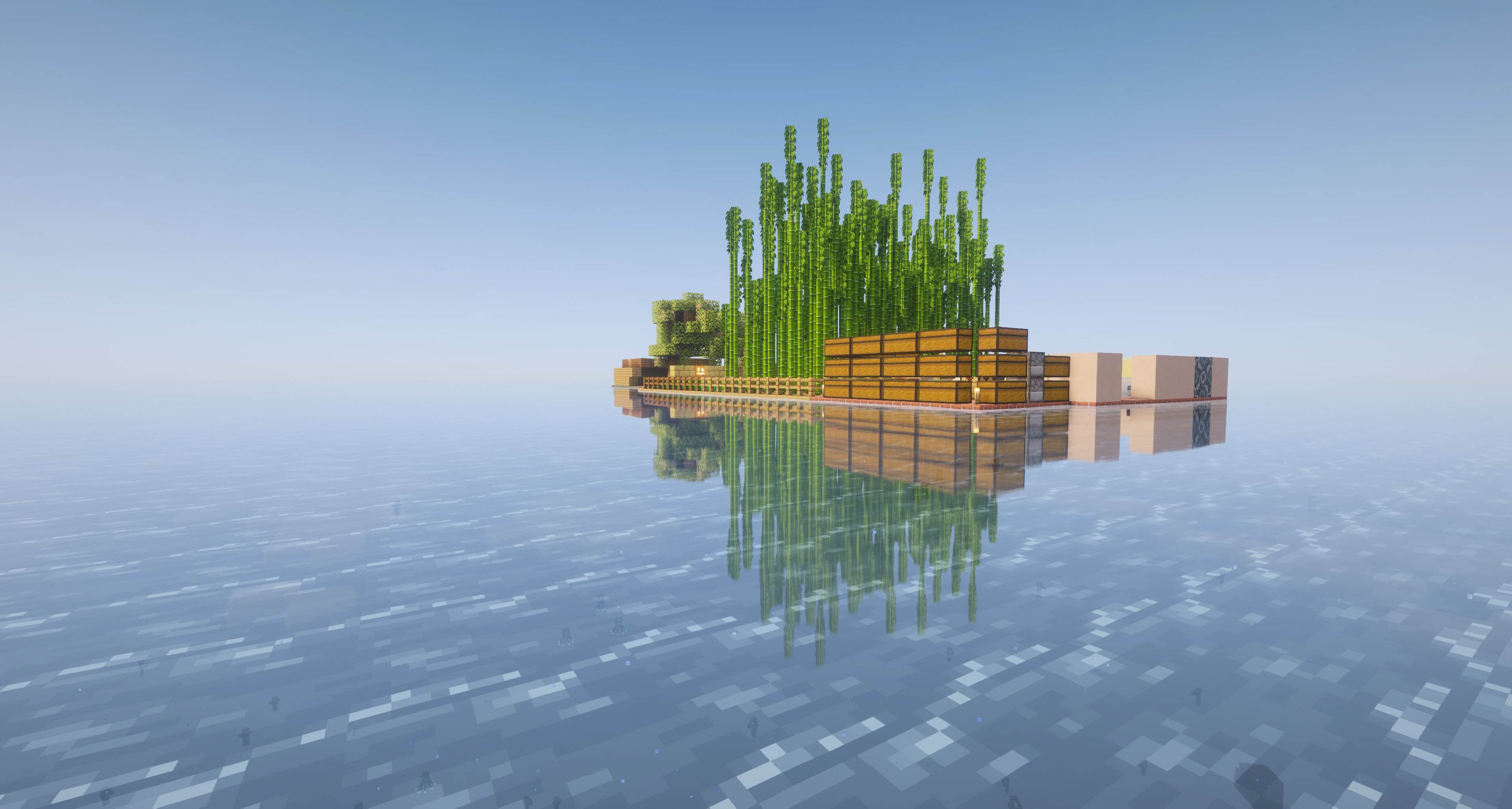
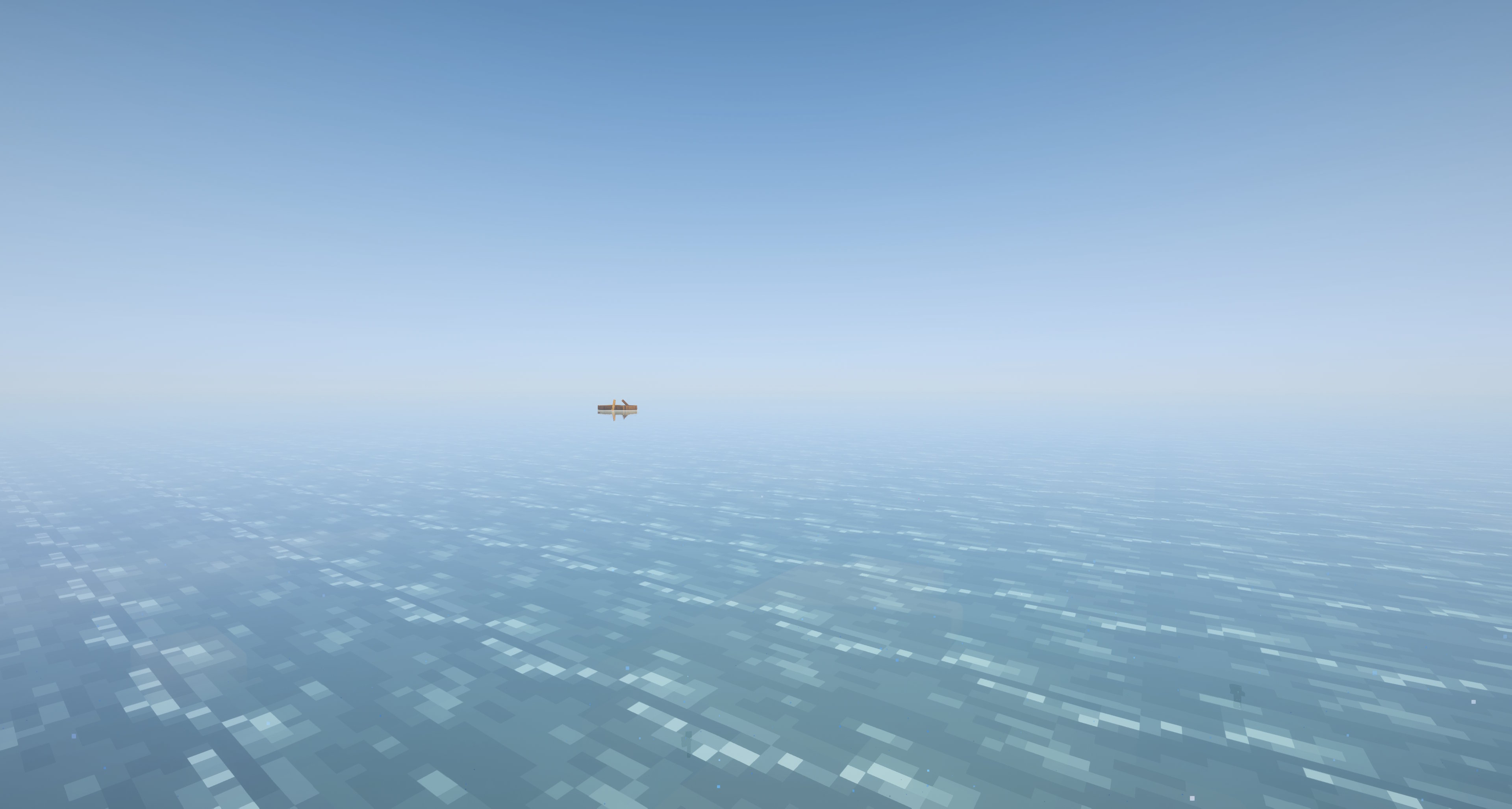
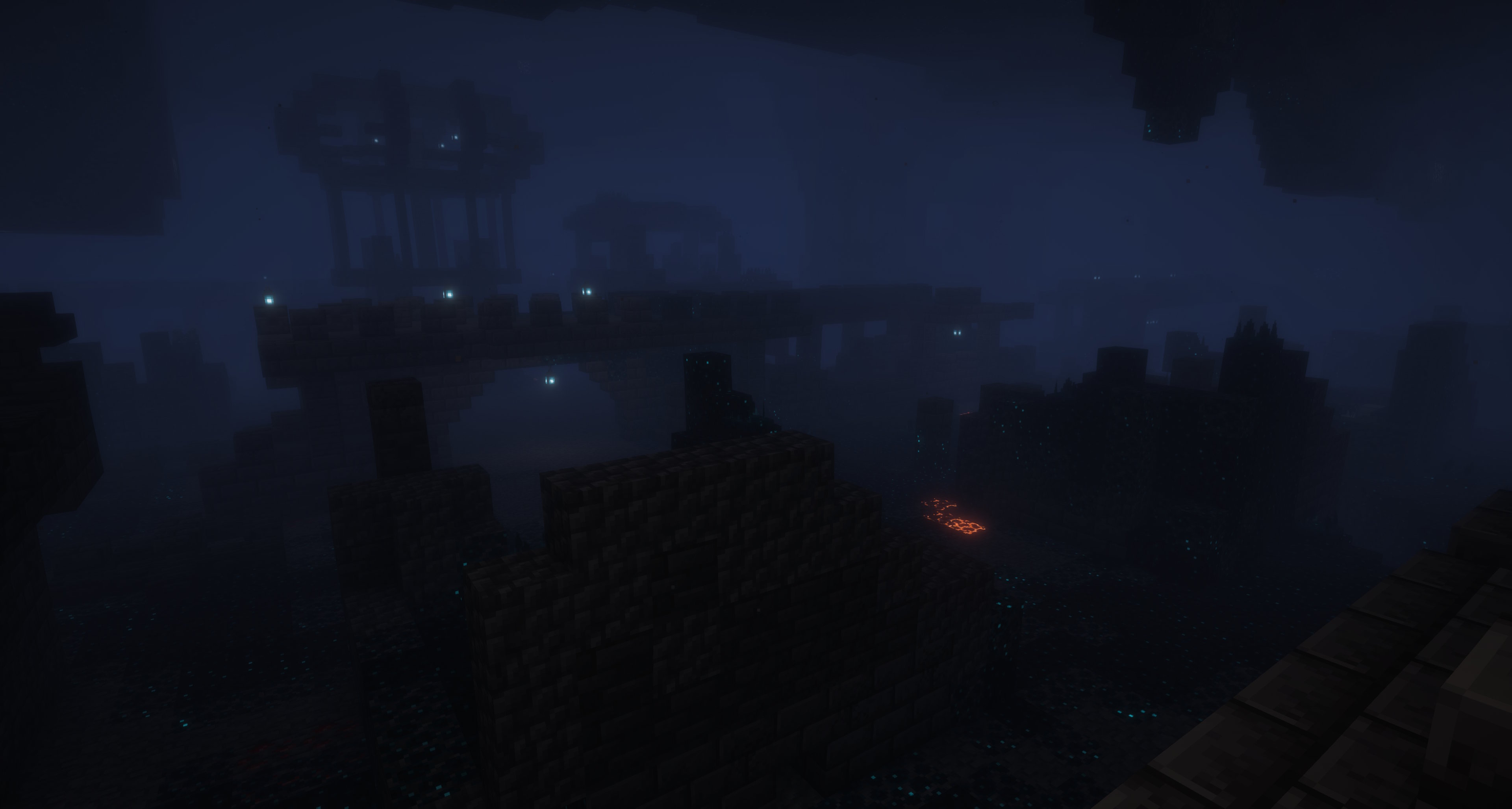
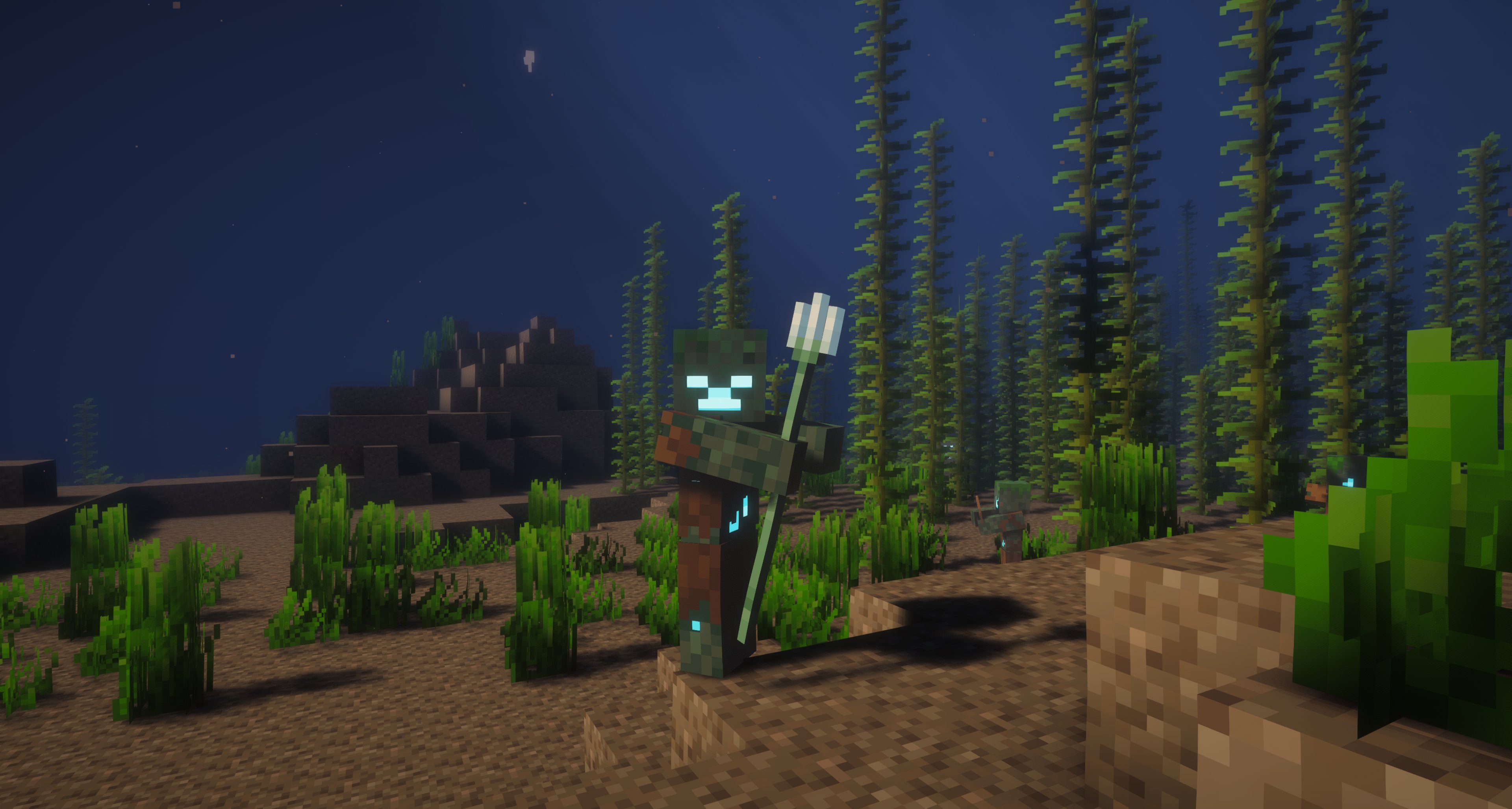
介绍
High Water 256
Summary
Floods the Overworld to y=256 — survive an endless ocean, with a custom advancement tab.
A data pack that turns the Overworld into one giant ocean. Sea level is raised to y=256 and aquifers are disabled, so water fills everything below it. Vanilla terrain and biomes still generate — they’re just submerged. Mountains become rare underwater ridges; dry land is gone.
Built for boat survival, “ocean only” challenges, and hardcore runs where every block of dirt is precious.
Nothing but ocean
Features
- 🌊 Flooded world — sea level 63 → 256, aquifers off, uniform global ocean.
- 🏝️ Vanilla terrain & biomes, fully submerged.
- 🚫 No floating land structures — villages, pillager outposts, witch huts, igloos, desert pyramids, jungle temples, woodland mansions, ruined portals and abandoned camps are disabled.
- 🚢 Underwater & buried structures still spawn — shipwrecks, ocean ruins, trail ruins, ocean monuments, buried treasure, and all underground structures.
- 🟩 Wandering Trader sells grass blocks (1 emerald → 4), so dirt isn’t impossible in a world with no land.
- 🏆 Custom advancement tab “High Water” — 20 themed advancements (get a trident, tame a nautilus, reach the lava layer, build a Nether portal, survive 100 days, and more).
The Modrinth download contains English advancement text. Install only one version of High Water in a world.
Installation (apply when CREATING the world)
World-generation settings are locked in at world creation — adding the pack to an existing world will not flood it.
- Singleplayer → Create New World → More → Data Packs.
- Drag the chosen
.ziponto the screen and move it to the Selected column. - Create the world — you’ll spawn underwater.
(The advancements & trade also work on an existing world via /reload; only the flooding/structures require a fresh world.)
Upgrading an existing High Water world
Make a backup, replace the old pack with version 1.1.0, and fully restart the world in Minecraft 26.3. Existing chunks keep their blocks; new chunks use 26.3 generation and may differ at chunk borders.
Recommended seed
In Minecraft 26.2, seeds -322026680007972738 and 8960963892627342880 had a shipwreck near spawn. The shipwreck locations have not been rechecked in 26.3.
Tips
- Lava & obsidian: with aquifers off, caves are water-filled from y=-54 up to y=256. Natural lava only exists below y=-54 (just above bedrock). Dig down to ~y=-55, then pour water on the lava to make obsidian.
Compatibility
- High Water 1.1.0: Minecraft Java Edition 26.3 (data pack format 121.0).
- High Water 1.0.0: Minecraft Java Edition 26.2 (data pack format 107.1); available in the Versions tab.
- Server-side / world-gen only — no client mod required. Works in vanilla and with Fabric / Sodium / Iris.
常见问题
High Water 支持哪些 Minecraft 版本?
High Water 支持 Minecraft Java 版 26.2–26.3,共 2 个版本。下载时注意选择和你游戏版本一致的文件。
High Water 怎么安装?
新建世界时在「数据包」里把下载的 .zip 拖进去;已有的存档,把文件放进存档目录下的 datapacks 文件夹,进游戏输入 /reload 即可生效。服务器同样放在世界目录的 datapacks 里。
评论
登录后评论和评分