
截图
介绍
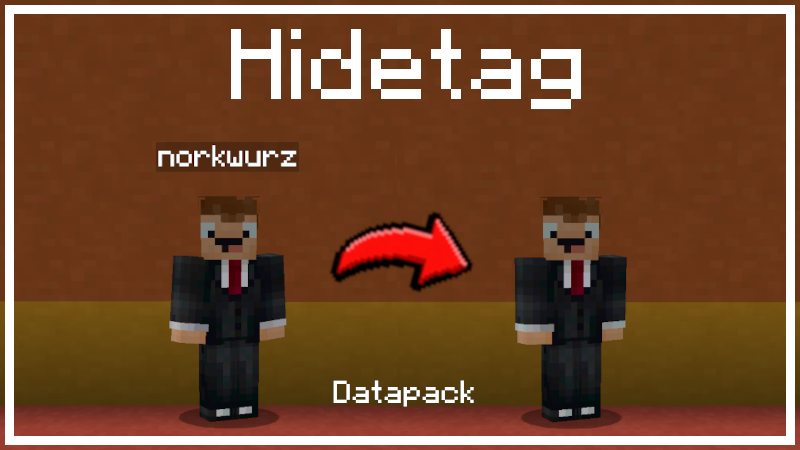
Hide Nametags / Nameplate / Playertag / Nickname / Displayname.
Make names invisible. This data pack hides player names. You can hide the nameplate of everyone or any individual player including yourself. On a server, new players will automatically have their nametag hidden. In time mode, nametags will only be hidden at either day or night for players in the overworld. In dimension mode, nametags will only be hidden in the selected dimensions.
MODES (mutually exclusive)
Switch nametags on for everyone:
/function hidetag:stopSwitch nametags off for everyone:
/function hidetag:start/function hidetag:mode/normalSwitch nametags off for everyone during the day in the overworld:
/function hidetag:mode/time/daySwitch nametags off for everyone during the night in the overworld:
/function hidetag:mode/time/nightSwitch nametags off for everyone in the selected dimension(s):
/function hidetag:mode/dimension/overworld/function hidetag:mode/dimension/nether/function hidetag:mode/dimension/end/function hidetag:mode/dimension/overworld_nether/function hidetag:mode/dimension/overworld_end/function hidetag:mode/dimension/nether_endINDIVIDUAL OVERRIDES
The nametag of any player can be set permanently on or off regardless of what visibility mode every other player has.
Make the nametag of a player named “Steve” invisible:
/execute as Steve run function hidetag:disable_individualMake the nametag of a player named “Alex” visible:
/execute as Alex run function hidetag:enable_individualReset “Notch” to the server default nametag visibility:
/execute as Notch run function hidetag:reset_individualMISC
Show the current mode:
/function hidetag:statusRemove datapack artefacts:
/function hidetag:unload_datapackby norkwurz
常见问题
Hidetag | Hide Nametags 支持哪些 Minecraft 版本?
Hidetag | Hide Nametags 支持 Minecraft Java 版 1.21–26.3,共 14 个版本。下载时注意选择和你游戏版本一致的文件。
Hidetag | Hide Nametags 怎么安装?
新建世界时在「数据包」里把下载的 .zip 拖进去;已有的存档,把文件放进存档目录下的 datapacks 文件夹,进游戏输入 /reload 即可生效。服务器同样放在世界目录的 datapacks 里。
评论
登录后评论和评分