
Health Indicator
Health Indicator shows every player's health under their name tag and as hearts in the tab list, colour coded from green to red. Unlike other health indicators, it never gets stuck showing 0 for players at full health.
截图




介绍
Health Indicator Datapack!






This datapack lets you see anyone’s health just by looking below their name! Unlike many other health indicator datapacks, it doesnt get stuck at 0 hearts for people who are at full health.
Features
- Health: Health is displayed under the player’s nametag. (e.g., 10 hearts above someone at full health.)
- Hearts: You can also hold Tab to see everyone’s health at once! (You can turn this off if you don’t want it.)
- Colour coding: You can also check someone’s health without looking at the number.
- Green means 7-10 hearts
- Yellow means 3.5-6.5 hearts
- Red means 0-3 hearts
- Gold means people who have extra hearts (like a person after popping a totem or eating a Gapple)
Supported Versions
Works in Minecraft: Java Edition 1.20.3 to 26.3! The same file works on them hall.
Works in singleplayer, on vanilla servers, and on servers that support data packs (like Paper and Fabric).
Commands
“><span_style=”color:_rgb(255,_255,_255);”>command”>
Command |
“><span_style=”color:_rgb(255,_255,_255);”>what_it_does”>
What it does |
|---|---|
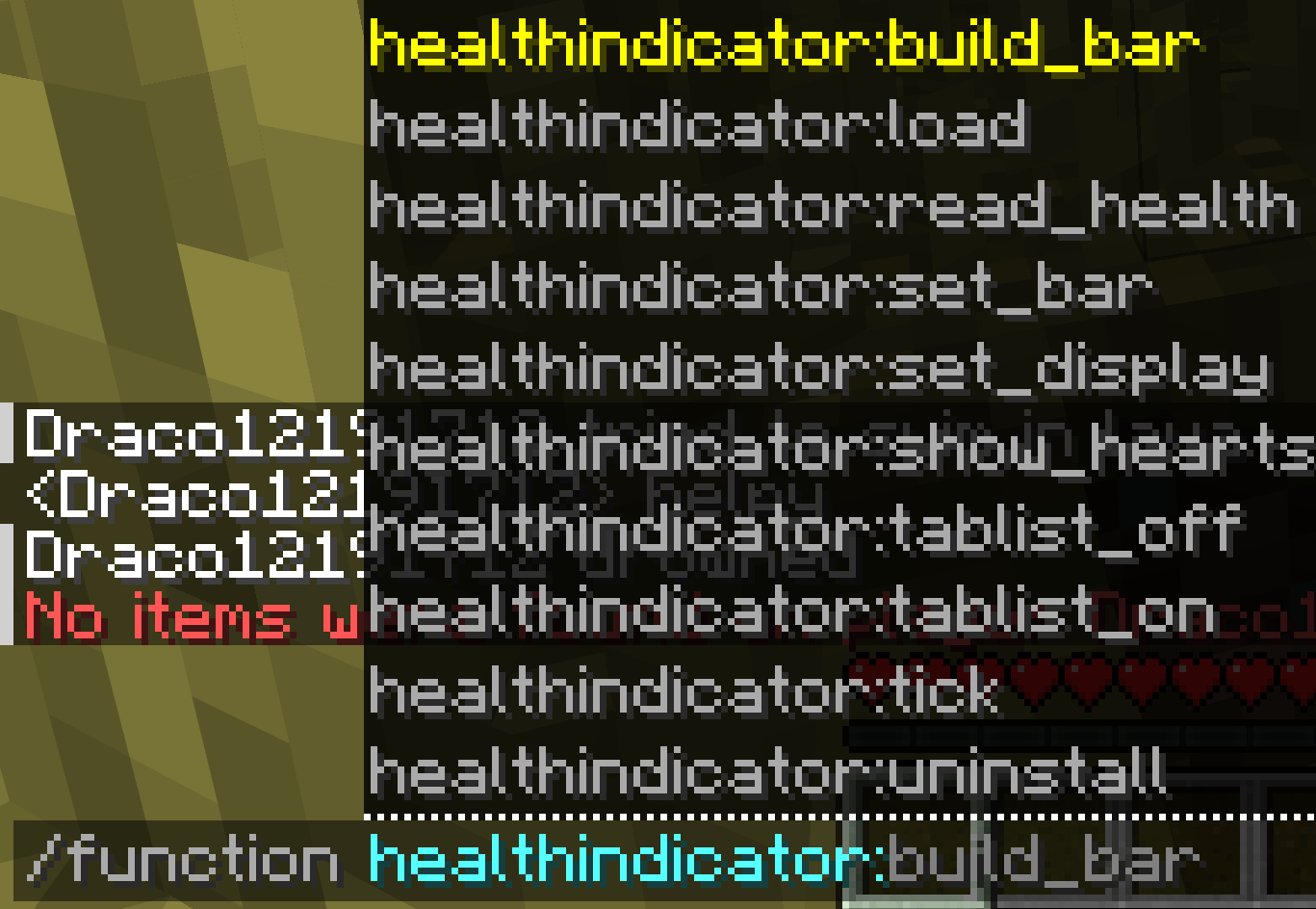
/function healthindicator:tablist_off |
Hides the hearts in the tab list |
/function healthindicator:tablist_on |
Shows the hearts in the tab list again |
/function healthindicator:uninstall |
Removes the health display completely (see below) |
How to uninstall
- Run
/function healthindicator:uninstall. - Delete
HealthIndicator.zipfrom thedatapacksfolder. - Run
/reload.
Hope ya like it! 😀
Created & maintained by Draco12191712, licensed under Apache 2.0.
常见问题
Health Indicator 支持哪些 Minecraft 版本?
Health Indicator 支持 Minecraft Java 版 1.20.3–26.3,共 21 个版本。下载时注意选择和你游戏版本一致的文件。
Health Indicator 怎么安装?
新建世界时在「数据包」里把下载的 .zip 拖进去;已有的存档,把文件放进存档目录下的 datapacks 文件夹,进游戏输入 /reload 即可生效。服务器同样放在世界目录的 datapacks 里。

评论
登录后评论和评分