截图
介绍
In this datapack you can:
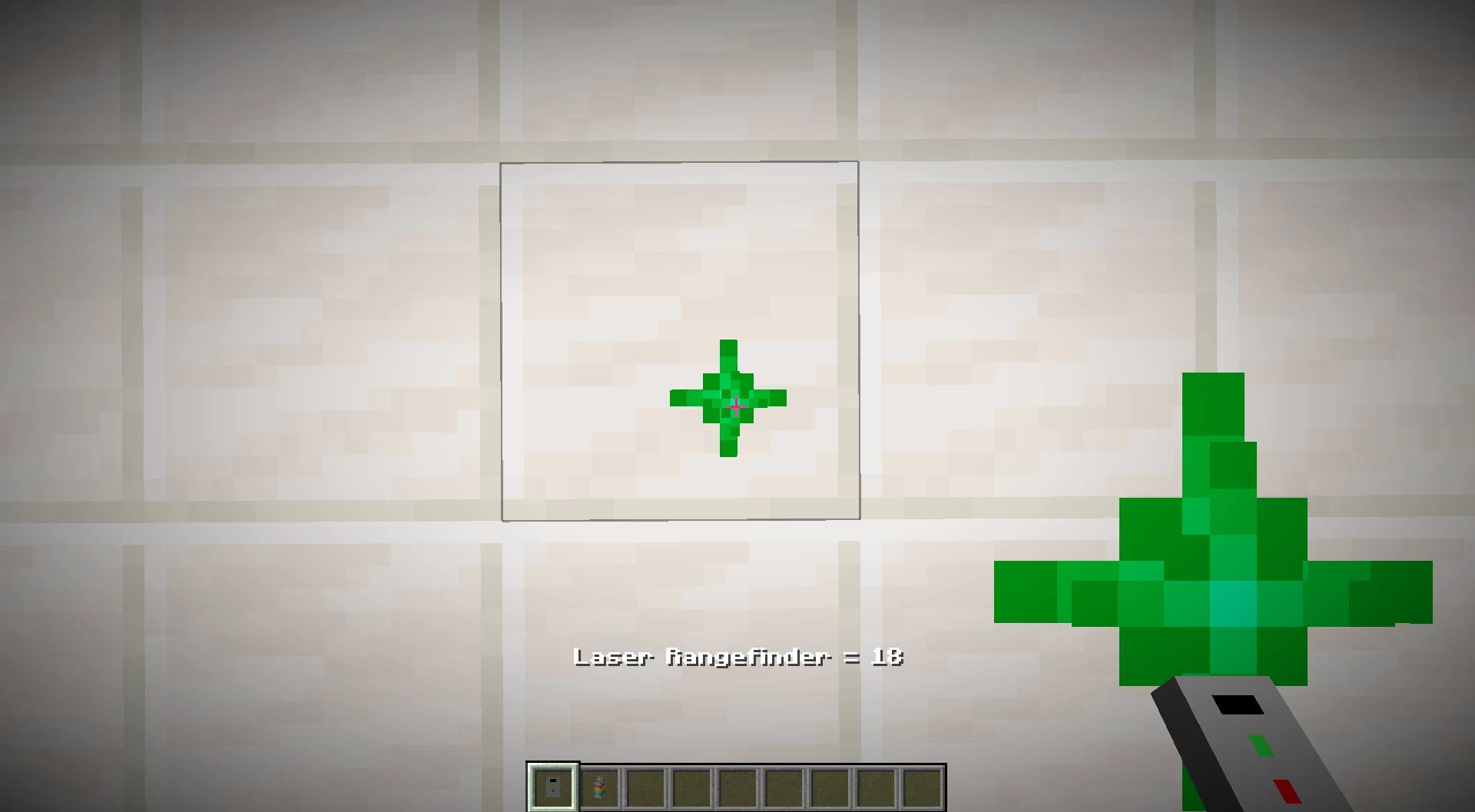
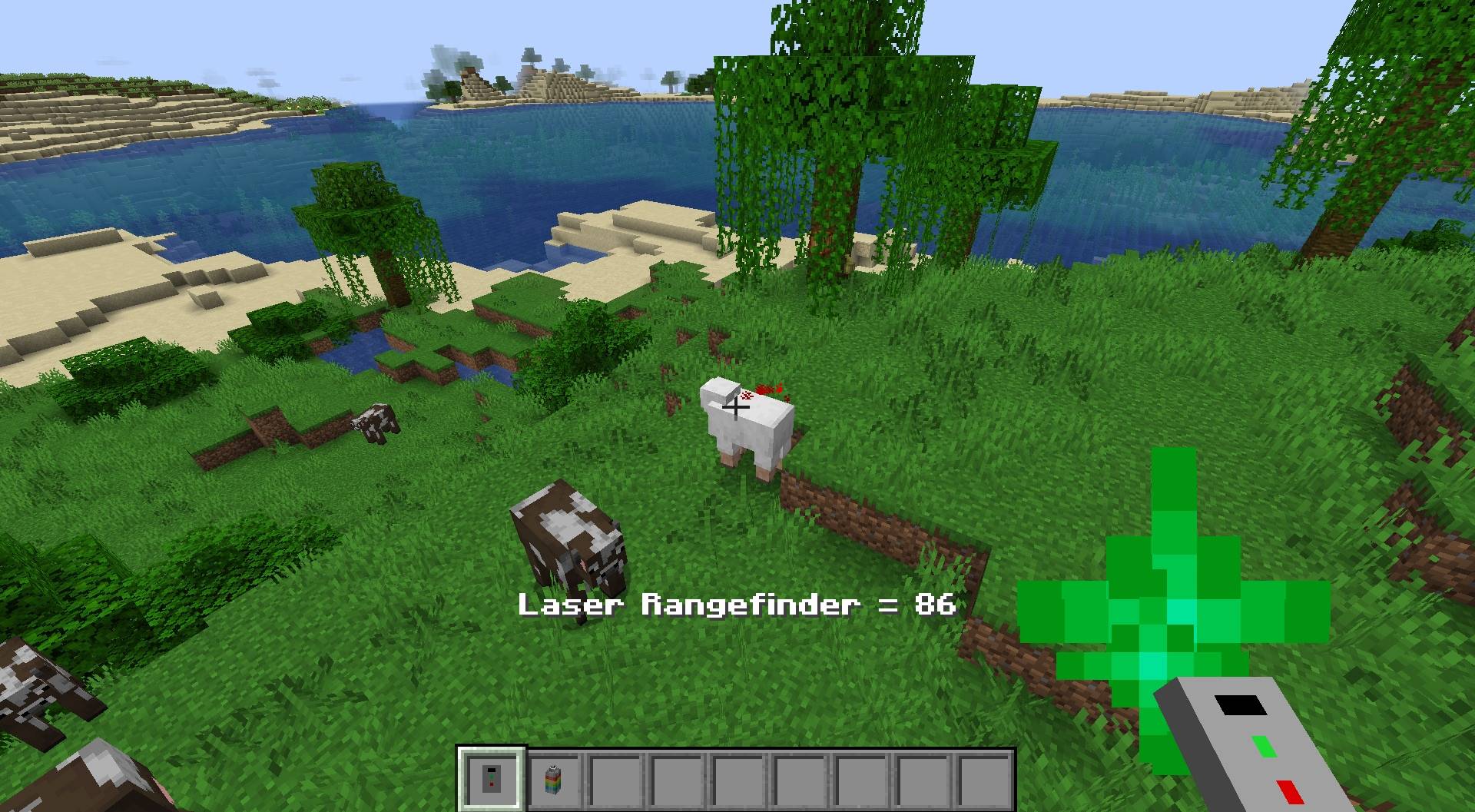
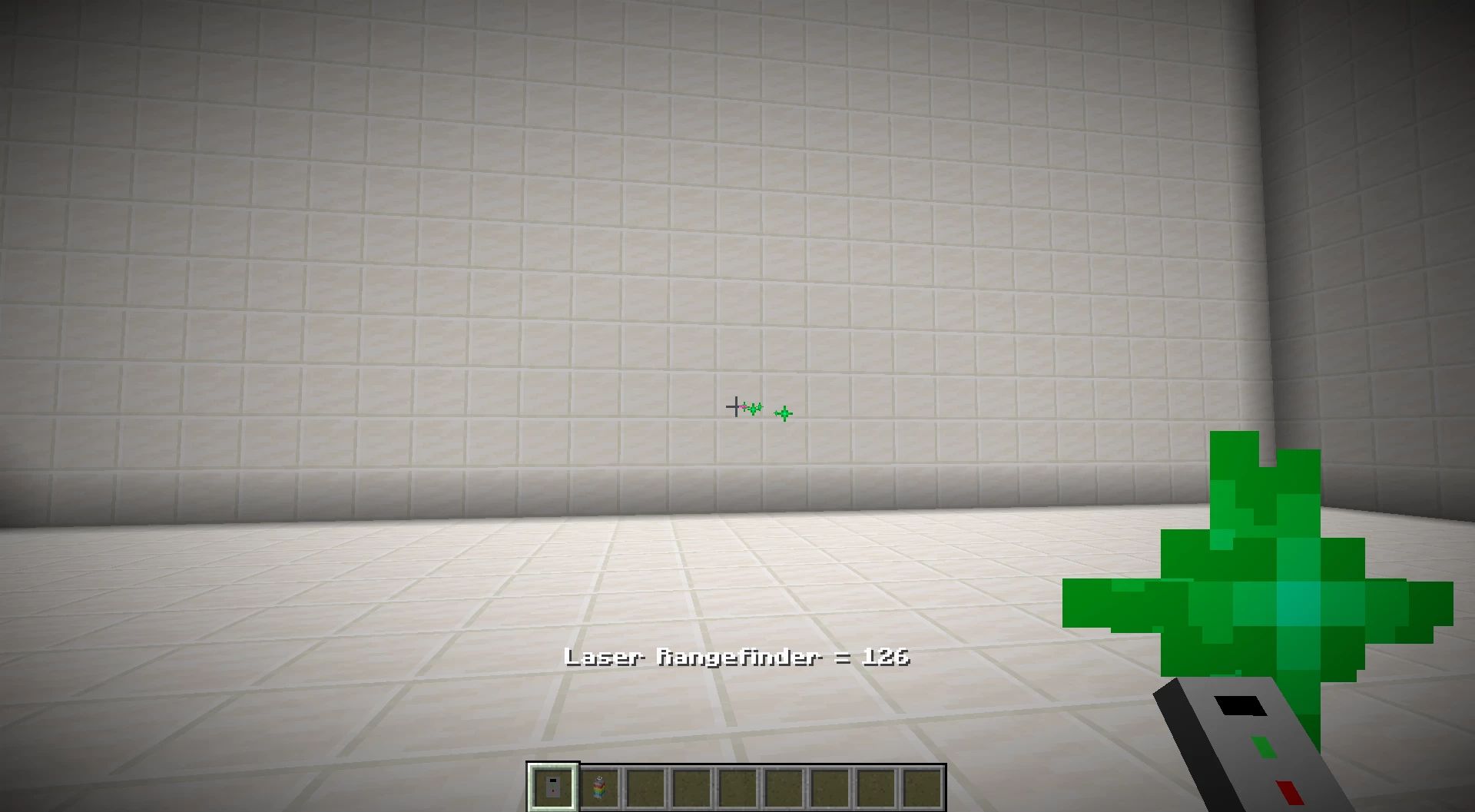
📏Use the Laser rangefinder if you want to know the distance between you and a block x0.1 (Right-click button)
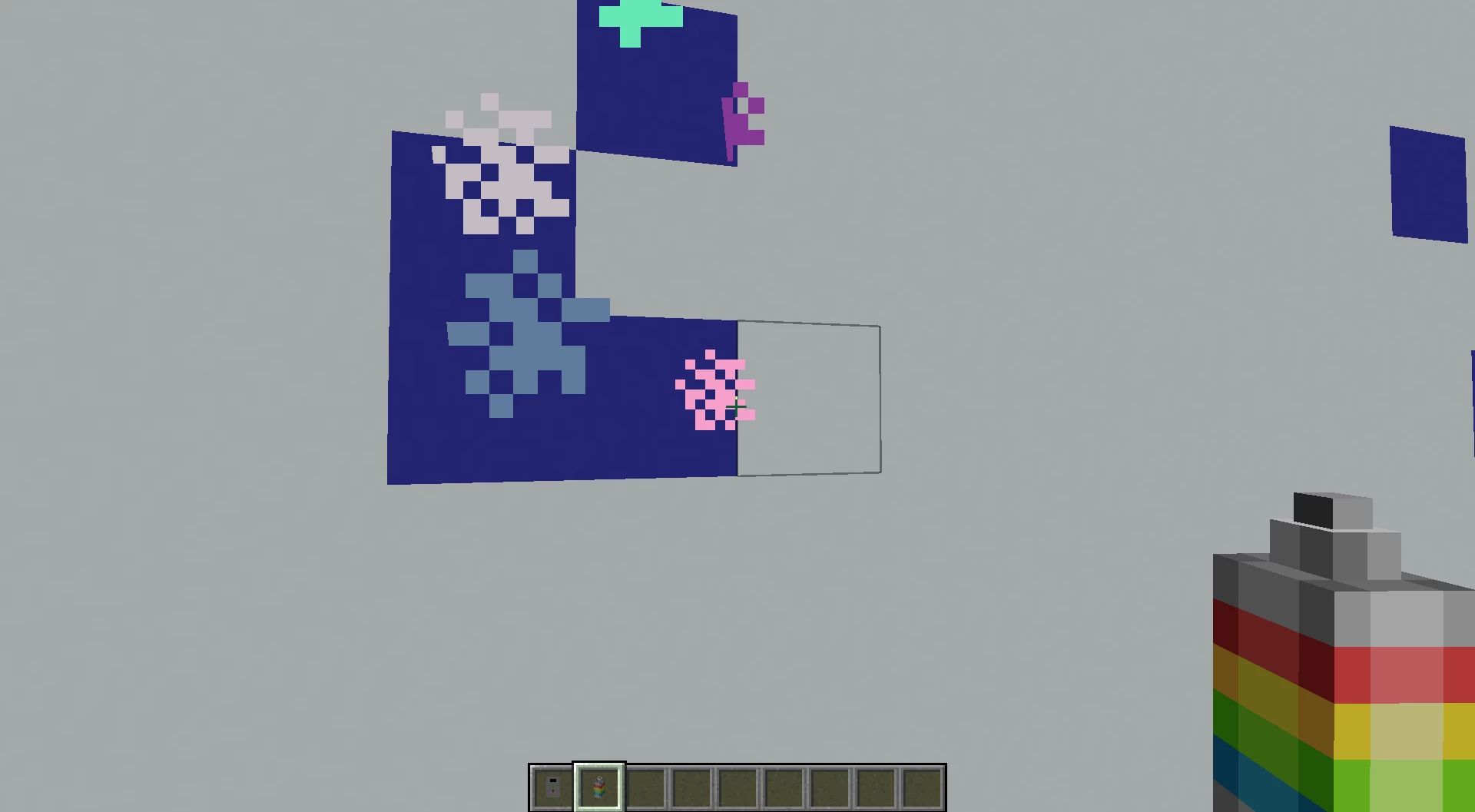
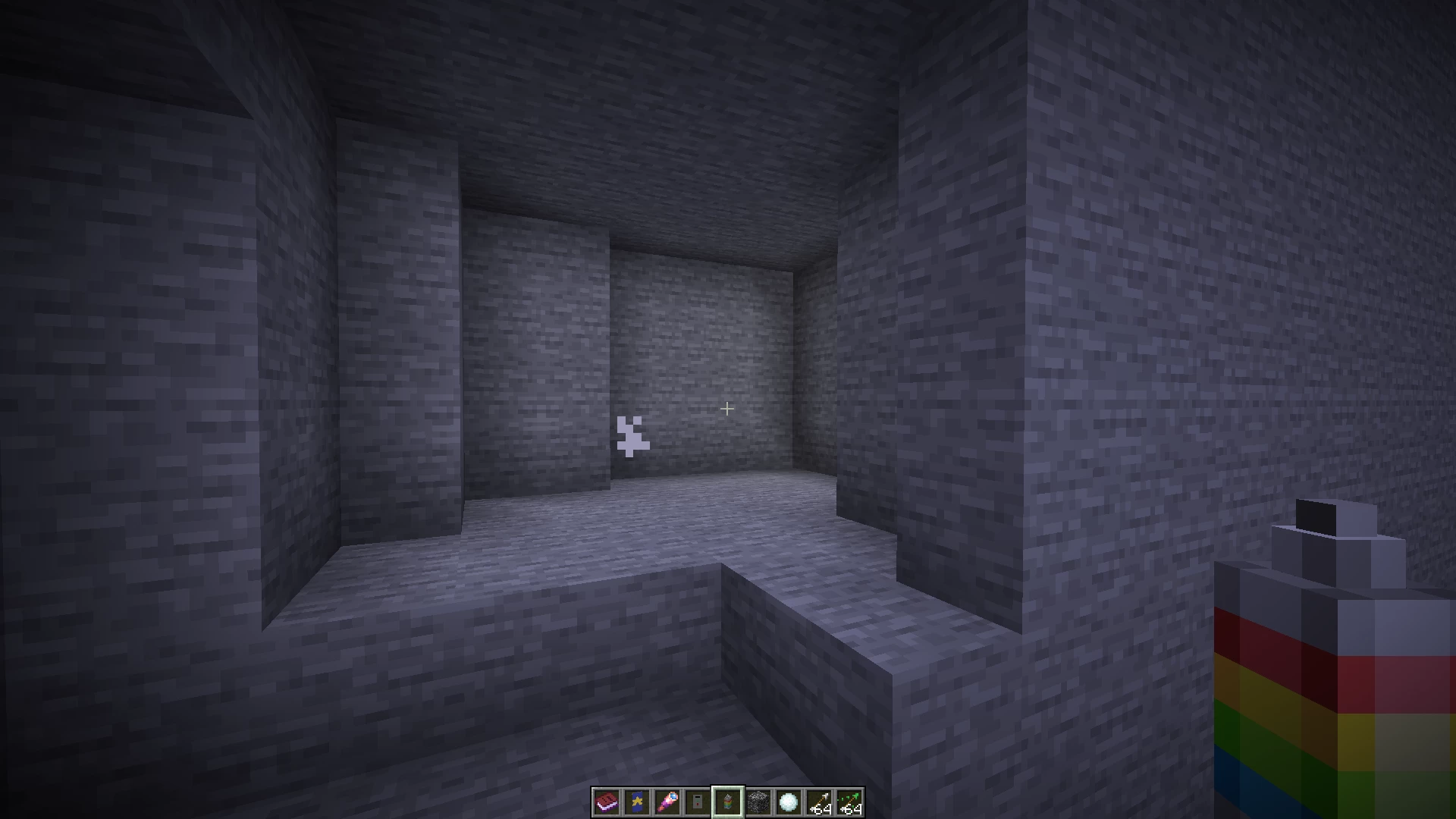
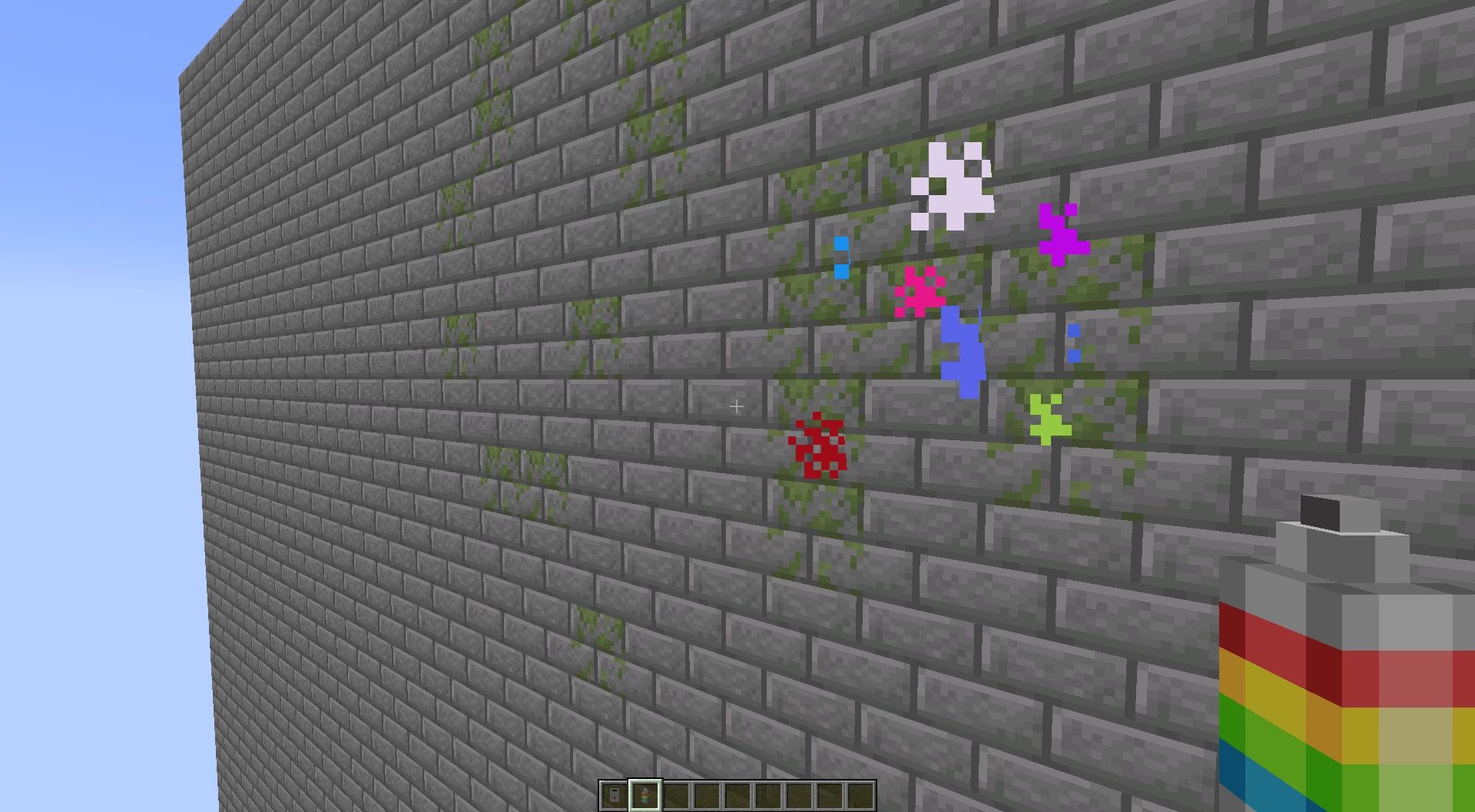
🎨Use the Spray paint can if you want to paint any surface to replace blocks without having to break them first (Right-click button)
⛏️Use the Spray paint can again to remove blocks, replacing them with air
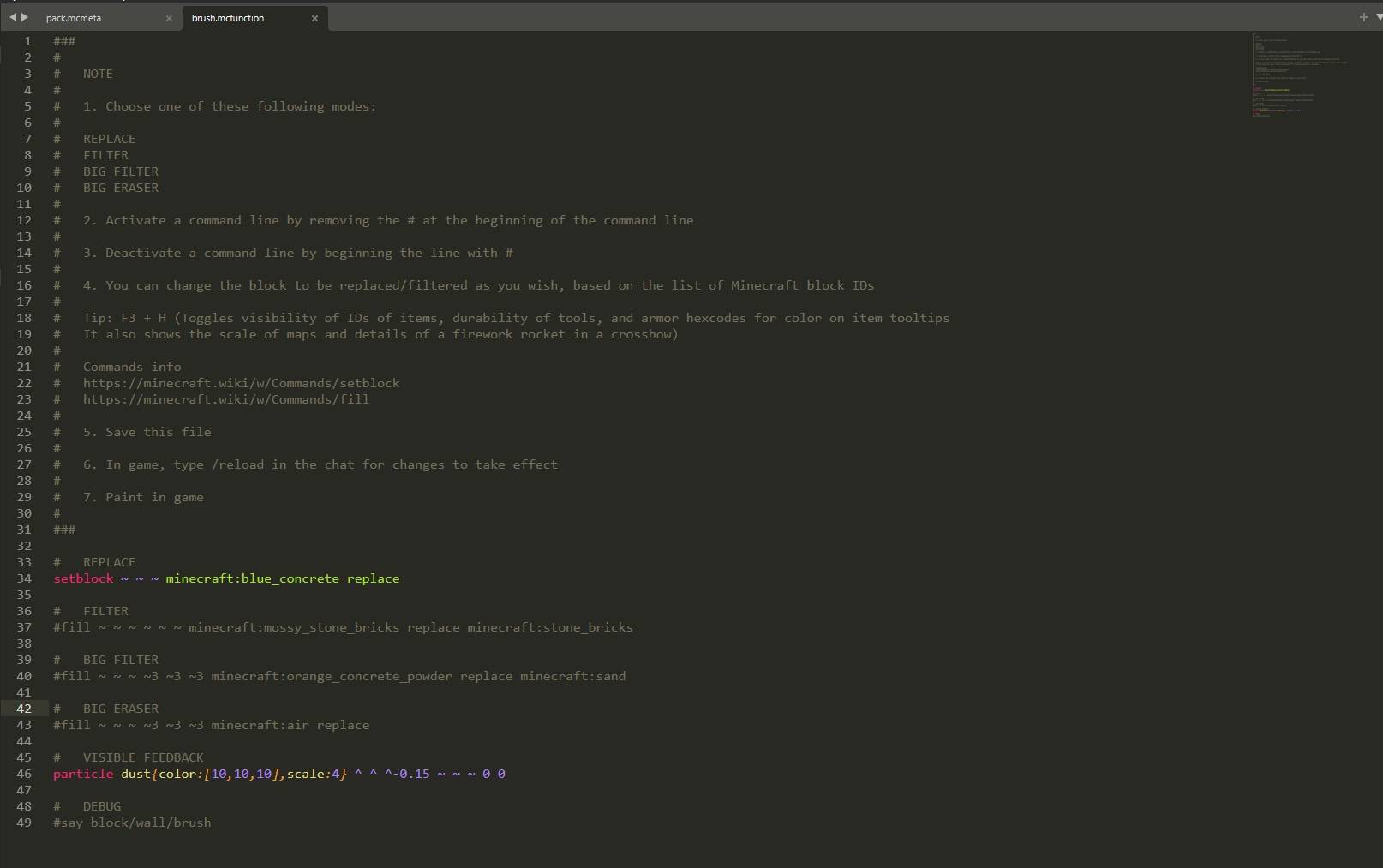
- You can filter the blocks to be replaced
- Grasses and plants are not considered ‘solid’ blocks by this datapack
- Changes to block IDs must be made with a code/text editor (Notepad++, Sublime Text, …) in the datapack folder:
.minecraft\saves\<yourmap>\datapacks\Handy Toolbox\data\tools\function\collisions\block\wall\brush
⚠️ Please download the required Resource pack for the texture on these new tools to be applied :
Handy toolbox V12
Handy toolbox V11
Handy toolbox V10
Handy toolbox V9
Handy toolbox V8
Handy toolbox V7
Give commands:
Laser rangefinder:
/function give:laser_rangefinder
Spray paint can:
/function give:spray_paint_can
Consider that this data pack is open to improvement. I’m open to suggestions on adding new features.
All rights reserved
常见问题
Handy Toolbox 支持哪些 Minecraft 版本?
Handy Toolbox 支持 Minecraft Java 版 1.21.7–26.3,共 9 个版本。下载时注意选择和你游戏版本一致的文件。
Handy Toolbox 怎么安装?
新建世界时在「数据包」里把下载的 .zip 拖进去;已有的存档,把文件放进存档目录下的 datapacks 文件夹,进游戏输入 /reload 即可生效。服务器同样放在世界目录的 datapacks 里。


评论
登录后评论和评分