
GhostMask
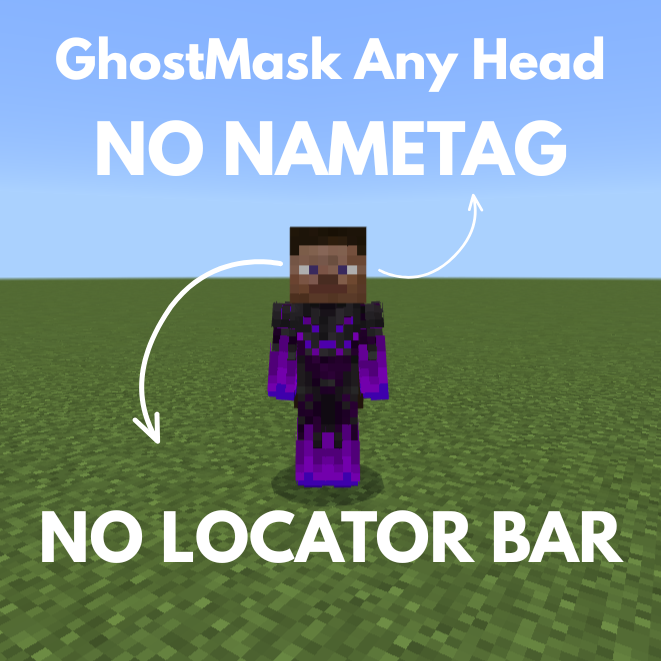
is a lightweight, high-performance utility designed for Minecraft 1.21.1+, This datapack uses a modern Component-based detection system to ensure your nametag appears and disappears exactly when it should—no lag, no flicker, and no "ghost" invisibility.
截图


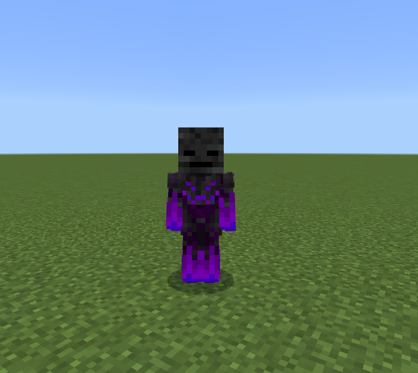
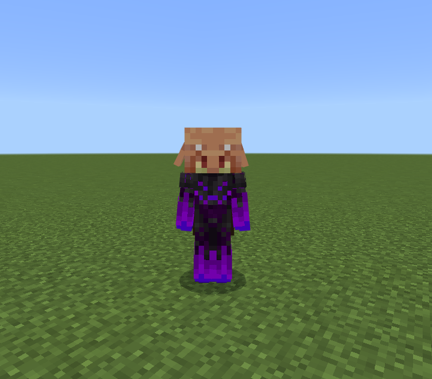
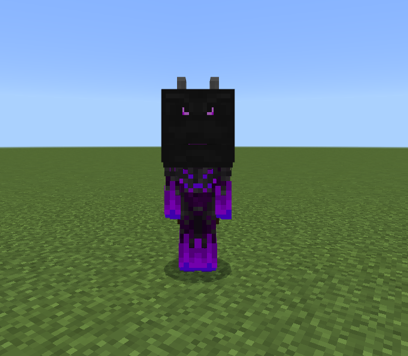
介绍
Made By – EcomineAI
The Ultimate Cross-Platform Stealth Utility for Java & Bedrock
GhostMask is a high-performance, lightweight stealth solution for Minecraft 1.21.1+. Designed with server owners and competitive players in mind, it provides a seamless “Vanish” experience that works across all platforms, including mobile players joining via GeyserMC.
✨ Why GhostMask?
Most stealth scripts are buggy, laggy, or fail to reset properly. GhostMask is built from the ground up using the modern 1.21.1 component system. It doesn’t just “try” to hide you; it manages your presence with surgical precision, Prevents unintended “tracking” through UI elements like the Experience Bar and location indicators, ensuring you stay a true ghost.
📱 Geyser & MCPE Compatible: Fully tested to ensure that Bedrock players joining Java servers have their nametags hidden correctly. No more “ghost tags” hovering above mobile players.
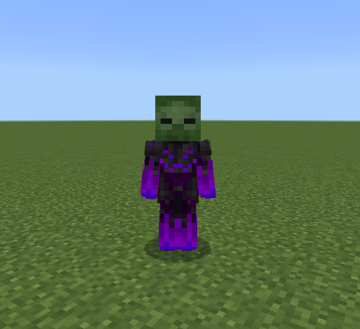
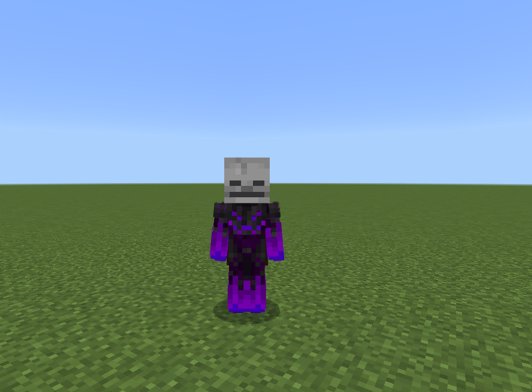
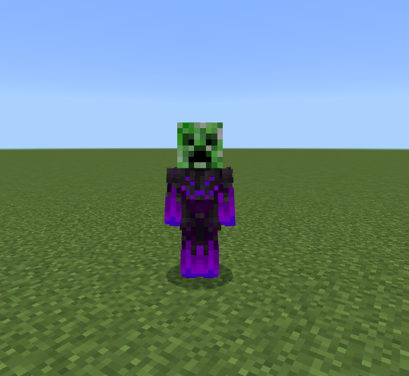
🎭 Universal Head Detection: Whether it’s a Vanilla Creeper head, a Carved Pumpkin, or a custom textured head from your favorite Mob Heads Datapack, GhostMask detects it instantly.
⚡ Zero-Lag Logic: Built using optimized if items checks. It has a near-zero impact on server MSPT, making it perfect for high-population SMPs and Faction servers.
🛠️ Instant Response: The moment you swap your mask for a helmet or remove it entirely, your nametag reappears. No commands, no waiting, no bugs.
🛠️ Technical Specs
Version: 1.21.1+
Platform: Java Edition (Server-side), fully compatible with GeyserMC.
Logic: Uses a dynamic “Tag-and-Team” system that resets every tick to ensure 100% accuracy.
🚀 Installation
Download the GhostMask Universal Stealth.zip.
Drop it into your world’s datapacks folder.
Type /reload.
Put on a mask and vanish into the shadows.
常见问题
GhostMask 支持哪些 Minecraft 版本?
GhostMask 支持 Minecraft Java 版 1.21.11。下载时注意选择和你游戏版本一致的文件。
GhostMask 怎么安装?
新建世界时在「数据包」里把下载的 .zip 拖进去;已有的存档,把文件放进存档目录下的 datapacks 文件夹,进游戏输入 /reload 即可生效。服务器同样放在世界目录的 datapacks 里。
评论
登录后评论和评分