
Floating Texts
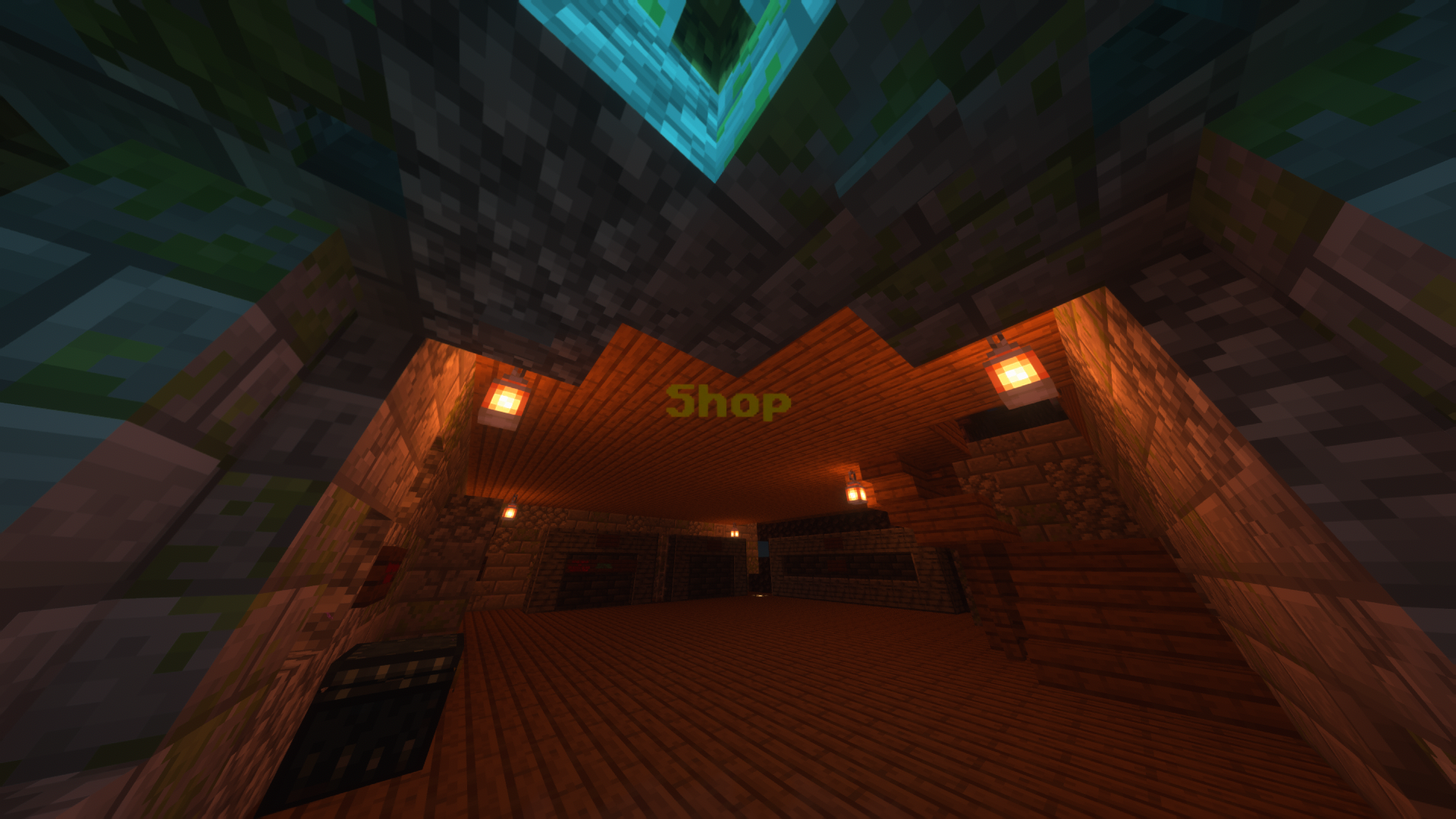
This datapack allows you to create floating texts with color and decoration (bold, italic, ...)
截图
介绍

This datapack allows you to create floating texts, using armor stands
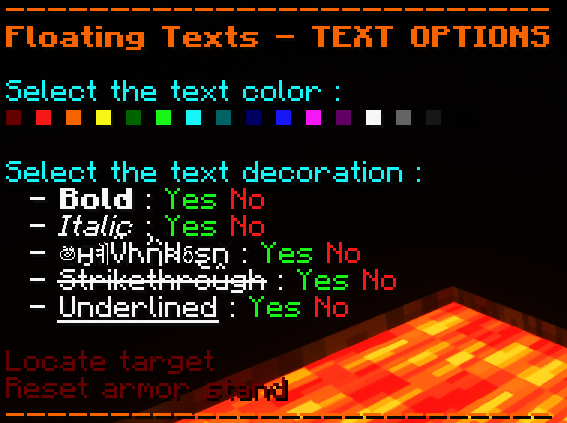
You can then change the color and the decoration (bold, underlined, …) of the text in 2 different ways :
- With the book, that can be obtained in survival but requires the minimum OP level for commands
- With the chat, which also requires the function commands permission
- (Not implemented yet) With dyes (and other items that are easy to obtain in survival), which is fully survival and does not require any OP permission
These are the different modifications you can bring to your texts (you can change do this with the book or in the chat)


To obtain the book you can :
1. Sign a book & quill with
FT
2. Use the chat options (enter “
/function floating_texts:chat/chat_options“ in the chat to access them)

and here is what it can look like

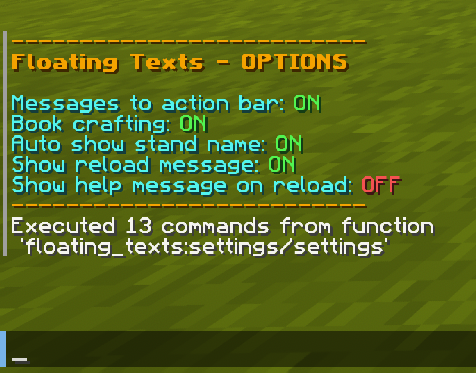
You can edit some options too !
(enter “
/function floating_texts:settings/settings“ in the chat)

If you find any issue, please make sure to report it here: https://todo.sr.ht/~aeldit/MC-Resourcepacks-And-Datapacks so I can fix it
If you have a suggestion, you can go on my discord server and create a post in 🗽-suggestions-forum

Check out the rest of my projects !


常见问题
Floating Texts 支持哪些 Minecraft 版本?
Floating Texts 支持 Minecraft Java 版 1.19–1.21.6,共 19 个版本。下载时注意选择和你游戏版本一致的文件。
Floating Texts 怎么安装?
新建世界时在「数据包」里把下载的 .zip 拖进去;已有的存档,把文件放进存档目录下的 datapacks 文件夹,进游戏输入 /reload 即可生效。服务器同样放在世界目录的 datapacks 里。
Aeldit 的其他作品
查看全部 →
Dark Smooth GUI
为 Minecraft 添加深色简洁的界面,并支持许多模组的界面。

CTM Optifine – Fabric
为Minecraft添加连接纹理,并支持多个模组

CyanSetHome
Adds the /sethome command and a system of trust between player to allow them to teleport to their respective homes
CyanSetHome
Adds the /sethome command and a system of trust between player to allow them to teleport to their respective homes
评论
登录后评论和评分