
Flat Bedrock+
Data pack that converts uneven vanilla bedrock into a perfectly flat surface.
截图
介绍

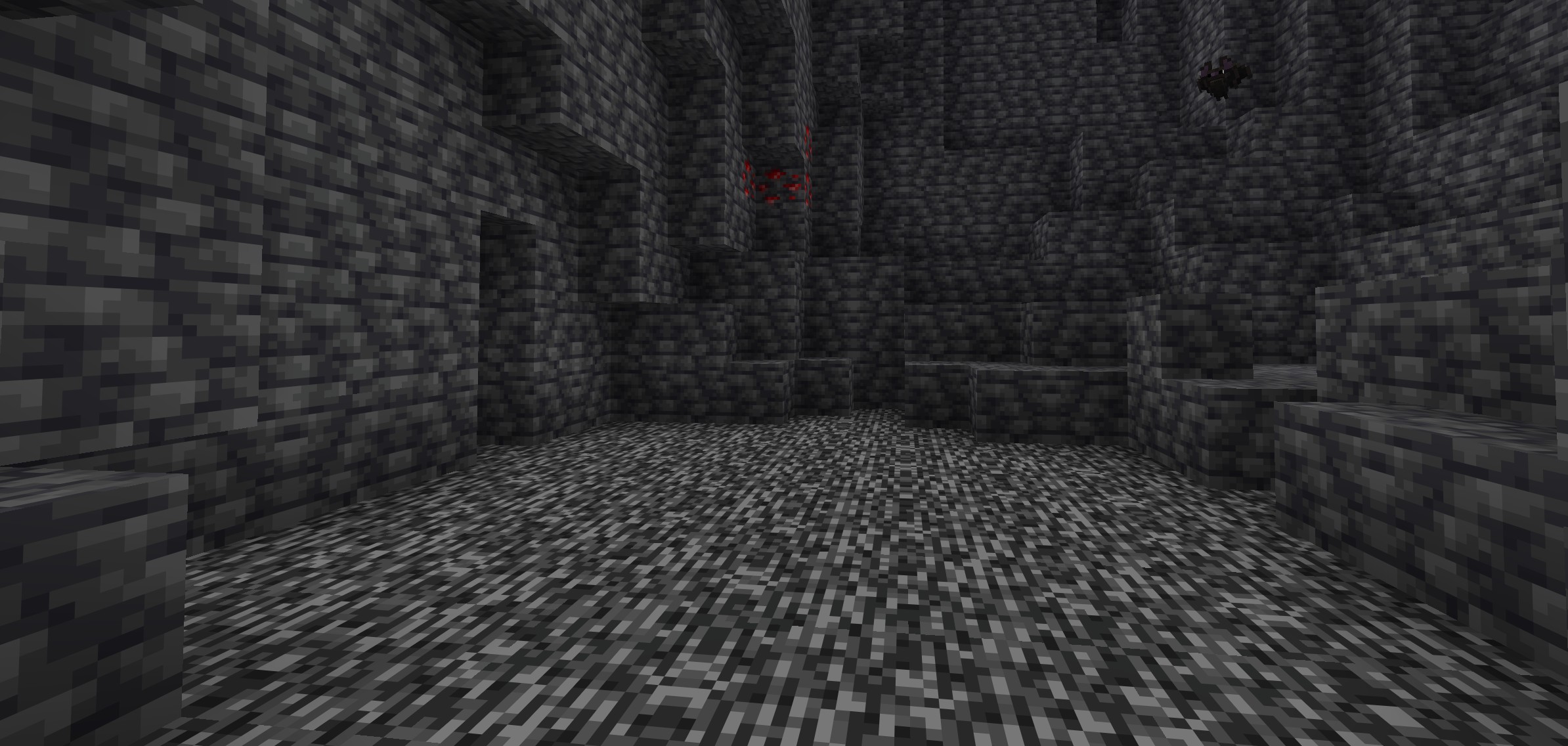
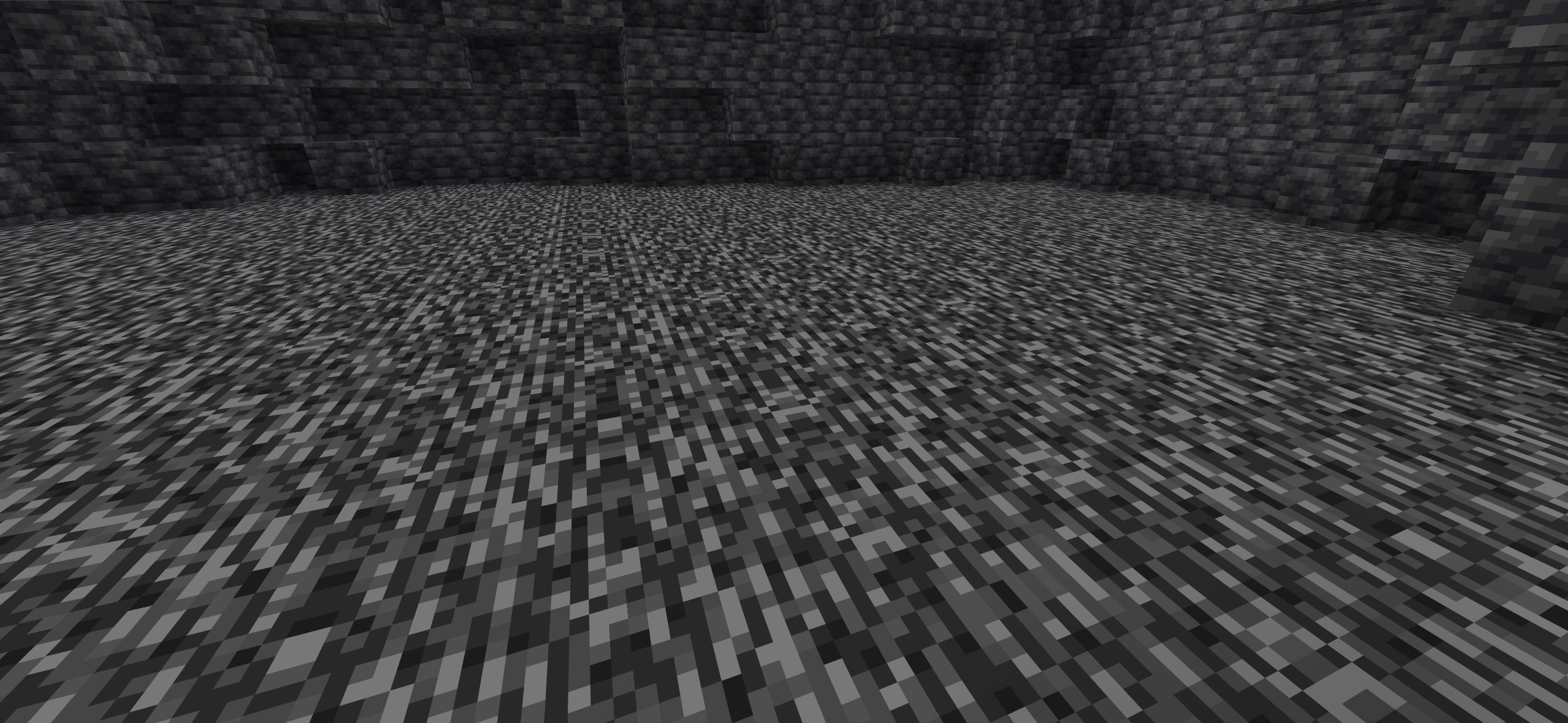
Flat Bedrock is a data pack that converts uneven vanilla bedrock into a perfectly flat surface at Y = -64, without a significant impact on performance.
The data pack comes in two separate versions, depending on when you want to use it:
- One version generates flat bedrock during world creation
- The other version works on existing worlds by scanning the area around the player and flattening bedrock
Additionally, the existing-world version includes an admin option that allows generating flat bedrock over a selected area.
Flat Bedrock Worldgen
- Used at world generation
- Automatically creates a world with flat bedrock
- No additional processing required
Flat Bedrock (Existing Worlds)
- Designed for already generated worlds
- Scans the area around the player
- Bedrock blocks not at Y = -64 are: removed replaced with another block
- Result: a clean, fully flat bedrock layer
🛠️ Admin Features
- Generate flat bedrock in a 5×5 chunk area
- Generate flat bedrock in a 16×16 chunk area
➡️ Ideal for fast large-scale adjustments
🚀 Performance
- Optimized for low performance impact
- Lightweight for both servers and single player
Key Features
- Flat bedrock at Y = -64
- Support for new and existing worlds
- Built-in admin tools
- Low system usage
- Simple setup (2 separate data packs)
Requirements:
- Minecraft Java Edition 1.21.5-26.1.2
Installation:
Singleplayer
- Open Minecraft
- Create a new world and click on “More”, “Data Packs”
- Drag the data pack into the Minecraft window
- Click “Yes” on the confirmation screen
- Move the data pack to the right-hand side of the screen by clicking the triangle on its icon
- Click “Done” and continue creating your world, then click on “Create New World”
Multiplayer
- Download the data pack
- Open your server folder, then open the folder of the world
- Put the data pack into a folder named datapacks
- Restart your server, and you can use your new data pack.
Permissions:
- None
Commands:
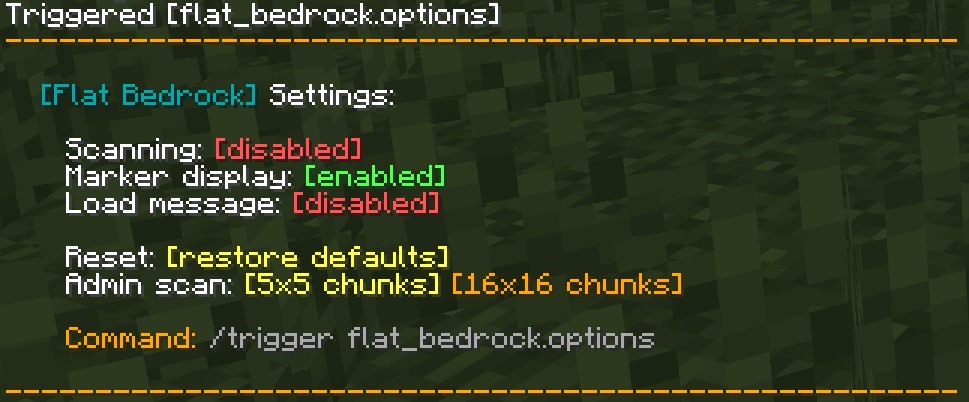
/trigger flat_bedrock.options
常见问题
Flat Bedrock+ 支持哪些 Minecraft 版本?
Flat Bedrock+ 支持 Minecraft Java 版 1.21.5–26.1.2,共 10 个版本。下载时注意选择和你游戏版本一致的文件。
Flat Bedrock+ 怎么安装?
新建世界时在「数据包」里把下载的 .zip 拖进去;已有的存档,把文件放进存档目录下的 datapacks 文件夹,进游戏输入 /reload 即可生效。服务器同样放在世界目录的 datapacks 里。
mario.toth 的其他作品
查看全部 →
Totem Auto Equip
A datapack that transfers the Totem of Undying to your offhand whenever it's in your inventory!

Wood Breaker
WoodBreaker makes chopping trees faster and cleaner while keeping the game feeling natural and balanced.

Swift Leaf Decay
This datapack removes leftover leaves quickly after a tree has been cut down, keeping your world clean and natural without long waiting times.

Raw Food Rebalance
This datapack encourages players to cook their food rather than eating it raw, with mild consequences for consuming raw meat and raw potato.
评论
登录后评论和评分