
Custom End Ship / Custom End Ship Loot
Change the item in the end ship structure, make a custom version or remove it entirely.
截图
介绍
About
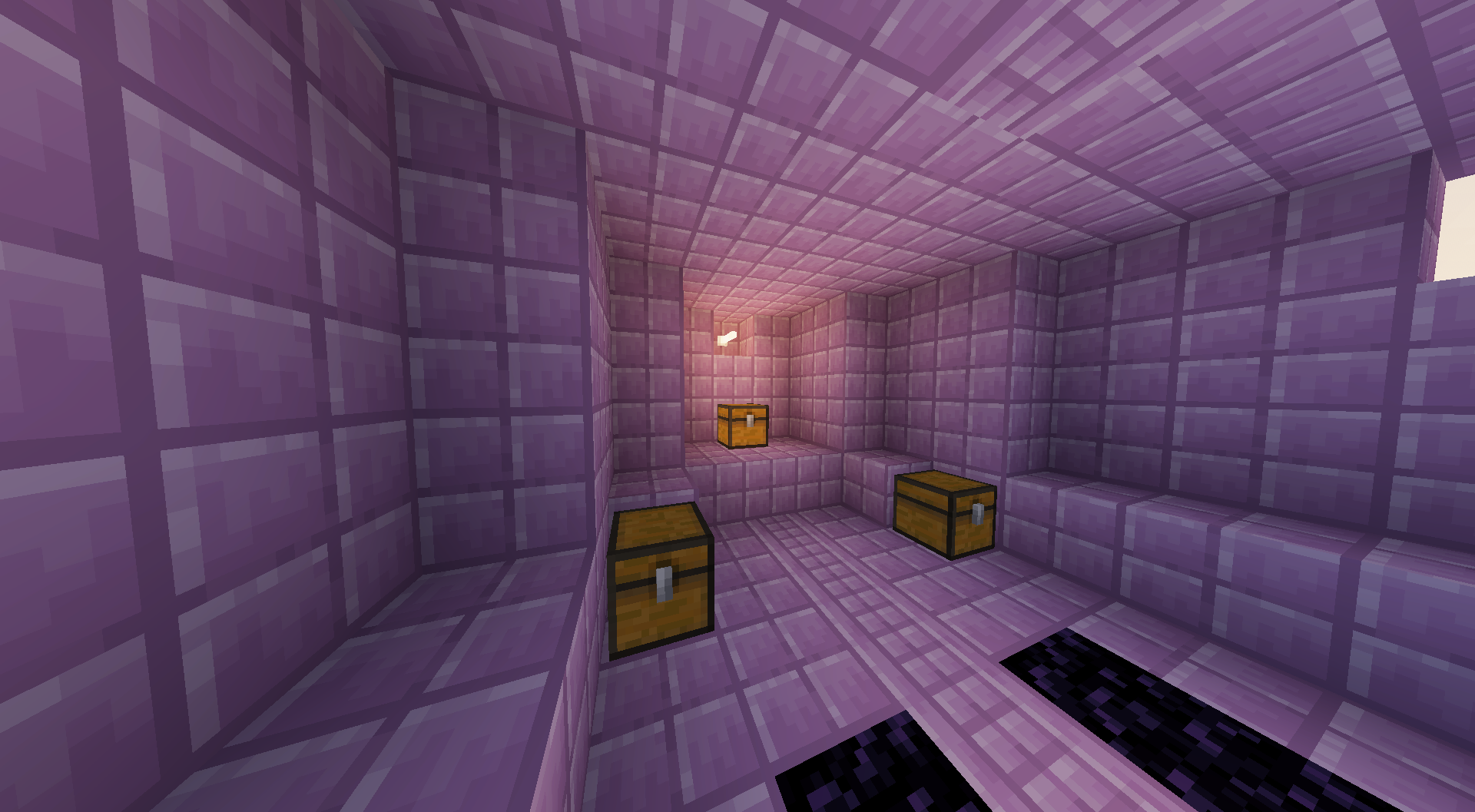
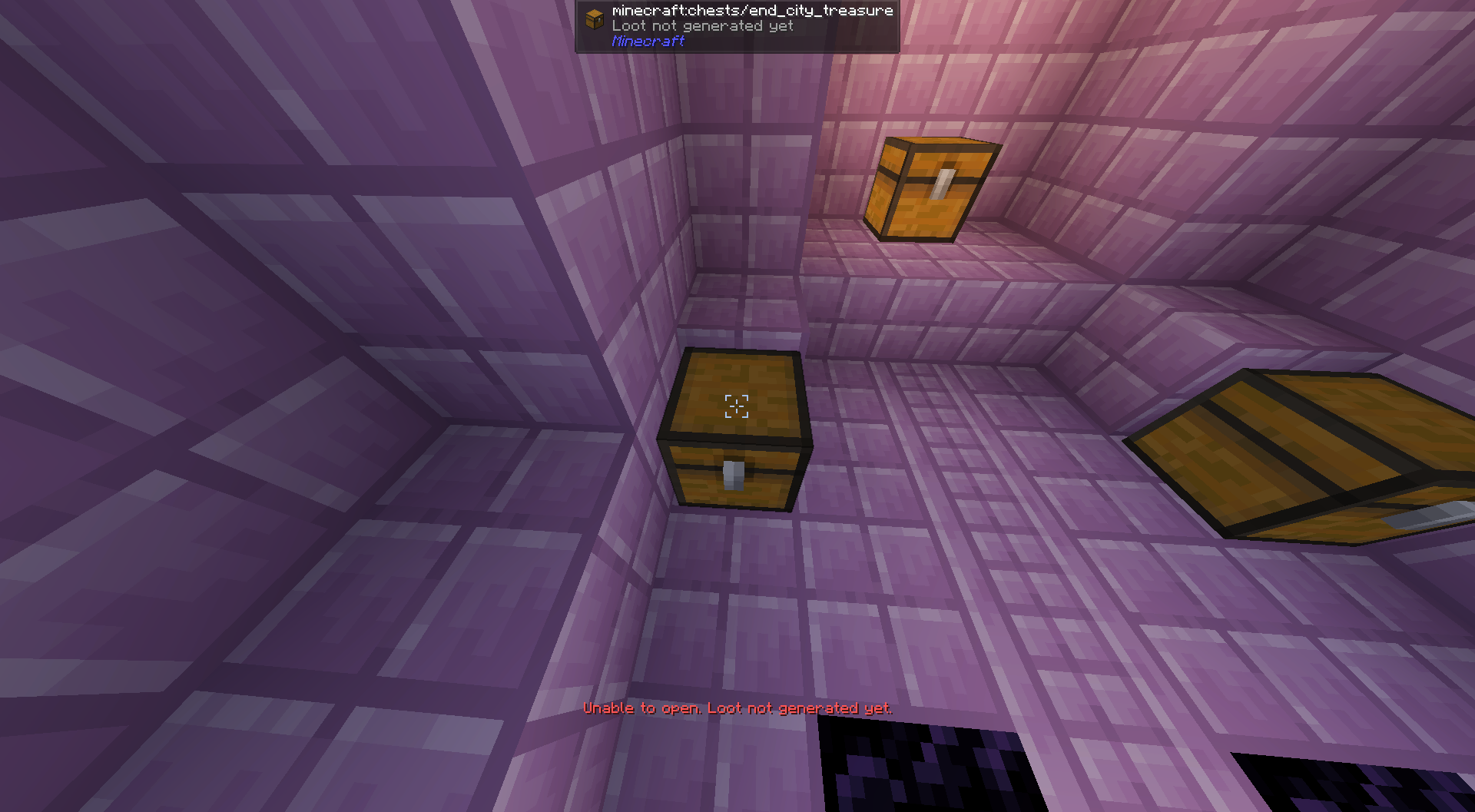
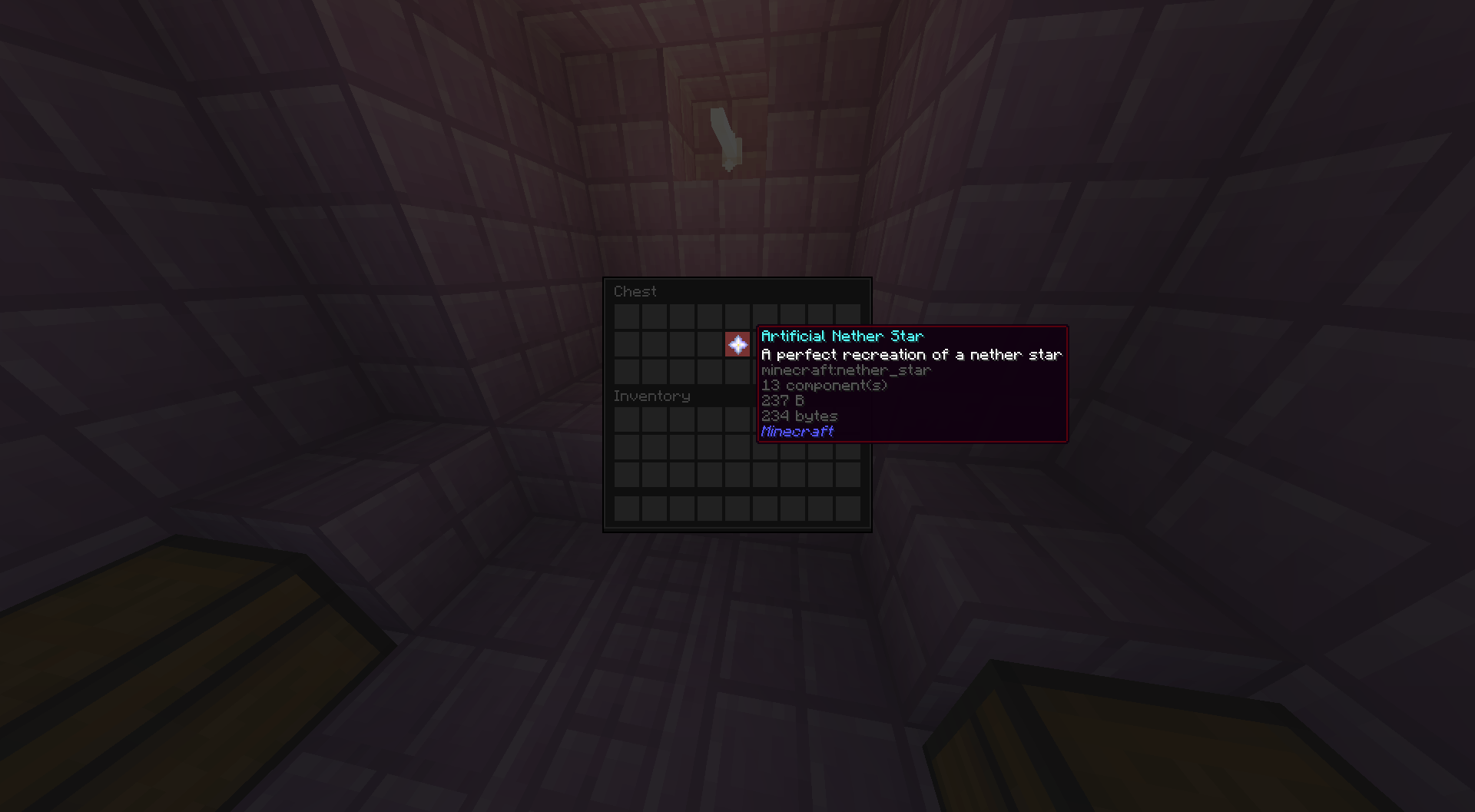
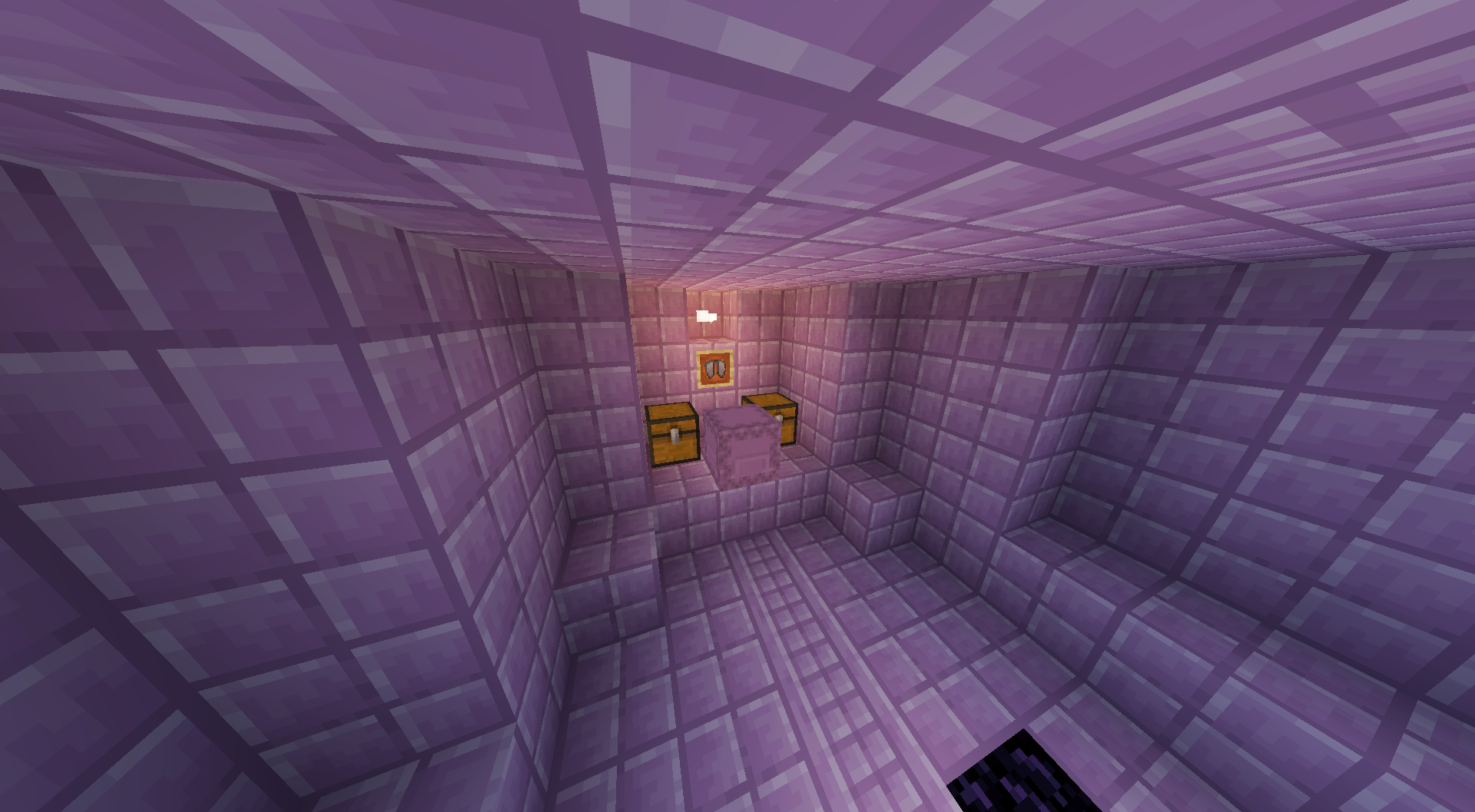
This is a basic datapack that replaces the “ship.nbt“ part of an end city with a custom one. The structure file provided replaces the elytra item frame with a chest containing a renamed nether star, and moves the loot chests to the side to prevent them from linking up.
Instructions
At this time, if you want to edit the loot in the chests, you need a tool like NBT Explorer or another NBT file editor. Unzip the datapack and navigate to
data/minecraft/structures/end_city/ship.nbtThen open the file in your NBT editor and edit the entity data for the chest with the nether star to change the item that it holds.
If you want to make a custom end ship, you need to convert your building into a .nbt file using structure blocks.
(To remove the end ship, just save an air block as the structure)
Just replace the existing structure file with your own one and rename it to “ship.nbt“.
In a future version I may include presets for structure like none/no elytra /default but for now you have to do it yourself.
常见问题
Custom End Ship / Custom End Ship Loot 支持哪些 Minecraft 版本?
Custom End Ship / Custom End Ship Loot 支持 Minecraft Java 版 1.21–1.21.10,共 11 个版本。下载时注意选择和你游戏版本一致的文件。
Custom End Ship / Custom End Ship Loot 怎么安装?
新建世界时在「数据包」里把下载的 .zip 拖进去;已有的存档,把文件放进存档目录下的 datapacks 文件夹,进游戏输入 /reload 即可生效。服务器同样放在世界目录的 datapacks 里。
AntDev 的其他作品
查看全部 →
Uncraftable Mace / No mace
Save the heavy core for decoration. Makes the mace uncraftable.

Copper Essentials
Craft everyday items such as buckets & saddles using both copper and iron.

No Spears
Remove spears from crafting and loot pools.

No Heavy Core
Removes the Heavy core from the loot pool
评论
登录后评论和评分