
截图




介绍
Endless Ocean
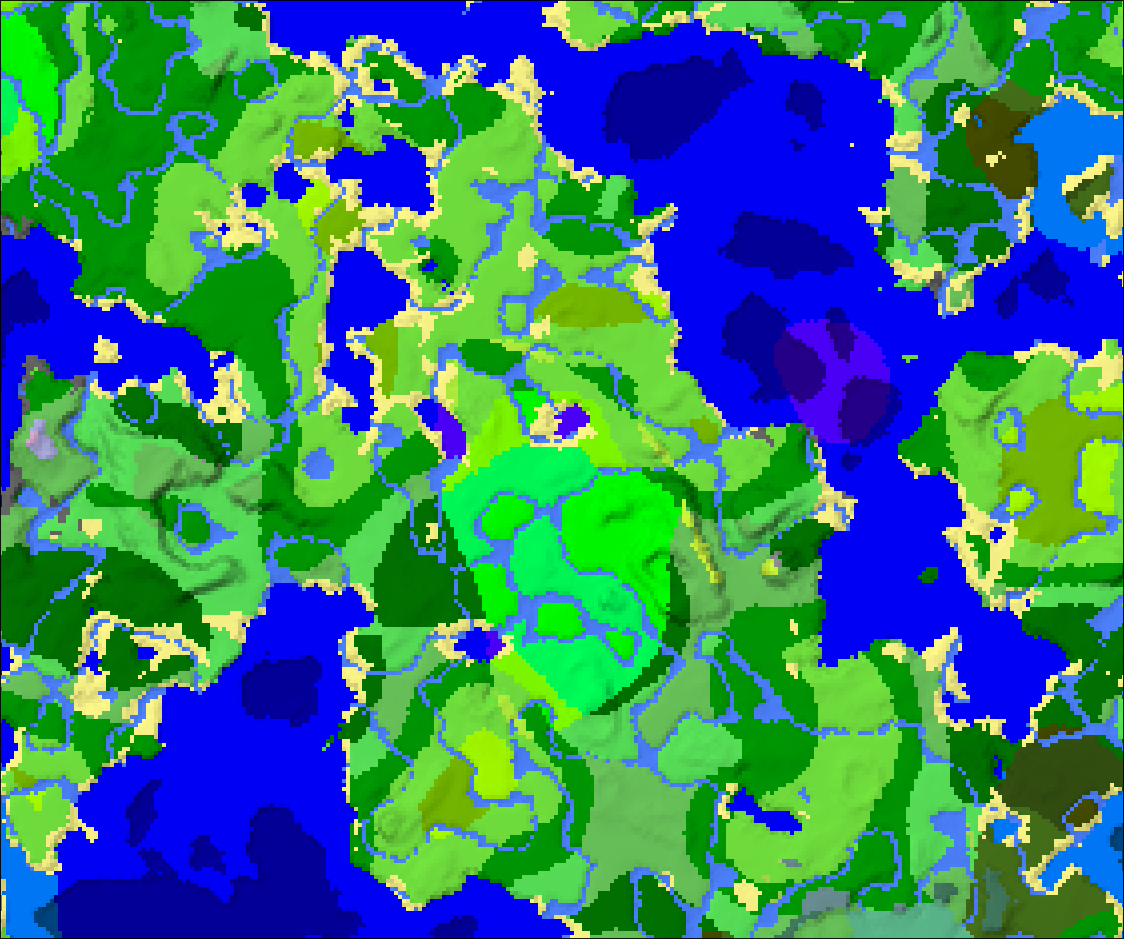
_A pack to generate an endless ocean beyond ~3k blocks from spawn. Highly customisable._
Requirement
You must install More Density Functions by Klinbee. This project won’t function, and wasn’t possible, without their work.
The pack was tested on Fabric 1.21.10. It will likely work on other versions after 1.20.1, newer versions after 1.21.10, and perhaps even earlier up until 1.18. If you test it and it works, let me know and I’ll add it to this page.
_Note: The ‘incorrect version’ error can be disregarded. The pack.mcmeta file syntax is really confusing to me and I can’t figure out how to fix it lol._
Customisation
Unzip the pack and open folders until you reach continents.json. This file is commented to explain how to customise the pack. You can change the distance the ocean begins, the shape of the world from a rounded square to a circle, and the kind of ocean that generates.
Recommended Pairings
This datapack leaves standard Vanilla generation untouched within the ocean boundary. I recommend you scout a seed that will include all features (biomes, structures, wood types, etc) that you want within the border size (~3k blocks by default).
I recommend using this pack with the World Border mod by Serilium. This warps you around the world intelligently when you reach a border. Combined with my pack, the warps are somewhat less jarring as it will always occur over ocean. _Remember that you have to set the world border mod’s coordinates in the config!_.
I also suggest pairing this with Glimmer shaders by Jbritain. There is a setting for ‘Infinite Ocean’ that will seamlessly connect the ocean to the horizon regardless of render distance, without being too obtrusive while inland. Note that in my testing this resulted in a bright fog effect in the Nether while loading chunks.
This datapack should work with any mods or datapacks that add or alter biomes. It will not work with mods or datapacks that alter terrain shape, i.e Terralith. However, it is quite a simple modification, so it may be possible to build compatability. Please reach out to the developers of those mods/datapacks if you would like this.
Known Issues
Changing the ocean to be standard (instead of deep) results in some small specks of land.
In cold areas, it generates Frozen Ocean. In the interest of customisability and compatibility, I haven’t attempted to ‘fix’ this yet. The only real issue is that the icebergs might look a little bit out of place at far render.
The corner rounding algorithm has issues and can’t generate a perfect square. You wouldn’t really get that anyway since the transition from land to sea is relatively smooth, but if it bothers you, check More Density Function’s documentation and swap the “minkowski” distance type to “chebyshev” and remove the “p” value.
I don’t know of a way to prohibit Ocean Monuments from generating in the endless ocean. There are a lot of them. Two possible solutions: if you are using the World Border mod, set the world border relatively close to the coast. Alternatively, change the value of ‘-0.7’ in continentalness.json to ‘-0.44’. This will cause some generation of small islands. If anyone knows of a way to fix this, please let me know (I didn’t want to alter erosion or the global noise settings for simplicity and customisability).
常见问题
EndlessOcean 支持哪些 Minecraft 版本?
EndlessOcean 支持 Minecraft Java 版 1.21.5–1.21.11,共 7 个版本。下载时注意选择和你游戏版本一致的文件。
EndlessOcean 怎么安装?
新建世界时在「数据包」里把下载的 .zip 拖进去;已有的存档,把文件放进存档目录下的 datapacks 文件夹,进游戏输入 /reload 即可生效。服务器同样放在世界目录的 datapacks 里。
评论
登录后评论和评分