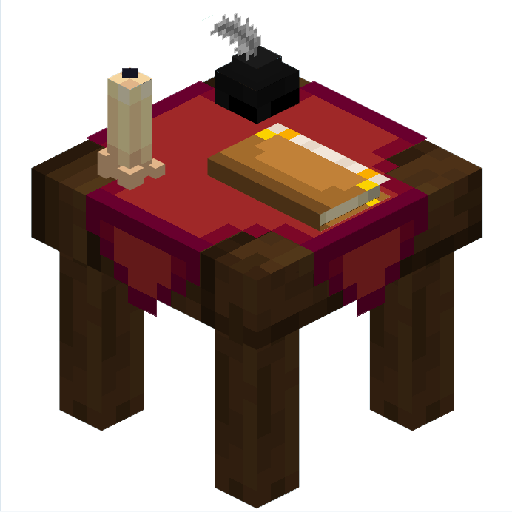
Enchanting Edit Table
作者:LiYeQWQ
Through the Enchanting Edit Table, you can transfer and split enchanting!
截图


介绍
中文介绍正在准备中,下面暂时显示原文。
Enchanting Edit Table
You can transfer or split enchanting through the EnchantingEditTable!
Before using this datapack, please copy it to the resourcepacks folder, Otherwise the texture and model will not display properly!
- Enchantment Extraction
- Put feathers, ink bottle, and books on the the matched slot in right side. Add enchanted item in the left slot and click the button to transfer the enchantment that item has into an enchanted book.
- Enchanted Book Split
- RSame steps but replace the feather with scissors, place the enchanting book in the left slot, and click the button to split it.
Recipes
常见问题
Enchanting Edit Table 支持哪些 Minecraft 版本?
Enchanting Edit Table 支持 Minecraft Java 版 1.17–1.21,共 18 个版本。下载时注意选择和你游戏版本一致的文件。
Enchanting Edit Table 怎么安装?
新建世界时在「数据包」里把下载的 .zip 拖进去;已有的存档,把文件放进存档目录下的 datapacks 文件夹,进游戏输入 /reload 即可生效。服务器同样放在世界目录的 datapacks 里。


评论
登录后评论和评分