
Invisible Item Frames With Interaction Range Increase
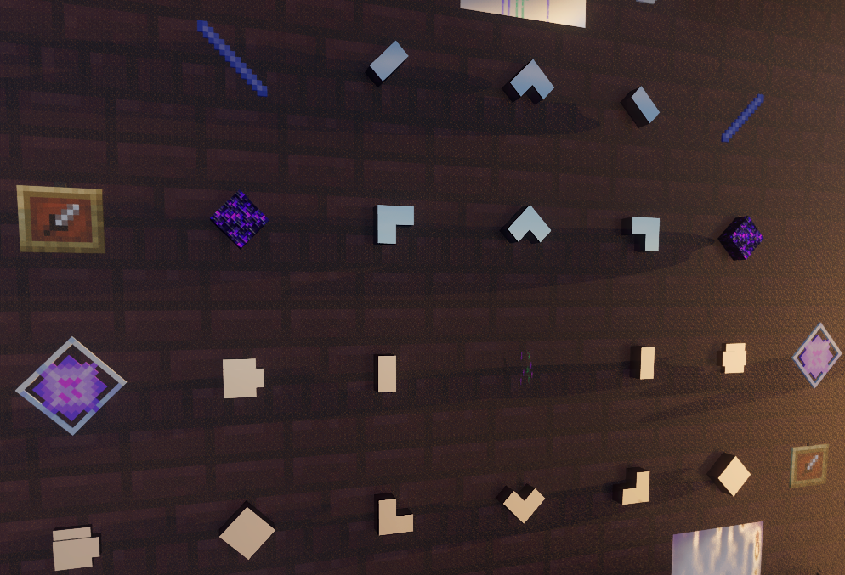
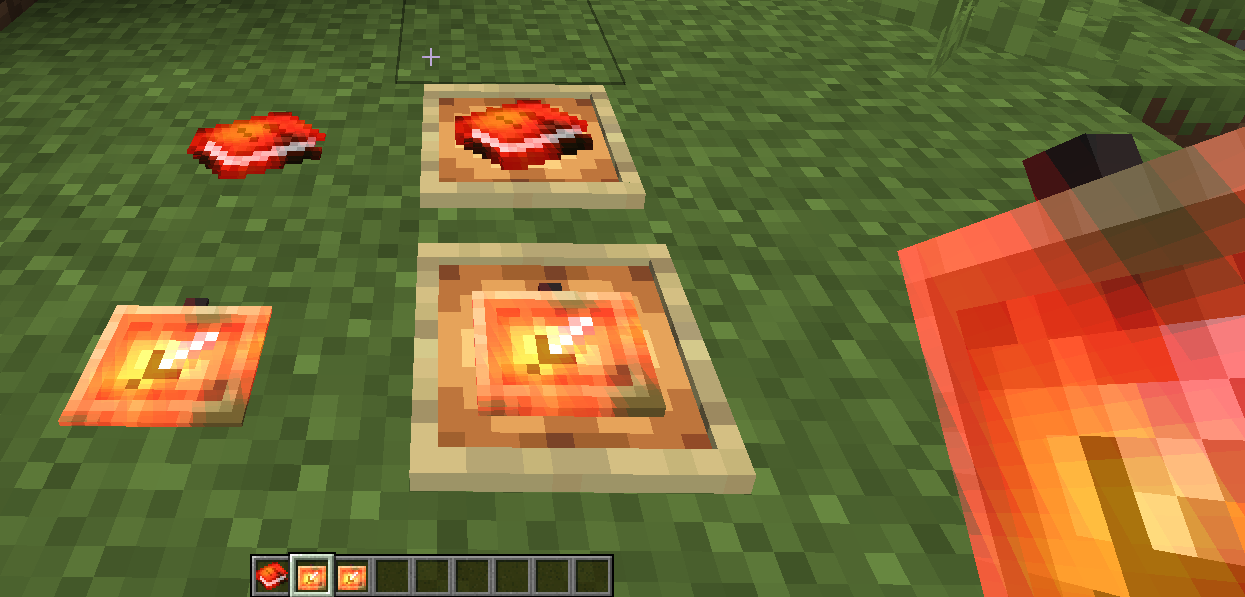
No crafting required. This will give players invisible and visible item frames. Frames have enchanted effect, and provide buffs including increased block+entity interaction range in main-hand, and run speed in off-hand.
截图

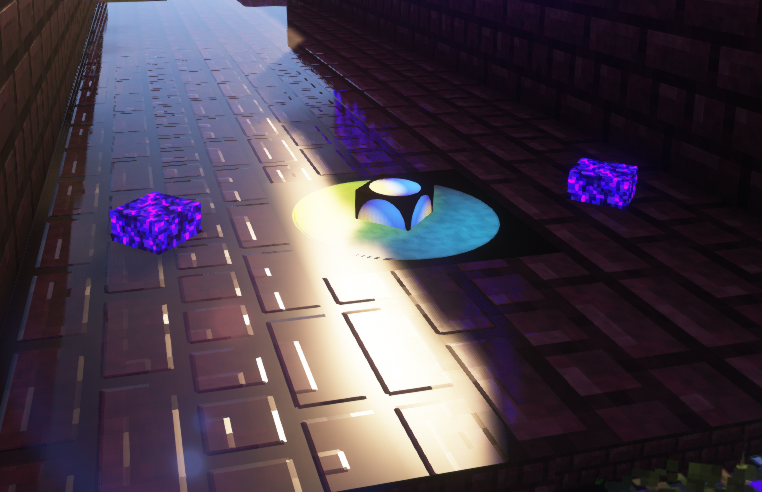
介绍
MxSxC1 – Invisible Item Frames Buffed With Interaction & Speed
Pack Purpose
**Gives Player Enchanted & Fully Placeable Invisible & Item Frames.*
**Holding Item Frames Increases Interaction Range.*
**Holding Item Frames Increases Interaction Range.*
**Holding Item Frames Off-Hand Increases Run Speed.*
**Optional Permanent Interaction Range Increase.*
NOTE: Manual currently broken in 1.21.5 – working on a fix for this. Caused by change in formatting in 1.21.5
This will work on 1.21 and above!
If you are sick of all videos, tutorials, item generators and searching providing nothing but nonsense and lies? This works on latest versions using latest correct format and attribute modifiers.
Item Frames
- All Item Frames Are Enchanted & Placeable
- Give Invisible Item Frames
- Give Visible Item Frames
- All Item Frames Give Buffs (Entity & Block Interaction Range Interaction range while frame held in main hand)
- – All Item Frames Give Buffs (run speed while frame held in off hand)
- Permament & Optional Block & Entity Interaction Range Increase (you don’t need frame in hand)
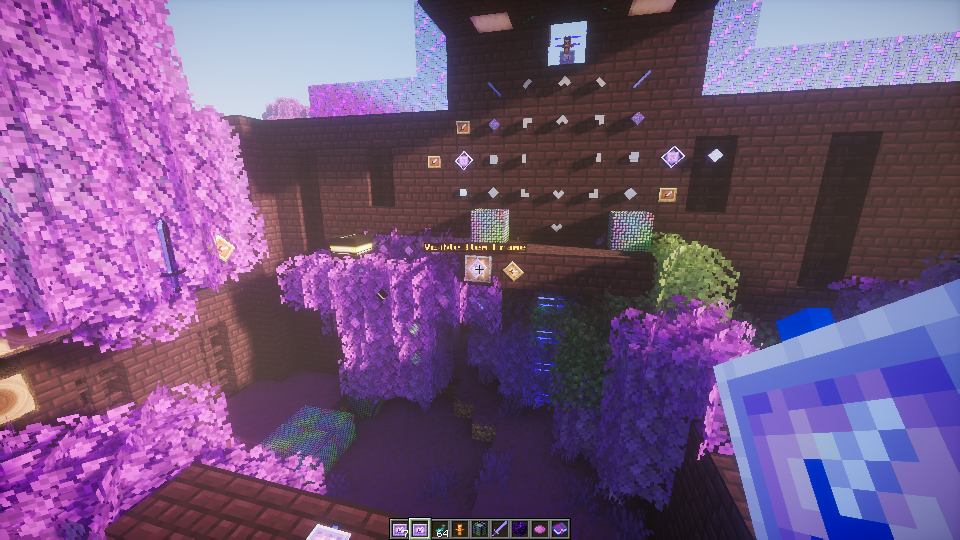
- Stackable. Combining both of the above gives you massive range! (see screenshot for range)
No crafting recipe required! Others have done through crafting recipes, so we won’t bother for now. This is something we use for level and scene design, not for single player/survival/multiplayer with non-Op (yet). We can do this in multiple ways, and better than requiring crafting – but our focus is on utility currently.
This is a sub-set of our “cosmetic” pack…
Commands
/function mxinvframe:interact - Set additional interaction range

/function mxinvframe:invisframe - Give players invisible frame

/function mxinvframe:visframe - Give players visible frame
Steps To Install & Update
Drop the pack into the following folder:
C:\Users\[UserName]\AppData\Roaming\.minecraft\saves\[GameSaveName]\datapacks\Notes / Issues / TODO / Work In progress / Future Versions
- Cycle/Toggle Interaction Ranges
- AoE Toggle – Function to toggle visibility
- AoE Toggle – Horn Trigger to toggle visibility
- Armour Toggle (wear an item to toggle visibility)
- Splash Toggle (potion/attack/projectile effects)
- Manual – Trigger From Book (Run functions directly from clickable pages within the manual)
- Item Placement
- Activation Horn
- OffHand Bonuses (Quick Swap Tool)
- Structure Placement
- Abstraction
- Set Pieces (requires Abstraction)
- Top Secret Insane Stuff (it is coming)
- Armour Sets
- Control Structure (this may be merged with MxSxC1 Cosmetic Pack, otherwise will work alongside it)
WHAT THIS IS NOT:
This pack DOES NOT include custom textures, item frame custom texture, glowing effects, etc. That will be a separate pack.
Note that our videos and screenshots use around 25 packs, some unreleased, this pack does what it says, but does not include some of the other effects, textures, music, shaders, etc…you may see.
MxSxC1
The Dark Is A Cold Lonely Shadow
https://www.miscreat.co.uk/
We do not create mods, we create packs and data packs within Mojangs framework, which will also work on Realms.
Never install any packs, mods, or anything without fully understanding what they do, and ensuring it’s legitimate and safe! If anything requires elevation (which ours do not), think twice and verify!
常见问题
Invisible Item Frames With Interaction Range Increase 支持哪些 Minecraft 版本?
Invisible Item Frames With Interaction Range Increase 支持 Minecraft Java 版 1.21–1.21.5,共 3 个版本。下载时注意选择和你游戏版本一致的文件。
Invisible Item Frames With Interaction Range Increase 怎么安装?
新建世界时在「数据包」里把下载的 .zip 拖进去;已有的存档,把文件放进存档目录下的 datapacks 文件夹,进游戏输入 /reload 即可生效。服务器同样放在世界目录的 datapacks 里。
mxsxc1 的其他作品
查看全部 →
MxSxC1 No Particles
This removes the following particles: Buff Effects, Rain Splashes, Underwater Bubbles

MxSxC1 Weather Sleet
MxSxC1 Weather Pack - Improved Rain & Snow for use with shaders and The Arena. Photosensitivy warning! This is the pack used in our videos to provide the 'Sleet' Effect. Note: Rain Splashes/Buffs/Bubbles have now moved to a separate pack "NoParticles".

MxSxC1 Custom Sounds And Music
1.21.10 Updated - Add your own custom sounds and music. Tutorial, example, video and instructions included..

MxSxC1 Time Machine Textures
Time Machine Texture Pack (Alpha) - For use with our other packs. Parrot/ Spyglass Scope / Blocks / Mirrors / Multiple Blocks / Invisible Glass This is for use with the The Time Machine Data Pack Moon Phases.
评论
登录后评论和评分