
Easy rank prefixes
This project mkes it easy to give a rank prefix to anyone on your minecraft server
截图
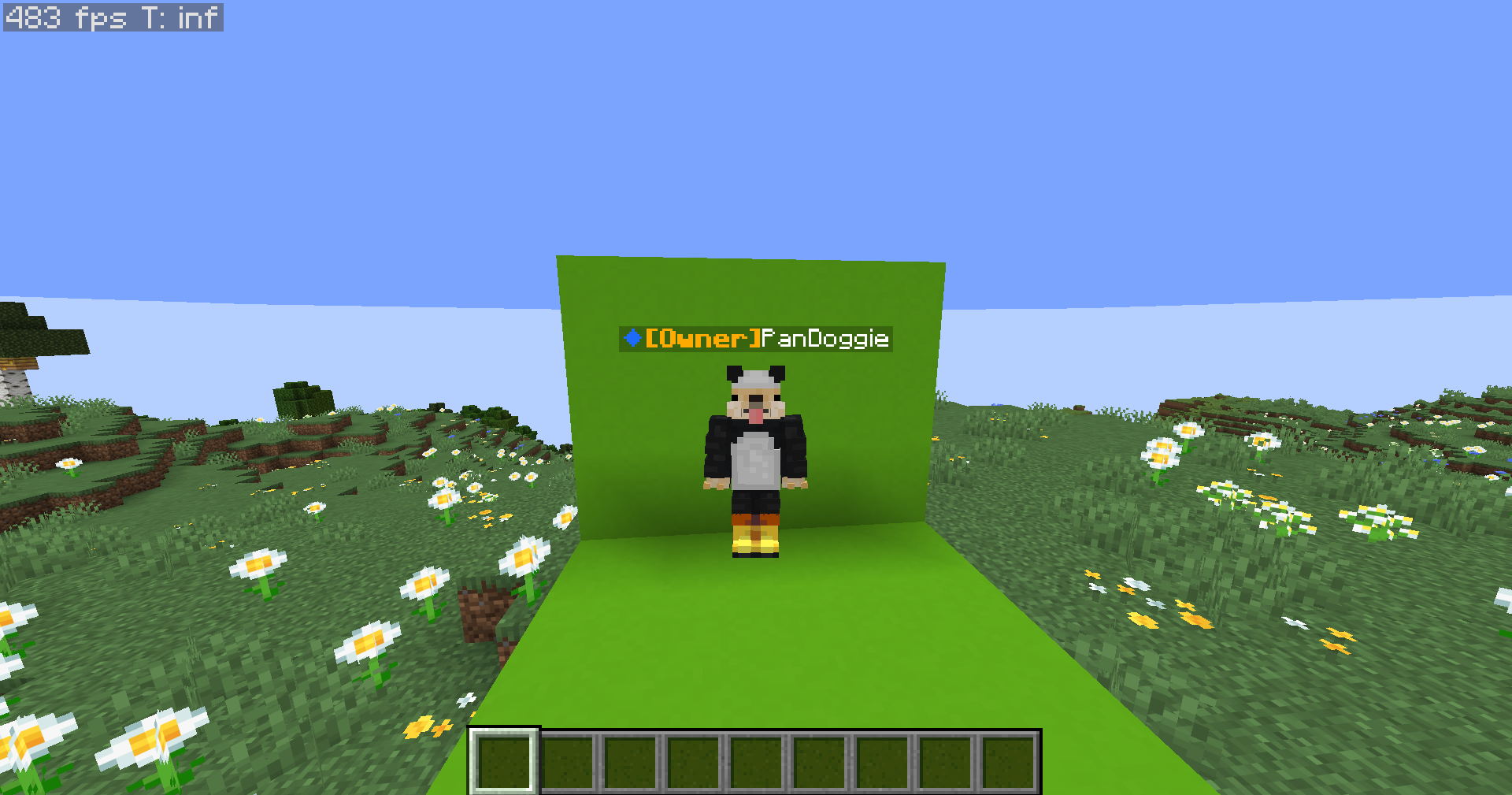
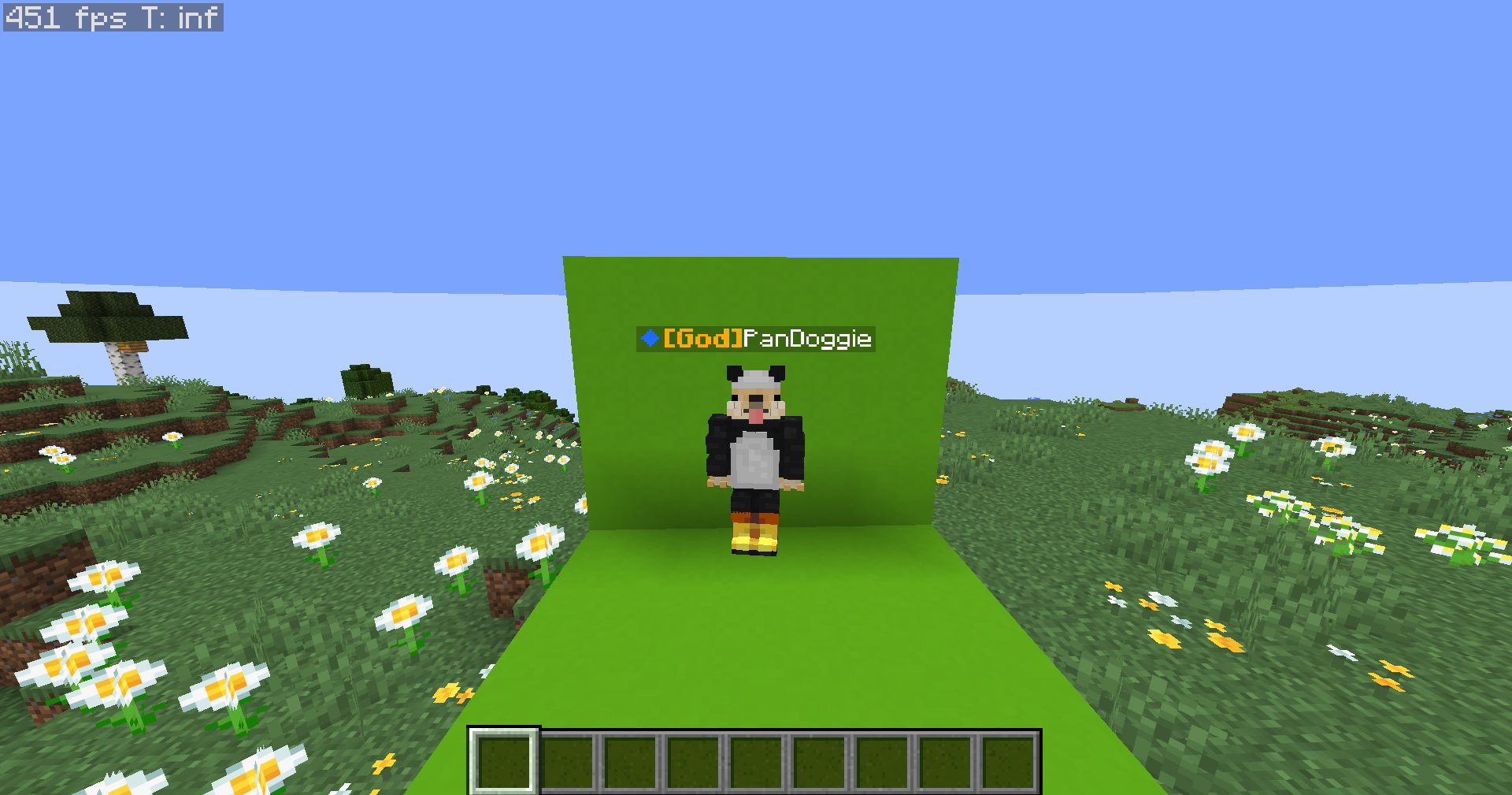
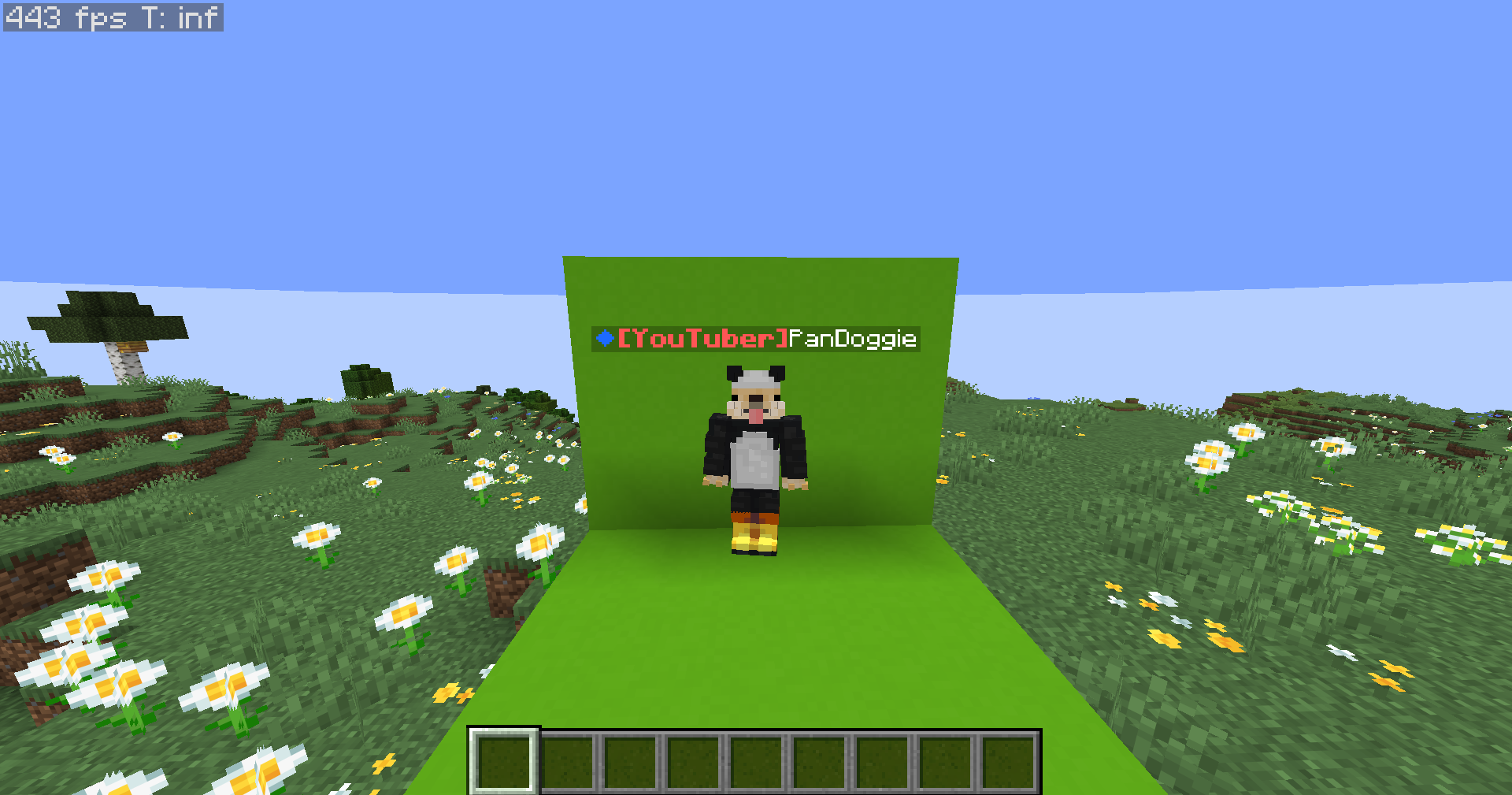
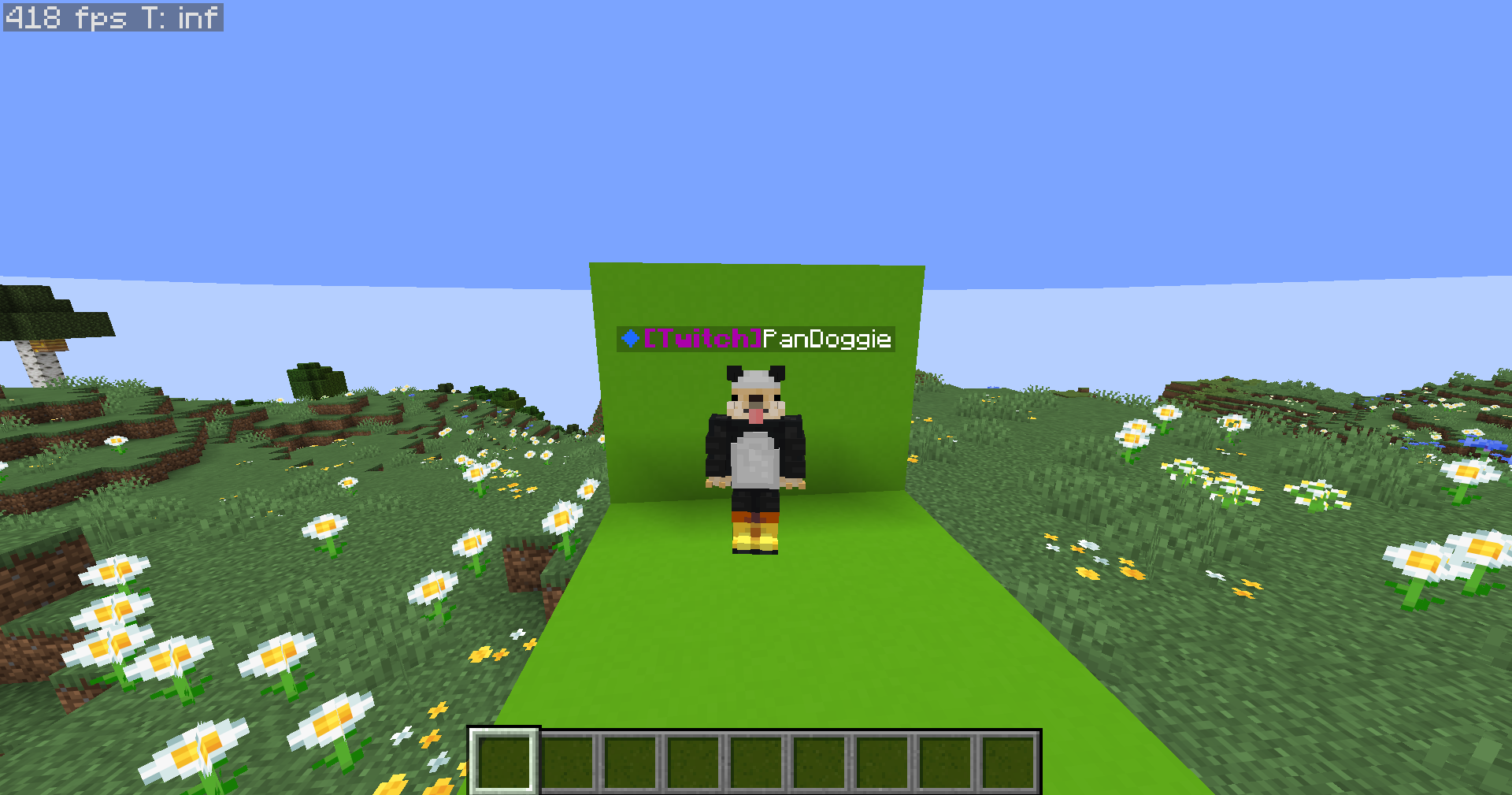
介绍
This datapack is purely visual and does not edit permissions in game
So this datapack makes it easier to add rank prefixes in minecraft there are a few prefixes I added
there are: Admin, Developer, Member, Player (it was mostly used for debugging), Helper, Moderator, Owner, Builder, Youtuber, Twitch, VIP, VIP+, VIP++, MVP, MVP+, MVP++, Legend, God, Mythic, divine.
In order to give someone a rank use: /tag add
to remove the rank use: /tag remove
fill in the with any of the ranks above you have to type the first letter of the rank uppercase and the rest lowercase or it wont work
run the command: /function ranks:choose_rank_color
all available colors are: red, dark red, blue, dark blue, green, dark green, aqua, dark aqua, yellow, gold (looks like orange), light purple (looks like pink), dark pink, gray, dark gray,
to open a chat message saying “[click to Choose rank colors]”
once clicked you will get a menu with all the ranks and all the available colors click on the color you want, for each rank the default colors are:
Player: gray
Member: gray
Owner: gold
Developer: aqua
Builder: green
Youtuber: red
Twitch: dark purple
VIP: yellow
VIP+: yellow
VIP++: yellow
MVP: aqua
MVP+: aqua
MVP++: aqua
Legend: dark red
Mythic: dark aqua
God: gold
Divine: light purple (pink)
The default Rank that anyone that joins
Will recieve is Member there is currently
No way to change the default rank
to reset all ranks to the default colors use: /function ranks:set_rank_colors_to_default
this took me HOURS to code and
Wouldn’t work as intended so i
Always had to change plans i hope this
Datapack is usefull for anyone
Thank you for supporting me 🙂
常见问题
Easy rank prefixes 支持哪些 Minecraft 版本?
Easy rank prefixes 支持 Minecraft Java 版 1.21–1.21.11,共 12 个版本。下载时注意选择和你游戏版本一致的文件。
Easy rank prefixes 怎么安装?
新建世界时在「数据包」里把下载的 .zip 拖进去;已有的存档,把文件放进存档目录下的 datapacks 文件夹,进游戏输入 /reload 即可生效。服务器同样放在世界目录的 datapacks 里。
Pandoggie 的其他作品
查看全部 →
Simply bedwars
This resource pack aims to simplify important bedwars texture packs and also doubles text quality

HD Bold text
This resource pack changes the regular minecraft text to be high quality and Bold

Minecraft Easy Circle Creator MECC
easily generate circles out of sand block displays in minecraft

Baguetts+swords
this project adds abunch of baguetts and bagguet swords
评论
登录后评论和评分