
DayCounter Epic
作者:PEACHPETH4K
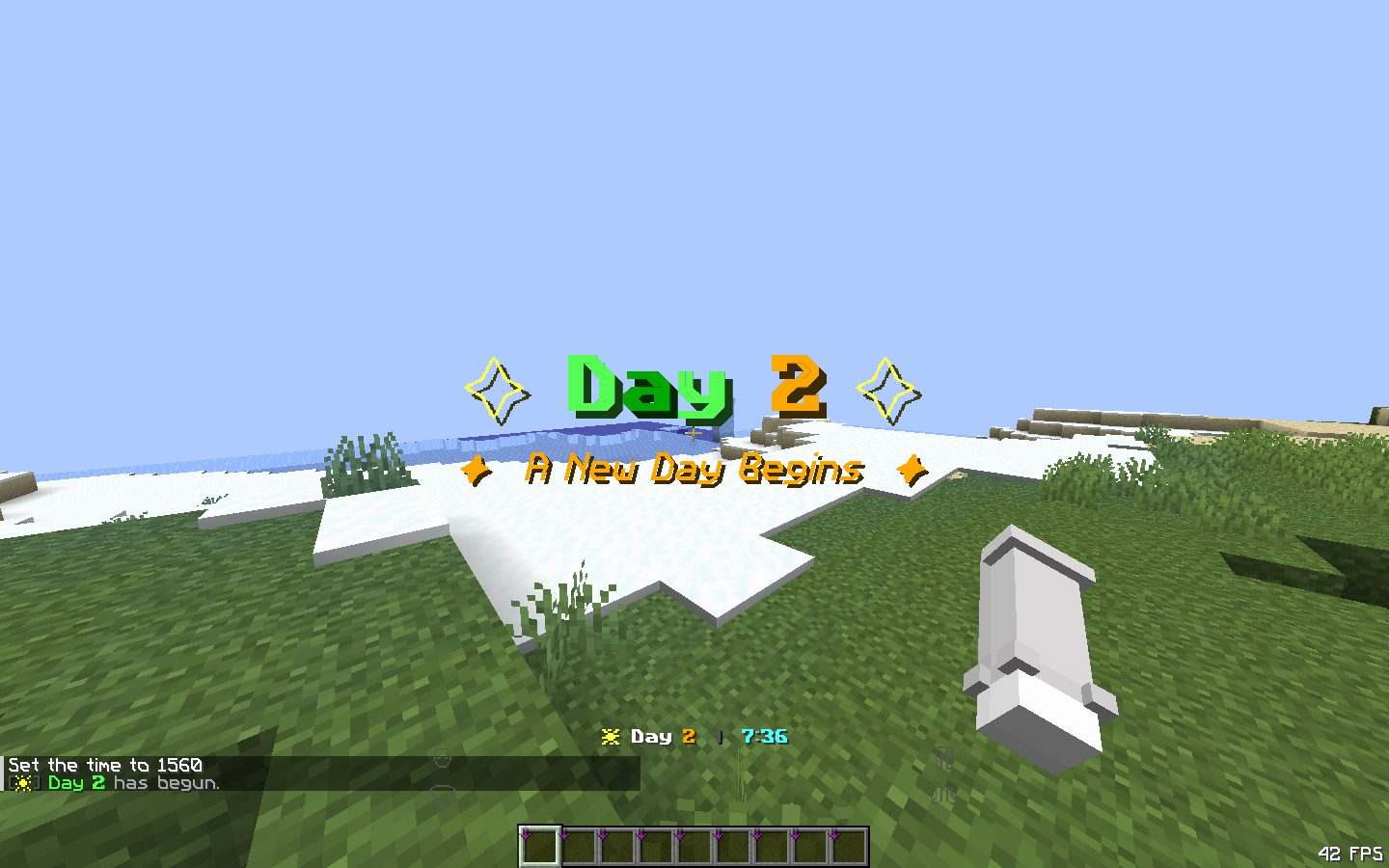
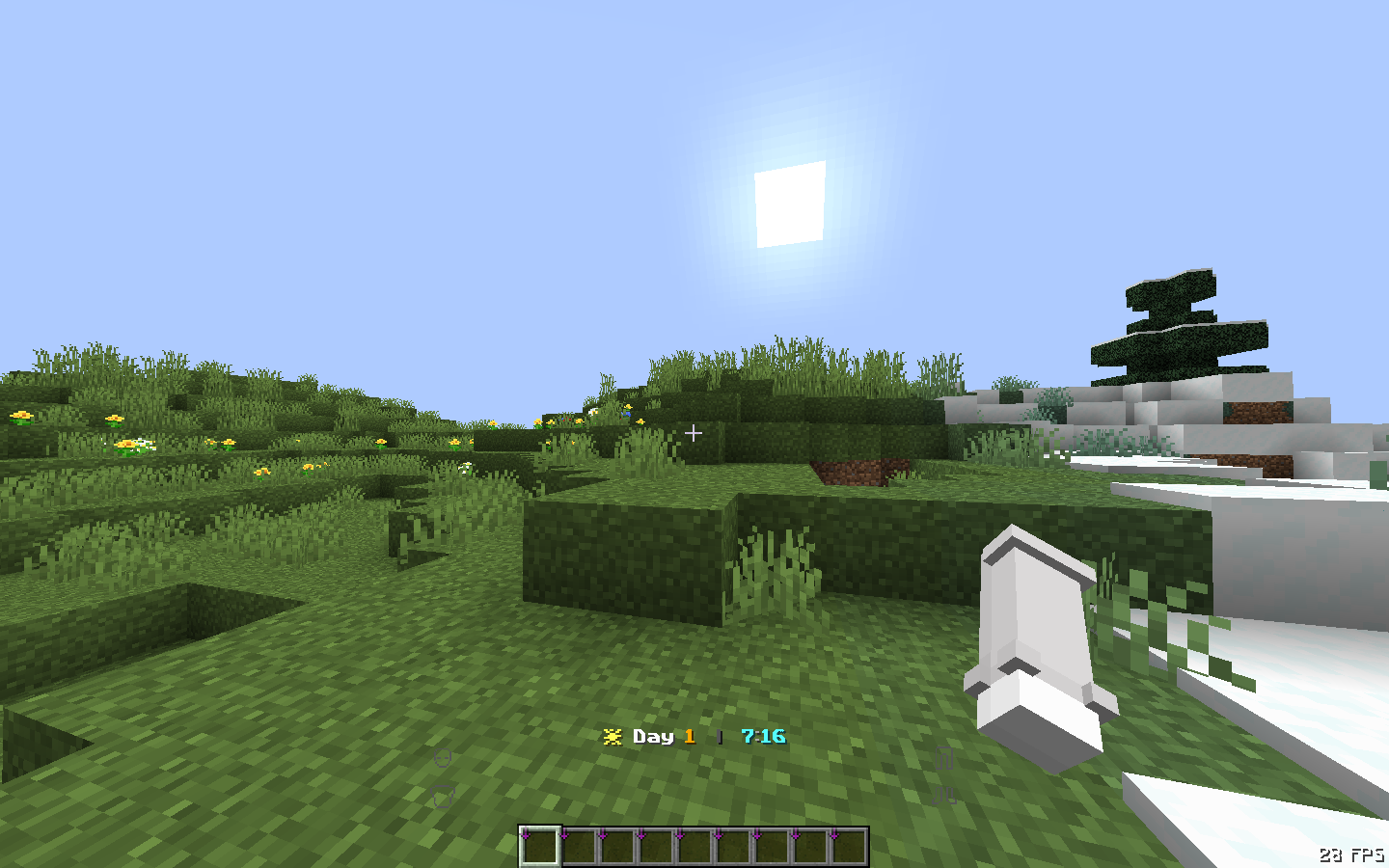
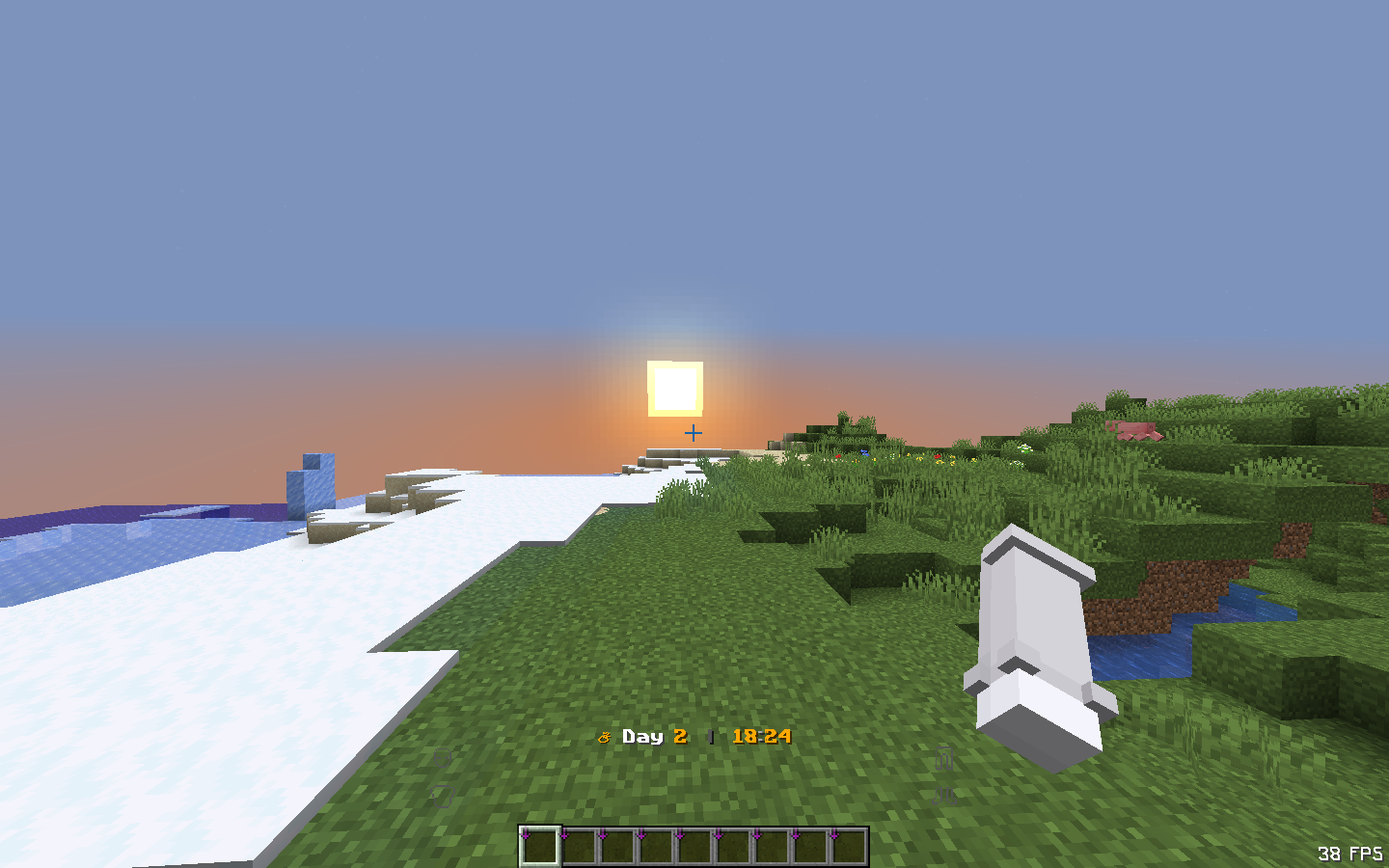
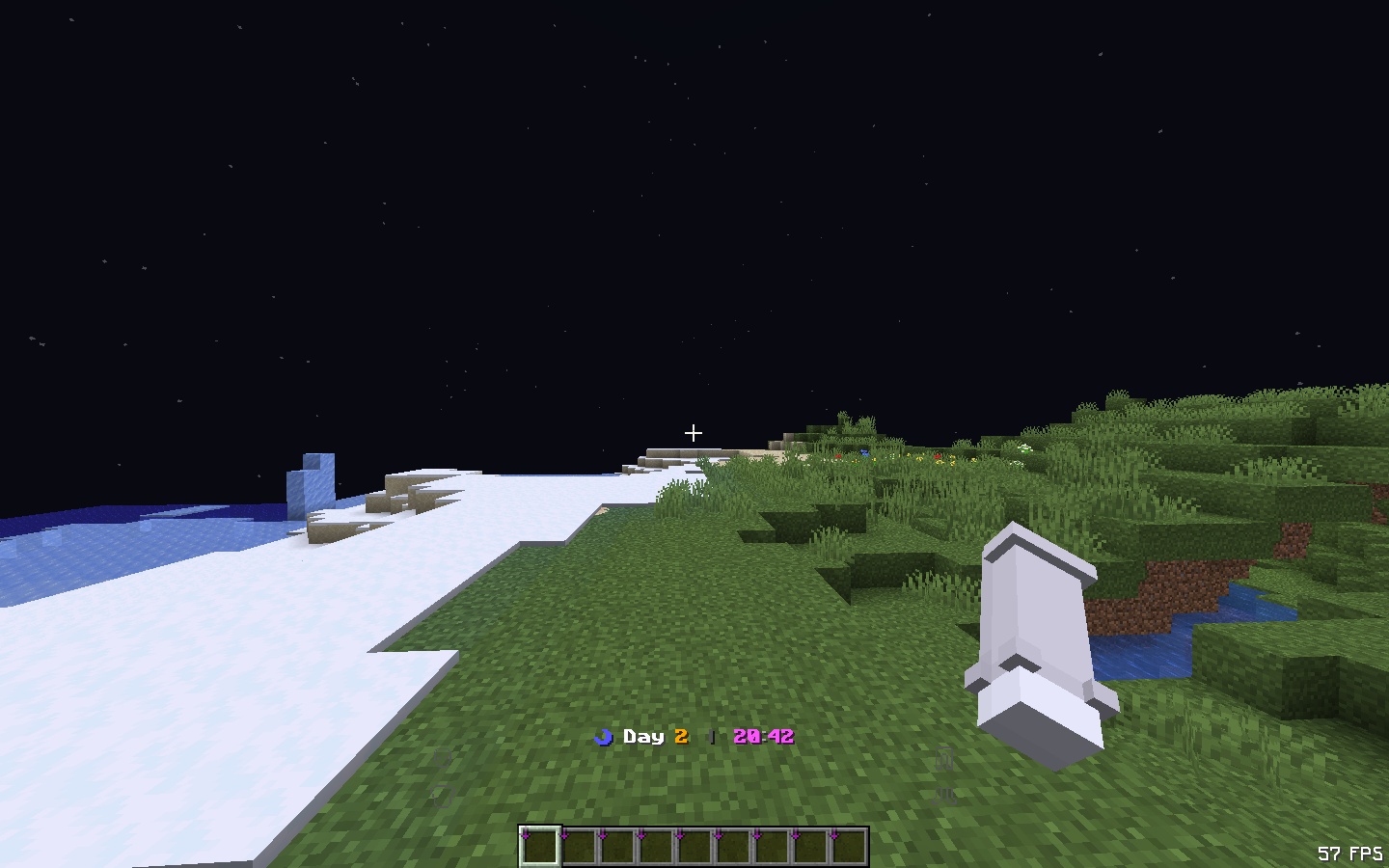
Track your world days and in-game time with a beautiful actionbar and day-change title.
截图
介绍
中文介绍正在准备中,下面暂时显示原文。

☀ DayCounter Epic
A lightweight datapack that displays the current day and in-game time on your action bar — no mods required.
✨ Features
- Action bar shows current day + in-game time (e.g.
☀ Day 4 | 14:30) - Time-aware icons — ☀ daytime, ⛅ sunset, ☽ night, ☀ sunrise
- Day-change title with subtitle when a new day begins
- Fully configurable — toggle features and customize sounds in-game
- Config persists across reloads and server restarts
- Zero performance impact — pure vanilla scoreboard math
📦 Installation
- Download the
.zipfile - Place it in your world’s
datapacks/folder - Run
/reloador restart your world
⚙️ Config Commands
View all commands
/function daycounter:config/help
View current settings
/function daycounter:config/status
Title & Chat
/function daycounter:config/title_on/title_off/function daycounter:config/subtitle_on/subtitle_off/function daycounter:config/chat_on/chat_off
Milestone (Special title at Day 7, 30, 100)
/function daycounter:config/milestone_on/milestone_off
Sound
/function daycounter:config/sound_on/sound_off/function daycounter:config/sound_bell/function daycounter:config/sound_toast(Advancement sound)/function daycounter:config/sound_totem/function daycounter:config/sound_levelup/function daycounter:config/sound_xp/function daycounter:config/volume_low/volume_medium/volume_high/function daycounter:config/pitch_low/pitch_normal/pitch_high
🕐 In-game Time Reference
| Time shown | Minecraft moment |
|———–|—————–|
| 6:00 | Sunrise |
| 12:00 | Noon |
| 18:00 | Sunset |
| 0:00 | Midnight |
🔧 Compatibility
- Minecraft 1.17 – Latest
- Singleplayer & Multiplayer
- No dependencies
常见问题
DayCounter Epic 支持哪些 Minecraft 版本?
DayCounter Epic 支持 Minecraft Java 版 1.17–26.1.2,共 19 个版本。下载时注意选择和你游戏版本一致的文件。
DayCounter Epic 怎么安装?
新建世界时在「数据包」里把下载的 .zip 拖进去;已有的存档,把文件放进存档目录下的 datapacks 文件夹,进游戏输入 /reload 即可生效。服务器同样放在世界目录的 datapacks 里。
评论
登录后评论和评分