
Day Counter RtaRox
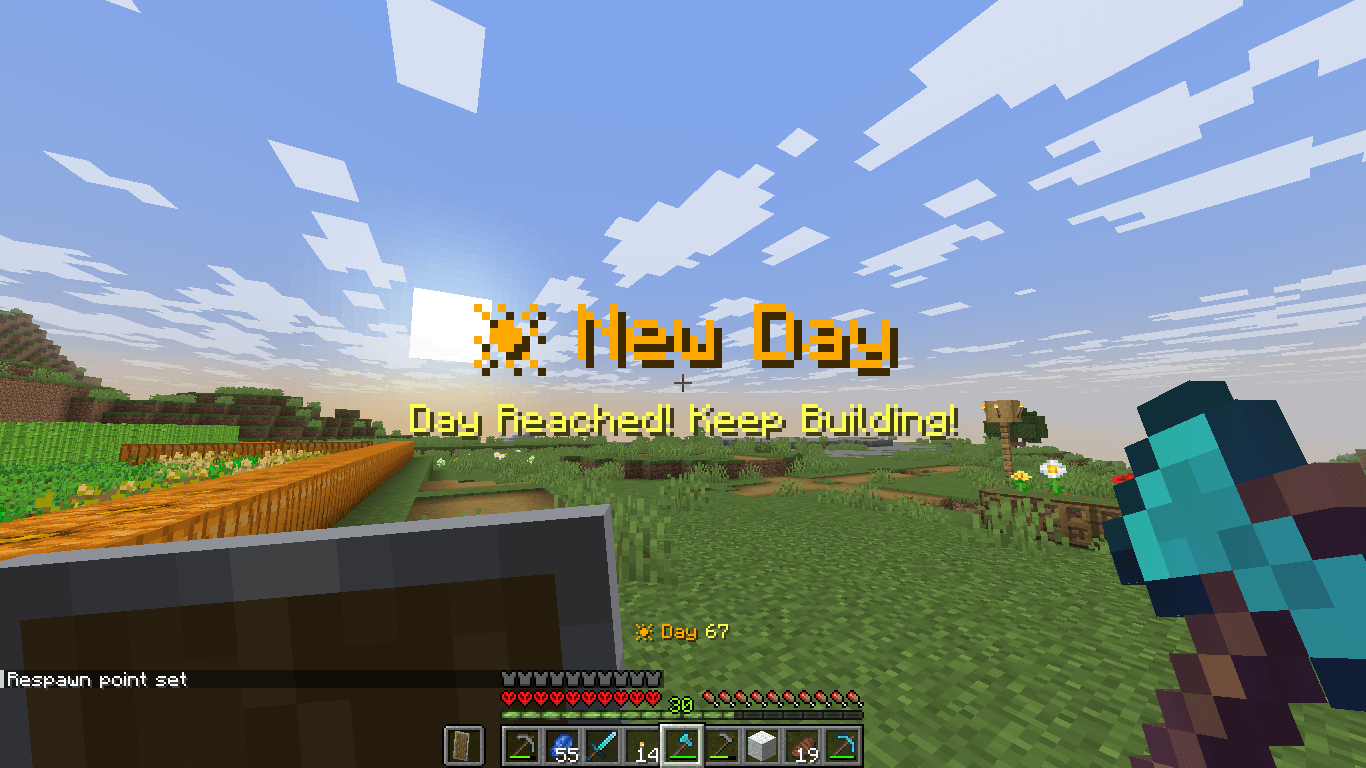
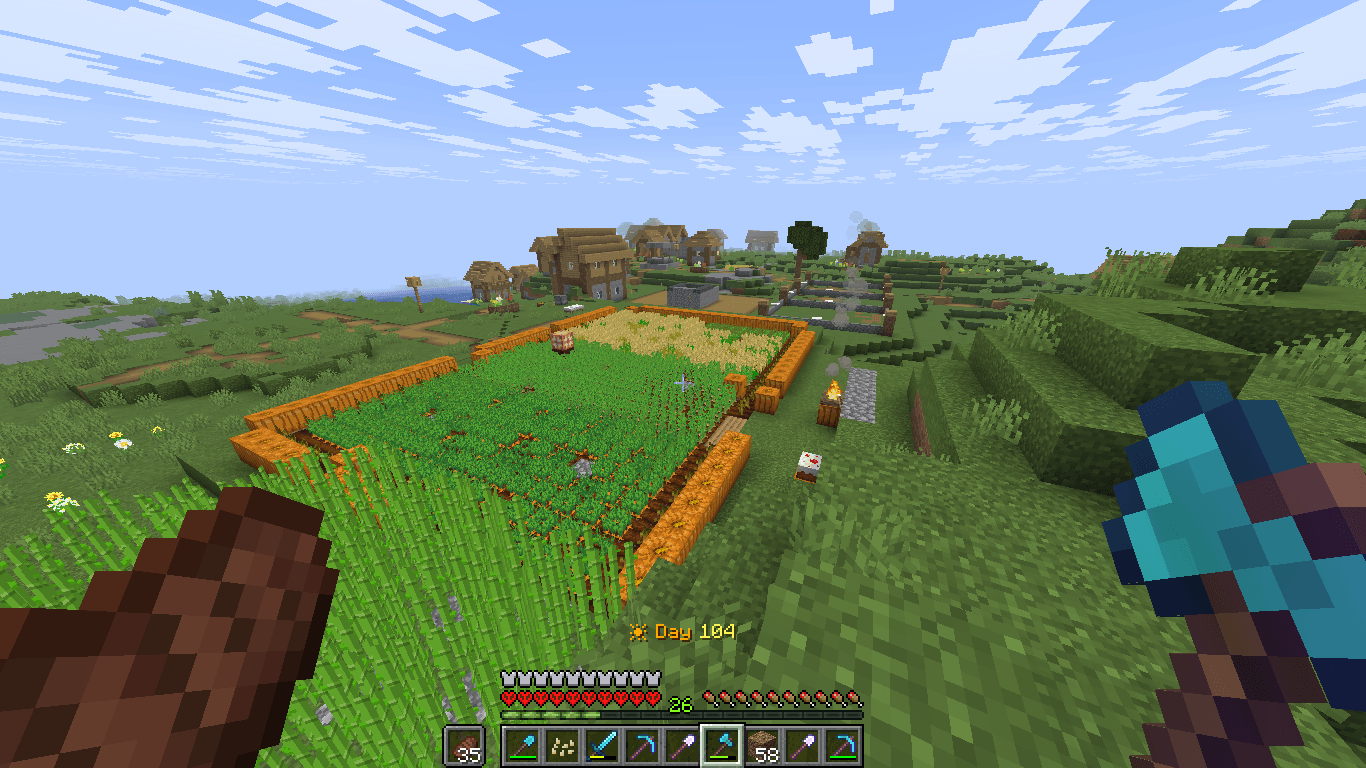
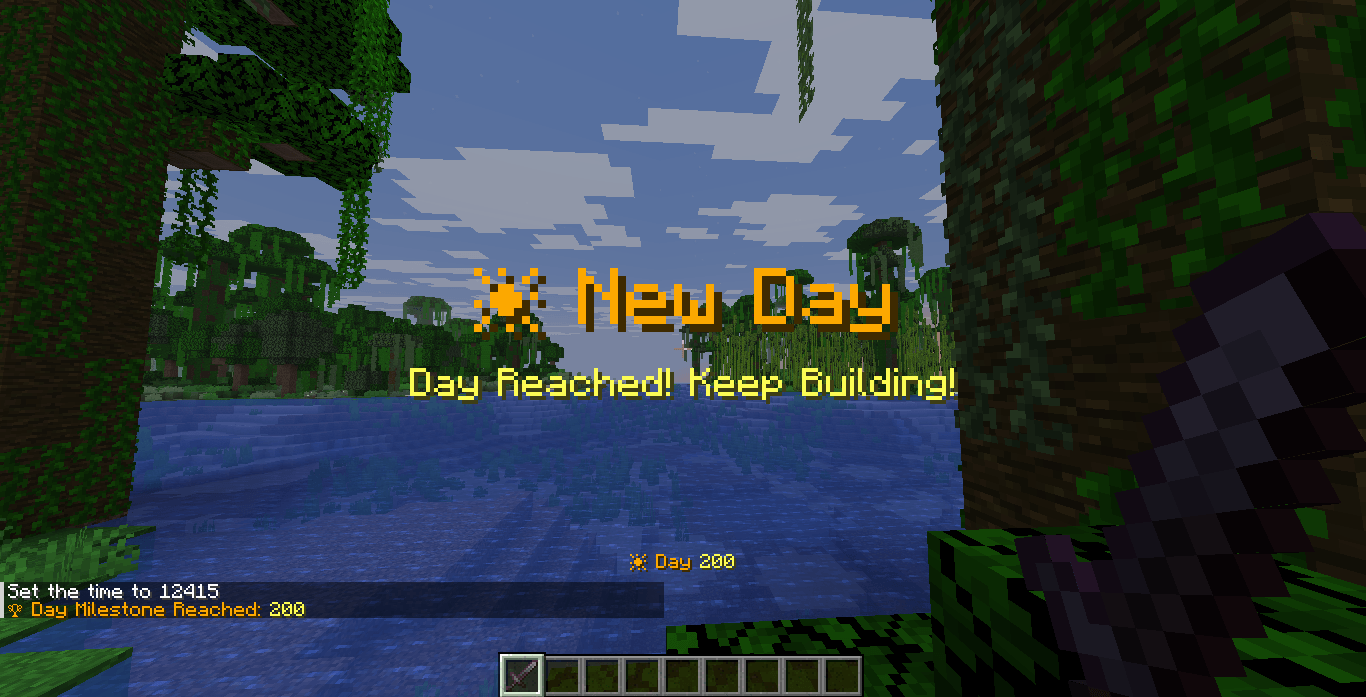
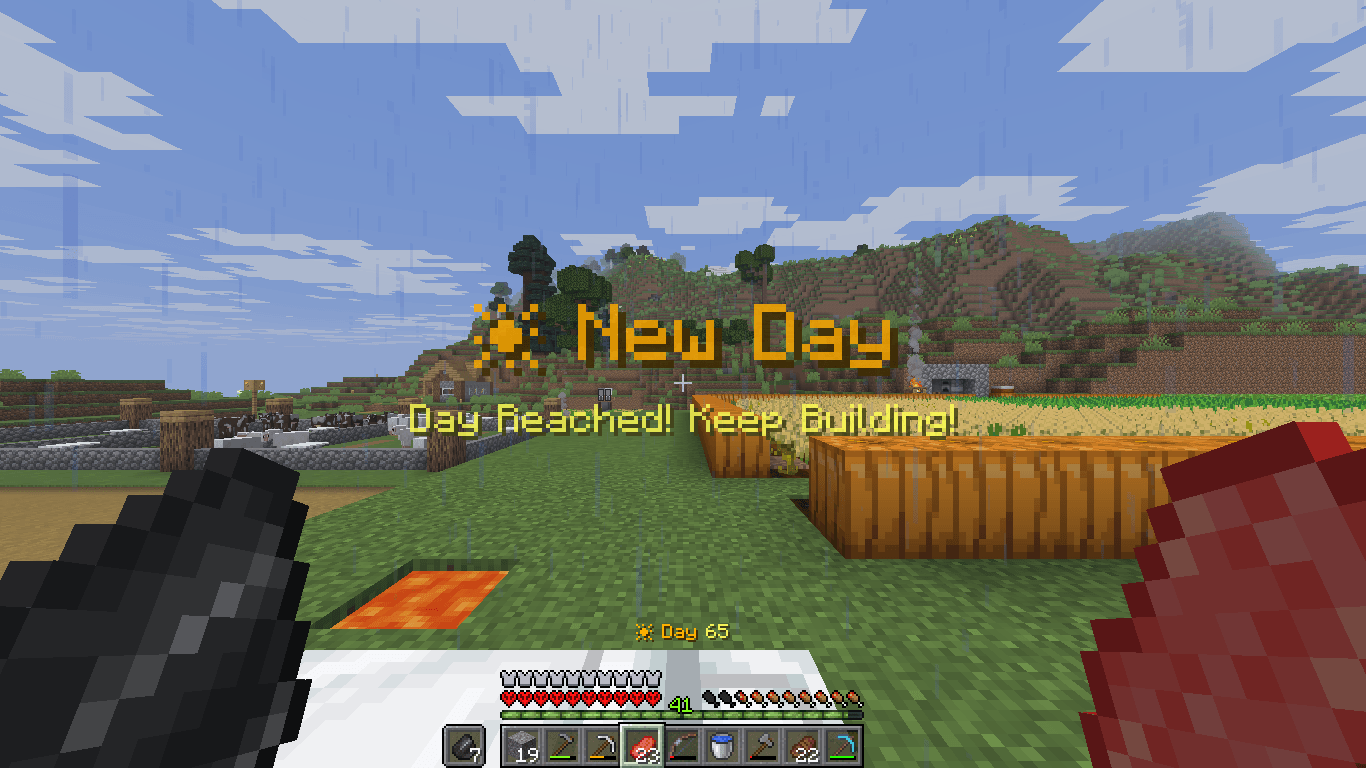
A professional Minecraft datapack that displays the current world day, shows morning reminders, and celebrates milestones with titles, sounds, particles, and announcements.
截图
介绍
Day Counter PRO
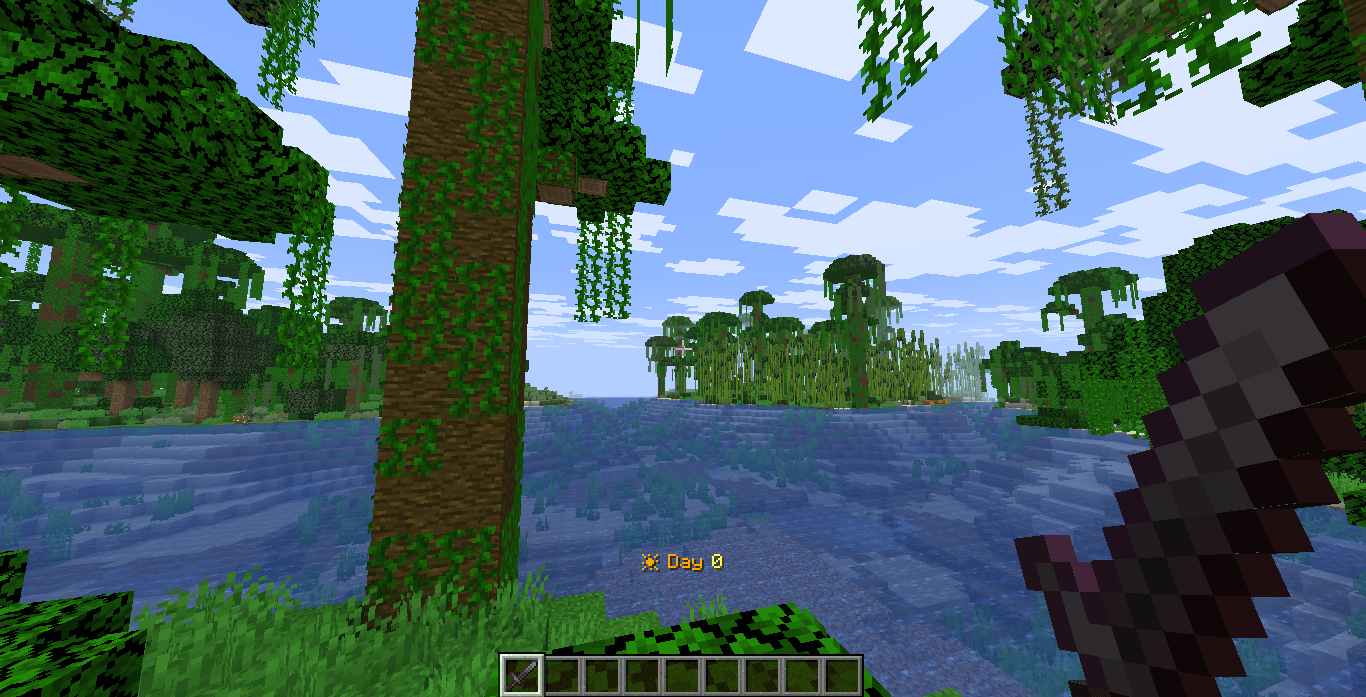
Day Counter PRO is a lightweight and multiplayer-friendly Minecraft datapack that keeps track of your world’s progress by displaying the current day directly on screen.
Perfect for Survival, SMP, Hardcore, Adventure Maps, and Long-Term Worlds.
Contain
- 📅 Permanent Day Counter HUD
- 🌅 Morning Reminder Message
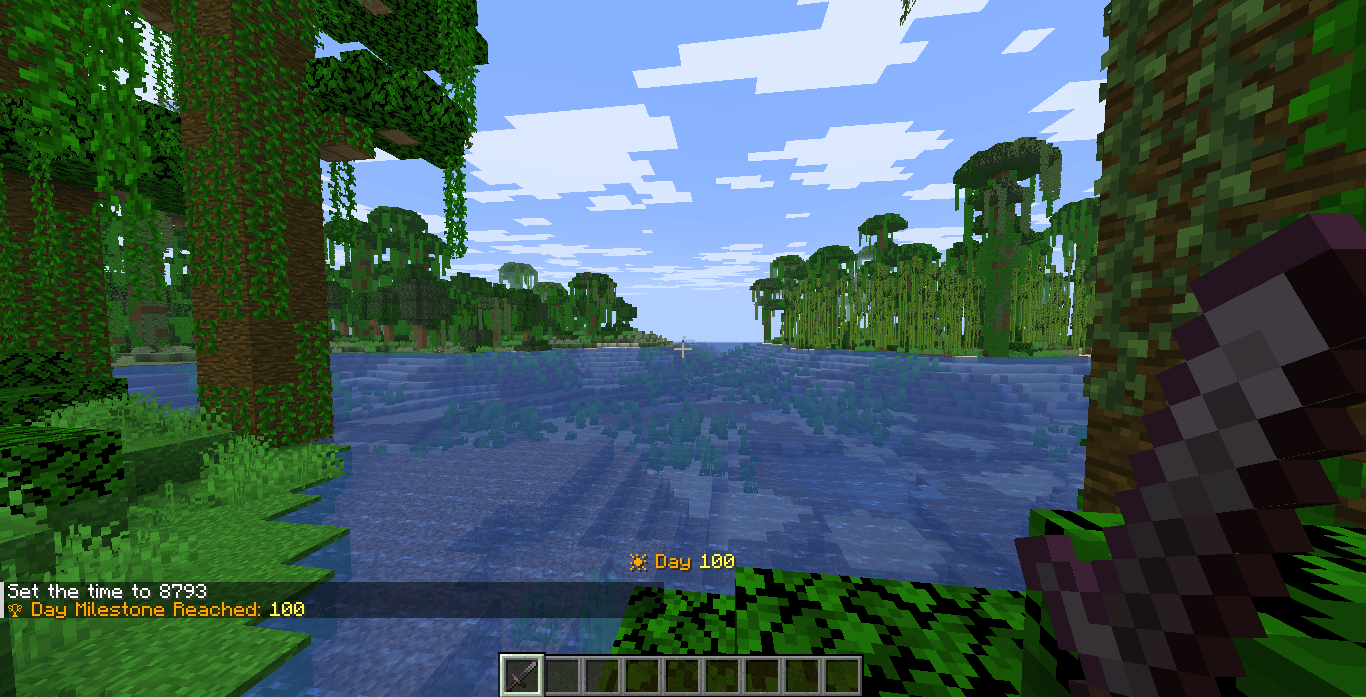
- 🏆 Milestones every 50 days
- 👑 Major Milestones every 100 days
- 🎆 Fireworks
- 🔔 Toast Challenge Complete sound
- ✨ Particles
- 🌈 Colored titles
- ⚙️ Config file
- 📢 Server-wide announcements
- 📊 Statistics tracking
- 🎯 Works in singleplayer and multiplayer
Features
✔ Persistent Day Counter HUD
✔ Morning Reminder Messages
✔ Milestone Celebrations
✔ Sound Effects
✔ Server-Wide Announcements
✔ Multiplayer Support
✔ Lightweight and Optimized
Milestones
Special milestone events occur on important survival days:
-
Day 50
-
Day 100
-
Day 500
-
Day 1000
Milestones include:
-
Titles
-
Sounds
-
Particles
-
Global Announcements
Installation
-
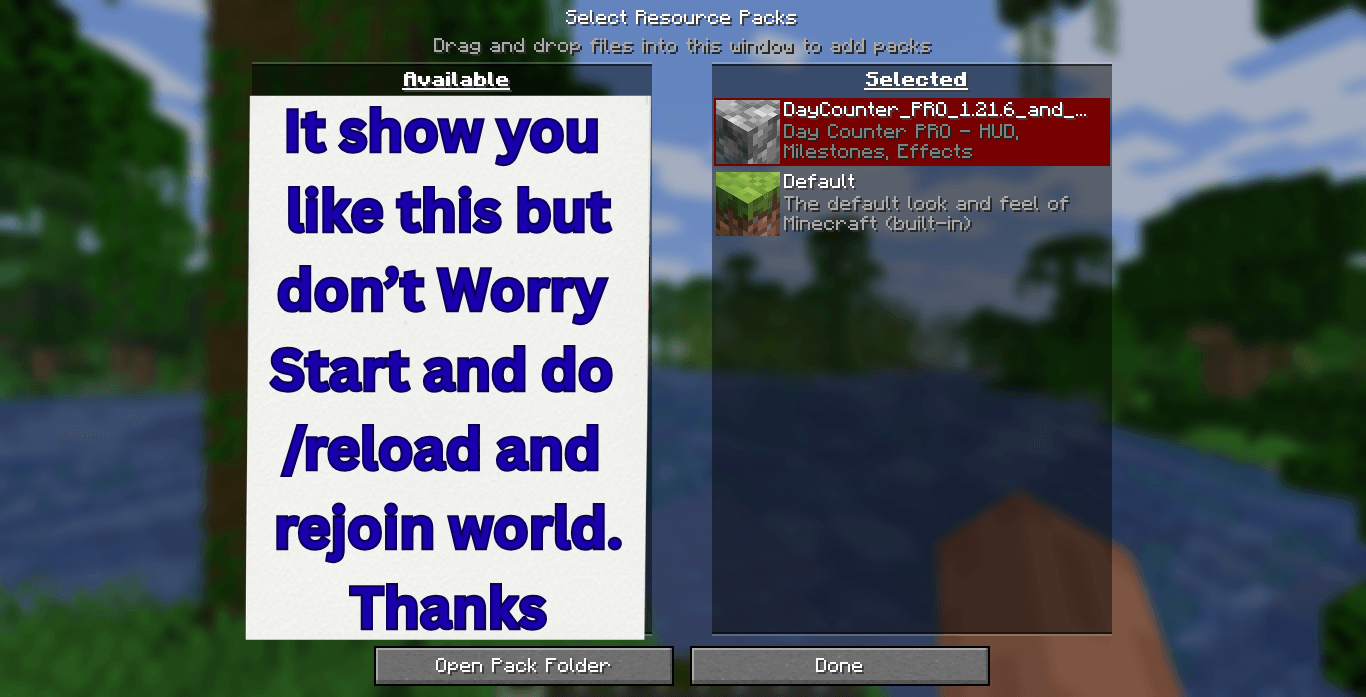
Download the datapack.
-
Place it inside:
world/datapacks/
-
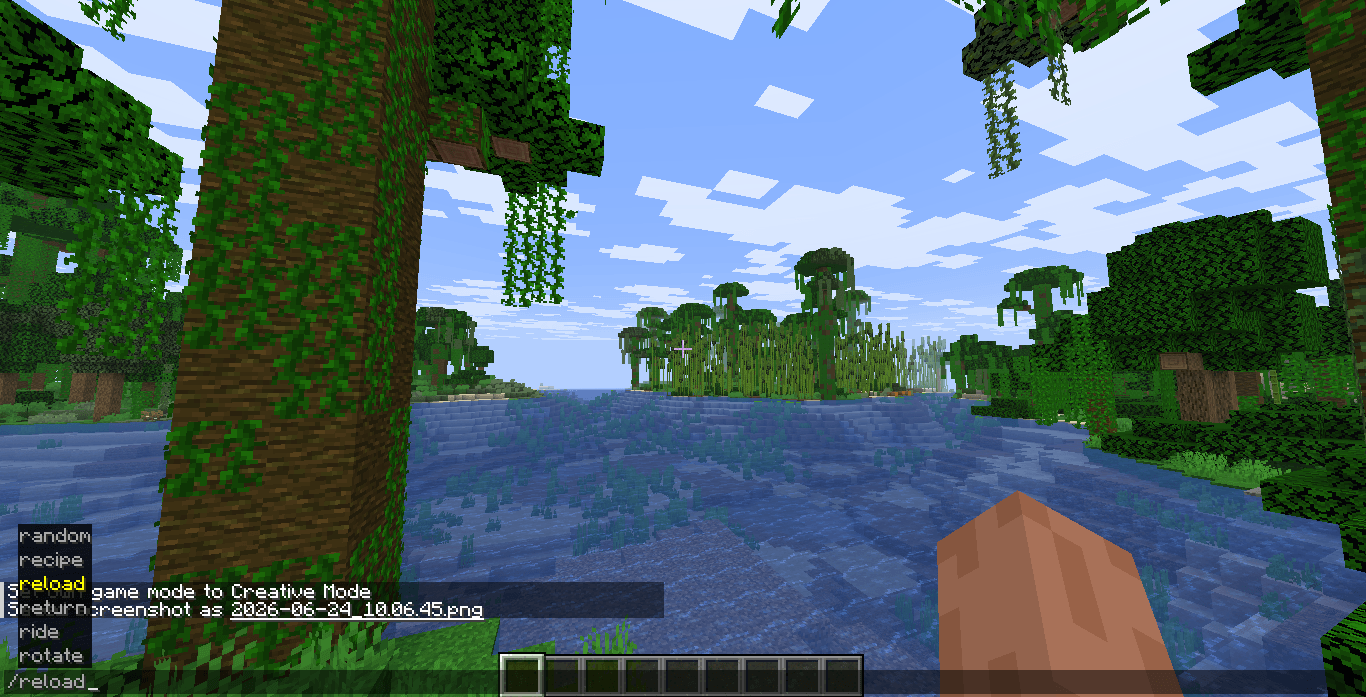
Run:
/reload
-
Enjoy Day Counter PRO.
Compatibility
Minecraft Java Edition
-
1.21.6
-
Latest Supported Versions
Perfect For
-
SMP Servers
-
Hardcore Worlds
-
Long-Term Survival Worlds
-
Content Creators
-
YouTube Challenges
-
Adventure Servers
Track your journey. Celebrate your achievements. Survive longer.
常见问题
Day Counter RtaRox 支持哪些 Minecraft 版本?
Day Counter RtaRox 支持 Minecraft Java 版 1.21.6–26.2,共 10 个版本。下载时注意选择和你游戏版本一致的文件。
Day Counter RtaRox 怎么安装?
新建世界时在「数据包」里把下载的 .zip 拖进去;已有的存档,把文件放进存档目录下的 datapacks 文件夹,进游戏输入 /reload 即可生效。服务器同样放在世界目录的 datapacks 里。
评论
登录后评论和评分